Integrations
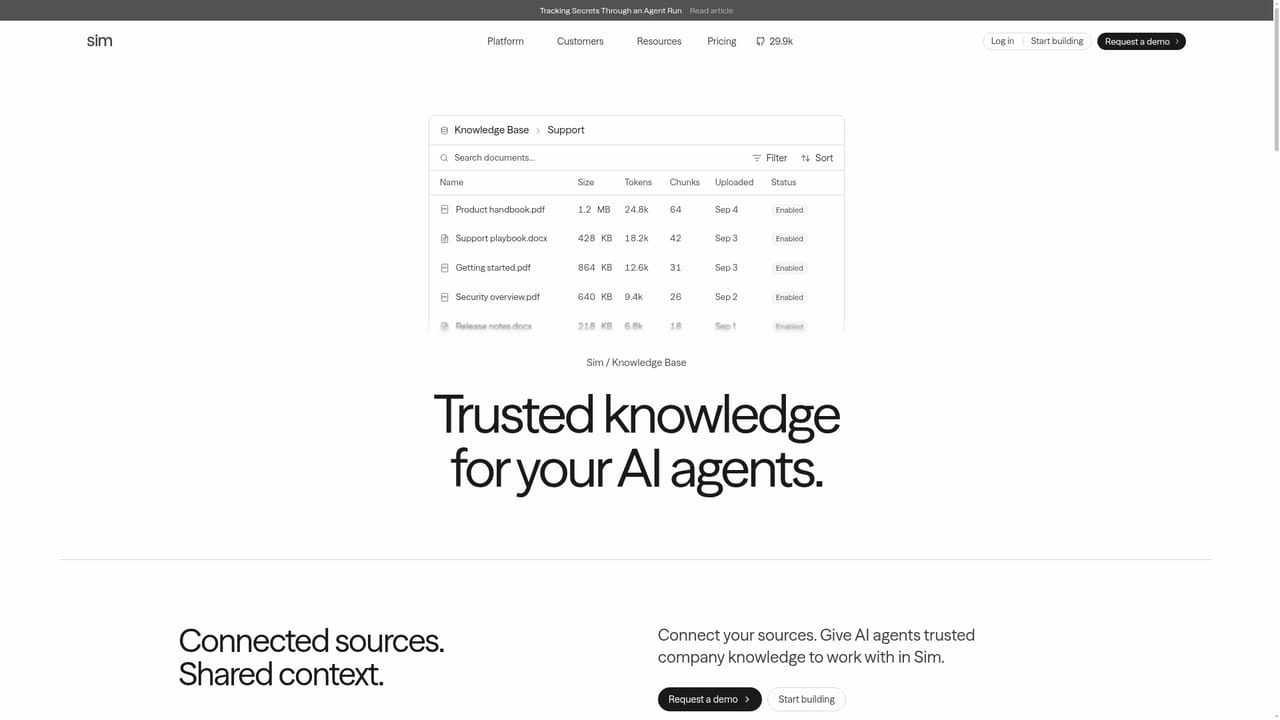
The homepage cites 270+ integrations and access to every major LLM, with named connectors for Notion, Google Drive, Confluence, Slack, GitHub and SharePoint in the knowledge base.
Learn moreOpen-source workspace for building, shipping and governing AI agents

Sim AI is a developer tool. Sim is an open-source AI workspace for building AI agents visually, conversationally or through a CLI, then running them under central governance. It combines 270+ integrations, access to every major LLM, synced knowledge, tables, files and block-by-block run logs with SSO, permission groups, spend limits and self-hosting options.
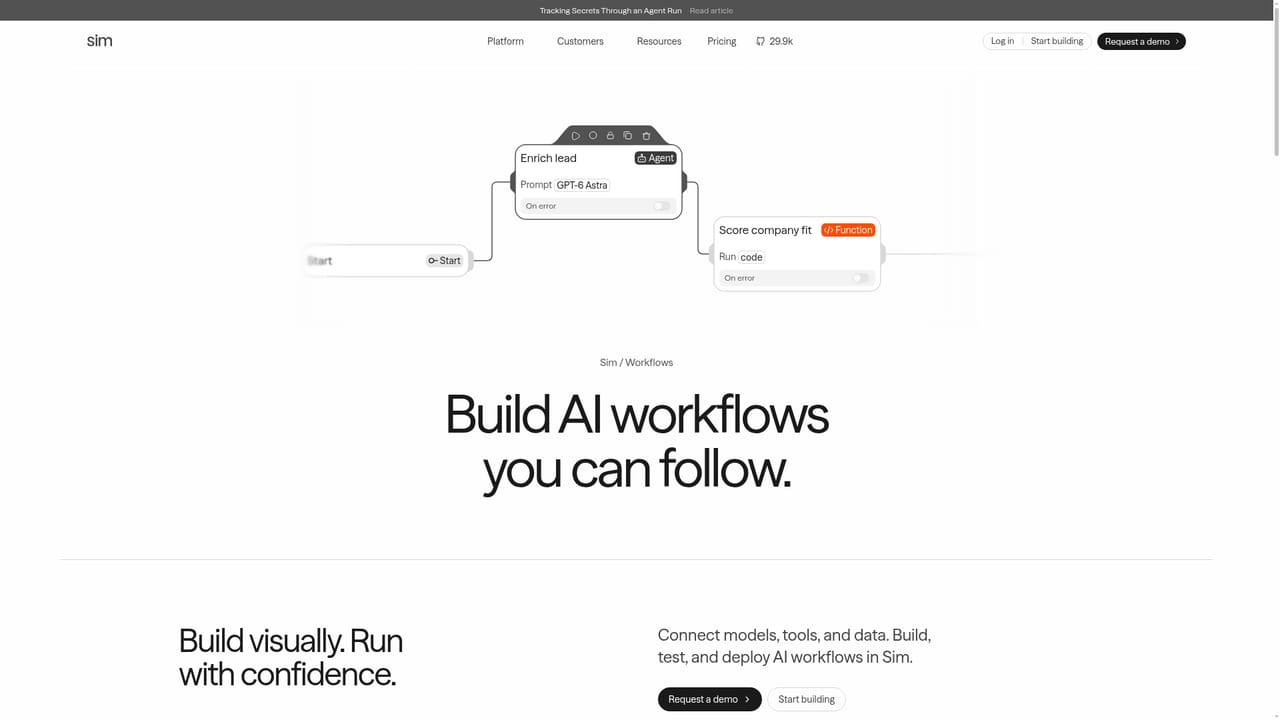
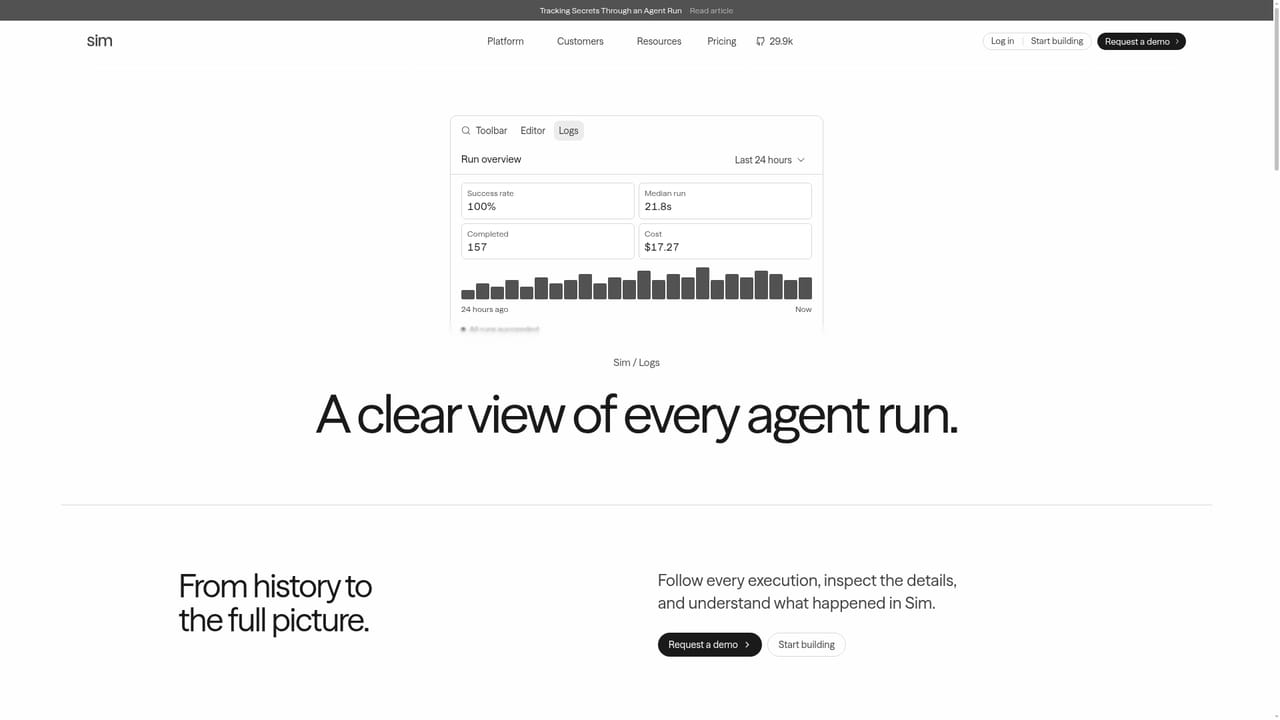
Sim is an open-source AI workspace built around a single idea: most companies do not need one clever chatbot, they need many agents doing defined work, plus one place to control what those agents can touch. The product bundles agent construction, a shared knowledge layer, structured data, file storage, run logs and enterprise governance into one environment. Rivian, eXp Realty, thinkproject and other named customers anchor its positioning aimed at organizations rather than solo tinkerers. Agents can be assembled three ways. A visual canvas connects blocks, models and integrations into workflow logic; a conversational mode lets you describe the agent in plain language; and a CLI lets engineers build, run and manage agents from a terminal or inside Claude Code. Around that core sit several supporting primitives: a knowledge base that syncs documents from Notion, Google Drive, Confluence, Slack, GitHub and SharePoint, tables for structured records an agent reads and updates between runs, and a shared file store for team uploads and agent outputs. Logs trace every run block by block, including failures. The governance layer is what separates Sim from a simple agent builder. Admins get SSO and SCIM provisioning, permission groups that restrict which models, integrations and tools each group may use, organization and per-member spend limits with cost tracked by workspace, audit records of security-relevant changes, and configurable data retention. The platform can be self-hosted in your own cloud via Docker or Kubernetes, and the company reports SOC 2 Type II, ISO 27001 and GDPR compliance in its Trust Center. Practically, this suits operations, support, sales and IT teams that want to automate recurring work such as lead enrichment, ticket routing or knowledge syncs without stitching together separate tools for memory, data and monitoring. Teams already deep into a single vendor ecosystem may find less reason to switch, and the governance depth implies setup effort. Startup is free, and a demo is available for buyers who want a guided walkthrough.
The homepage cites 270+ integrations and access to every major LLM, with named connectors for Notion, Google Drive, Confluence, Slack, GitHub and SharePoint in the knowledge base.
Learn moreVisual canvas, conversational and CLI agent building; 270+ integrations and access to every major LLM; synced knowledge base across document sources; tables for structured agent data; shared file storage; block-by-block run logs with failure tracing; SSO and SCIM; permission groups; spend controls by organization and member; audit records; configurable data retention; self-hosting via Docker or Kubernetes.
Learn more AI Angels400+ customizable AI girlfriends for NSFW chat, voice calls, and roleplay
 Candy AIExperience the future of companionship with AI friends who chat, role-play, and connect with you on a human level.
 ourdream.aiA vast AI roleplay platform with millions of characters for chat, images, video and voiceAI Angels400+ customizable AI girlfriends for NSFW chat, voice calls, and roleplayCandy AIExperience the future of companionship with AI friends who chat, role-play, and connect with you on a human level.ourdream.aiA vast AI roleplay platform with millions of characters for chat, images, video and voice


