Integrations
The AI detects which third party services an app requires and generates the APIs, configuration and environment variables, with credentials entered and managed in a secure configuration screen.
Learn morePrompt to full-stack app, native code and owned backend included
Own Sketchflow.ai? Verify ownership to get a dofollow link

Sketchflow.ai turns a written prompt into a full-stack web or native mobile app, planning the user journey first, then generating designs, Spring Boot or NestJS backends, integrations and tests, with exportable code the team owns.
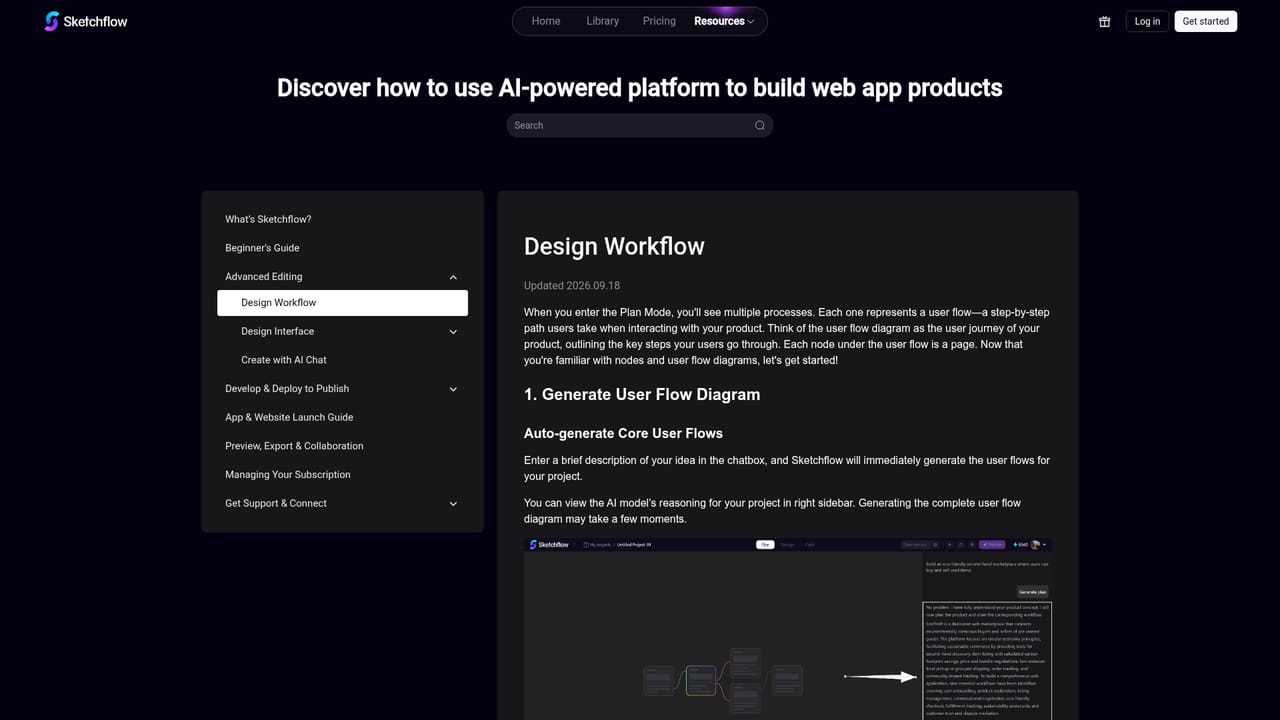
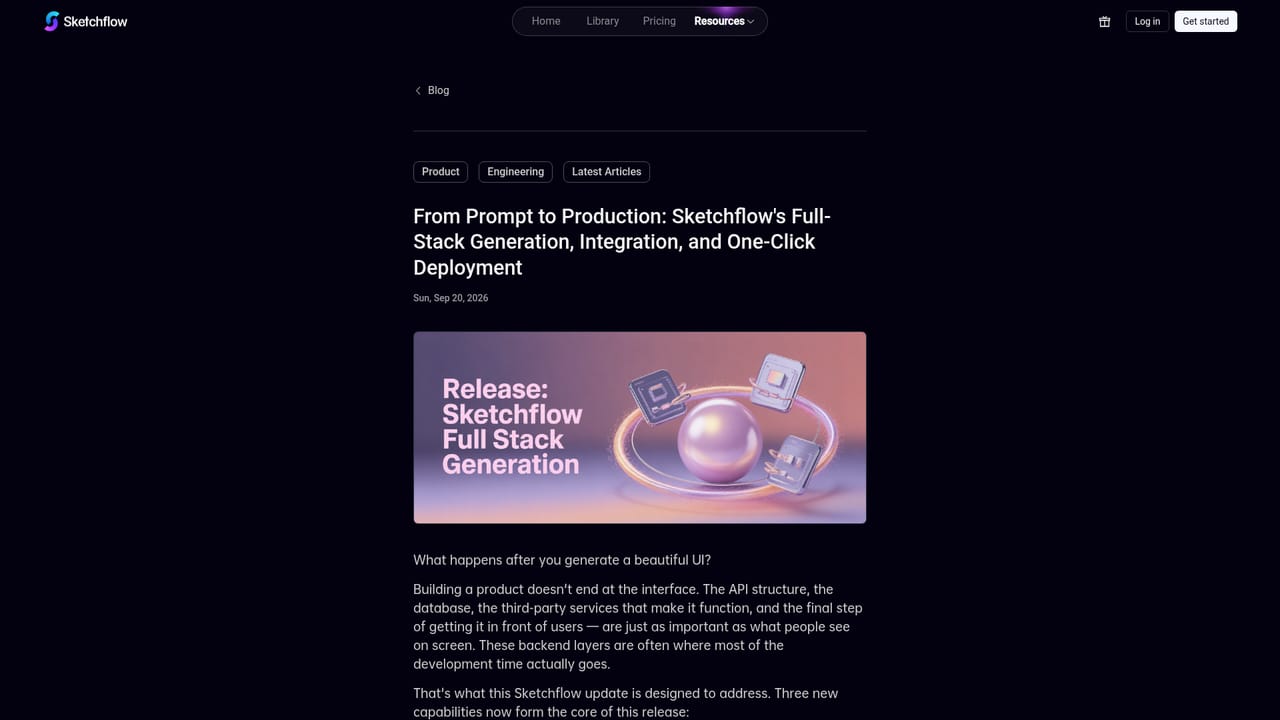
Sketchflow.ai is an AI app builder aimed at people who intend to put software into production rather than stop at a clickable mockup. A single prompt describing requirements produces a project-level application with connected pages, shared logic and working user flows. The platform handles both responsive web apps and native mobile apps, generating Swift for iOS and Kotlin for Android rather than leaning on a cross-platform framework. The process is staged rather than a single black-box jump. Sketchflow first turns requirements into a workflow map and user journey that can be reviewed and edited in natural language, so misunderstandings surface before code exists. From there the system generates interface designs using composed UI components, produces interactive previews that teammates can comment on, and then writes a backend. Backend output targets Spring Boot and NestJS, which puts it closer to enterprise engineering conventions than the lightweight stacks common in this category. Ownership is the central selling point. Every line of generated code can be exported, customized and deployed wherever the team prefers, with no vendor lock-in claimed. Sketchflow also inspects the app's requirements to work out which third-party services it needs, generates the corresponding APIs, configuration and environment variables, and lets users enter credentials in a managed configuration screen. Automated tests run against the generated app, and the AI fixes validated errors before retesting. Web apps publish from inside Sketchflow on a shareable URL, including a customizable subdomain, while mobile builds run in a simulator for testing. A template library covers SaaS, ecommerce, portfolios, marketplaces and dashboards, with public examples such as a fashion marketplace, a sports events app and a shipment tracking platform. The AI Assistant stays available for later changes to logic, design, code and integrations, and accepts reference images for redesigns. Sketchflow best suits founders, product teams and developers who want a fast first draft of a real codebase they can take over, not a locked visual editor.
The AI detects which third party services an app requires and generates the APIs, configuration and environment variables, with credentials entered and managed in a secure configuration screen.
Learn morePrompt to project-level full-stack apps, workflow and user journey planning with natural language editing, generated UI designs from composed components with shareable interactive previews, native Swift and Kotlin mobile output, Spring Boot and NestJS backends, automatic integration generation, AI driven testing and fixes, one click web publishing, and an AI Assistant for ongoing changes.
Learn more AI Angels400+ customizable AI girlfriends for NSFW chat, voice calls, and roleplay
 Candy AIExperience the future of companionship with AI friends who chat, role-play, and connect with you on a human level.
 ourdream.aiA vast AI roleplay platform with millions of characters for chat, images, video and voiceAI Angels400+ customizable AI girlfriends for NSFW chat, voice calls, and roleplayCandy AIExperience the future of companionship with AI friends who chat, role-play, and connect with you on a human level.ourdream.aiA vast AI roleplay platform with millions of characters for chat, images, video and voice