Integrations
The site shows badges for Google, HubSpot, Calendly, Square, Slack, Salesforce, HighLevel, Lofty, kvCORE and Zapier, and mentions 20+ more. Exact connection behaviour is not detailed on the homepage.
Answers your business calls, qualifies leads and books jobs while you work

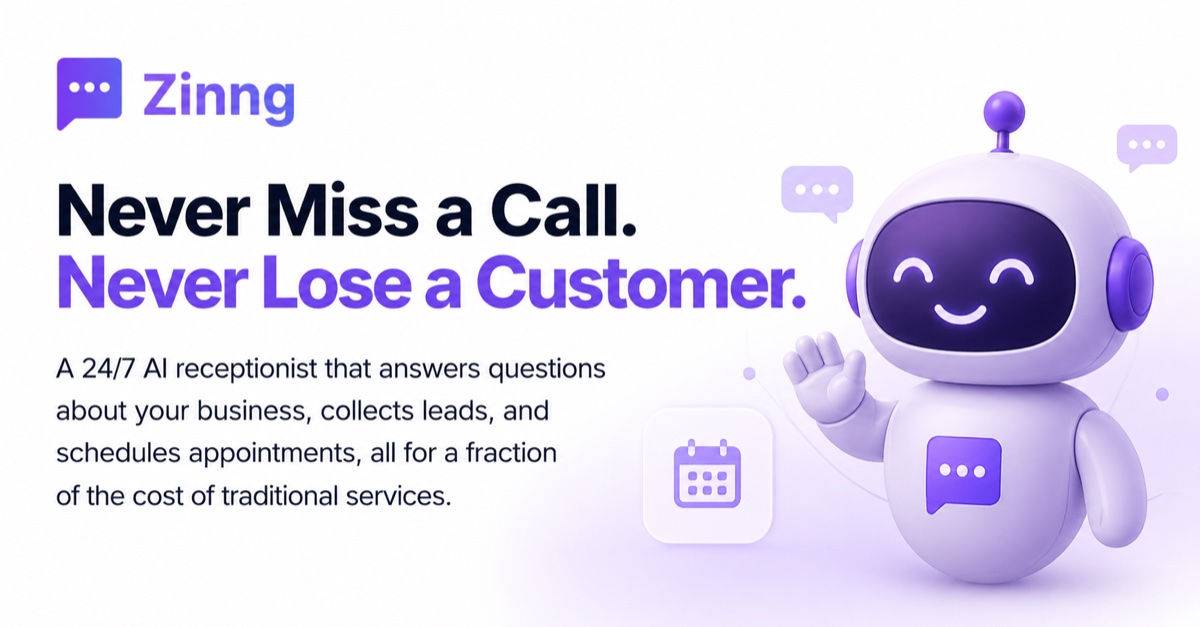
SkipCalls is a 24/7 AI receptionist for small service businesses. It answers calls, qualifies leads, books appointments in real time and follows up by text or email, with call summaries, spam screening and a setup that keeps your existing business number.
SkipCalls is an AI receptionist aimed at small service businesses that lose revenue every time a call goes unanswered. Instead of a voicemail box or a missed-call notification, the app picks up around the clock, talks to the caller, asks the questions you have configured, and moves the conversation toward an appointment. The product is positioned squarely at tradespeople, realtors, clinics, salons and small teams: people whose work keeps their hands busy and who cannot stop mid job to answer the phone. The workflow is built around the call itself. During a conversation the AI can capture caller details, produce a lead profile with a status, and offer real time calendar booking so the appointment is set before the caller hangs up. Afterward you get a summary, a transcript and a suggested next step, which makes triage quick when you return to your phone. Leads that are not ready to book can be followed up automatically by text or email, so the pipeline keeps moving without manual chasing. Setup is deliberately lightweight. You keep the business number your customers already know and connect it through guided call forwarding, with a setup checklist that the homepage frames as a matter of minutes. You define what the receptionist says, which questions it asks, what information it collects, and when it is allowed to book or hand the call to a person. Spam screening sits alongside this: suspicious callers are identified and screened so unwanted interruptions stay away from your team. The app ships on iOS and Android and connects outward to calendars, CRMs and workflow tools, with Google, HubSpot, Calendly, Square, Slack, Salesforce, HighLevel, Lofty, kvCORE and Zapier named on the site alongside a claim of more than 20 further connections. Compare it against generic voice assistants, which are not tuned for booking and lead capture, or against hiring part time phone cover. The homepage is explicit that SkipCalls does not replace staff; it covers the overflow, the routine questions and the junk calls.
The site shows badges for Google, HubSpot, Calendly, Square, Slack, Salesforce, HighLevel, Lofty, kvCORE and Zapier, and mentions 20+ more. Exact connection behaviour is not detailed on the homepage.
Core features include 24/7 call answering, lead qualification with status tracking, real time calendar booking, automatic text or email follow up, call summaries with transcripts and suggested next steps, spam screening and blocking, a guided setup that keeps your existing number, and connections to calendars, CRMs and workflow tools.
 AI Angels400+ customizable AI girlfriends for NSFW chat, voice calls, and roleplay
 Candy AIExperience the future of companionship with AI friends who chat, role-play, and connect with you on a human level.
 ourdream.aiA vast AI roleplay platform with millions of characters for chat, images, video and voiceAI Angels400+ customizable AI girlfriends for NSFW chat, voice calls, and roleplayCandy AIExperience the future of companionship with AI friends who chat, role-play, and connect with you on a human level.ourdream.aiA vast AI roleplay platform with millions of characters for chat, images, video and voice