Free trial
A free tier allows three AI-generated presentations per month with no stated time limit. Premium unlocks additional templates and features.
Learn morePrompt to editable slide deck, powered by AI and a 800+ template library

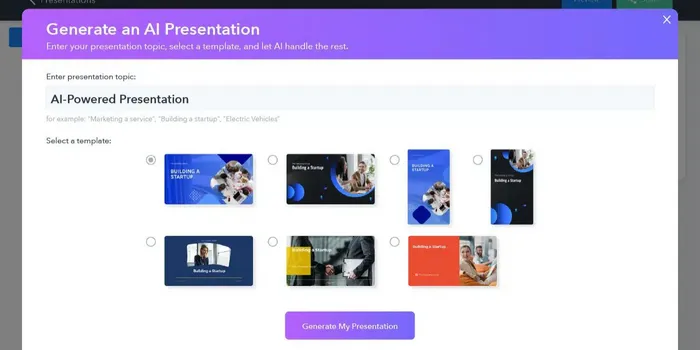
SlidesGo is an AI slideshow maker tool. Slidesgo's AI Presentation Maker generates a structured, template-styled slide deck from a text prompt or an attached PDF, DOCX or TXT file. Decks export as editable PPTX files for PowerPoint, Google Slides and Figma, and the free tier allows three presentations per month.
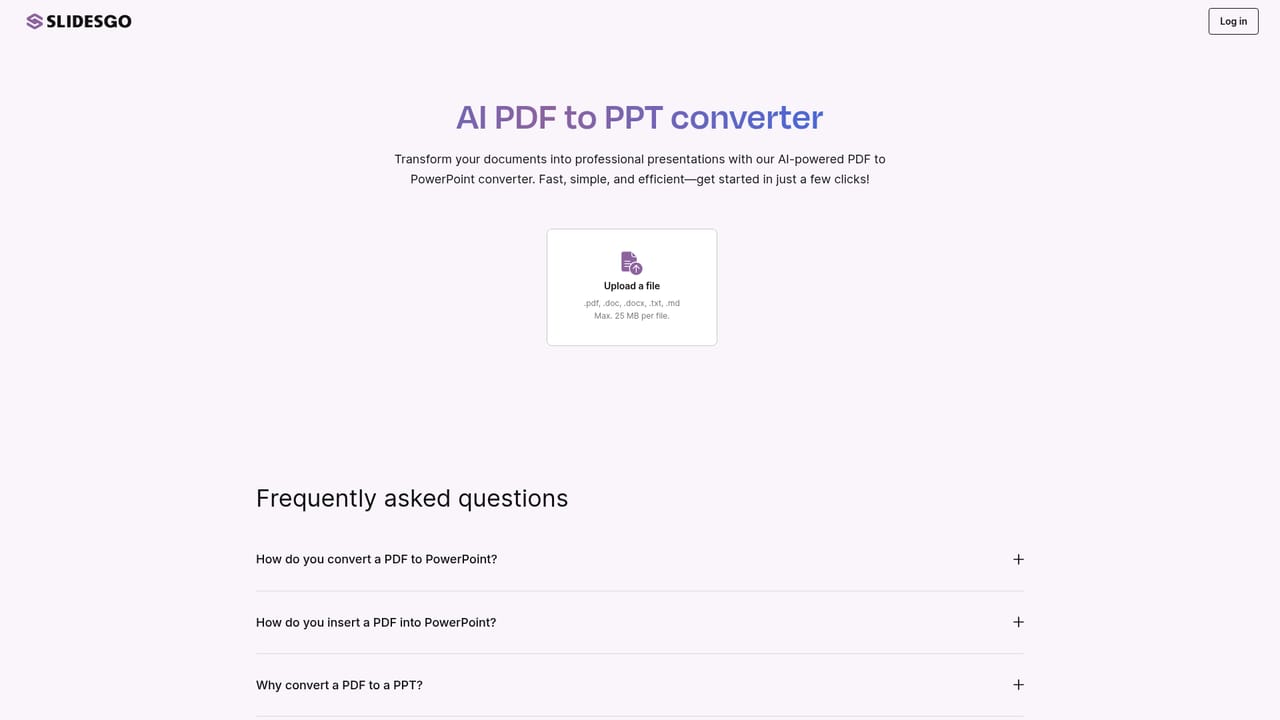
Slidesgo's AI Presentation Maker turns a written topic into a finished slide deck in a couple of clicks. You type what the presentation should cover, choose how long it should run (Short at 7-9 slides, Informative at 9-12, or Detailed at 12-16), and the tool builds the structure and the visuals for you. A single supporting file can be attached too, limited to .pdf, .docx or .txt and capped at 25 MB, which is useful when the source material already exists as a document. In practice the workflow is prompt, personalize, style, download. After the first draft is generated, tone and content can be adjusted, layouts and text can be edited, and a template can be applied from the library of more than 800 designs (the site separately advertises 400+ free templates and 150+ free presentation templates, so the exact split between free and Premium is worth checking before committing). Finished decks export as PPTX, which opens in PowerPoint, Google Slides and Figma for further work. The AI output is a starting point rather than a locked artifact, and Slidesgo positions the editing step as central to the product. The intended audience is broad: teachers building lesson material, students assembling coursework, freelancers and business owners preparing pitches or project updates. Slidesgo also runs companion generators for lesson plans, quizzes, icebreakers and PDF to PPT conversion, so educators in particular can chain several tools from one account. The pitch is squarely at people with no design skills who need something presentable quickly, not at teams wanting fine-grained control over a brand system. Compared with deck builders that start from a blank canvas or a paid template marketplace, Slidesgo leans on the size of its existing template catalogue and a generous free tier. Against fully autonomous generators, its limits are visible: images cannot currently be uploaded, export is PPTX only, and the free allowance is three presentations per month. It sits in the middle ground, a template library with an AI front door rather than a specialist writing or design engine.
A free tier allows three AI-generated presentations per month with no stated time limit. Premium unlocks additional templates and features.
Learn moreFree accounts can create up to three presentations per month. More presentations, advanced templates and extra features require a Premium subscription; pricing tiers are listed on the pricing page rather than the homepage.
Learn moreSlidesgo offers a support contact page for questions, alongside an FAQ section on the AI Presentation Maker page covering pricing, prompts, customization and downloads.
Learn moreGenerated decks export as PPTX files that open and stay editable in PowerPoint, Google Slides and Figma. No direct account-level integrations with those platforms are described.
Text to PPT generation with three length presets, prompt refinement of tone and content, layout and text editing, template selection from an 800+ design library, single-file upload (.pdf, .docx, .txt, max 25 MB) and PPTX export compatible with PowerPoint, Google Slides and Figma.
 AI Angels400+ customizable AI girlfriends for NSFW chat, voice calls, and roleplay
 Candy AIExperience the future of companionship with AI friends who chat, role-play, and connect with you on a human level.
 ourdream.aiA vast AI roleplay platform with millions of characters for chat, images, video and voiceAI Angels400+ customizable AI girlfriends for NSFW chat, voice calls, and roleplayCandy AIExperience the future of companionship with AI friends who chat, role-play, and connect with you on a human level.ourdream.aiA vast AI roleplay platform with millions of characters for chat, images, video and voice