Free trial
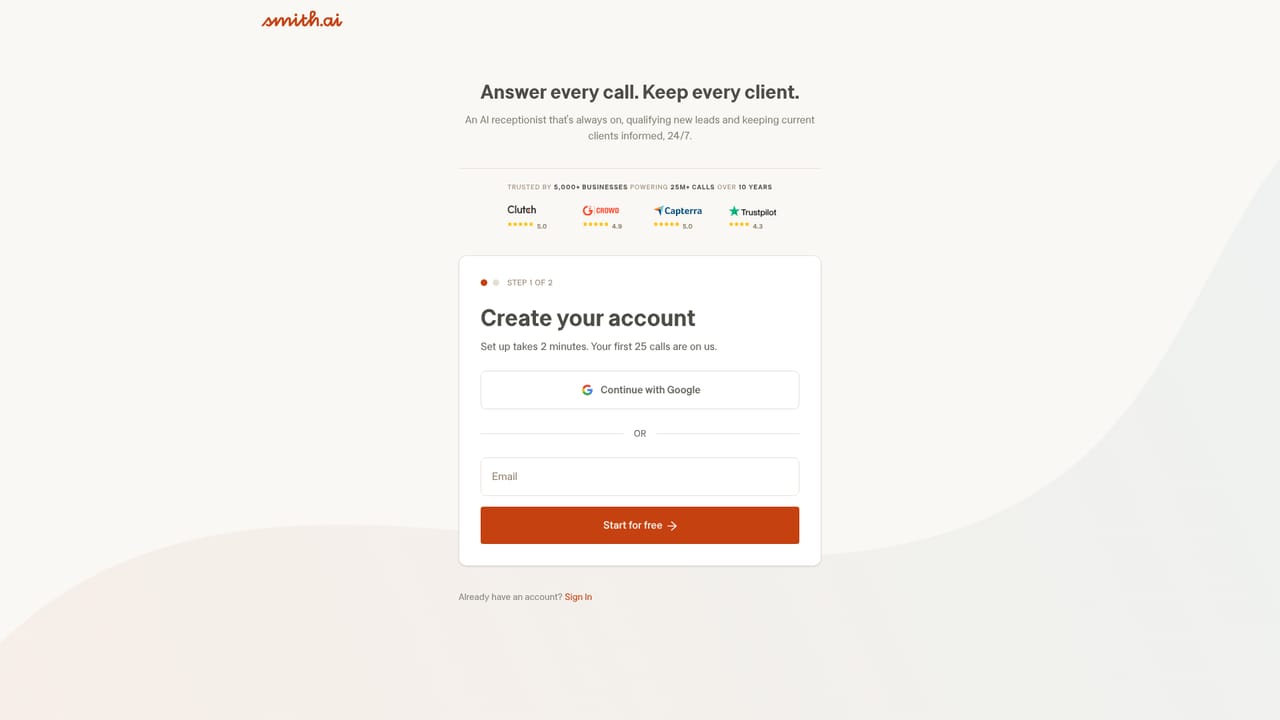
A free plan is available with 25 calls per month at no cost, described as free forever rather than a timed trial. A live demo line on the homepage also lets prospects hear the AI receptionist before signing up.
Learn moreAI and live receptionists that answer, qualify and book calls 24/7

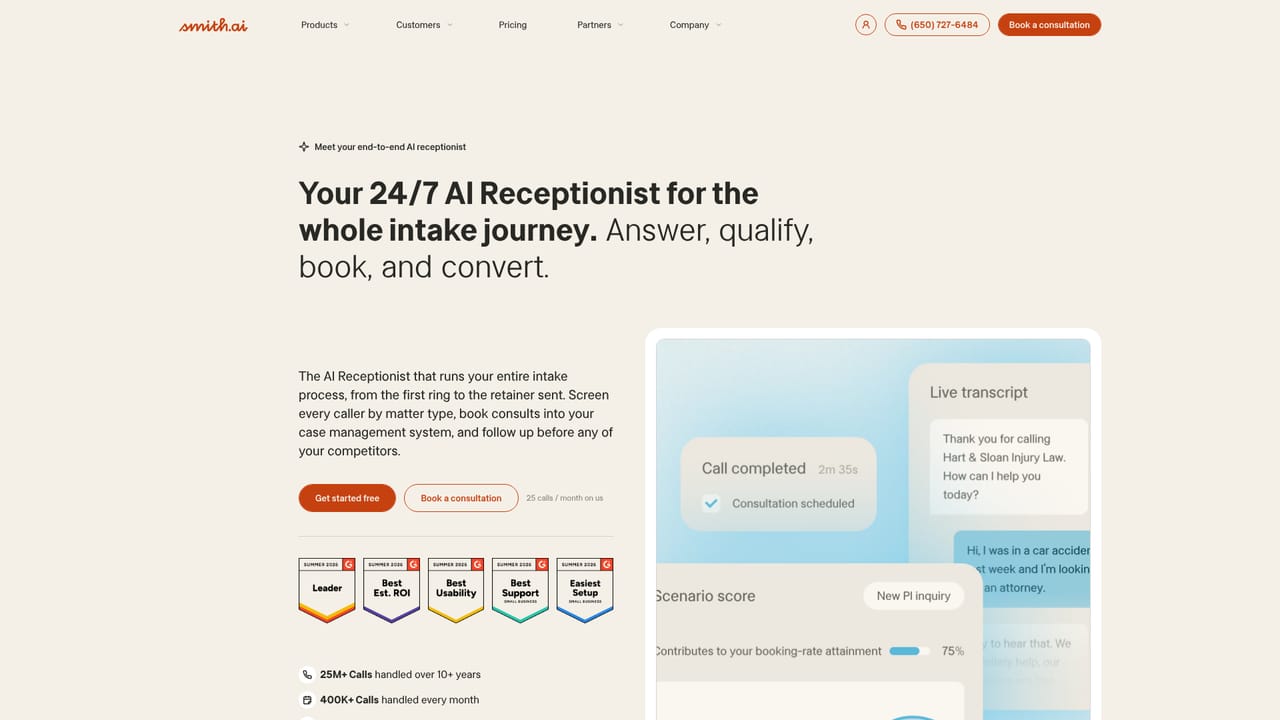
Smith.ai is an AI calls tool. A 24/7 call answering and intake service that blends AI receptionists with North America based live agents. Built around legal intake, it qualifies callers, books consultations during the call and syncs transcripts and summaries to calendars and case management tools.
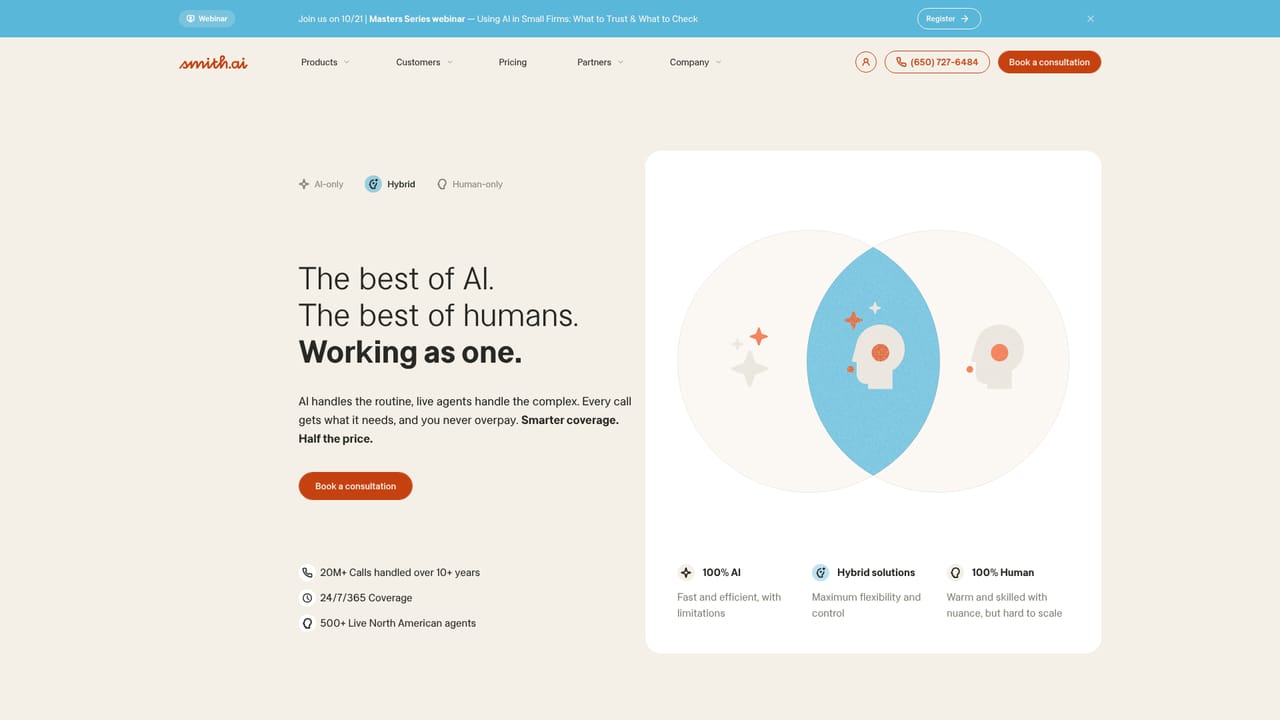
Smith.ai is a call answering and intake service that pairs AI agents with human receptionists based in North America. The company has been running reception coverage since 2015 and reports more than 25 million calls handled over eleven years. The core promise is straightforward: no caller reaches voicemail, and the reception layer does more than take a message. It identifies the caller type, asks qualifying questions shaped around the business, books consultations live on the call and passes a transcript plus summary into the systems the team already uses. Law firms are the clearest fit and the site leans heavily in that direction, with practice area options that include personal injury, family law, criminal defense and estate planning. The intake logic distinguishes new clients from existing ones, courts, police and opposing parties, and routes urgent matters such as arrests to a person immediately. Home services and IT teams are also listed as supported sectors. Small firms without a dedicated front desk are the natural buyer, along with practices whose phones go unanswered after hours. The interesting part is the hybrid model. AI receptionists handle volume at any hour, while a pool of several hundred live agents trained on legal intake steps in when a call needs a human. Teams can run AI only, live only, or both together. Setup is described as taking minutes, and callers who prefer to test before buying can dial a live demo from the homepage. Against alternatives, Smith.ai sits between a cheap scripted answering app and a full in-house hire. The company cites roughly 42,000 dollars in average yearly savings versus an in-house receptionist, an answer rate above 99 percent and a booking rate lift of about 80 percent. Those figures come from the vendor, so treat them as marketing until a pilot proves them in your own call mix.
A free plan is available with 25 calls per month at no cost, described as free forever rather than a timed trial. A live demo line on the homepage also lets prospects hear the AI receptionist before signing up.
Learn moreThe homepage advertises a free plan with 25 calls per month, free forever, and points to a dedicated pricing page for the AI receptionist product. It does not list dollar amounts or plan tiers in the homepage copy, so exact pricing has to be checked on that page or in a consultation.
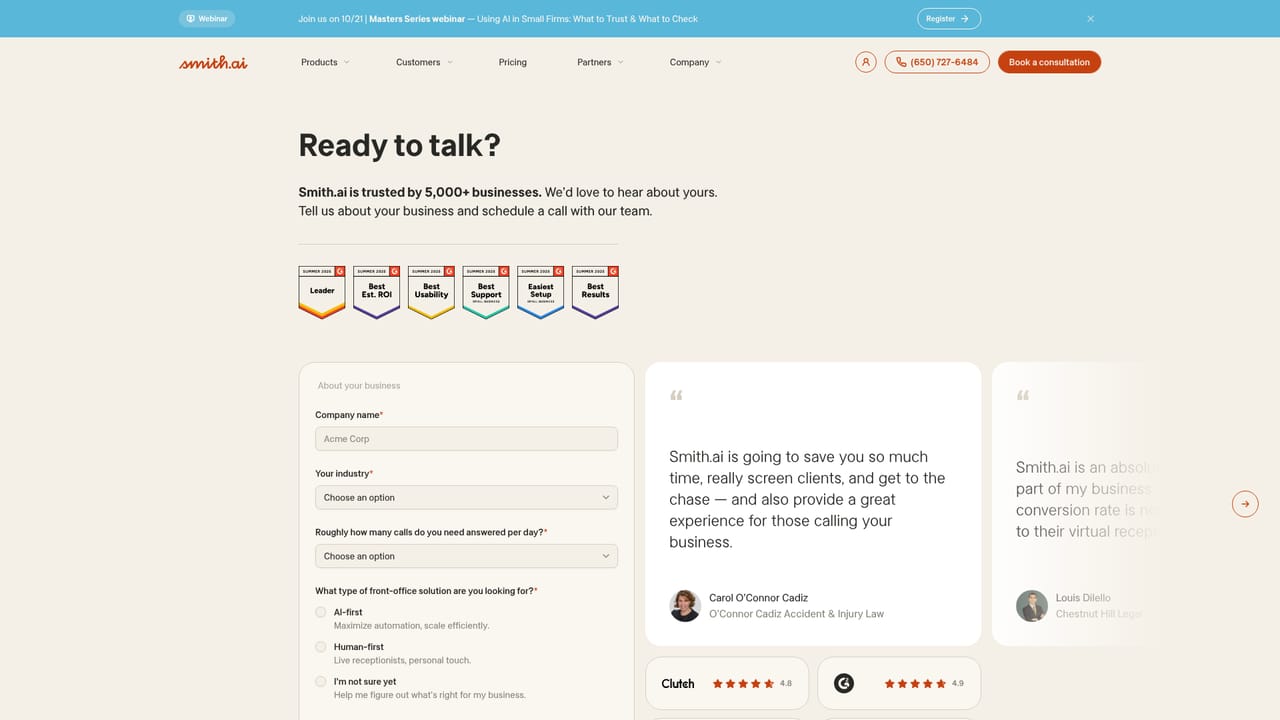
Learn moreSupport details are not described on the homepage. A phone number and a consultation booking page are provided, and the site publishes case studies and a webinar series aimed at law firms.
Learn moreThe site names scheduling tools (Calendly, Acuity) and legal case management platforms (Clio, MyCase, Filevine, Lawmatics) as places where bookings, transcripts and intake data are synced. A full integrations directory lists the rest.
Learn moreAI receptionists and live agents answer calls 24/7, identify caller type, run firm specific intake questions and book consultations during the call. Urgent matters transfer to the team or a live agent, and transcripts, summaries and intake data sync to calendars and case management systems. Coverage is offered as AI only, hybrid or live agent only.
Learn more AI Angels400+ customizable AI girlfriends for NSFW chat, voice calls, and roleplay
 Candy AIExperience the future of companionship with AI friends who chat, role-play, and connect with you on a human level.
 ourdream.aiA vast AI roleplay platform with millions of characters for chat, images, video and voiceAI Angels400+ customizable AI girlfriends for NSFW chat, voice calls, and roleplayCandy AIExperience the future of companionship with AI friends who chat, role-play, and connect with you on a human level.ourdream.aiA vast AI roleplay platform with millions of characters for chat, images, video and voice


