Snappyit

AI product photos for apparel: ghost mannequin, models, recolors

Beginner
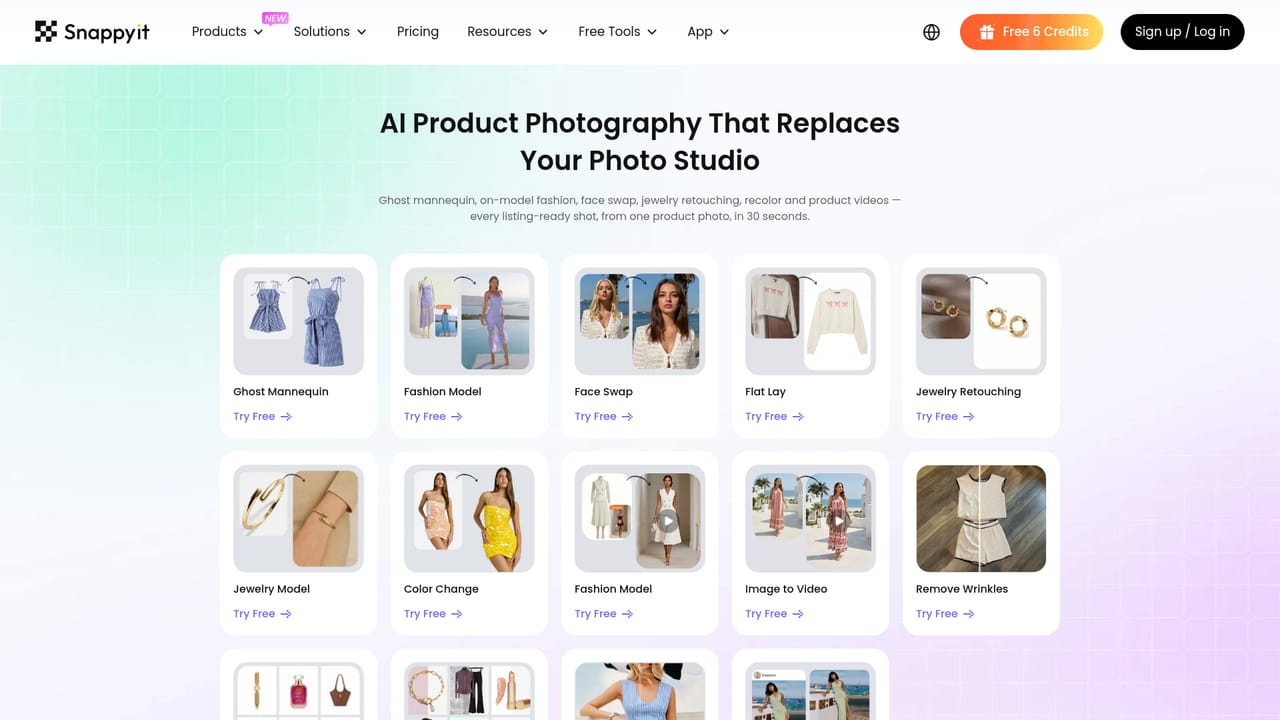
Screenshot of Snappyit, AI product photos for apparel: ghost mannequin, models, recolors

What is Snappyit?

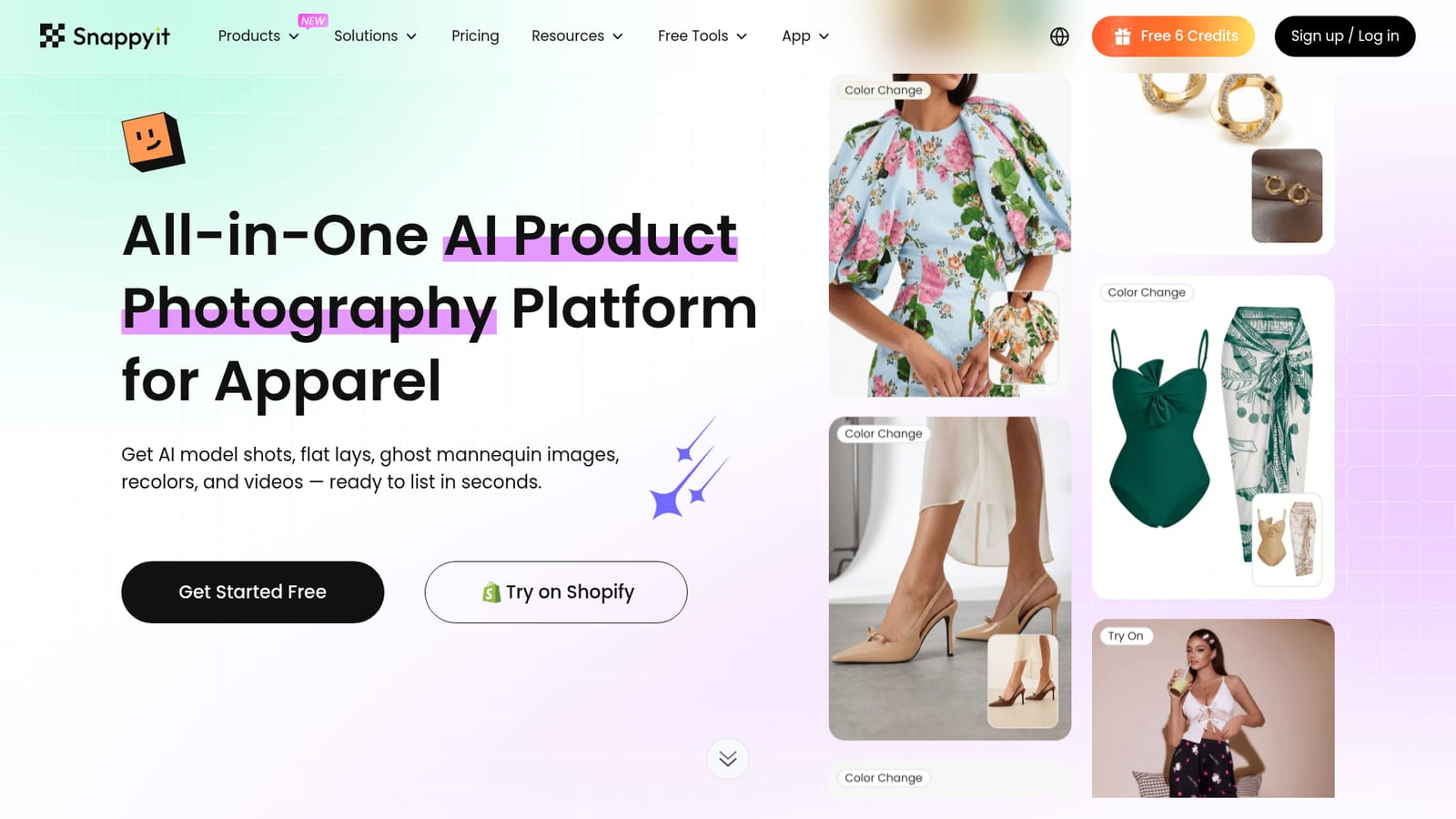
Snappyit is a web platform that converts simple apparel photos into ghost mannequin images, AI on-model shots, flat lays, recolors and short videos for online listings, with a Shopify app and batch editing.

Snappyit is a web-based product photography platform aimed squarely at apparel sellers. It takes ordinary photos of clothing, shoes, bags, accessories and jewelry and turns them into the images an online store actually needs: ghost mannequin shots with a hollow 3D look, on-model photos produced without a photoshoot, flat lays, and recolored versions of the same item. Short videos can also be generated from still product images. In practice the workflow starts with an upload. The site says a simple product photo is enough, including pictures taken on a phone, with no studio setup required. From there the user picks the tool that matches the goal. Each capability has its own page and entry point, covering ghost mannequin, fashion model, image to video, color change, jewelry retouching, jewelry model, face swap, flat lay, fashion video and wrinkle removal. A newer Product Studio and a batch editor handle larger sets of photos, and a Shopify app lets merchants work from their store. Short tutorial videos are published on a YouTube channel. The target audience is fashion brands, resellers and marketplace sellers, Shopify and Amazon merchants, and print on demand sellers. Customer reviews quoted on the homepage come from small online sellers, such as an eBay seller who moved products onto ghost mannequins, models and video. Among alternatives, Snappyit sits between general AI image generators and traditional studio shoots. General tools offer more creative freedom but leave the user to prompt, correct and standardize results. A studio gives full control at a much higher per-image cost. Snappyit narrows the scope to catalog imagery for apparel and related goods, and advertises a cost of under $0.10 per image with plans starting at $8.2 a month. That focus makes it a practical fit for repeatable listing photos, and a weaker choice for artistic or non-fashion image work.
How do you use Snappyit?

  1. 1Sign up and claim free credits
    Create an account from the homepage to receive the free starter credits. This allows a few test images before choosing a paid plan.
    Snappyit — Sign up and claim free credits
  2. 2Choose the tool for your goal
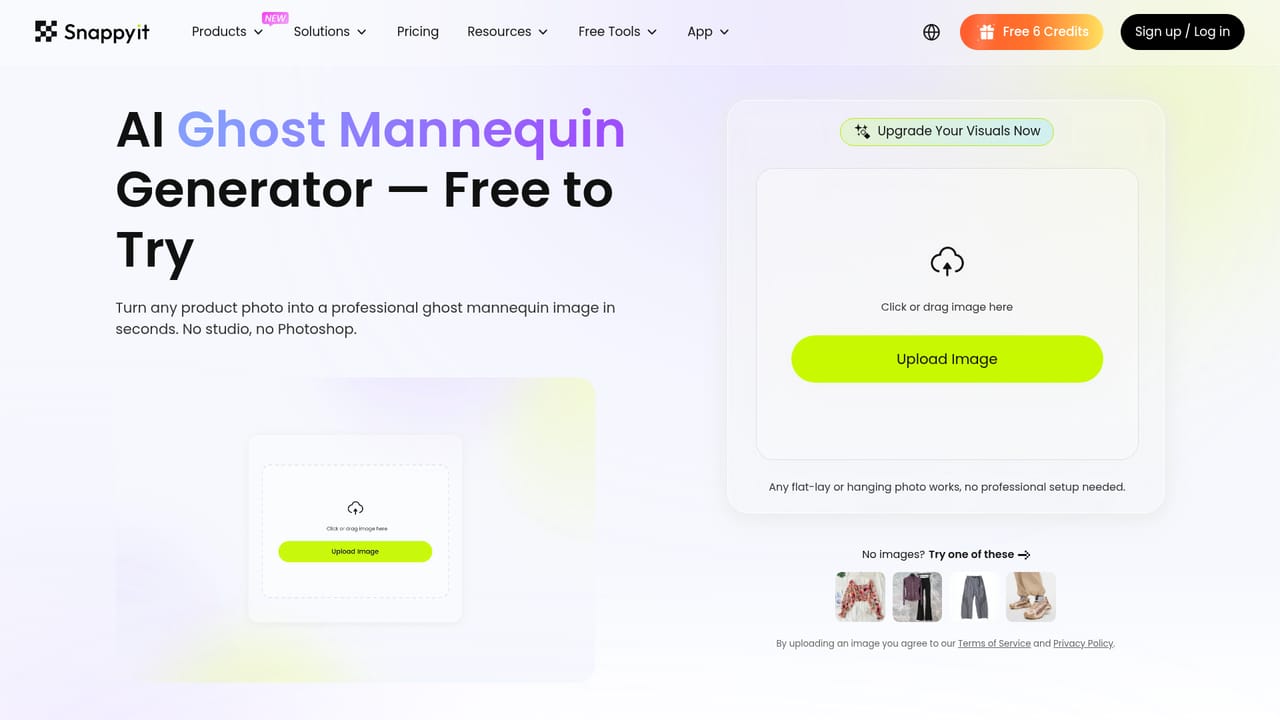
    Pick the page that matches the result needed, such as ghost mannequin for a hollow 3D look or fashion model for on-model images.
    Snappyit — Choose the tool for your goal
  3. 3Upload a simple product photo
    Upload a clear photo of the item. Phone shots are accepted, so no studio setup is needed. Flat lay or hanging shots work for ghost mannequin conversion.
    Snappyit — Upload a simple product photo
  4. 4Try recoloring a product
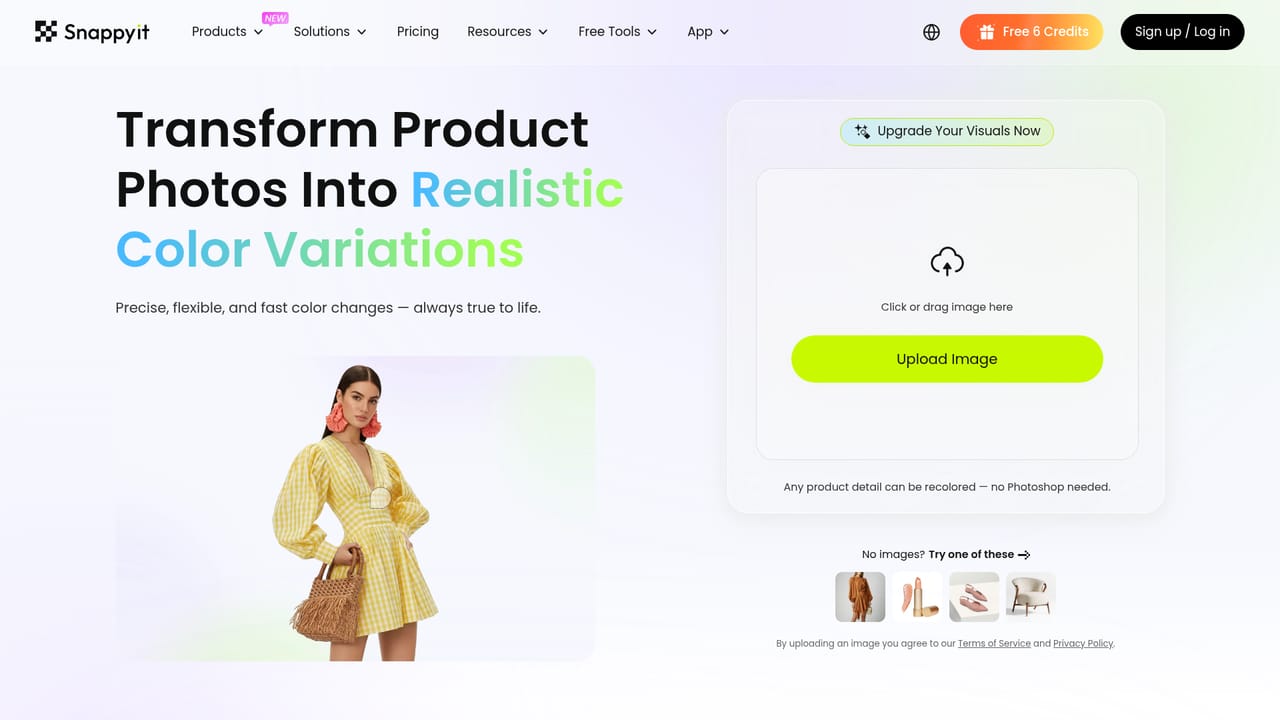
    Use the color change tool to produce additional colorways from a single photo instead of reshooting each variant.
    Snappyit — Try recoloring a product
  5. 5Process many photos in a batch
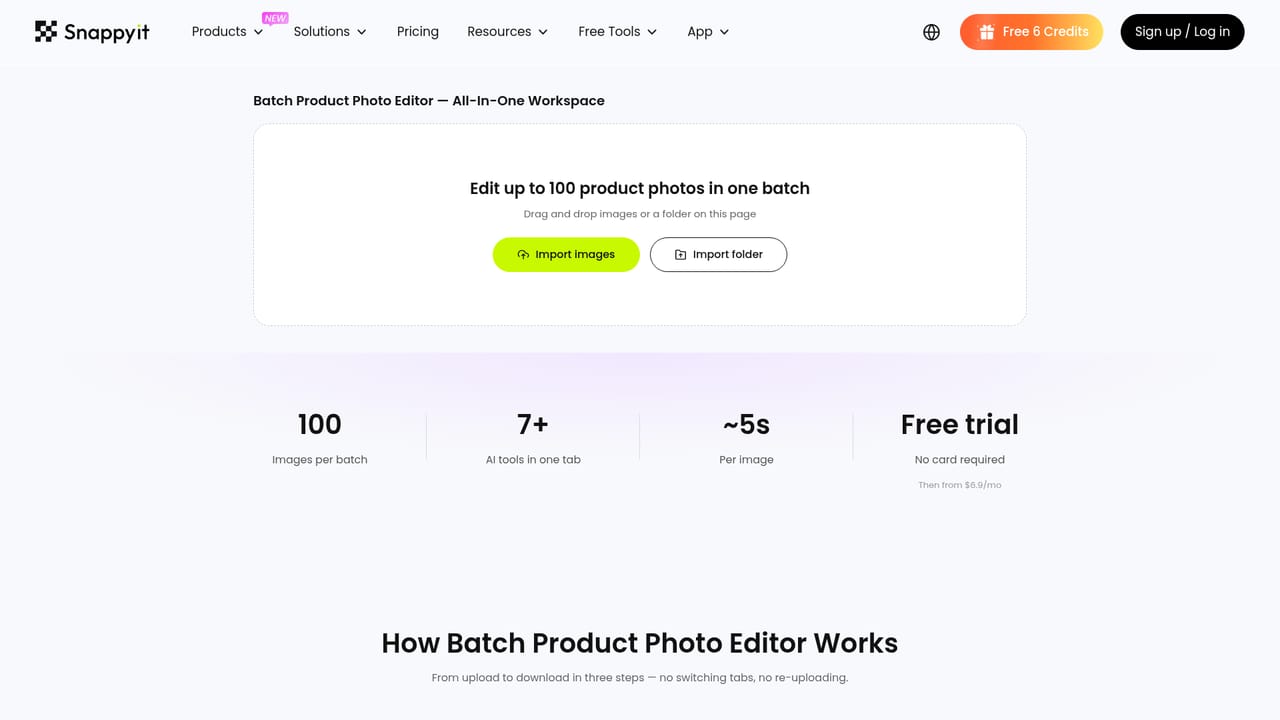
    For a full catalog, use the batch editor to run a set of product images together and save time on repeated edits.
    Snappyit — Process many photos in a batch
  6. 6Review plans before scaling up
    Compare subscription tiers and per-image cost once the results look right, then pick a plan that fits monthly volume.

Pros and cons

Pros

  • Covers many apparel photo needs in one place: ghost mannequin, on-model, flat lay, recolor and videoAI
  • Accepts simple source photos, including phone shots, so no studio is requiredAI
  • Advertised cost of under $0.10 per image with plans starting at $8.2 a monthAI
  • Batch editor and Shopify app suit sellers managing large catalogsAI
  • New users get free credits to test the tools before payingAI

Cons

  • Focused on apparel and accessories, so it is a poor match for general image editing or non-fashion productsAI
  • The free allowance is only 6 credits, which limits how thoroughly a catalog can be testedAI
  • Homepage does not describe an API, so automating it in custom pipelines is unconfirmedAI
  • AI-generated models and mannequin effects still need a visual check before listing on strict marketplacesAI
  • Many separate tools and pages can feel scattered until the right workflow is foundAI

How much does Snappyit cost?

Free trial

New users receive 6 free credits on sign up, enough to try the tools before choosing a paid plan.

Learn more

Pricing

Marketed at under $0.10 per image, with plans starting from $8.2 per month. Full plan tiers are listed on the pricing page.

Learn more

Support

A contact page, a blog and YouTube tutorial videos are available. Support hours and channels are not stated on the homepage.

Learn more

Integrations

Offers a Shopify app for working from a store. No other integrations are listed on the homepage.

Features

Ghost mannequin, AI fashion model photos, flat lay, color change, jewelry retouching and jewelry model, face swap, wrinkle removal, image to video, fashion video, Product Studio and a batch photo editor.

Learn more

Frequently asked questions about Snappyit

  • How much does Snappyit cost?
    Marketed at under $0.10 per image, with plans starting from $8.2 per month. Full plan tiers are listed on the pricing page.
  • Does Snappyit offer a free trial?
    New users receive 6 free credits on sign up, enough to try the tools before choosing a paid plan.
  • How do you use Snappyit?
    The walkthrough on this page covers 6 steps: 1. Sign up and claim free credits 2. Choose the tool for your goal 3. Upload a simple product photo 4. Try recoloring a product 5. Process many photos in a batch 6. Review plans before scaling up.
  • What platforms does Snappyit support?
    Snappyit is available on Web App.
  • What does Snappyit integrate with?
    Offers a Shopify app for working from a store. No other integrations are listed on the homepage.
  • What are the limitations of Snappyit?
    Focused on apparel and accessories, so it is a poor match for general image editing or non-fashion products. The free allowance is only 6 credits, which limits how thoroughly a catalog can be tested. Homepage does not describe an API, so automating it in custom pipelines is unconfirmed.

Status

StatusActive
Views0
Outbound clicks0
Added10/18/2026

Platforms

Web App

Pricing

FreemiumSubscription