Free trial
Every plan includes a 14 day free trial, and signup happens through the Soon registration page before any payment.
Learn moreHands-off crypto investing automation for Coinbase, Binance and Robinhood.

Soon app is a stocks tool. Soon is a non-custodial crypto automation app that connects to exchanges like Coinbase, Binance and Robinhood to run scheduled buying, automated selling, stop loss, reinvestment and tax tracking. Plans start at $19.99/month billed yearly with a 14 day free trial.
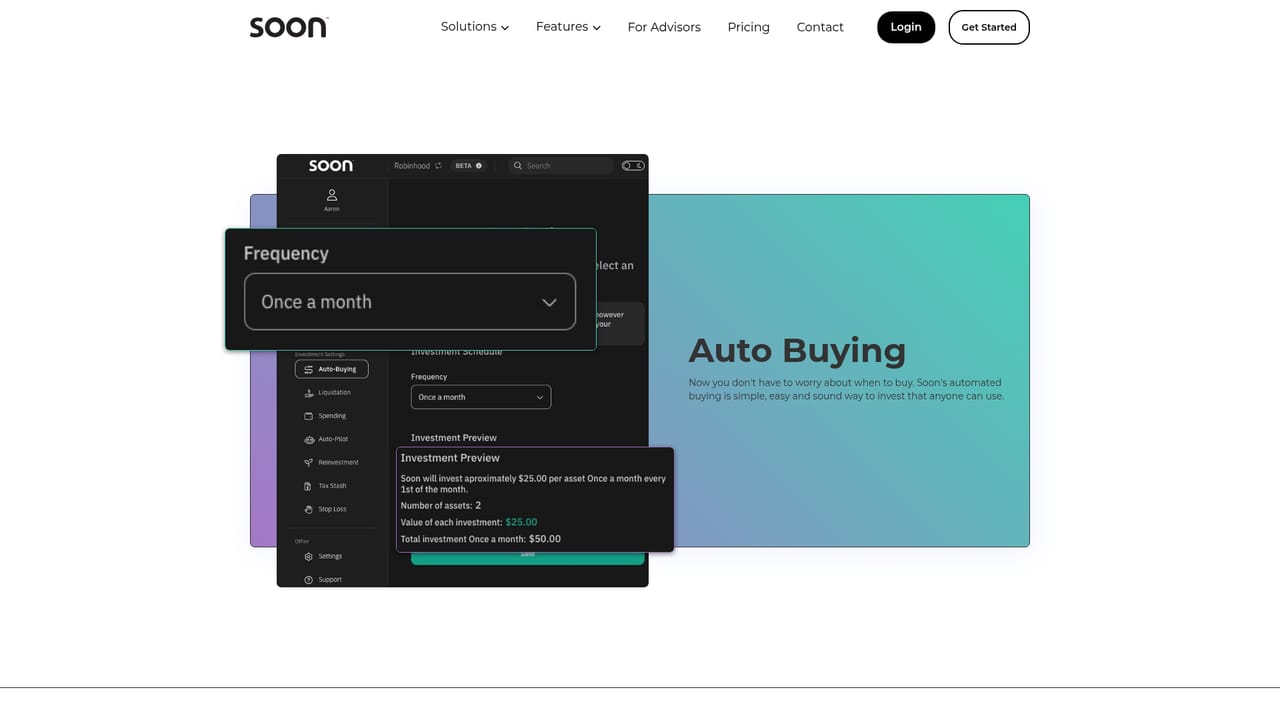
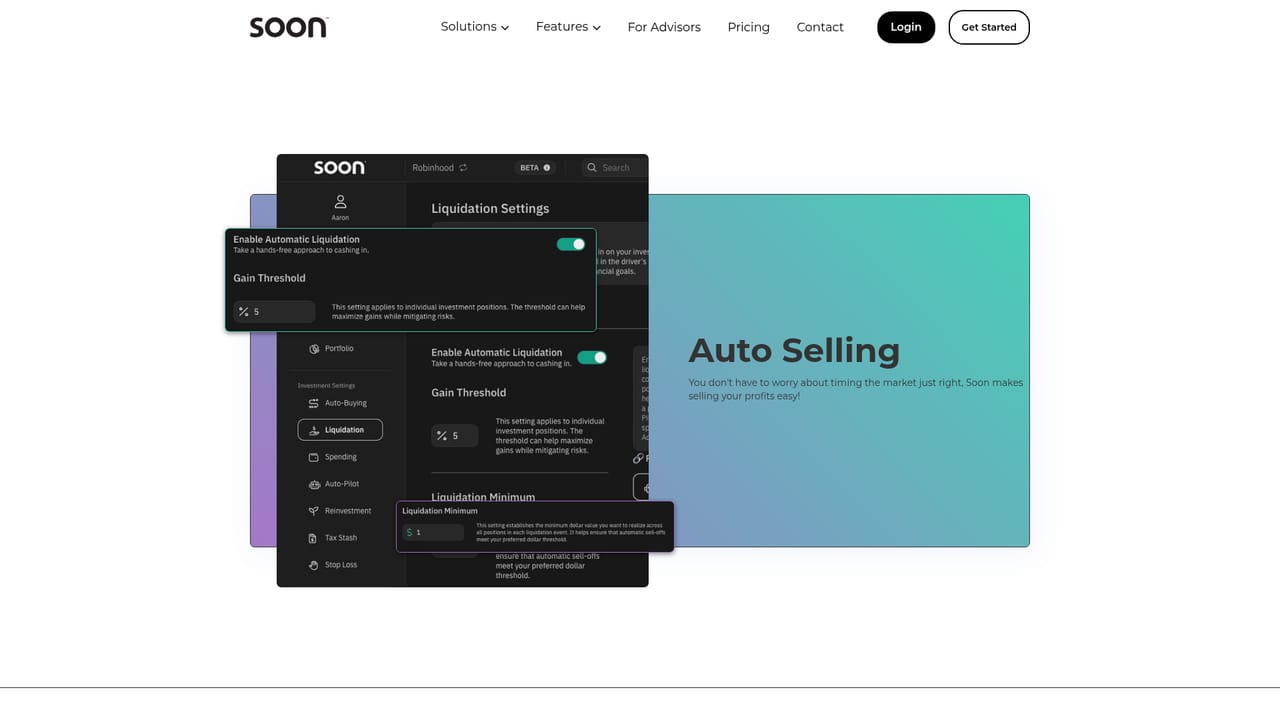
Soon is a non-custodial automation layer for retail crypto investors who already hold accounts on exchanges such as Coinbase, Binance and Robinhood. Rather than asking users to move funds into a new platform, it connects to the exchanges they already use and runs scheduled buying, selling and portfolio rules on top. The pitch is aimed at people who want a disciplined, rules-based approach without watching charts all day, and at advisors who want to offer a repeatable process to clients. The feature set covers the full trading cycle. Auto Buying sets a purchase schedule so positions build gradually. Auto Selling takes profit according to configured rules, and Stop Loss replaces underperforming holdings. Auto-Pilot bundles the selling logic for quick setup, while Reinvestment compounds earnings back into the portfolio. Two money-management features stand out: Reimburse Spending uses profits to cover everyday spending, and Tax Stash tracks capital gains so tax exposure stays visible. Users pick a plan based on how many exchanges, assets and trade executions they need, from a single exchange and five assets on Soon Plus up to unlimited exchanges and 25 assets on Soon Ultimate. In practice, setup is quick: create an account, link one or more exchanges, choose assets and define the automation rules, then let the schedules run. Every plan includes a 14 day free trial and annual billing takes 20 percent off. Because Soon never takes custody of funds, users keep control of their exchange accounts throughout. Alternatives fall into two camps: fully automated robo-advisors that manage assets for you, and manual trading terminals with charting and order tools. Soon sits between them, adding automation to accounts you already own. It is a poor fit for active day traders who want granular order types, and the suitability of any automated strategy still depends on market conditions.
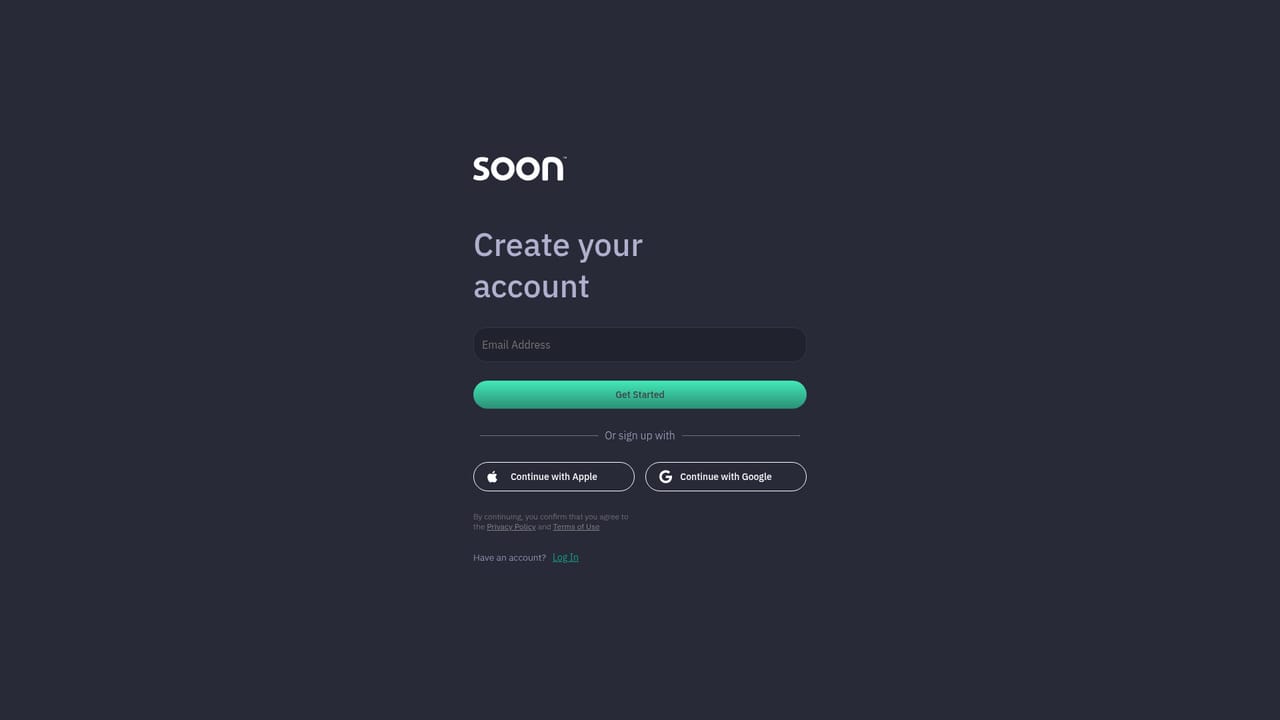
Every plan includes a 14 day free trial, and signup happens through the Soon registration page before any payment.
Learn moreThree subscription tiers: Soon Plus at $24.99/month ($19.99 billed yearly) with 1 exchange, 5 assets, 250 trade executions and $10K yearly volume; Soon Premium at $59.99/month ($49.99 yearly) with 3 exchanges, 15 assets, 500 executions and $25K volume; Soon Ultimate at $199.99/month ($159.99 yearly) with unlimited exchanges, 25 assets, 1K executions and $100K volume.
Learn moreSupport is available through a help centre, an FAQ page, a blog and a contact page for direct enquiries.
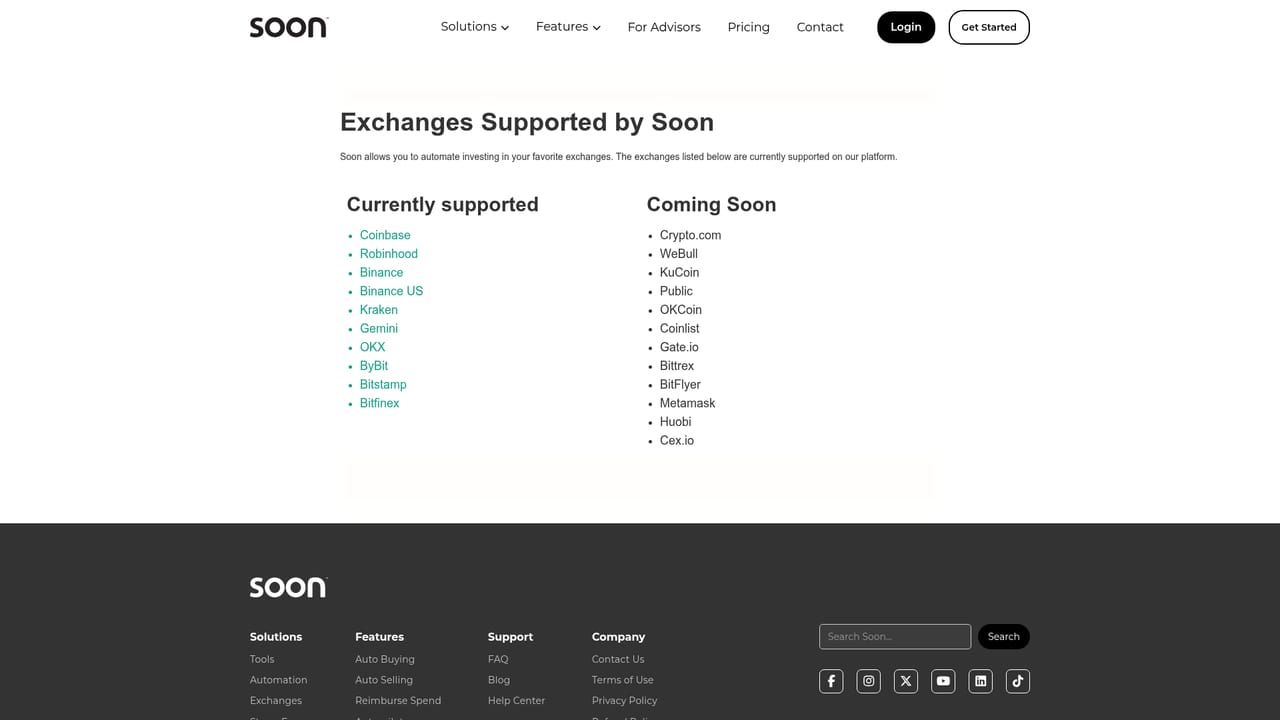
Learn moreConnects to trading platforms users already hold accounts on, with Coinbase, Binance and Robinhood named on the homepage and a supported exchanges page listing more.
Learn moreAuto Buying for scheduled purchases, Auto Selling for taking profit, Auto-Pilot for quick selling setup, Stop Loss for replacing weak positions, Reinvestment for compounding, Reimburse Spending for covering costs with profits, and Tax Stash for tracking capital gains. Users connect their own exchanges, and the dashboard shows managed assets, trade executions and yearly volume.
Learn more AI Angels400+ customizable AI girlfriends for NSFW chat, voice calls, and roleplay
 Candy AIExperience the future of companionship with AI friends who chat, role-play, and connect with you on a human level.
 ourdream.aiA vast AI roleplay platform with millions of characters for chat, images, video and voiceAI Angels400+ customizable AI girlfriends for NSFW chat, voice calls, and roleplayCandy AIExperience the future of companionship with AI friends who chat, role-play, and connect with you on a human level.ourdream.aiA vast AI roleplay platform with millions of characters for chat, images, video and voice


