Free trial
Monthly and Yearly Pro both start with a 3 day free trial. A card is required, and cancelling before the trial ends avoids the charge. After the trial, Monthly is $6.99 for the first month and $12.99 a month after.
Learn moreHold Fn, speak, and clean text lands in any Mac app
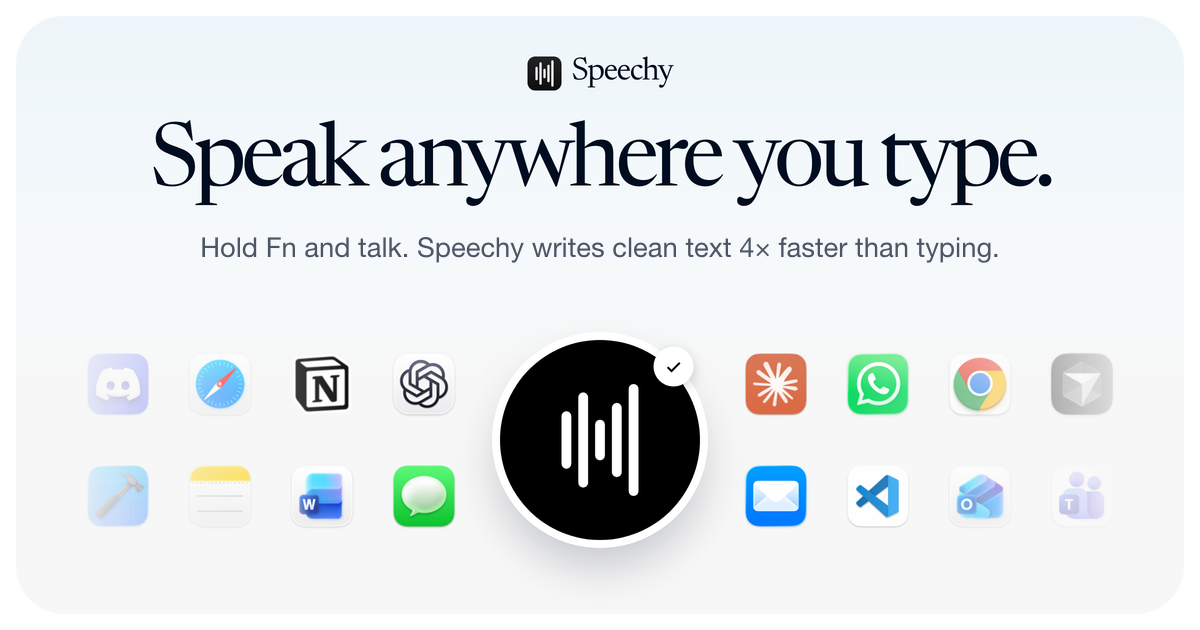
Speechy is a Mac-only dictation app that transcribes speech on-device and writes punctuated, cleaned-up text directly into any focused app when you hold the Fn key. It filters filler words, resolves self-corrections, learns your voice and custom vocabulary, and works offline after a one-time model download.
Speechy is a dictation utility for macOS that turns spoken words into finished, punctuated text inside whatever application currently has focus. The interaction model is deliberately minimal: hold the Fn key, talk, release, and the transcript appears at the cursor. There is no separate dictation window to open and no copy and paste step. A small floating pill indicates when the app is listening, and the shortcut can be remapped in Settings. For longer passages, a single tap starts recording and a second tap stops it. The cleanup layer is where Speechy separates itself from raw speech-to-text. Filler words, stutters and repeated starts are stripped, mid-sentence corrections are resolved so only the final version is written, and punctuation and capitalisation are applied automatically. Spoken commands such as bullet or number one produce formatted lists, and phrases like scratch that remove the previous sentence. Speechy also adapts register to context, keeping chat loose and code literal. A personal dictionary handles names and jargon, replacement rules fix words that get misheard, and snippets expand short spoken phrases into longer boilerplate. The pitch rests on privacy. Recognition and cleanup run on-device with models downloaded once during setup, so dictation continues to work offline after that and audio is not uploaded for transcription. An Only my voice mode learns the user's vocal profile and filters out nearby speakers, though it degrades when voices overlap. Supported languages include English, Spanish, French, German, Italian, Portuguese, Dutch, Hindi, Japanese and Chinese, with accuracy varying by language and voice model. Speechy competes with cloud dictation built into macOS and with cross-platform transcription services. It wins on local processing and tight app integration, and loses on reach: it requires Apple silicon and macOS 14 or later, and there is no Windows, iPhone or Android build. Free tier usage is capped, so anyone dictating heavily will end up on Pro or a lifetime licence.
Monthly and Yearly Pro both start with a 3 day free trial. A card is required, and cancelling before the trial ends avoids the charge. After the trial, Monthly is $6.99 for the first month and $12.99 a month after.
Learn moreFree tier with limited usage and no card. Pro is $12.99 a month, with the first paid month at $6.99, or $119.88 billed yearly. Lifetime access is sold in staged batches: $99 for the first 10 spots, then $129, $179 and $299 as cheaper tiers sell out. Prices in USD before tax.
Learn moreNo dedicated help centre is published. Answers to common setup, privacy, language, billing and refund questions are covered in the homepage FAQ, and refunds are requested from Settings on the Mac within 3 days of payment.
On-device dictation into any focused Mac app via the Fn key. Cleanup removes filler words and stutters, resolves self-corrections, applies punctuation and capitals, and formats numbers, dates, emails, links and spoken lists. Personal voice recognition with an Only my voice filter, a custom dictionary, misheard-word replacements, snippet expansion and support for around ten languages plus automatic detection.
Learn more AI Angels400+ customizable AI girlfriends for NSFW chat, voice calls, and roleplay
 Candy AIExperience the future of companionship with AI friends who chat, role-play, and connect with you on a human level.
 ourdream.aiA vast AI roleplay platform with millions of characters for chat, images, video and voiceAI Angels400+ customizable AI girlfriends for NSFW chat, voice calls, and roleplayCandy AIExperience the future of companionship with AI friends who chat, role-play, and connect with you on a human level.ourdream.aiA vast AI roleplay platform with millions of characters for chat, images, video and voice







