Support
Support is reached through the demo and sales contact paths. Case studies and webinar resources document customer rollouts; no help centre or dedicated support tiers are described on the homepage.
Agentic QA that tests your whole store before customers do

Spur is an agentic QA platform for e-commerce teams. AI agents test web, native mobile and localized storefronts on pull requests, before releases, on launch day and continuously in production, using real browsers, real devices and regional traffic. Named customers include Abercrombie & Fitch, Bombas and Vuori.
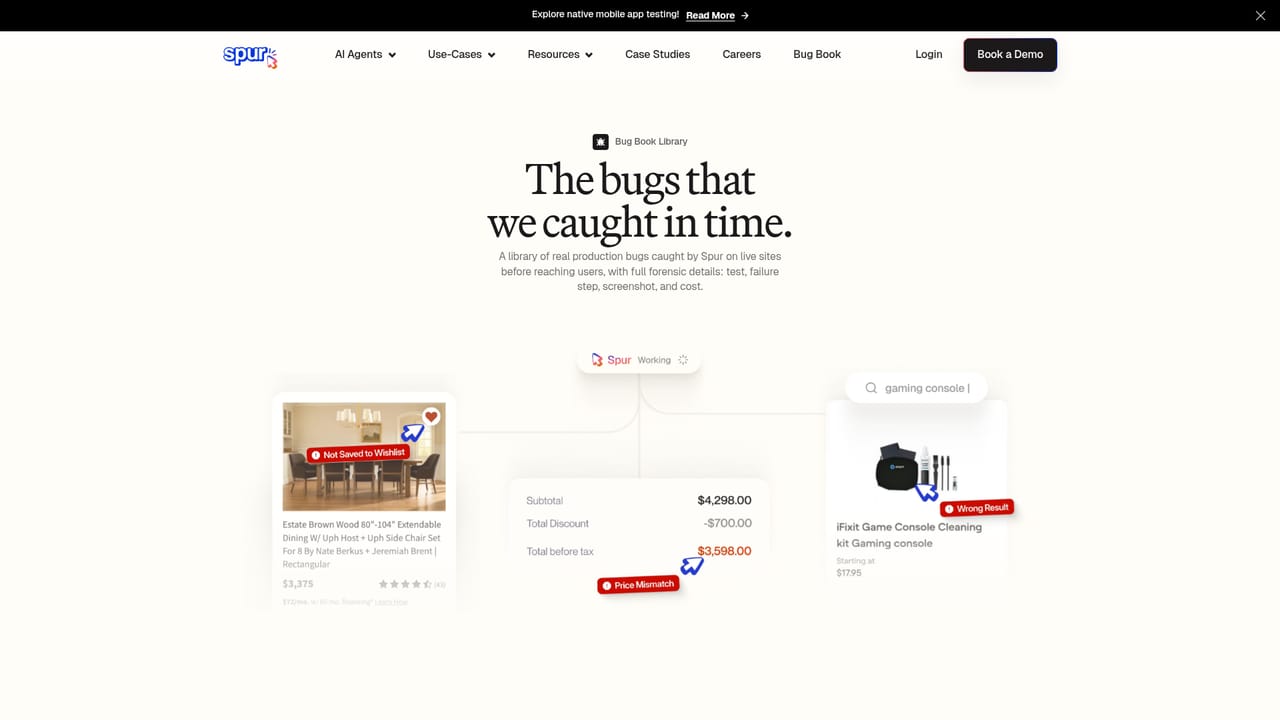
Spur is an agentic QA platform aimed at e-commerce teams that need to validate web, native mobile and localized storefronts without a large manual test team. AI agents drive real browsers and real devices from regions around the world, checking the journeys shoppers actually take: search, product pages, cart, checkout, subscription flows and translated content. The platform positions itself as validation infrastructure rather than a script runner, so the emphasis is on coverage across surfaces and locales in parallel instead of one carefully scripted path. In practice Spur slots into four moments. On a pull request, agents run automatically, flag the diff rather than the whole site, and can block the merge when validation fails. Before a release, full regression runs across web, mobile and every locale at once. On launch day the live release is confirmed end to end in production. Afterwards the agents keep watching continuously from every region, alerting when something drifts. Sessions are isolated, launch on demand and scale from one browser to thousands, with video, screenshots, console and network logs for debugging. The vendor-owned device labs cover iPhone, iPad and Android hardware, and the infrastructure is described as SOC 2 Type II compliant. Who it suits: digital and e-commerce QA leads, release managers and engineering teams at retailers with heavy localization and frequent shipping. Named customers include Abercrombie & Fitch, Bombas, Vuori, Living Spaces, Wondr Health and OneSafe, and the site cites large reductions in regression time. It fits alongside conventional automation frameworks rather than replacing them wholesale: Spur handles exploratory and functional coverage with agents, while scripted suites remain for teams that need deterministic assertions. A public bug book of caught defects gives a concrete sense of what the agents surface, from broken best-seller links to wrong checkout currency for German shoppers and AI chat replying in the wrong language.
Support is reached through the demo and sales contact paths. Case studies and webinar resources document customer rollouts; no help centre or dedicated support tiers are described on the homepage.
Scheduling can be triggered by a release, a pull request, a schedule or an API call, so Spur hooks into CI and release workflows. No named third-party integrations are listed on the homepage.
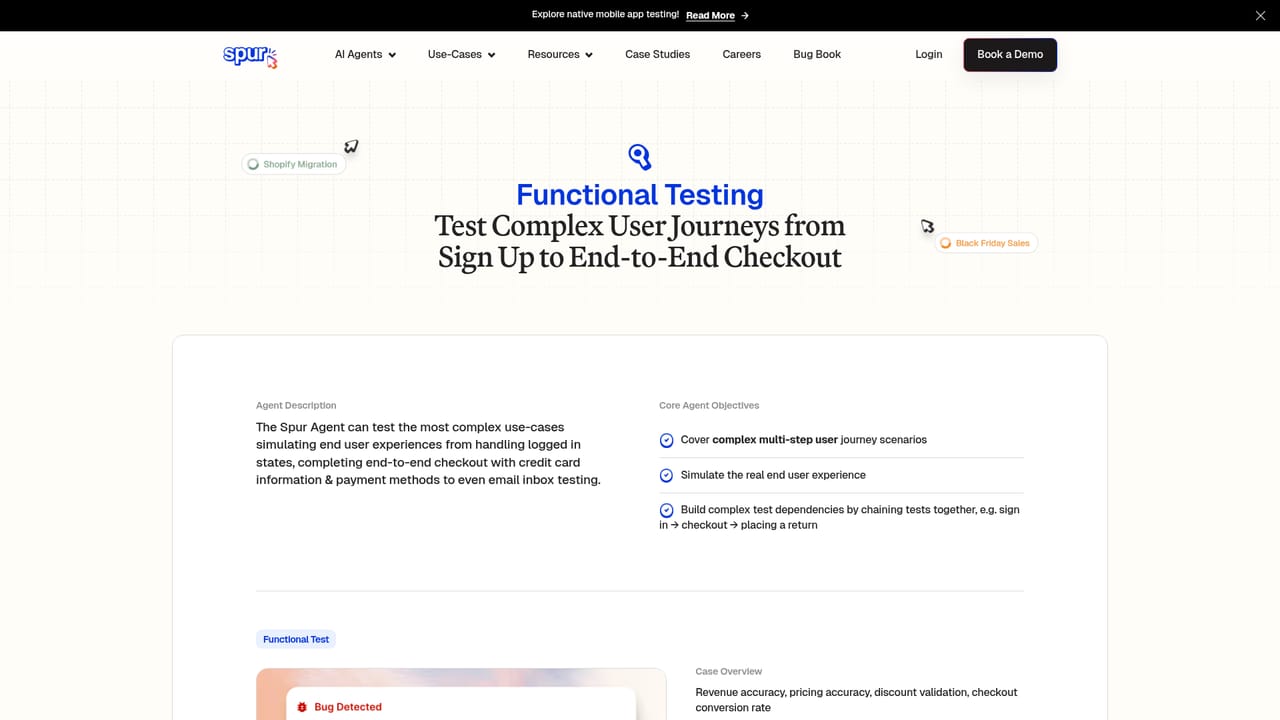
Agents cover exploratory testing, functional testing, UI and UX feedback, localization and AI feature testing. Validation runs on pull requests (flagging the diff and blocking failed merges), across full pre-release regression, on launch day in production and continuously afterwards from multiple regions. Infrastructure includes isolated browser sessions, real device labs, region-based traffic, scheduling by release, PR or API, and video, screenshot, console and network debugging.
Learn more AI Angels400+ customizable AI girlfriends for NSFW chat, voice calls, and roleplay
 Candy AIExperience the future of companionship with AI friends who chat, role-play, and connect with you on a human level.
 ourdream.aiA vast AI roleplay platform with millions of characters for chat, images, video and voiceAI Angels400+ customizable AI girlfriends for NSFW chat, voice calls, and roleplayCandy AIExperience the future of companionship with AI friends who chat, role-play, and connect with you on a human level.ourdream.aiA vast AI roleplay platform with millions of characters for chat, images, video and voice


