
Stable Diffusion API

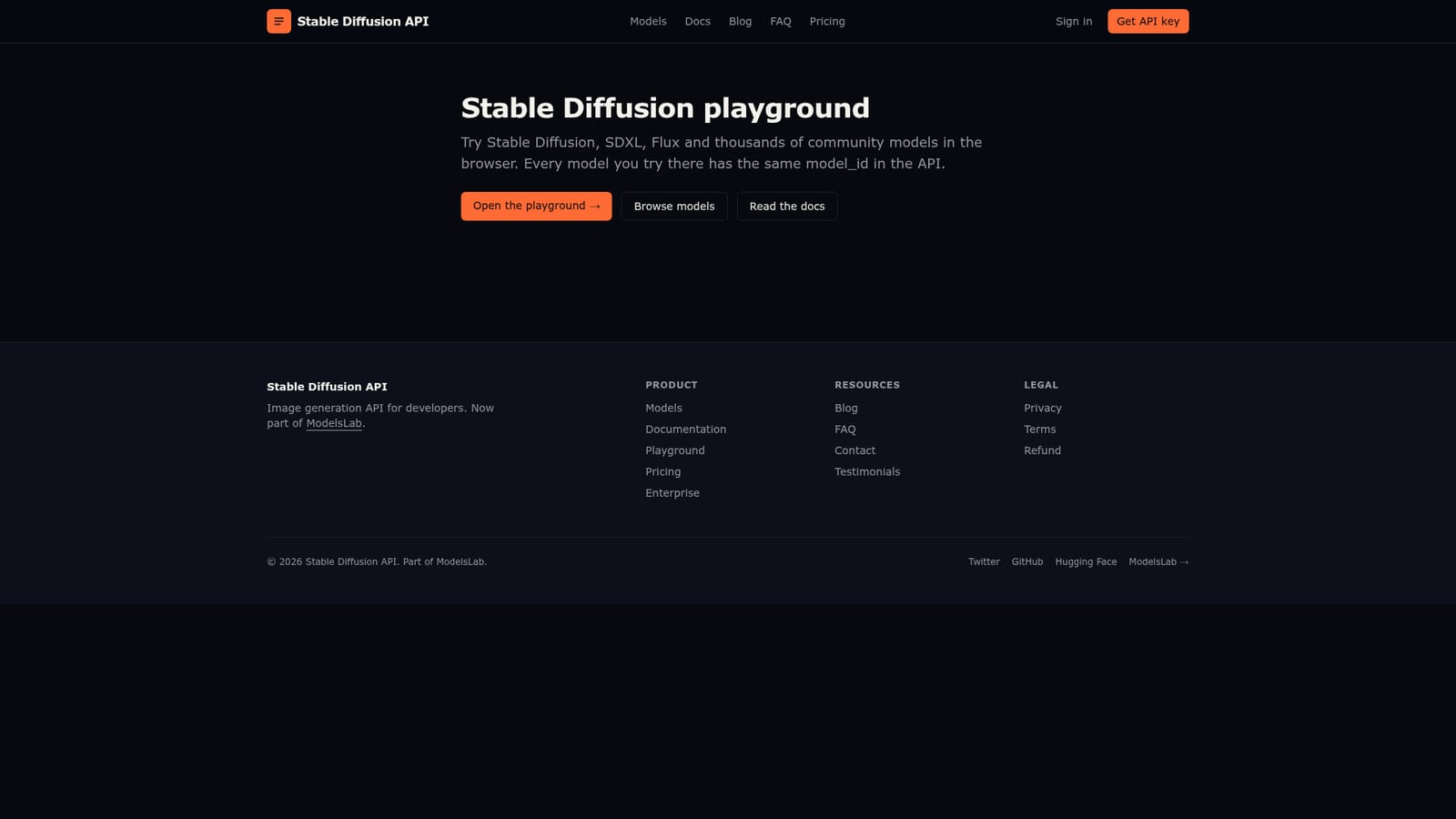
Test any model in the browser, then call the same one through the API.

Intermediate API
Screenshot of Stable Diffusion API, Test any model in the browser, then call the same one through the API

What is Stable Diffusion API?

Stable Diffusion API is a developer tool. A browser playground for Stable Diffusion, SDXL, Flux and a large community model catalogue, built so that the model_id you test is the same one you call through the API. Suited to developers evaluating checkpoints before integration.

Stable Diffusion API positions its playground as a try before you integrate surface. The browser lets you run Stable Diffusion, SDXL, Flux and a large catalogue of community models, and each model you test carries the same model_id when you move to the API. That shared identifier is the core idea: a model you validate visually in the playground is the exact model you invoke from your own application, so there is no second selection step or silent swap between demo and production. The tool is aimed at developers and technical teams who need image generation inside a product, plus designers who want to evaluate community checkpoints before committing to one. In practice you open the playground, pick a model from the catalogue, write a prompt and inspect the output in the browser. If the result fits, you note the model_id and follow the documentation to send the same request through the API. Browsing the model library first is the usual entry point, since the catalogue is large and the choice of checkpoint has more effect on output than almost any other setting. Where it fits: it is a hosted route to the open image model ecosystem rather than a prompt crafting studio. Competing services often bundle a polished interface and a fixed model roster; this one leans on breadth and on the consistency between the trial and the API call. Teams already running an inference provider should compare model availability and the ergonomics of the handoff, since that is what the product is selling. One caveat is structural. The playground itself is hosted on an external domain (modelslab.com), linked from the stablediffusionapi.com page, so the experience spans two sites. Treat the browser as an evaluation surface, not a full-fledged creative editor: the pitch is model access and API parity, and the documentation is the real source of truth for parameters and limits.

How do you use Stable Diffusion API?

  1. 1Open the playground
    Start from the Stable Diffusion API playground page and open the browser link to reach the interactive model tester.
    Stable Diffusion API — Open the playground
  2. 2Browse the model catalogue
    Use the models page to survey the available checkpoints and pick candidates worth testing.
    Stable Diffusion API — Browse the model catalogue
  3. 3Run a test prompt
    Select a model in the playground, enter a prompt and generate output to judge style, coherence and speed.
  4. 4Record the model_id
    Note the model_id shown for the model you liked; the same identifier is used when calling the API.
  5. 5Read the docs and call the API
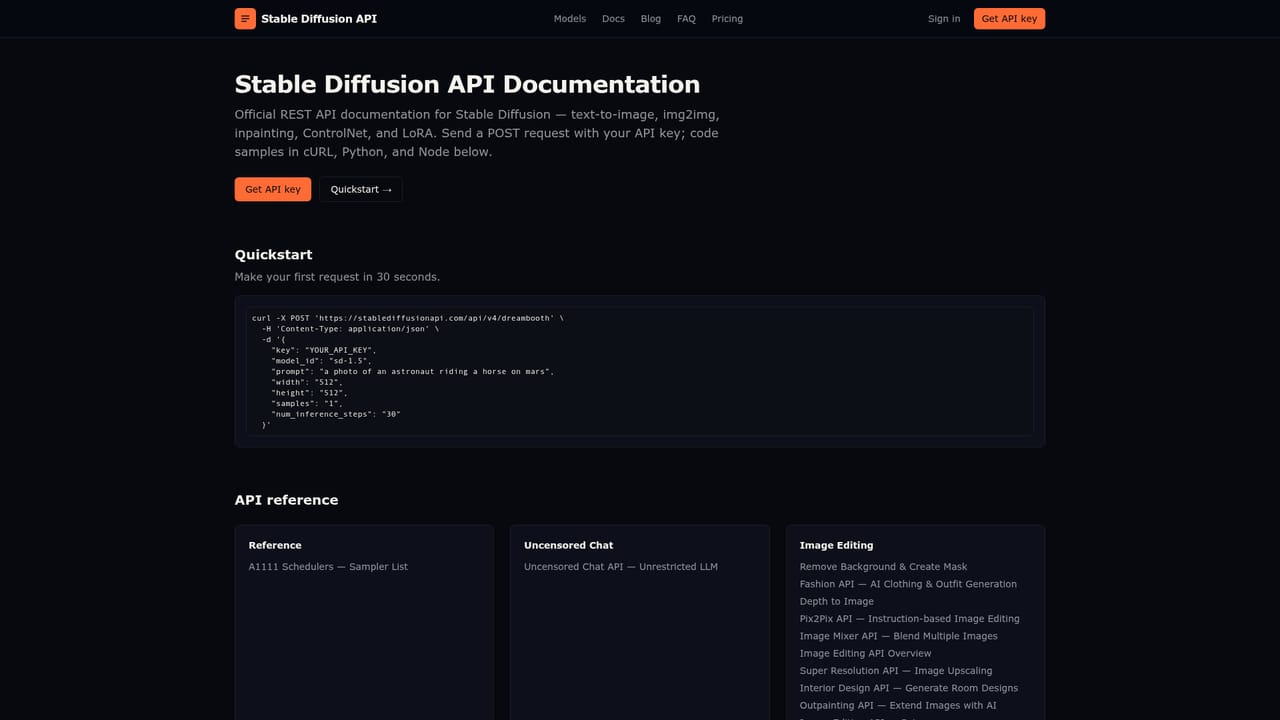
    Follow the documentation to send requests with that model_id from your own application.
    Stable Diffusion API — Read the docs and call the API

Pros and cons

Pros

  • Every model tested in the browser keeps the same model_id in the API, removing ambiguity between demo and production.AI
  • Covers Stable Diffusion, SDXL, Flux and thousands of community models in a single catalogue.AI
  • Documentation and a browsable model library are linked directly from the playground page.AI
  • Low friction for evaluation: no local GPU or setup needed to inspect outputs.AI

Cons

  • The playground opens on an external modelslab.com domain, so the workflow spans two separate sites.AI
  • The page gives no pricing or quota detail, so cost has to be checked elsewhere before committing.AI
  • Lacks the editing and layer tooling of a full creative suite; it is an evaluation surface, not a design app.AI
  • Model quality varies widely across community checkpoints, and the page offers no curation guidance.AI

How much does Stable Diffusion API cost?

Features

Browser playground for Stable Diffusion, SDXL, Flux and thousands of community models. Every tested model has the same model_id in the API, so evaluation maps directly to integration. A browsable model library and API documentation are linked from the playground page.

Frequently asked questions about Stable Diffusion API

  • Does Stable Diffusion API have an API?
    Yes, Stable Diffusion API offers an API.
  • How do you use Stable Diffusion API?
    The walkthrough on this page covers 5 steps: 1. Open the playground 2. Browse the model catalogue 3. Run a test prompt 4. Record the model_id 5. Read the docs and call the API.
  • What platforms does Stable Diffusion API support?
    Stable Diffusion API is available on Web App.
  • What are the limitations of Stable Diffusion API?
    The playground opens on an external modelslab.com domain, so the workflow spans two separate sites. The page gives no pricing or quota detail, so cost has to be checked elsewhere before committing. Lacks the editing and layer tooling of a full creative suite; it is an evaluation surface, not a design app.

Status

StatusActive
Views0
Outbound clicks0
Added10/21/2026

Platforms

Web App

Pricing

Freemium