StartKit

Node.js boilerplate for shipping an AI SaaS without rebuilding auth, billing and RAG.

Intermediate API
Screenshot of StartKit, Node.js boilerplate for shipping an AI SaaS without rebuilding auth, billing and RAG

What is StartKit?

StartKit is a one time purchase Node.js boilerplate for building AI SaaS products, bundling authentication, Stripe or Lemon Squeezy billing, rate limits, RAG over uploaded documents and multi-provider AI routes with fallbacks. It suits developers who want a working codebase and demo apps to extend rather than a no-code builder.

StartKit is a commercial code boilerplate for developers who want to launch an AI product without assembling the plumbing from scratch. The package is a Node.js and JavaScript codebase (backend plus React demos styled with Tailwind) that ships with authentication, subscription billing, transactional email and a working set of AI endpoints already wired together. It is aimed at solo builders and small teams who have a product idea and want to spend their hours on the differentiator rather than on sign-in flows and webhook handlers. Out of the box the kit includes magic link and license key sign-in, token based authentication, per-user API limits with usage monitoring, an admin dashboard, and checkout through Stripe or Lemon Squeezy with webhooks that update subscriptions. On the AI side it provides REST routes for the common modalities (chat, images, text, speech, translation, moderation), streaming responses, chat history and sharing, DALL-E image generation, vision input, and Pinecone backed embeddings for retrieval augmented generation over uploaded PDFs, docx and xls files. Model routing covers OpenAI, Anthropic, Groq and self-hosted Llama, with retries and fallbacks so a provider outage does not take the product down. The kit ships with demo applications, including a ChatGPT style chat client and a PDF chat tool, that double as reference implementations. Documentation covers setup plus guides such as building a ChatGPT clone, building a Telegram chatbot and deploying to DigitalOcean. Where it fits: it competes with general SaaS starters and AI focused boilerplates. Its edge is breadth of AI modules plus provider failover; its tradeoff is that the stack is opinionated JavaScript rather than a framework agnostic toolkit, and the license is a one time purchase with a defined update window rather than an ongoing subscription.

How do you use StartKit?

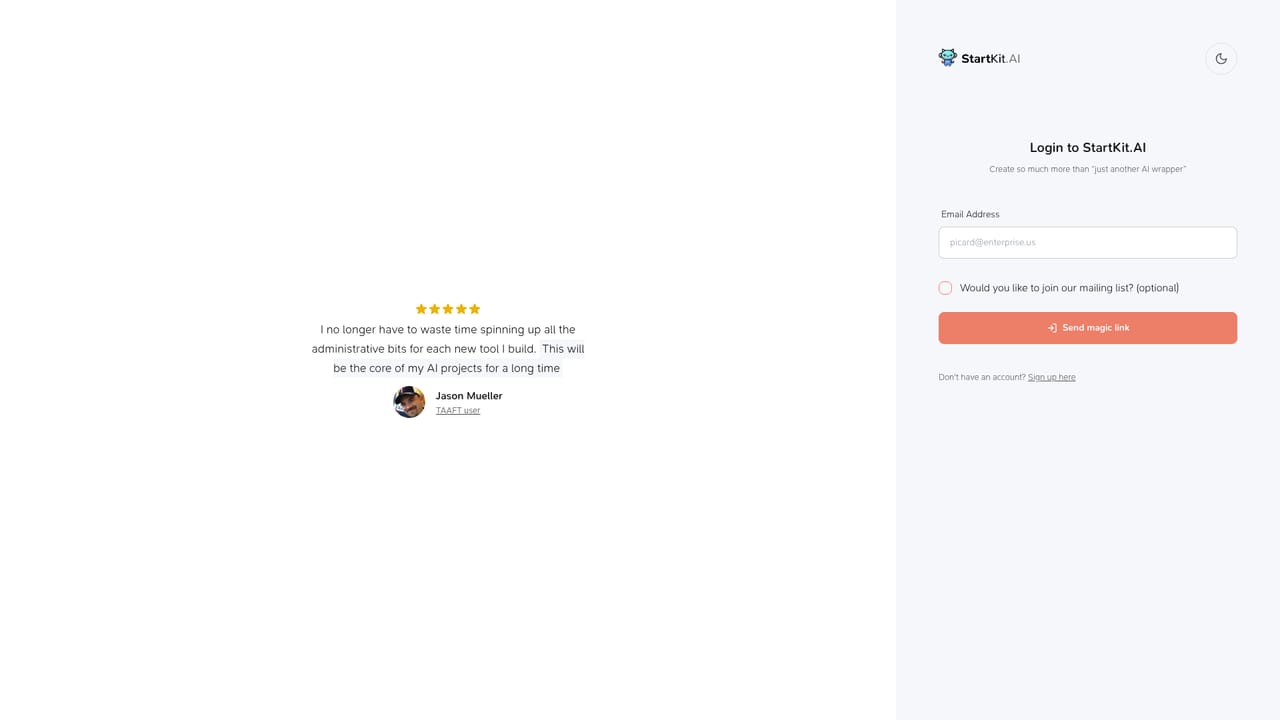
  1. 1Review the demo app before buying
    Open the hosted demo to see the chat, PDF chat and image features running on the boilerplate. Use it to judge whether the included modules match the product you have in mind.
    StartKit — Review the demo app before buying
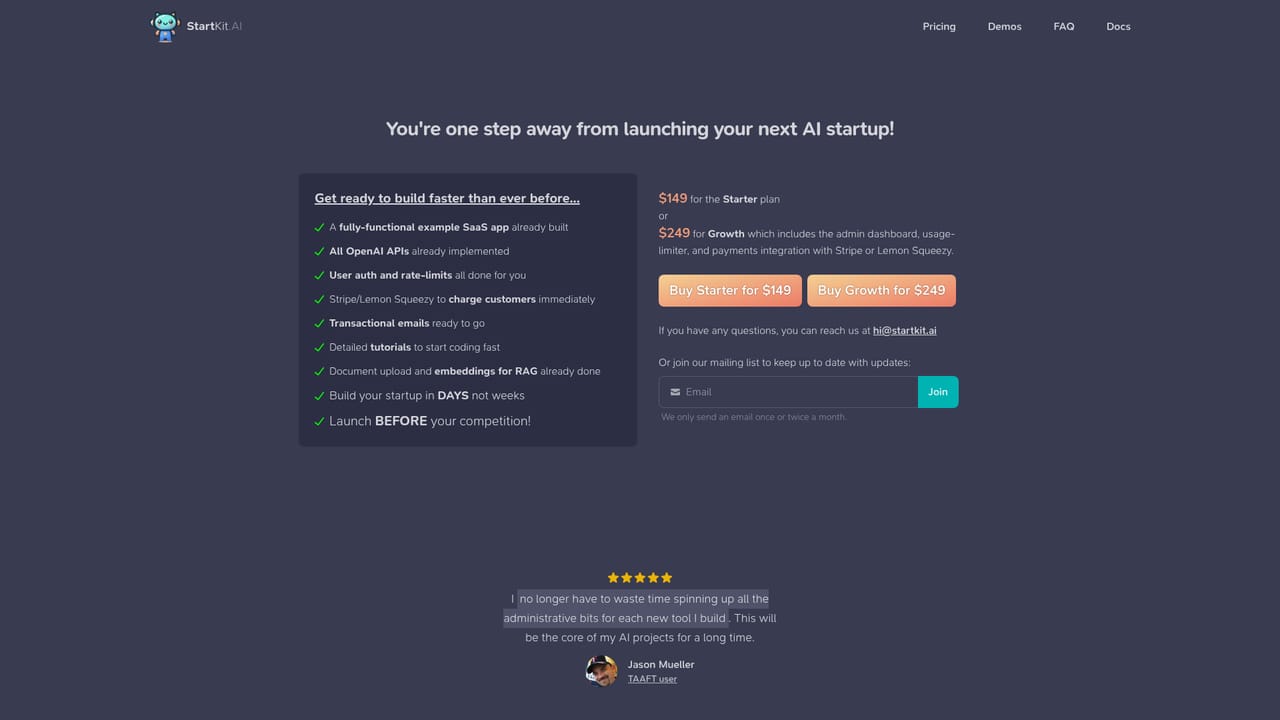
  2. 2Choose a plan and complete checkout
    Pick Starter or Growth, both one time payments with a perpetual fallback license and one year of updates. The Concierge tier is a separate engagement where the team builds to your spec.
    StartKit — Choose a plan and complete checkout
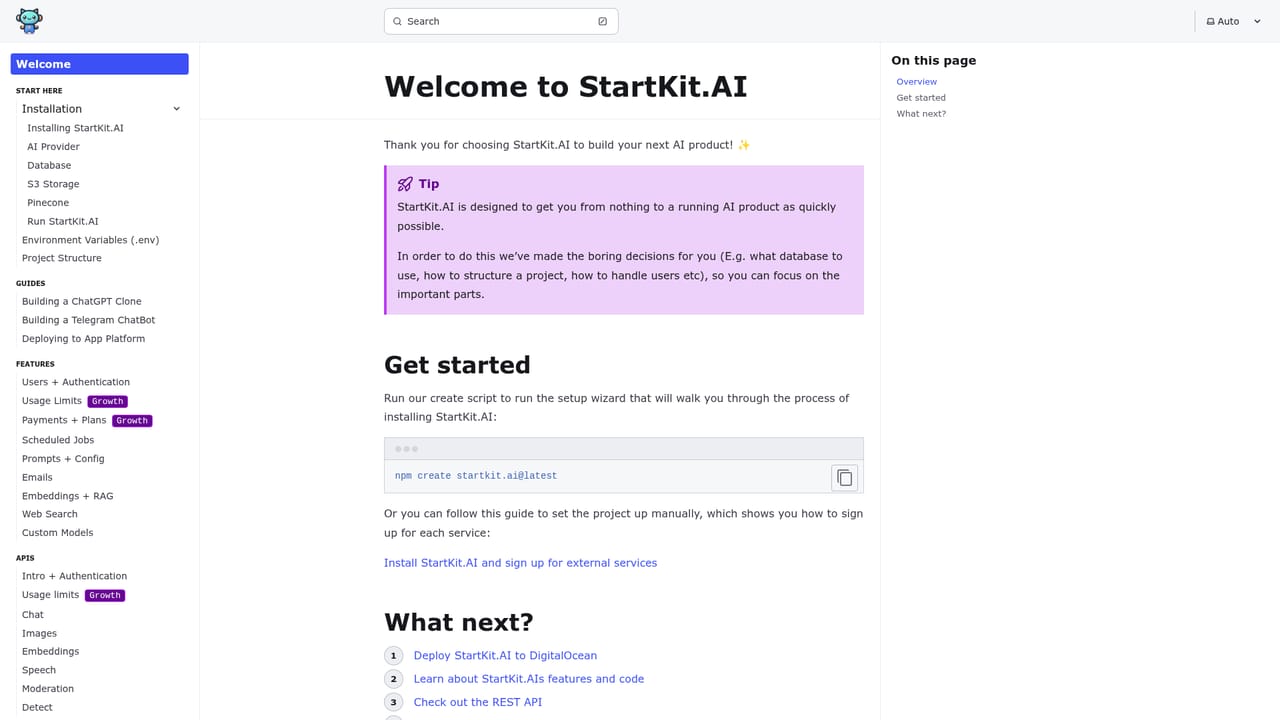
  3. 3Read the setup documentation
    Work through the docs to install dependencies, configure environment variables and connect your model provider keys. The guides cover the first deployment as well as individual modules.
    StartKit — Read the setup documentation
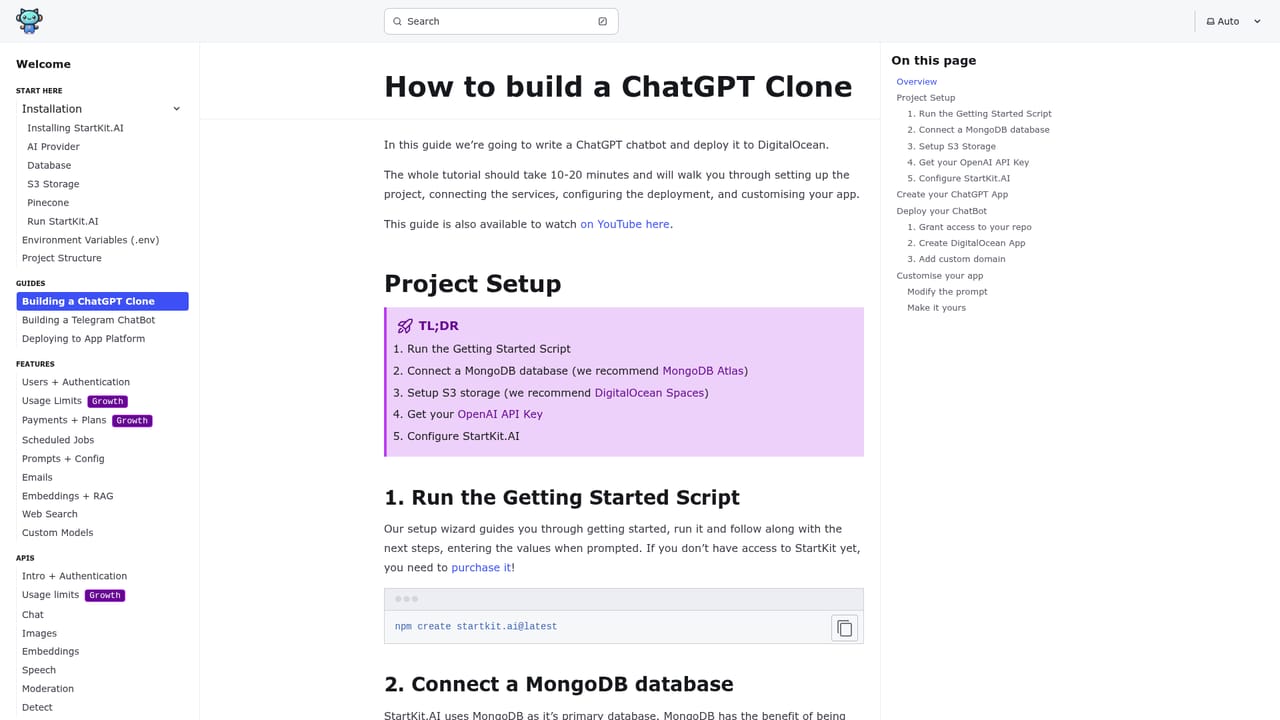
  4. 4Follow the ChatGPT clone guide
    The walkthrough shows how the chat endpoint, streaming and history are assembled, which is the fastest way to understand how the AI modules are structured before you modify them.
    StartKit — Follow the ChatGPT clone guide
  5. 5Wire up billing and start building
    Connect your Stripe or Lemon Squeezy account, set your plan prices and confirm that webhooks update subscriptions. From there you extend the existing REST routes or add new modules for your own features.

Pros and cons

Pros

  • Ships a full working stack: auth, billing webhooks, rate limits, admin dashboard and email, not just AI callsAI
  • Provider fallbacks across OpenAI, Anthropic, Groq and self-hosted Llama reduce downtime when one API failsAI
  • Pinecone backed RAG and document upload are pre-configured, which is usually the slowest part to buildAI
  • Demo apps and written guides (ChatGPT clone, Telegram bot, DigitalOcean deploy) give concrete starting pointsAI
  • One time payment with a perpetual fallback license usable across unlimited projectsAI

Cons

  • Codebase is Node and JavaScript only, so teams on Python, PHP or other stacks get little reuseAI
  • Updates are included for one year; continued updates beyond that are not covered by the listed priceAI
  • No free tier or trial is stated, so evaluating code quality means buying firstAI
  • Heavily oriented toward wrapping third party models; it does not help with training or hosting your own models beyond LlamaAI
  • Only 5 demo apps and a fairly small buyer base, so community answers may be thin compared with larger frameworksAI

How much does StartKit cost?

Pricing

One time payments: Starter at $149 and Growth at $249, both with a perpetual fallback license, unlimited projects, all source code and one year of updates. Concierge starts at $7995 for a custom build to your spec with up to three AI features. No subscription tier is listed.

Learn more

Support

Buyers get written documentation and guides, access to an insiders Telegram group and a GitHub discussion board where the founders take feedback and answer questions. The Concierge plan adds one on one support with the founders.

Learn more

Integrations

Connects to OpenAI, Anthropic, Groq and self-hosted Llama models, Pinecone for embeddings and RAG, Stripe or Lemon Squeezy for payments, and Resend for transactional email. Deployment guidance covers DigitalOcean.

Features

Pre-built REST routes for chat, images, text, speech, translation and moderation, with streaming, chat history and sharing, DALL-E and vision input. Includes magic link and license key auth, per-user API limits, an admin dashboard, Pinecone RAG over PDFs and office files, provider fallbacks across OpenAI, Anthropic, Groq and Llama, plus five demo apps.

Frequently asked questions about StartKit

  • How much does StartKit cost?
    One time payments: Starter at $149 and Growth at $249, both with a perpetual fallback license, unlimited projects, all source code and one year of updates. Concierge starts at $7995 for a custom build to your spec with up to three AI features. No subscription tier is listed.
  • Does StartKit have an API?
    Yes, StartKit offers an API.
  • How do you use StartKit?
    The walkthrough on this page covers 5 steps: 1. Review the demo app before buying 2. Choose a plan and complete checkout 3. Read the setup documentation 4. Follow the ChatGPT clone guide 5. Wire up billing and start building.
  • What platforms does StartKit support?
    StartKit is available on Web App.
  • What does StartKit integrate with?
    Connects to OpenAI, Anthropic, Groq and self-hosted Llama models, Pinecone for embeddings and RAG, Stripe or Lemon Squeezy for payments, and Resend for transactional email. Deployment guidance covers DigitalOcean.
  • What are the limitations of StartKit?
    Codebase is Node and JavaScript only, so teams on Python, PHP or other stacks get little reuse. Updates are included for one year; continued updates beyond that are not covered by the listed price. No free tier or trial is stated, so evaluating code quality means buying first.

Status

StatusActive
Views0
Outbound clicks0
Added10/21/2026

Platforms

Web App

Pricing

Paid