Pricing
Free tier covers photo conversion, stitch previews, DMC matching, PNG exports and five PDF exports per account. Credits are required only for AI image creation or editing.
Learn moreTurn photos into stitchable DMC cross stitch charts with printable PDFs.

StitchCraft is a PDF maker tool that turns photos into stitchable DMC cross stitch charts with printable PDFs. StitchCraft converts photos or AI sketches into cross stitch charts with real DMC floss colors, adjustable grids and printable PDFs.
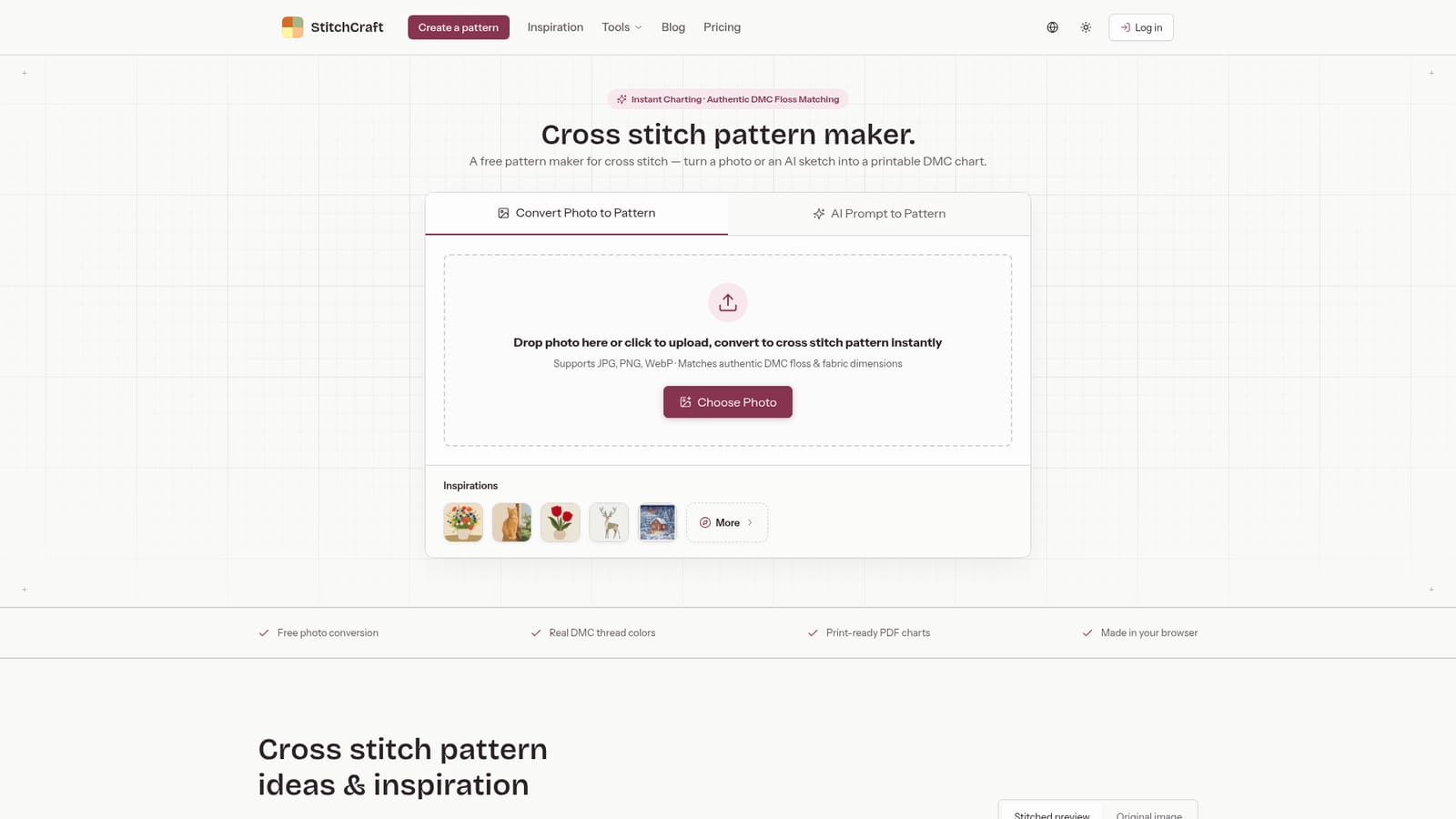
StitchCraft is a browser based cross stitch pattern maker that converts photographs or AI generated sketches into stitchable charts keyed to authentic DMC floss colors. The core idea is straightforward: drop in a JPG, PNG or WebP file, and the tool maps every pixel to a thread color, builds a stitch grid, and produces a preview that looks like the finished fabric. A second path lets you describe an idea in a prompt (or supply a reference image) and generate a fresh design, which is then routed into the same pattern studio. Both routes end in a chart you can actually stitch. The studio is where most of the practical work happens. You can adjust the stitch grid, pick a fabric count to see Aida dimensions and finished size, and trim the color palette down when you want a simpler project with fewer thread changes. The output options are the part that matters for real stitchers: export a printable PDF with a symbol chart and a DMC floss legend, or save a PNG. Patterns are kept in the browser, so a project can be revisited later on the same device. It is aimed at hobbyist cross stitchers who want a custom chart without learning dedicated charting software, and at crafters who already have an image in mind (a pet, a portrait, a small motif) rather than a ready made kit. The free tier is generous enough to test the whole workflow: photo conversion, stitch previews, DMC matching, PNG export and five PDF exports per account cost nothing. Credits are only needed for AI image creation or editing. Experienced pattern designers may find the grid controls lighter than specialist tools, and the converter fills the entire grid including the background, so busy photos need editing or pre simplification. StitchCraft fits best as a fast, low friction converter rather than a full pattern design suite.
Free tier covers photo conversion, stitch previews, DMC matching, PNG exports and five PDF exports per account. Credits are required only for AI image creation or editing.
Learn morePhoto to pattern conversion, AI prompt to pattern generation, DMC floss matching with thread codes, adjustable stitch grids, Aida fabric count and finished size calculations, stitched previews, PDF symbol charts with DMC legend, and PNG export.
 AI Angels400+ customizable AI girlfriends for NSFW chat, voice calls, and roleplay
 Candy AIExperience the future of companionship with AI friends who chat, role-play, and connect with you on a human level.
 ourdream.aiA vast AI roleplay platform with millions of characters for chat, images, video and voiceAI Angels400+ customizable AI girlfriends for NSFW chat, voice calls, and roleplayCandy AIExperience the future of companionship with AI friends who chat, role-play, and connect with you on a human level.ourdream.aiA vast AI roleplay platform with millions of characters for chat, images, video and voice


