Support
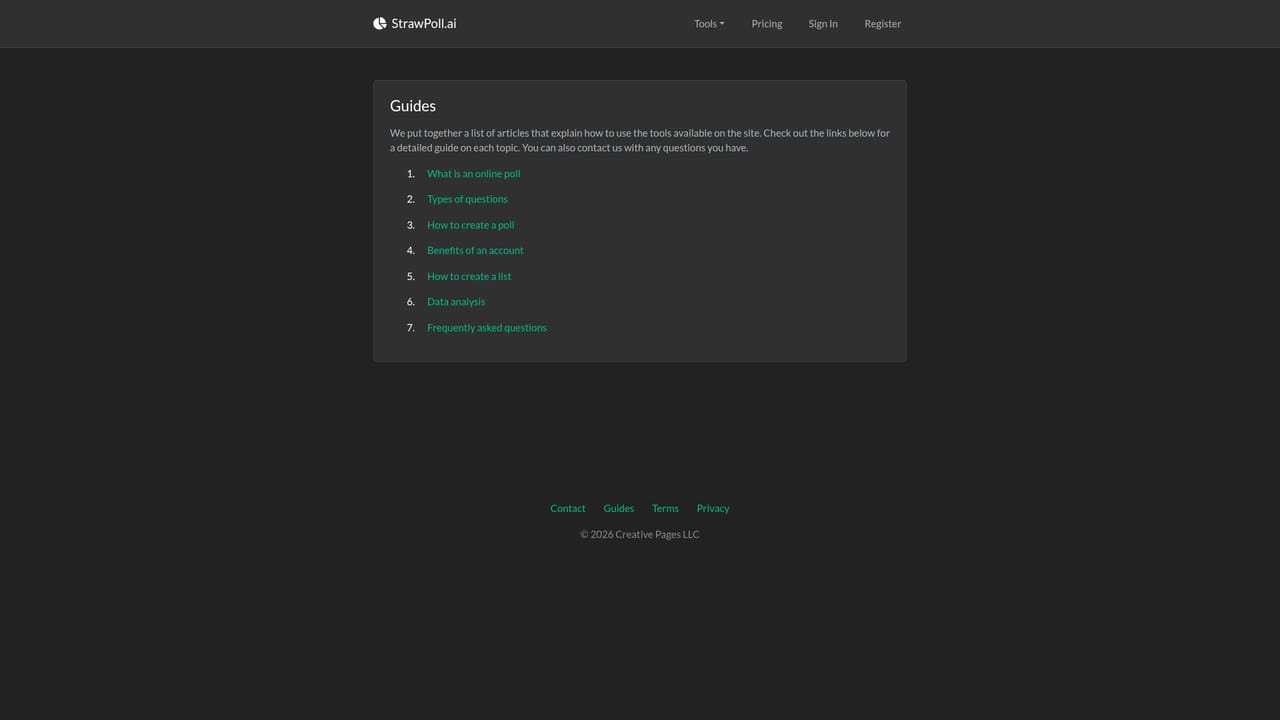
Support is handled through a guides section of how to articles and a contact page for direct questions. No live chat, phone line, or community forum is mentioned on the homepage.
Learn morePoll your audience, then model the results with built in AI.

StrawPoll is a pattern recognition tool. StrawPoll.ai combines a poll maker, a chart maker, and a machine learning tool so you can collect audience responses and then visualise or model the data, all in one place.
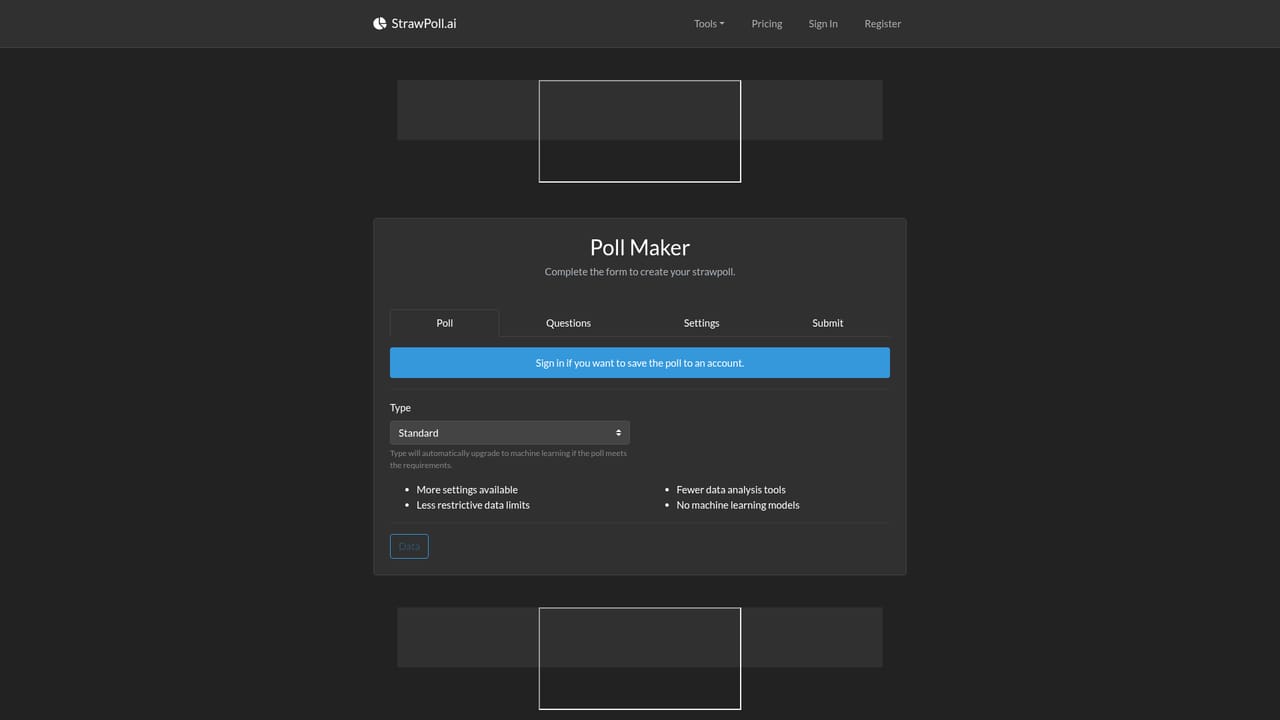
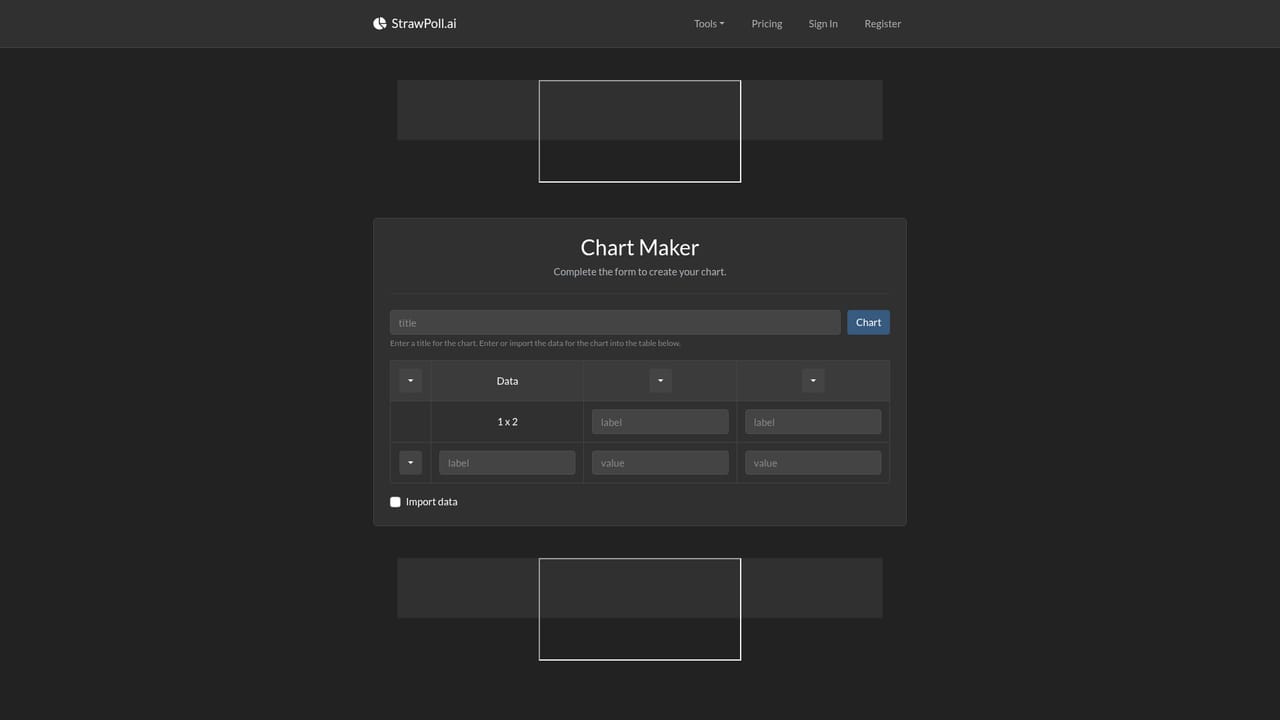
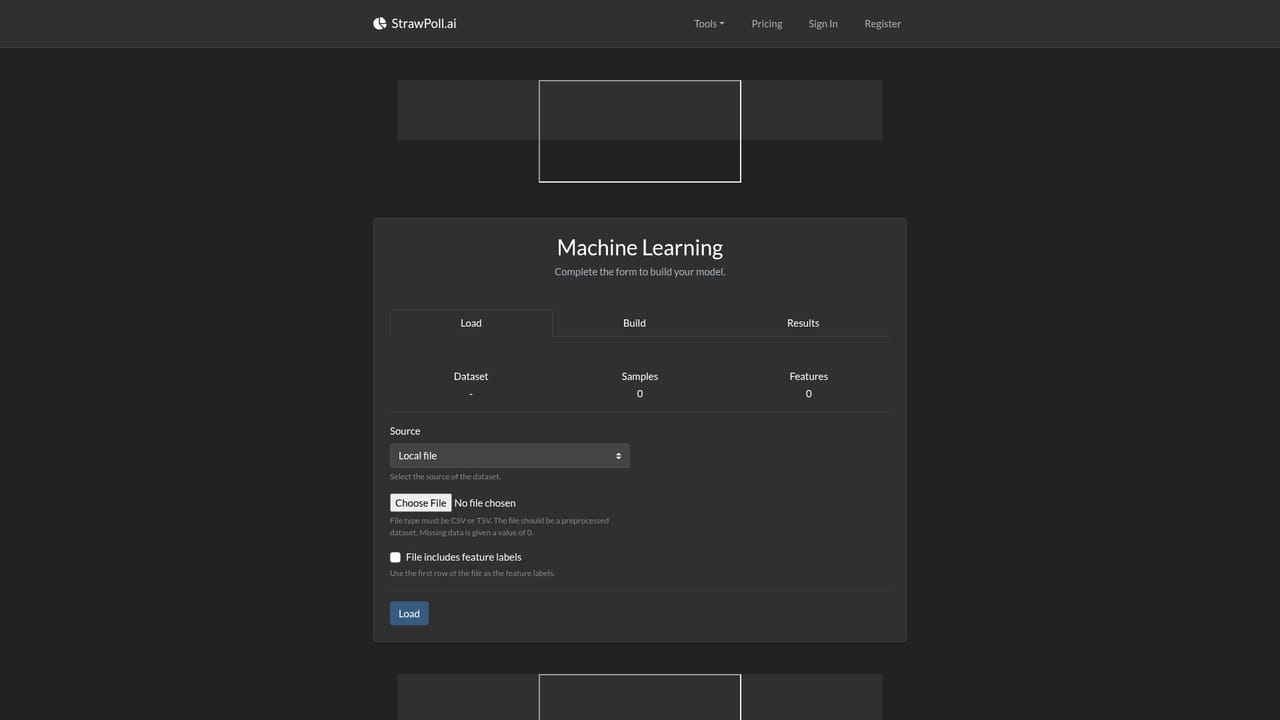
StrawPoll.ai is a compact toolkit for the full arc of audience research: asking a question, gathering replies, and then making sense of what came back. The site bundles three connected utilities. A poll maker handles the asking, a chart maker turns numbers into visuals, and a machine learning section builds predictive models from the same dataset. Rather than forcing users to export results into a separate analytics product, the workflow stays on one domain. The tool is aimed at people who run lightweight surveys and want more than a bar chart at the end. That includes community managers testing sentiment, small research teams exploring a hypothesis, and students learning how predictive modelling works on data they collected themselves. Anyone who already owns a dataset can skip the polling stage entirely and bring their file straight into the chart or machine learning tools. In practice the sequence is straightforward. Create a poll, share its link, wait for responses, then either visualise the counts or train a model to look for patterns that simple summaries hide. The machine learning component is framed as pattern finding and prediction rather than as a coding environment, which keeps the barrier low for non technical users. Where does it fit? It sits closer to a teaching and exploration tool than to an enterprise survey platform. There is no mention of advanced sampling controls, weighting, or panel management, and the machine learning side reads as an introduction to predictive modelling rather than a production data science stack. For quick polls and first experiments with models, that restraint is the point. Documentation lives in a guides section of articles explaining how each part of the site works, and a contact page covers questions the guides do not answer. The overall package is best understood as a beginner friendly bridge between collecting opinions and starting to work with them analytically.
Support is handled through a guides section of how to articles and a contact page for direct questions. No live chat, phone line, or community forum is mentioned on the homepage.
Learn moreA poll maker for creating and sharing questions, a chart maker for visualising response data or your own datasets, and a machine learning tool for finding patterns and building predictive models. A guides section documents each tool.
 AI Angels400+ customizable AI girlfriends for NSFW chat, voice calls, and roleplay
 Candy AIExperience the future of companionship with AI friends who chat, role-play, and connect with you on a human level.
 ourdream.aiA vast AI roleplay platform with millions of characters for chat, images, video and voiceAI Angels400+ customizable AI girlfriends for NSFW chat, voice calls, and roleplayCandy AIExperience the future of companionship with AI friends who chat, role-play, and connect with you on a human level.ourdream.aiA vast AI roleplay platform with millions of characters for chat, images, video and voice


