Free trial
A free starting point is advertised (Get Started Free and Try Studygenie free), but no trial length or free tier limits are stated on the homepage.
Learn moreTurn lecture slides and textbooks into quizzes, flashcards and audio in seconds

Studygenie is an AI task generator tool that turns lecture slides and textbooks into quizzes, flashcards and audio in seconds. Studygenie converts uploaded notes, slides and textbook chapters into AI-generated quizzes, spaced repetition flashcards, full practice tests, an AI tutor, lecture notes and audio podcasts.
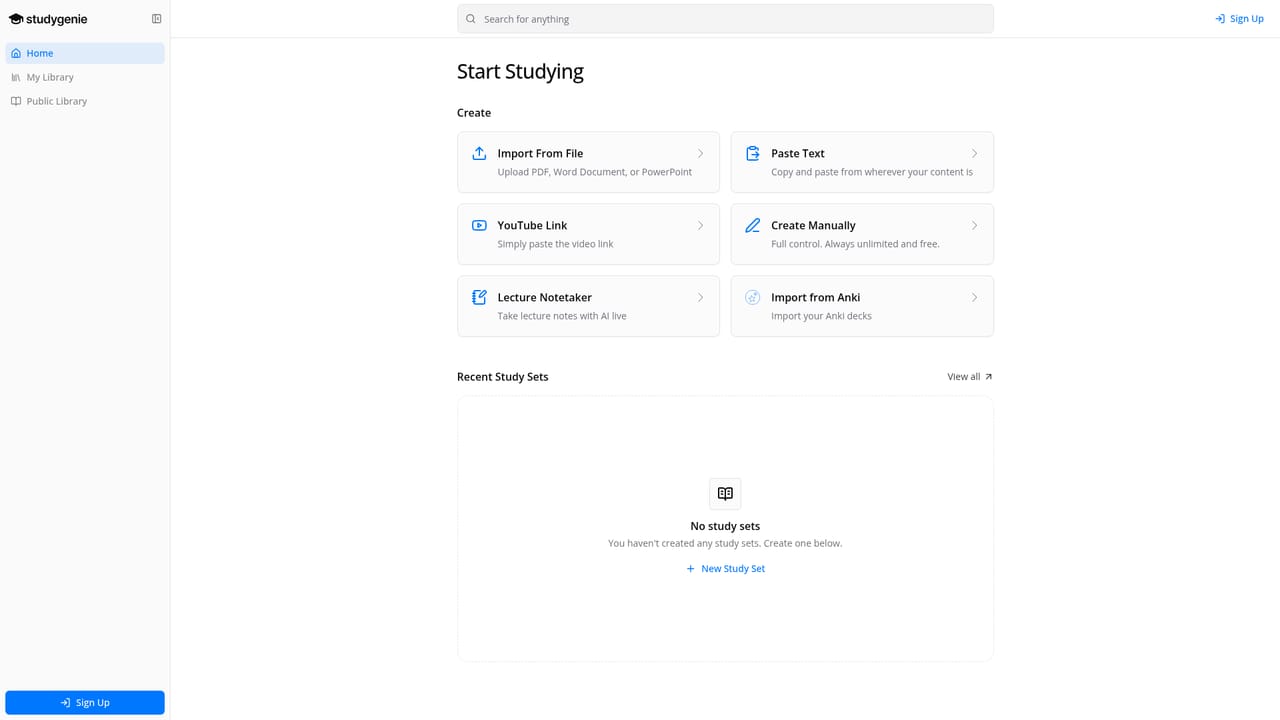
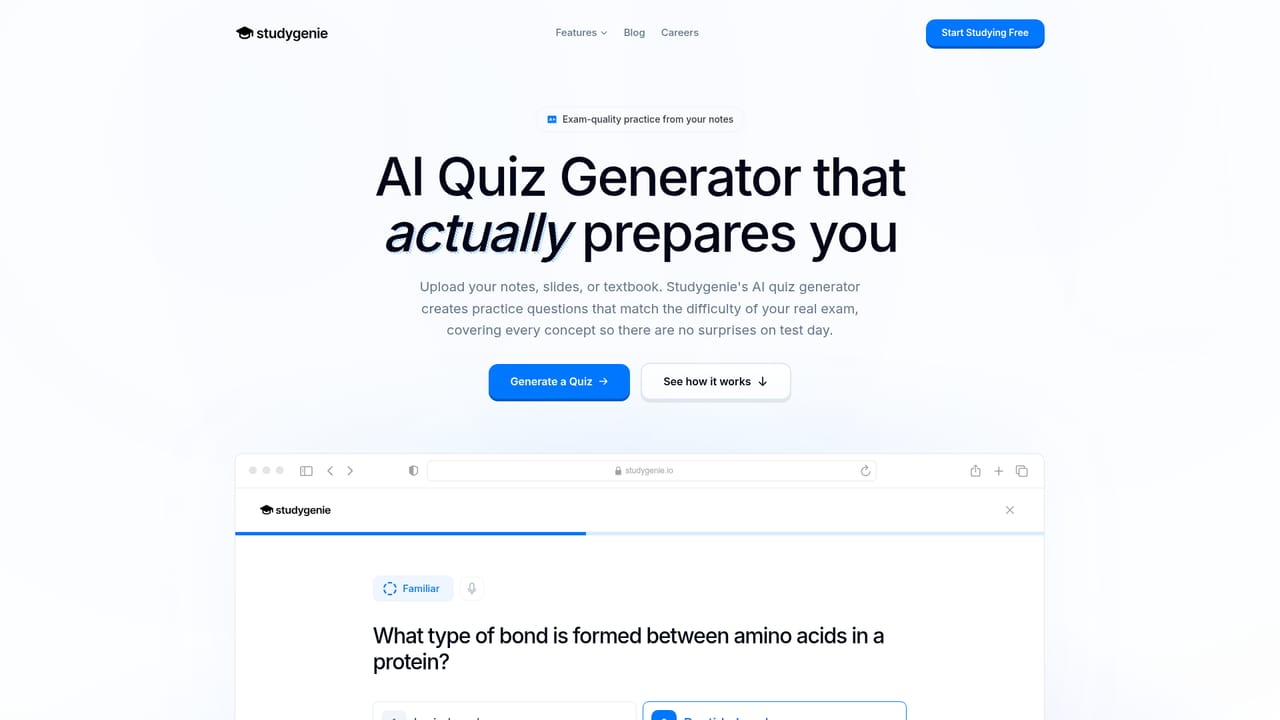
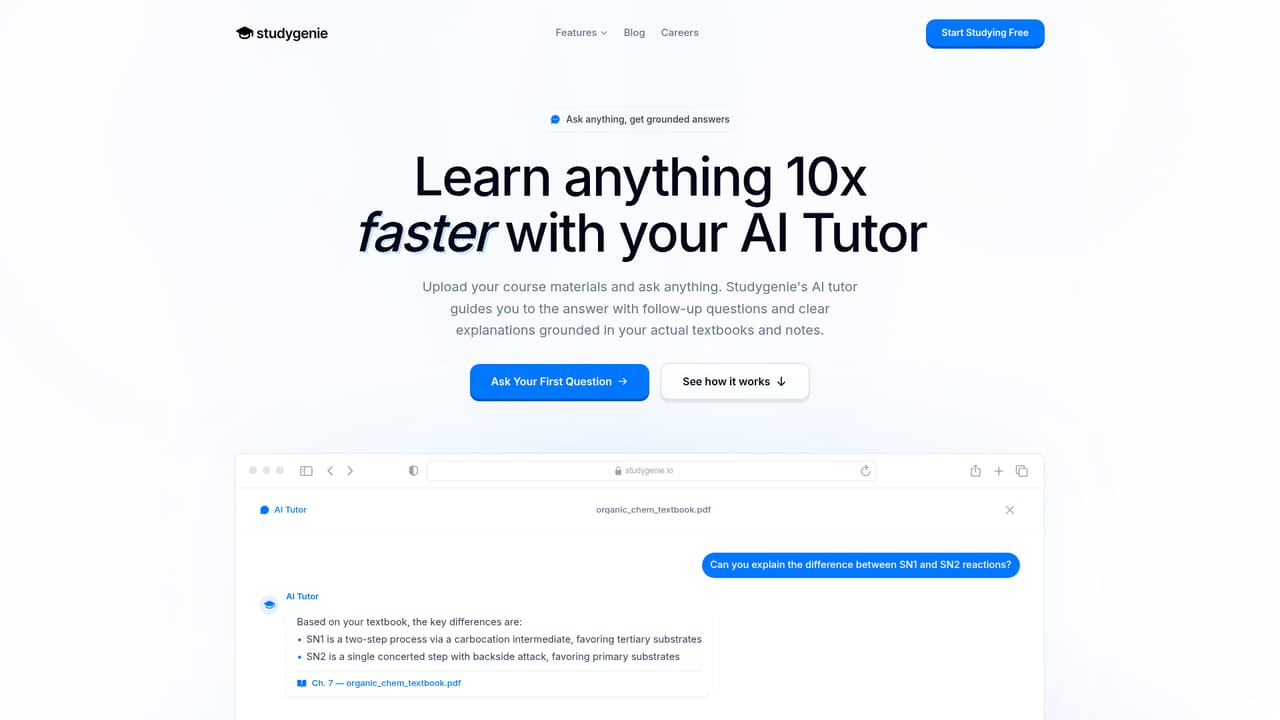
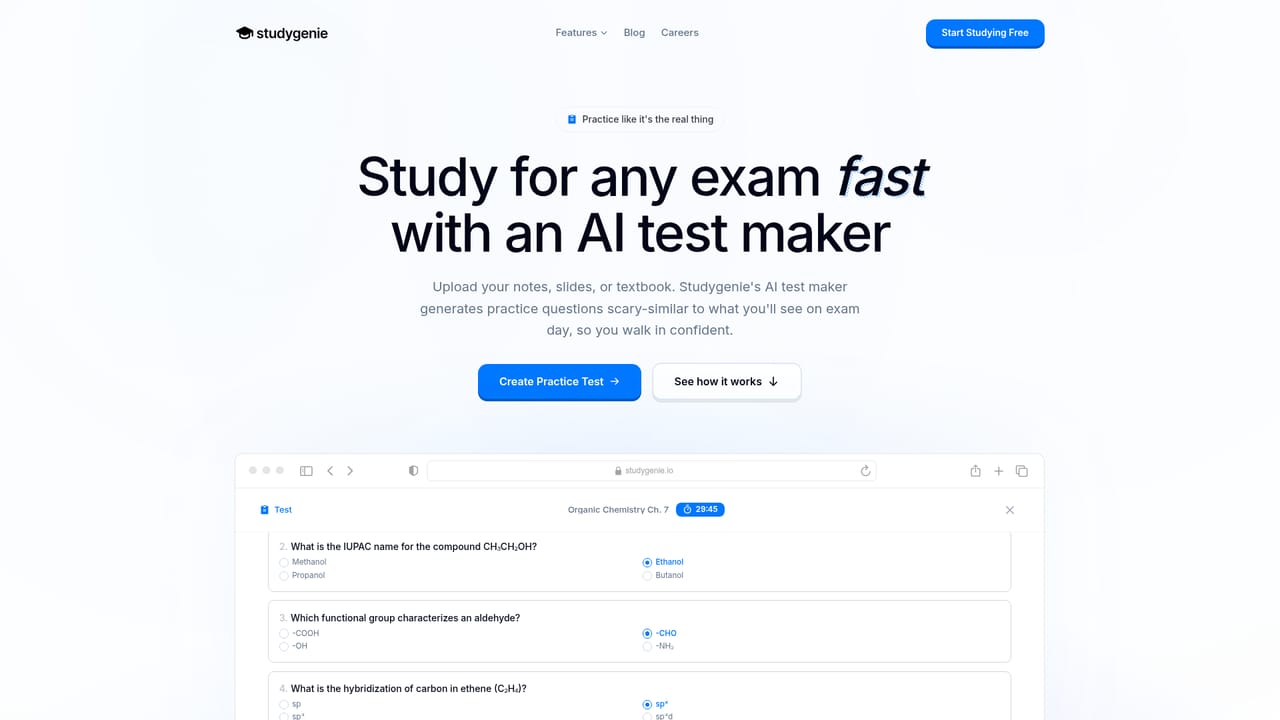
Studygenie is an AI study platform that converts course materials into practice tools. Students upload lecture slides, textbook PDFs or their own notes, and the system reads the content, pulls out key concepts and terms, then builds a set of study assets from that exact source. The output is not a generic question bank: the material comes from the file that was uploaded, so a chapter on cellular respiration produces questions about cellular respiration. The product is organized around six tools. The AI Quiz Generator produces exam-style multiple choice questions, with the company claiming question counts adapt to how much content a document contains rather than a fixed number per file. The AI Flashcard Maker builds spaced repetition decks. The AI Test Maker assembles full-length practice tests meant to mirror real exam formats. An AI Tutor answers questions grounded in the uploaded files, so responses stay tied to course material. The AI Lecture Note Taker captures notes during a lecture and fills gaps afterward, and the AI Podcast Generator turns notes into audio for commuting or passive review. Textbook support includes chapter selection for targeted study. This is aimed squarely at university and professional exam candidates: undergraduates, nursing and pre-med students, law students preparing for the bar, and anyone juggling several exams at once. The workflow is deliberately short. Upload a file, let the analysis run, then practice. Everything happens in the browser at app.studygenie.io, and the company positions itself against generic AI question generators that it says produce shallow recall prompts. Studygenie advertises 60,000+ student users and highlights use at Stanford, MIT, Berkeley, Princeton and other universities, with an explicit ethical AI and academic integrity stance. The free tier makes it easy to test question quality before committing, which matters most in this crowded category.
A free starting point is advertised (Get Started Free and Try Studygenie free), but no trial length or free tier limits are stated on the homepage.
Learn moreSix AI tools built from uploaded course material: a quiz generator with adaptive question counts, a spaced repetition flashcard maker, an AI tutor grounded in your files, a lecture note taker that fills gaps after class, a podcast generator for audio review, and a full-length test maker. Textbook support includes chapter selection, and uploads accept slides, PDFs and notes in any format.
Learn more AI Angels400+ customizable AI girlfriends for NSFW chat, voice calls, and roleplay
 Candy AIExperience the future of companionship with AI friends who chat, role-play, and connect with you on a human level.
 ourdream.aiA vast AI roleplay platform with millions of characters for chat, images, video and voiceAI Angels400+ customizable AI girlfriends for NSFW chat, voice calls, and roleplayCandy AIExperience the future of companionship with AI friends who chat, role-play, and connect with you on a human level.ourdream.aiA vast AI roleplay platform with millions of characters for chat, images, video and voice


