Free trial
A free account is available without a credit card and includes AI learning kits, flashcards, daily challenges and study goals. Paid plans unlock higher usage limits. No separate time limited trial is mentioned.
Learn moreGamified study workspace with AI kits, spaced flashcards and duels

StudySync is an AI task generator tool. A gamified study platform that turns any topic into an AI generated lesson kit with notes, slides, an eight question quiz and a practical task, then reinforces it with SM-2 flashcards, daily challenges, streaks, XP, leaderboards and study duels.
StudySync is a browser based study workspace that wraps active recall practice inside a game layer. It is built for students at school and university level who want structure and momentum rather than another document editor, and it leans on streaks, experience points and friendly competition to keep sessions happening daily. The product positions itself as a collaborative productivity tool for learners, but the actual workflow is closer to a study coach: you pick a topic, the system produces material, you test yourself, and the platform tracks whether you came back. The core of the experience is the AI Learning Kit. Enter a subject such as Biology, Python or History and the tool generates a micro lesson containing a Feynman style explanation, smart notes, six slides, an eight question quiz and a practical task. A separate AI tutor chat answers follow up questions using the Socratic method, guiding toward an answer rather than handing it over. Flashcards run on the SM-2 spaced repetition algorithm, where each card is rated Forgot, Hard, Good or Easy and the next review is scheduled accordingly. A focus timer grows virtual trees in a forest, and losing focus loses the tree. The habit mechanics are the differentiator. Daily challenges pull five questions from weaker areas, sessions award XP, and a 21 day streak is framed as top ten percent territory. Leaderboards, one on one study duels and squads turn revision into a social activity, and study goals with deadlines track focused hours per subject. StudySync fits alongside flashcard apps such as Anki and all in one study planners, occupying a middle ground: more automation than a manual flashcard deck, more structure and accountability than a generic chatbot. A free tier exists without a card, and paid plans add usage limits and storage. The site claims 12,400 active students, 47 countries and 96 percent reporting better grades, figures that come from the vendor and are not independently verified.
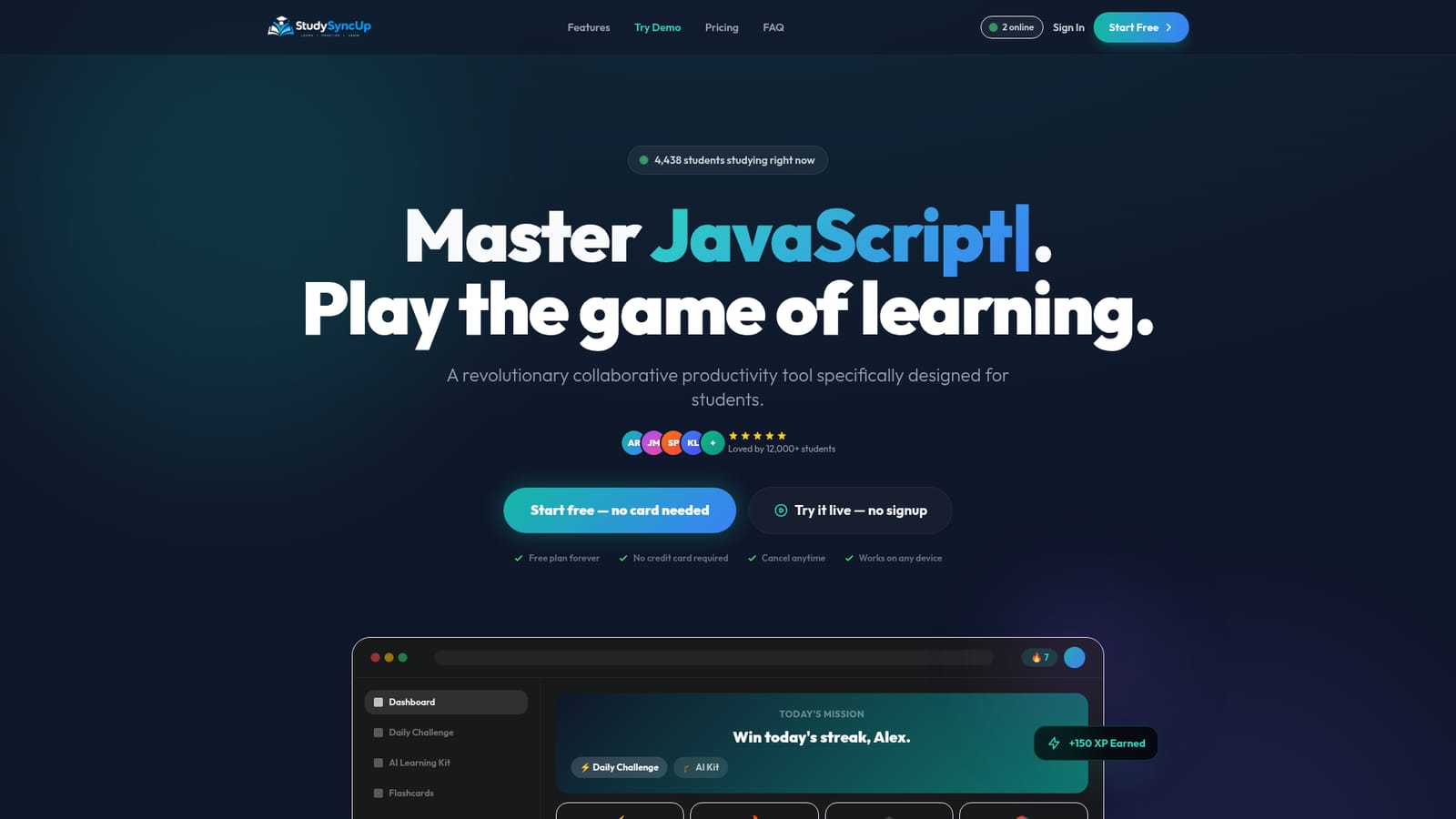
A free account is available without a credit card and includes AI learning kits, flashcards, daily challenges and study goals. Paid plans unlock higher usage limits. No separate time limited trial is mentioned.
Learn moreThree paid tiers are listed: Basic at $4.99 per month for one user with 1GB storage, Standard at $9.99 per month for two users with 5GB, and Premium at $19.99 per month for unlimited users with 10GB. Each includes document and spreadsheet sharing, an image editor, calendar and address book. A free plan is also advertised with no card required.
Learn moreSupport is split by plan: Basic includes basic support, Standard includes standard support and Premium includes premium support. No response times or channels are published on the homepage.
AI Learning Kits generate a micro lesson, Feynman explanation, smart notes, six slides, an eight question quiz and a practical task for any topic. A Socratic AI tutor chat handles follow up questions, SM-2 flashcards schedule reviews, and daily challenges target weak areas. Study goals, a Focus Forest timer, XP, streaks, a study calendar, leaderboards, squads and one on one duels complete the workspace.
 AI Angels400+ customizable AI girlfriends for NSFW chat, voice calls, and roleplay
 Candy AIExperience the future of companionship with AI friends who chat, role-play, and connect with you on a human level.
 ourdream.aiA vast AI roleplay platform with millions of characters for chat, images, video and voiceAI Angels400+ customizable AI girlfriends for NSFW chat, voice calls, and roleplayCandy AIExperience the future of companionship with AI friends who chat, role-play, and connect with you on a human level.ourdream.aiA vast AI roleplay platform with millions of characters for chat, images, video and voice


