Free trial
Free tier needs no signup: all styles, up to 10-minute videos, 720p export with a small watermark, and 60 minutes of subtitle time per month with a free account.
Learn moreBrowser-based AI subtitles with flagged uncertain words and 33 styles
Own SubtitleGenerator? Verify ownership to get a dofollow link

SubtitleGenerator is a free-to-start web tool that transcribes video into editable subtitles, flags low-confidence words for quick fixes, offers 33 caption styles, and exports burned-in video or eight subtitle formats from the browser.
SubtitleGenerator is a browser-based tool that turns speech in a video into timed, editable subtitles. A user drops in an MP4, MOV, WebM or MKV file, the AI transcribes the spoken language with word-level timing, and the editor then marks every word the model was unsure about. The pitch is less about raw transcription and more about the cleanup stage: instead of rewatching a whole clip, the user jumps to the handful of flagged cues, keeps, retypes or re-transcribes each one, and moves on. The workflow runs on a single page. After transcription, the editor offers a waveform timeline where clicking a block moves the playhead, caption list and preview together, block edges can be dragged to retime, and an Add cue button appears in silent gaps. Styling comes from a catalog of 33 caption styles grouped into six families (clean, creator, karaoke, cinematic, pop and branded), each paired with a font from an open-licence pool and tuned for uses such as Shorts, podcasts, lyrics or documentary work. Multi-speaker videos can receive automatic speaker labels, and paid plans add subtitle translation. Privacy is handled by design: the source video stays on the device, only the extracted audio is sent for transcription and then deleted, and the burned-in export renders locally in the browser with a visible progress readout. Output options include a captioned video or eight subtitle formats (SRT, VTT, ASS, SSA, SBV, SMI, TXT and JSON) intended for Premiere Pro and DaVinci Resolve. The audience is podcasters, YouTube and short-form creators, editors, educators and agencies. The free tier needs no signup and unlocks all styles, with 720p output, a small watermark, a 10-minute clip limit and a monthly allowance of subtitle time. Pro and Max raise file size, duration and minutes, remove the watermark and add features such as high-accuracy transcription and saved brand styles. Compared with full video editors that bundle captions, or transcript-only services, it occupies a narrow lane: fast correction plus stylized burn-in without installing anything.
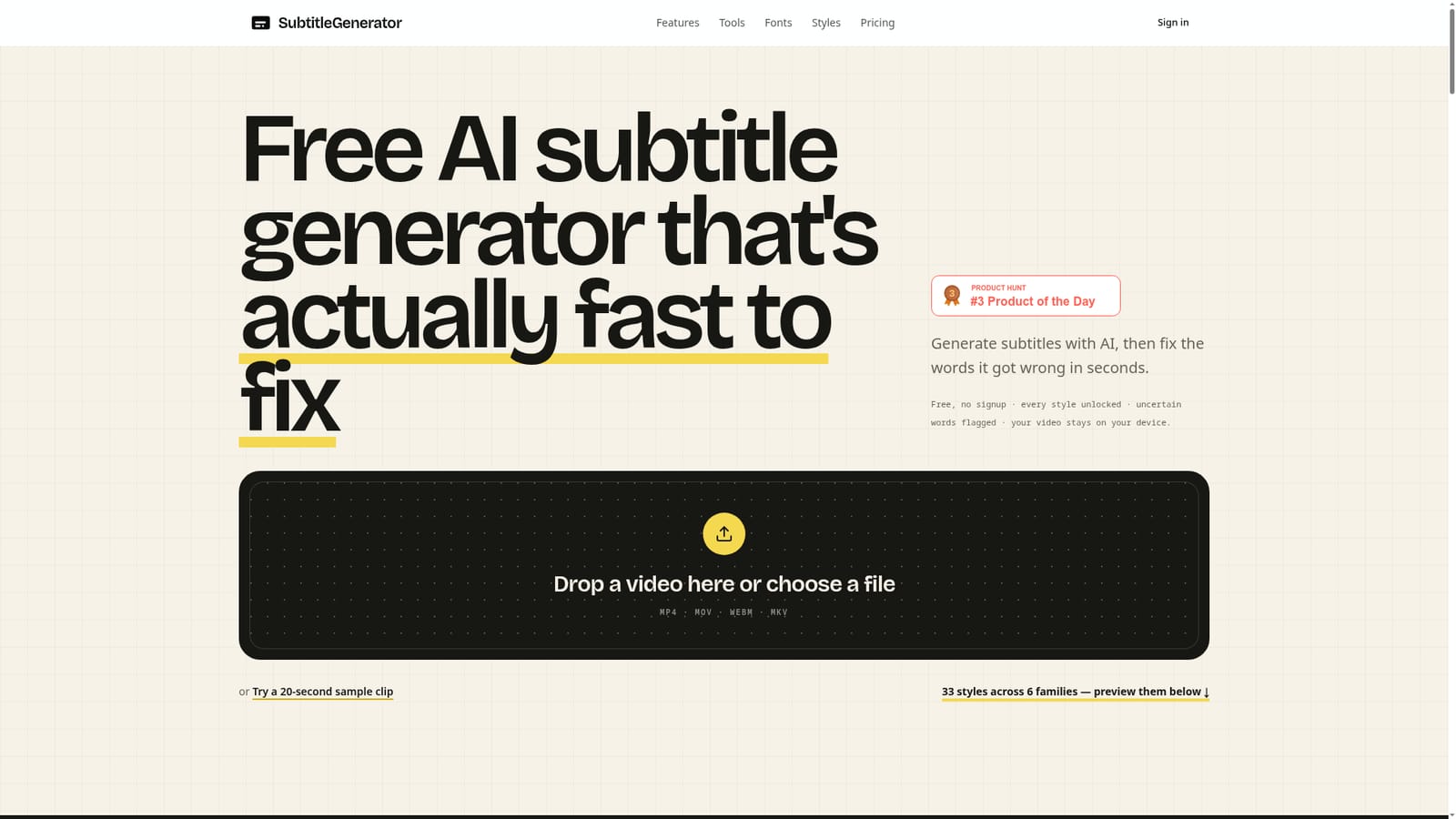
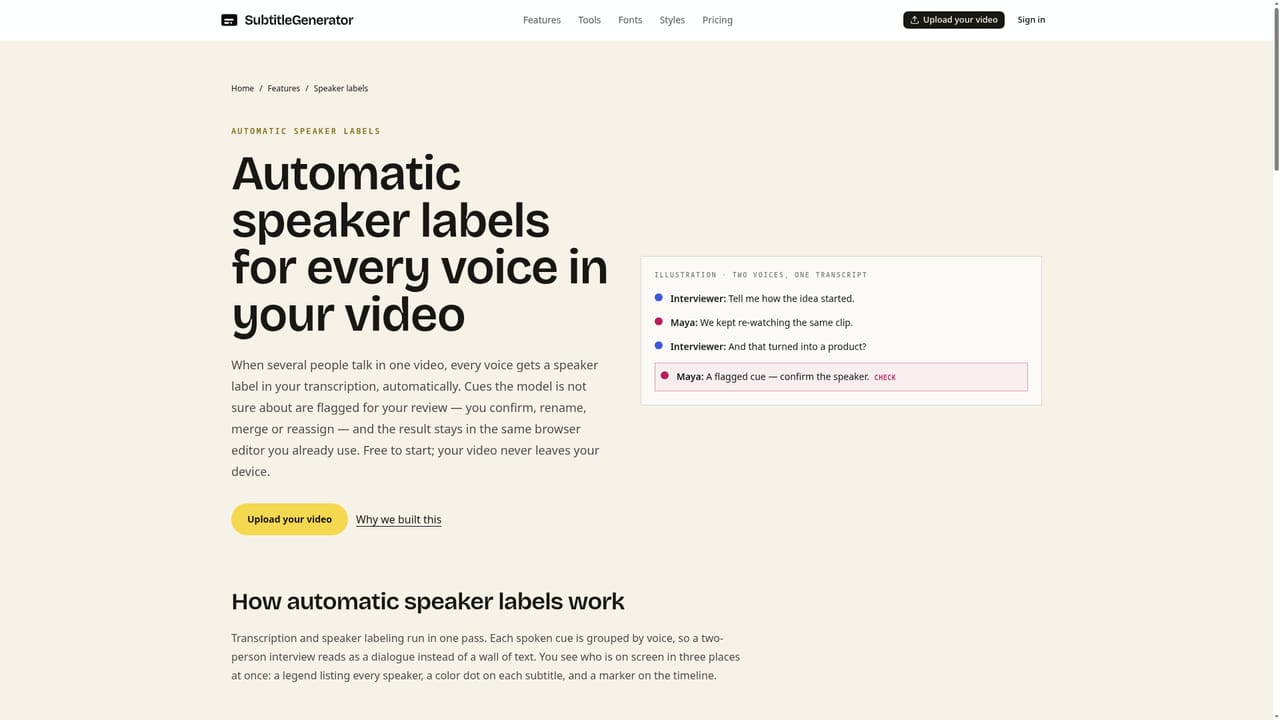
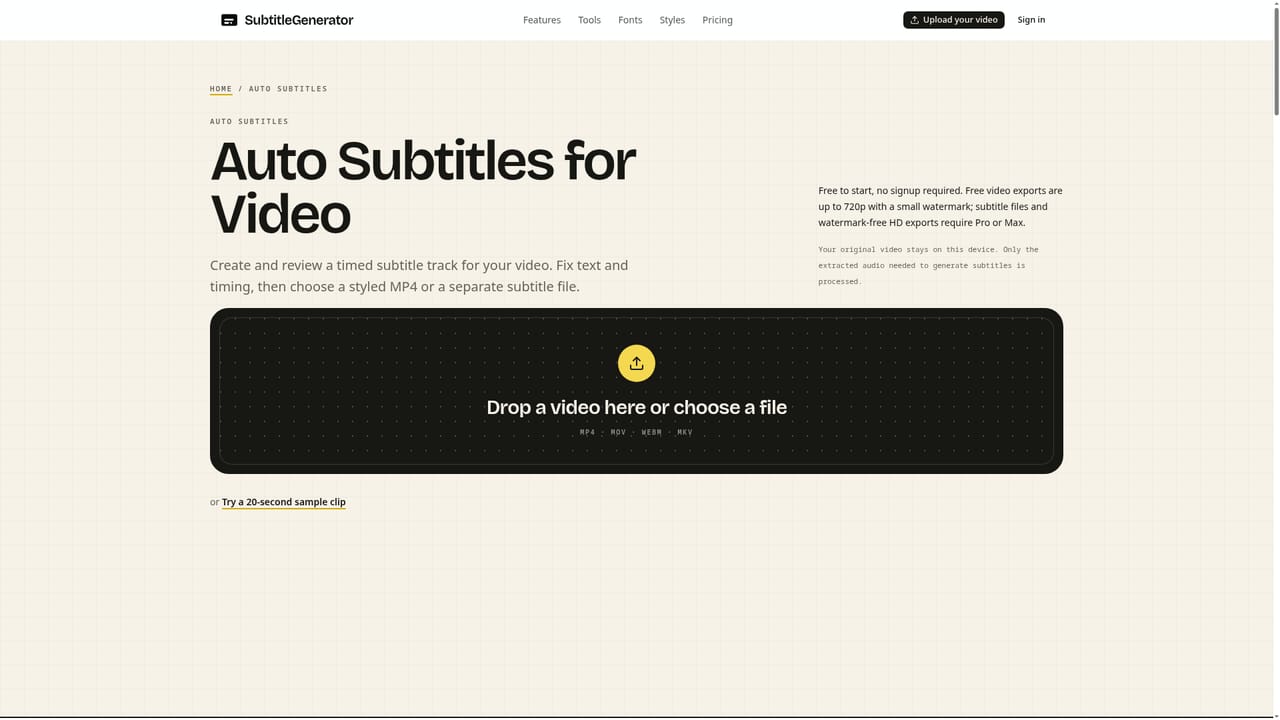
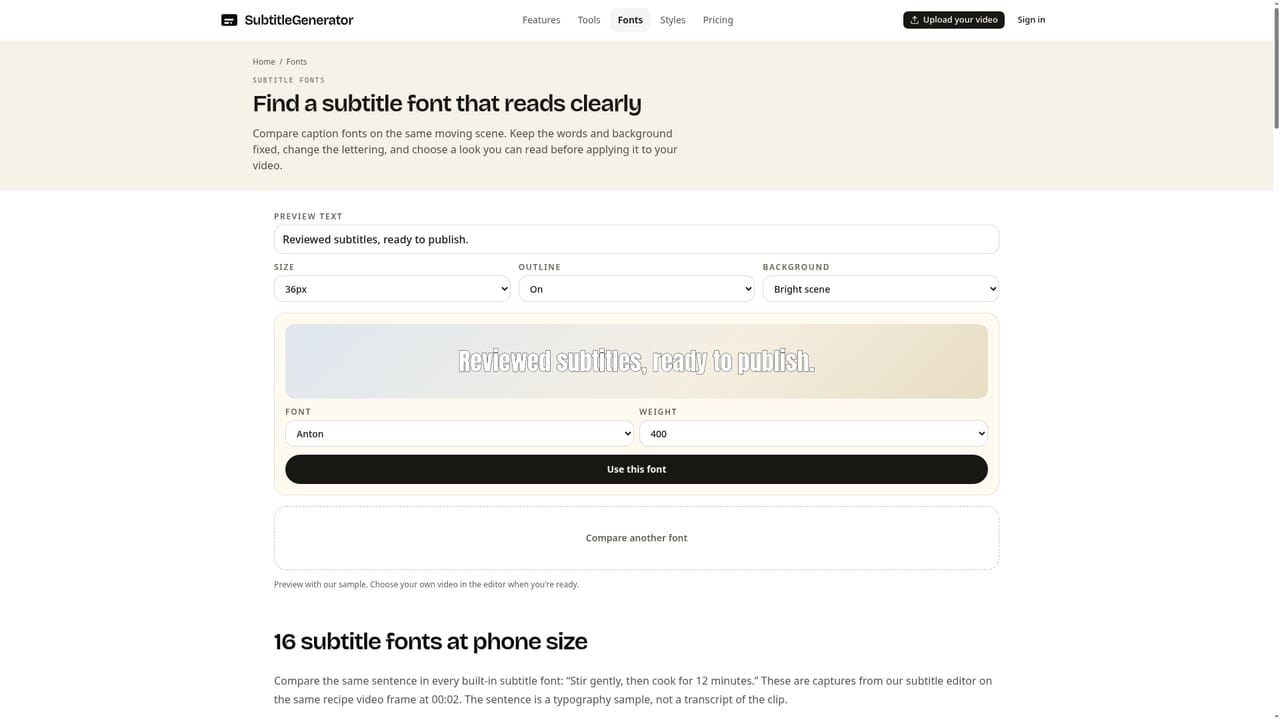
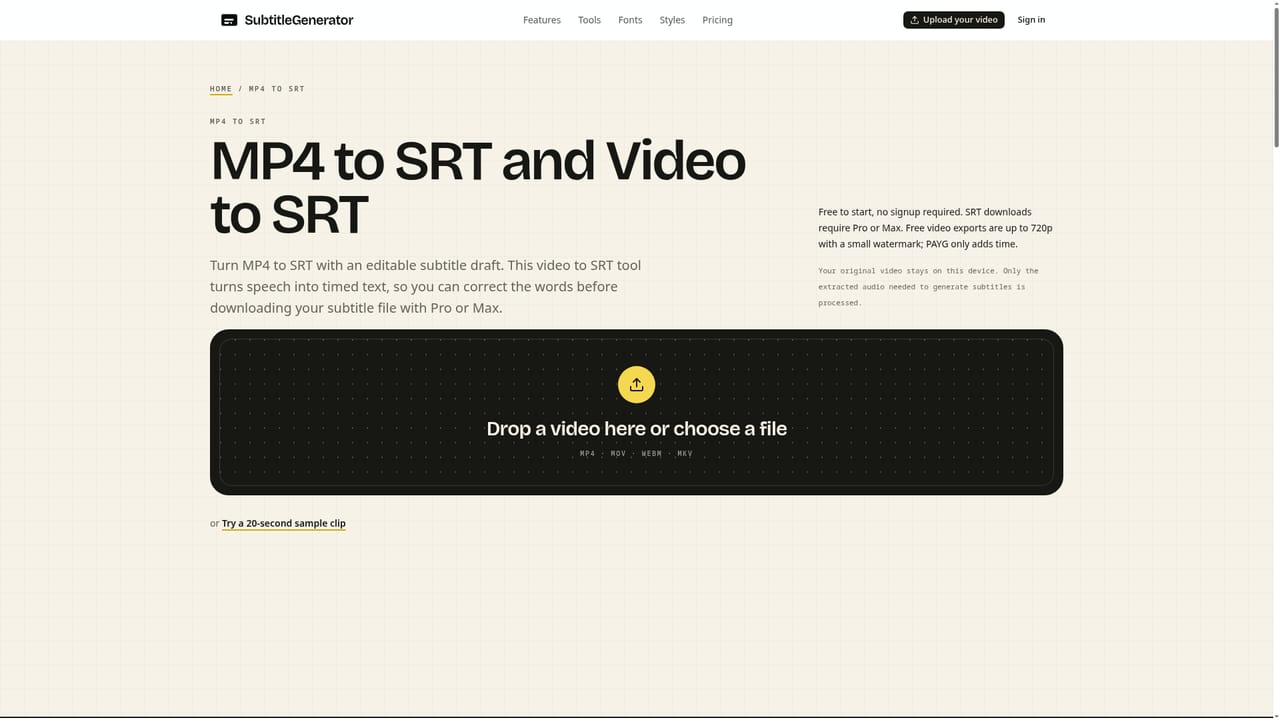
Free tier needs no signup: all styles, up to 10-minute videos, 720p export with a small watermark, and 60 minutes of subtitle time per month with a free account.
Learn moreFree plan at $0 (720p, small watermark, 10-minute videos, 512 MB, 60 subtitle minutes monthly). Pro is $9/month or $90/year; Max is $15/month or $150/year. Pay-as-you-go minutes start at $3, with $1 adding 20 minutes that never expire.
Learn moreExports SRT, VTT, ASS, SSA, SBV, SMI, TXT and JSON files with timing for Premiere Pro and DaVinci Resolve. No other third-party integrations are listed.
Learn moreAutomatic transcription with word-level timing, low-confidence word flags, cue-level re-transcription, speaker labels, waveform timeline editing, 33 caption styles, curated fonts, local browser export, eight subtitle formats and paid subtitle translation.
Learn more


