Free trial
A 14-day free trial is offered with no credit card required, and the account can be cancelled anytime.
Learn morePay-per-minute AI captions and translations inside Bunny Stream
Own Transcribe AI by Bunny.net? Verify ownership to get a dofollow link

Transcribe AI by Bunny.net is a transcription tool. Transcribe AI is a Bunny Stream feature that automatically transcribes video speech into timestamped captions and translations during encoding. It bills per minute, includes API access, and offers a 14-day free trial.
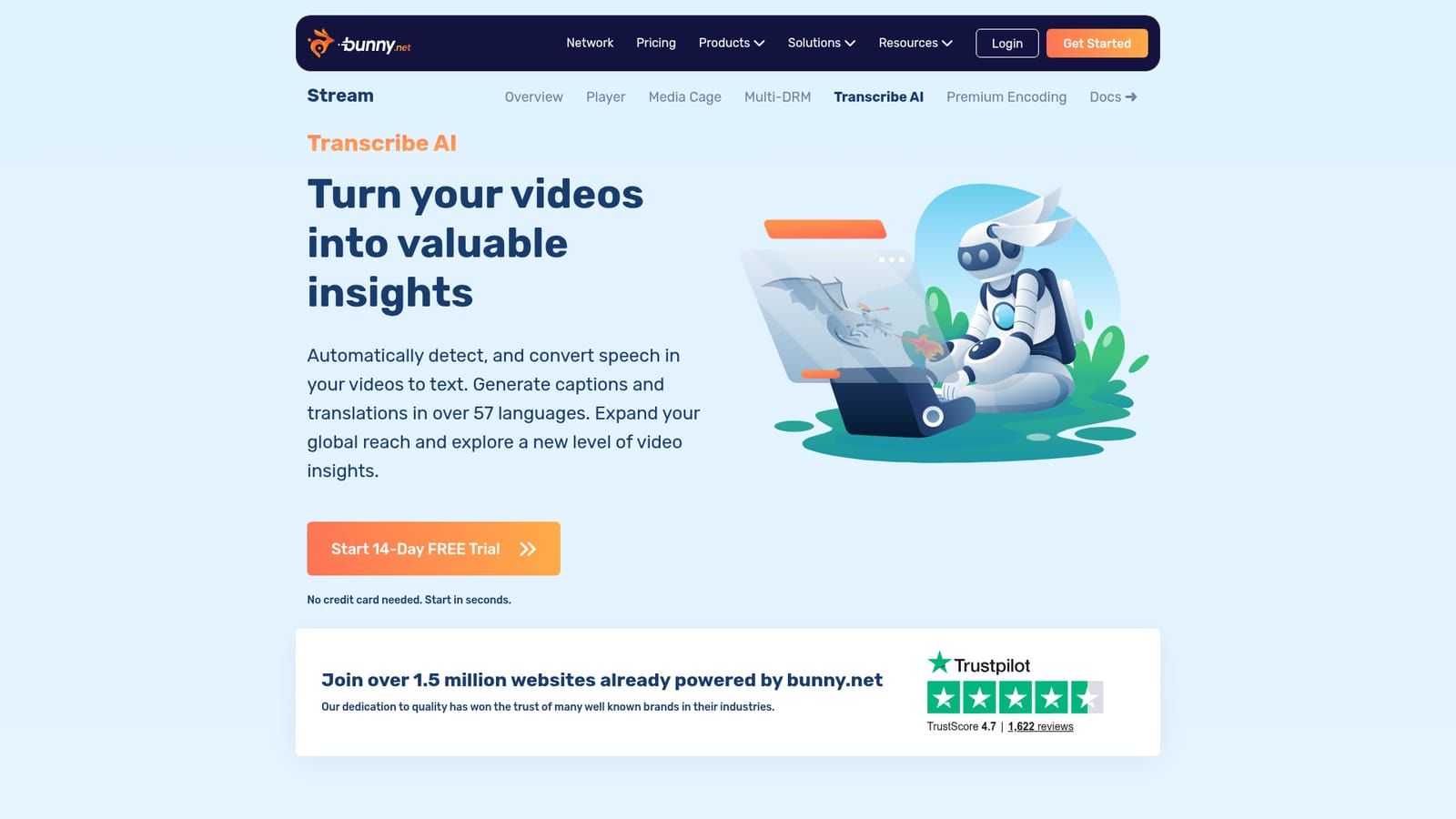
Transcribe AI is the speech-to-text feature of Bunny Stream, the video hosting and delivery product from bunny.net. It detects spoken language in uploaded videos and converts it into timestamped text, which can then be used as captions, subtitles or raw transcripts. The same pipeline can translate captions into dozens of languages, with the page citing up to 57, so a single upload can serve audiences who speak different languages. The tool is aimed at developers, video platform operators and teams that already host or plan to host video on bunny.net. It is not a standalone transcription app with its own editor. Instead it runs as part of the encoding stage: a video is uploaded through the bunny.net dashboard or the API, Stream encodes and tags it, and the transcription and captions are produced during transcoding, typically available within a few minutes. Finished captions ship with the video on delivery, and the raw transcription can be fetched through the API for use in other applications. Beyond subtitles, the product page highlights meeting notes, where recordings are transcribed and given summaries and titles for easier categorization, and general video insights drawn from customer conversations or engagement content. These are positioned as ways to enrich a workflow rather than as a full analytics suite. Pricing is usage based. Billing is per minute of video transcribed, charged separately for each language or translation, with a low monthly minimum and a 14-day free trial that does not ask for a credit card. All features and API support are included at the same rate. Bunny also claims lower costs than legacy cloud providers, though the page offers no benchmark behind that figure. Among alternatives, it sits between general speech-to-text APIs that require stitching together storage, encoding and caption delivery, and consumer transcription apps built for manual editing. Its main appeal is consolidation for people already using Bunny Stream. Teams on other video hosts, or those wanting a rich transcript editor, will find less here.
A 14-day free trial is offered with no credit card required, and the account can be cancelled anytime.
Learn morePay-as-you-use at about $0.10 per minute of video, billed separately for each language or translation. There is a $1 monthly minimum, and all features and full API support are included.
Learn moreThe site promotes Super Bunnies support, plus Stream documentation, a blog, an academy and a contact page.
Learn moreBuilt into Bunny Stream and the wider bunny.net platform, with an API for uploading videos and retrieving transcriptions. No third-party integrations are listed.
Learn moreAutomatic speech detection and transcription during encoding, timestamped captions, translations into up to 57 languages, meeting summaries and titles, video insights, raw transcript access and full API support.
Learn more


