Pricing
Every calculator, converter and generator on SumKitTool is free to use, with no sign-up, no account and no stated hidden fees.
Learn more331+ free calculators and converters for finance, math, health, text and more, no sign-up.

SumKitTool is an online tool. A free, no-sign-up library of 331+ online calculators, converters and generators spanning finance, math, health, text and everyday tasks, usable directly in the browser.
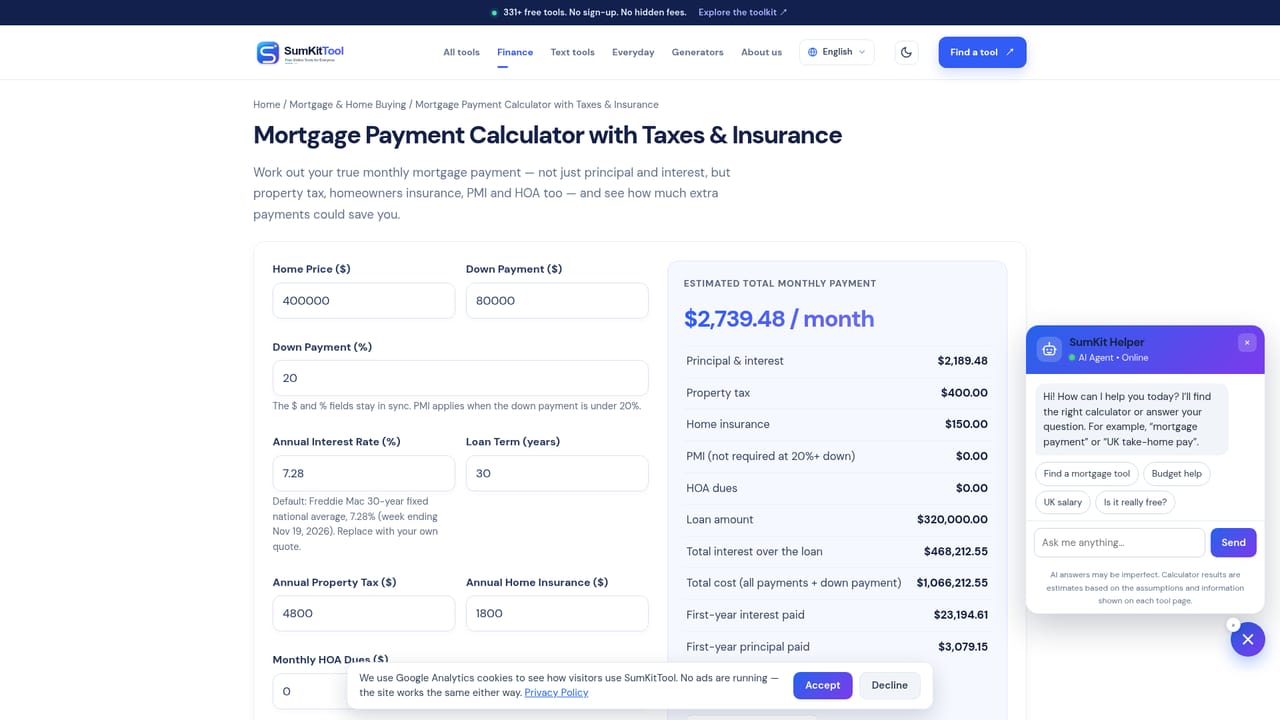
SumKitTool is a browser-based library of more than 331 calculators, converters and simple generators grouped into categories such as finance, math, health, text, everyday tasks and design. Rather than building one specialized tool, the site aggregates narrow utilities, mortgage and refinance calculators, salary and paycheck tools for several countries, BMI and age calculators, word counters, QR code generators and percentage tools, so a visitor can move between unrelated tasks without leaving the site or creating an account. The audience is broad by design. Homebuyers comparing mortgage and affordability scenarios, employees checking take-home pay across US states, the UK, Canada, Australia and other regions, freelancers working out hourly rates or self-employment tax, students doing quick math or percentage conversions, and anyone needing a one-off text or QR tool all land on the same toolkit. There is no dashboard to learn and no onboarding flow, which suits people who want an answer in a few clicks rather than a platform to manage. In practice, a user searches or browses by category (finance, text tools, everyday, generators, image tools, design tools, SEO tools), opens the relevant calculator page, enters a few inputs and reads the result immediately. Guides on topics like mortgage and home buying, salary and tax, and budgeting sit alongside the calculators to add context for the more complex financial tools, such as amortization schedules or debt payoff strategies. Against dedicated finance apps or single-purpose converter sites, SumKitTool's position is breadth and friction-free access rather than depth of analysis or account-based tracking. It fits best as a quick-reference toolkit for recurring small calculations across money, health, text and everyday categories, not as a replacement for full budgeting software, tax filing tools or professional financial advice.


Every calculator, converter and generator on SumKitTool is free to use, with no sign-up, no account and no stated hidden fees.
Learn more331+ browser-based calculators and generators organized into finance, math, health, text, everyday, generator, image, design and SEO categories, including country-specific mortgage, salary, tax and insurance tools plus general guides on mortgages, salary and budgeting.
Twitter / X
 AI Angels400+ customizable AI girlfriends for NSFW chat, voice calls, and roleplay
 Candy AIExperience the future of companionship with AI friends who chat, role-play, and connect with you on a human level.
 ourdream.aiA vast AI roleplay platform with millions of characters for chat, images, video and voiceAI Angels400+ customizable AI girlfriends for NSFW chat, voice calls, and roleplayCandy AIExperience the future of companionship with AI friends who chat, role-play, and connect with you on a human level.ourdream.aiA vast AI roleplay platform with millions of characters for chat, images, video and voice


