Free trial
Free conversions are available without payment: 5 for guests and 10 after signing in with Google.
Learn moreTurn PDFs, Office files, URLs and tables into reviewable Markdown
Own MarkItDown Online? Verify ownership to get a dofollow link

MarkItDown Online is a document formatting tool that turns PDFs, Office files, URLs and tables into reviewable Markdown. A browser workbench for Microsoft's open source MarkItDown converter. Upload a PDF, Word file, spreadsheet, URL or pasted text, pick a conversion profile, then review, copy or download clean Markdown intended for RAG, search and LLM prompts.
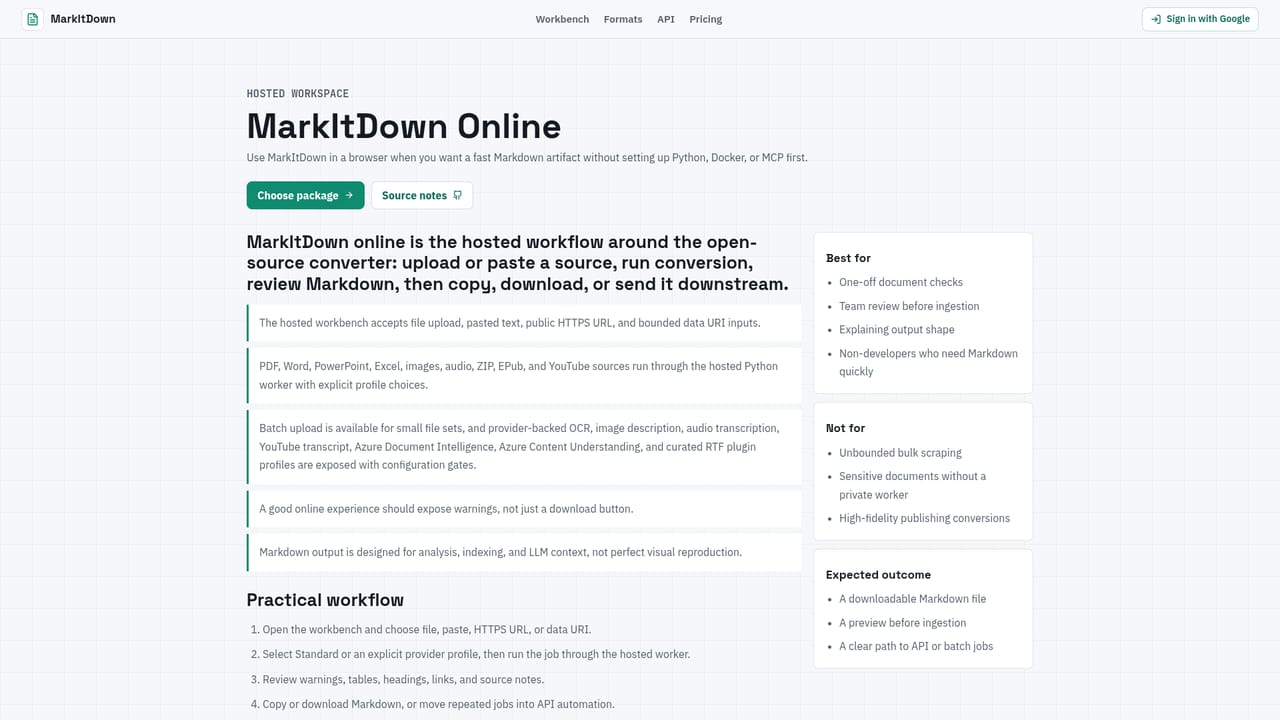
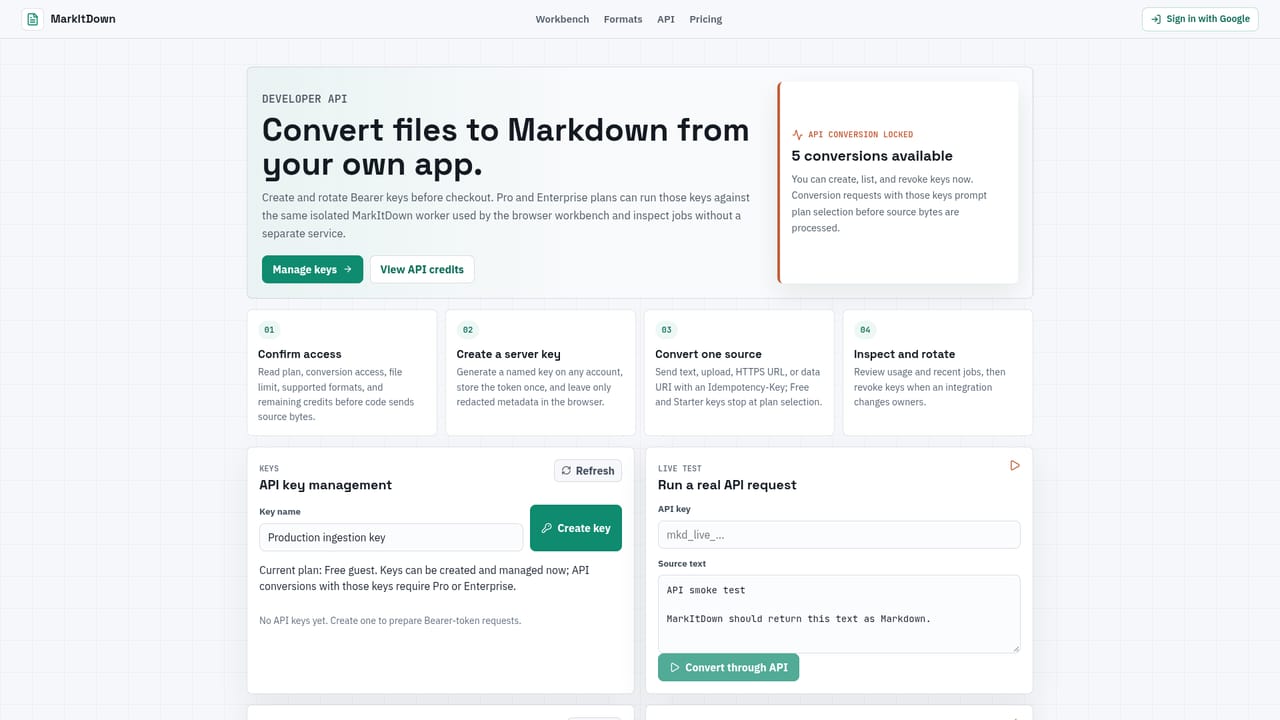
MarkItDown Online is a hosted workbench built around the open source MarkItDown project, which converts source documents into Markdown rather than into a visual replica of the original file. The service accepts an upload, pasted text, a public URL or a data URI, runs the conversion in an isolated worker, and returns Markdown with headings, lists, tables, links, warnings and source notes attached. The stated goal is text a person can actually read and audit before it enters a search index, retrieval pipeline or model context window. Coverage is broad on purpose. PDF, Word, PowerPoint and Excel files are handled, along with CSV, JSON, XML, HTML, EPUB, ZIP archives, Jupyter notebooks, LaTeX and RTF. Optional extras cover OCR and image descriptions, and audio transcription is available when spoken content belongs in a knowledge base. Each conversion profile in the interface can be toggled separately, so a user decides what is enabled before running a job rather than discovering afterwards that an image pipeline quietly added text. The practical audience is technical teams preparing documents for RAG, search or agent workflows: data engineers building ingestion stages, support teams turning tickets and knowledge base exports into plain text, and researchers who want a document they can diff in Git. The hosted layer exists mainly to remove setup friction, since the core project is Python-first. Anyone who prefers to self-manage conversion can use the Python package, the CLI, a Docker image or the Bearer key API instead, and those paths share the same conversion boundary. Compared with Pandoc, which the site discusses directly, MarkItDown is framed as an extraction tool for LLM consumption, not a publishing converter. The output is deliberately compact, and the documentation is explicit that layout, signatures and formulas do not survive; the original file should be kept when those matter. Guests receive five conversions and Google sign-in raises that to ten, with a current file limit of 25 MB.
Free conversions are available without payment: 5 for guests and 10 after signing in with Google.
Learn moreThe homepage states that guest accounts start with 5 free conversions and signing in with Google raises this to 10. The current upload limit is 25 MB. No paid tiers, subscription prices or per-conversion rates are published on the homepage.
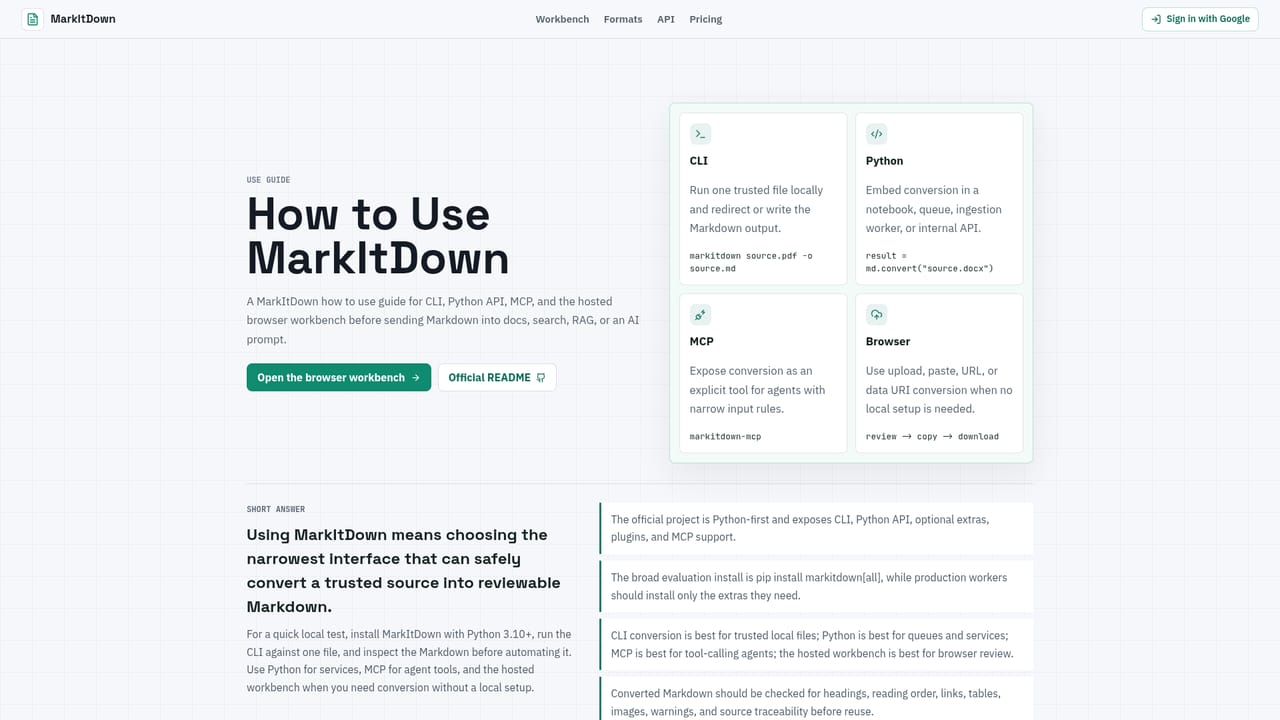
Learn morePaths include a Python package, a CLI, a Docker image, a Bearer key REST API with recent job history, a hosted MCP bridge for agents, and documented guidance for Node and .NET teams.
Learn moreConverts PDF, Word, PowerPoint, Excel, CSV, JSON, XML, HTML, EPUB, ZIP, notebooks, LaTeX and RTF into Markdown with headings, lists, tables and links preserved. Optional OCR, image description, audio transcription and an RTF plugin run per job in an isolated worker. Output arrives with warnings and source notes for review before copying, downloading or feeding into retrieval systems.
Learn more AI Angels400+ customizable AI girlfriends for NSFW chat, voice calls, and roleplay
 Candy AIExperience the future of companionship with AI friends who chat, role-play, and connect with you on a human level.
 ourdream.aiA vast AI roleplay platform with millions of characters for chat, images, video and voiceAI Angels400+ customizable AI girlfriends for NSFW chat, voice calls, and roleplayCandy AIExperience the future of companionship with AI friends who chat, role-play, and connect with you on a human level.ourdream.aiA vast AI roleplay platform with millions of characters for chat, images, video and voice


