Free trial
A free version is offered for the main modules, letting you test device detection and scan results before committing to a paid plan.
Learn moreA mobile repair and management toolkit for iPhone, iPad and Android devices
Dr.Fone is a file organizer tool. Dr.Fone bundles screen unlock, system repair, data and WhatsApp recovery, phone transfer, data erasure and virtual location into one desktop suite for iOS and Android, with a free version available to test the modules before buying a plan.
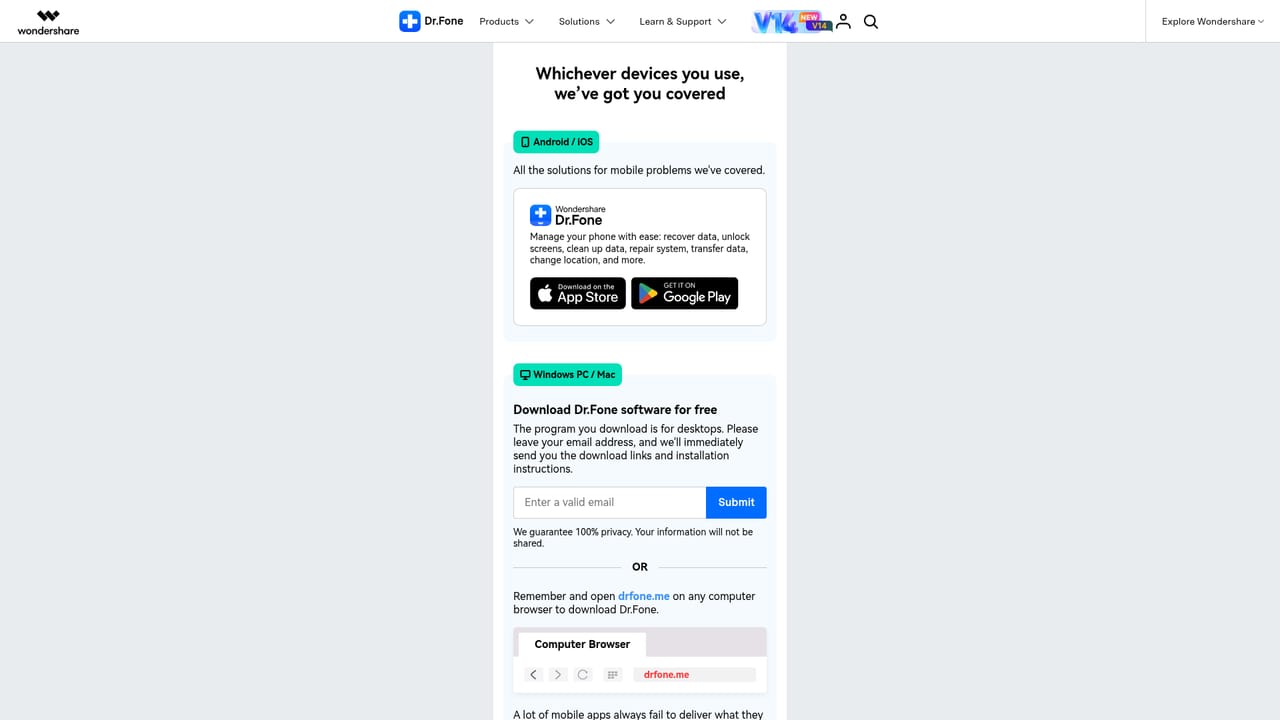
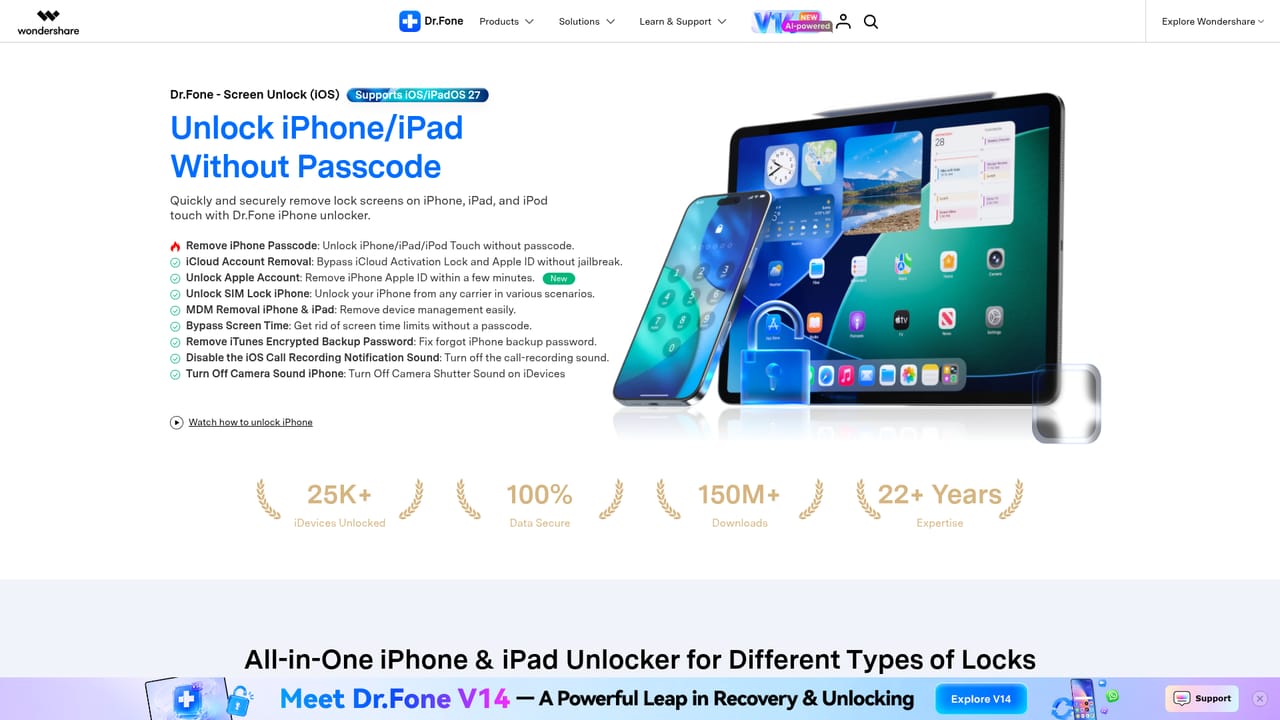
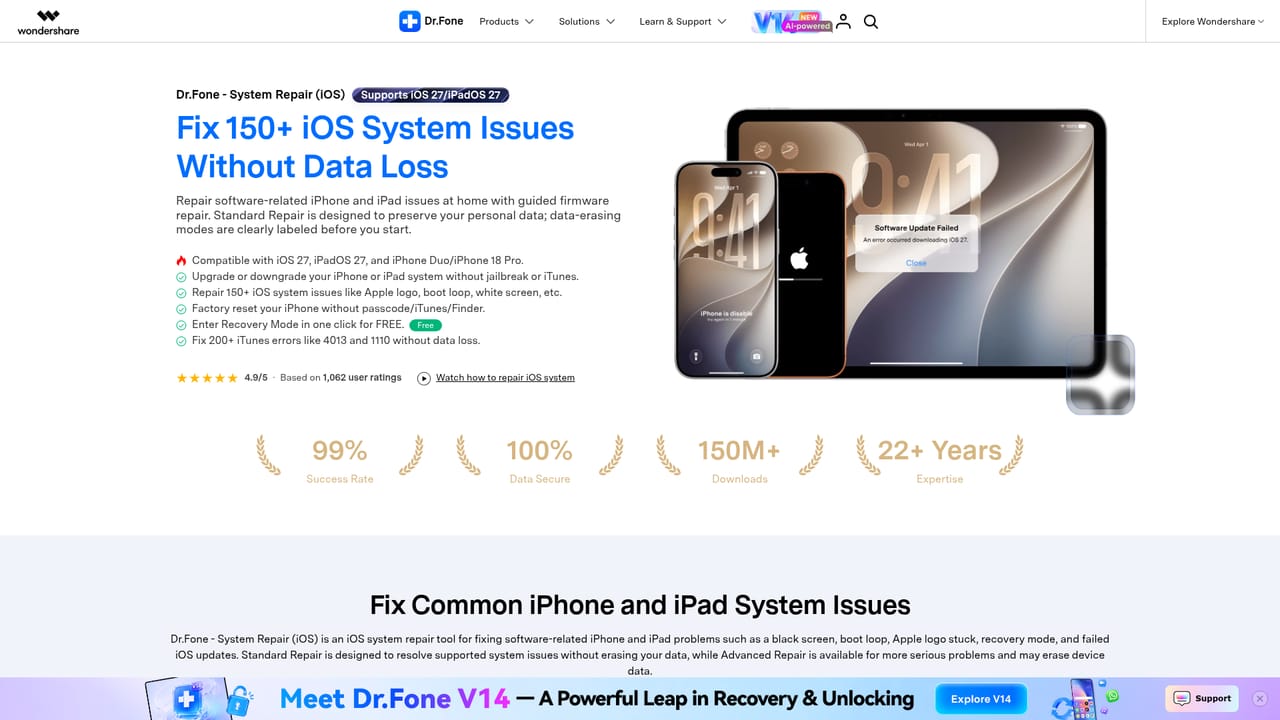
Dr.Fone is a desktop and mobile toolkit from Wondershare that bundles a wide set of phone maintenance jobs into a single product. It handles the situations that tend to send people to a repair shop: a locked screen, a forgotten Apple ID, a Google FRP verification screen after a factory reset, an iPhone stuck in recovery mode, or a photo library that was wiped before a backup existed. The suite covers screen unlocking for both iOS and Android, system repair, data recovery, WhatsApp recovery even without a backup, file transfer, phone to phone migration, permanent data erasure, virtual location changes and screen mirroring. The application is aimed at individual owners rather than technicians, though the breadth of features suits anyone who regularly handles devices for family or a small team. Each module sits on the left of the interface and walks through a guided flow: connect the phone by cable, pick the mode, then confirm the operation. Recovering deleted WhatsApp messages or photos requires the phone to be connected and, in many cases, the process to complete before the device is used heavily again, since overwritten storage limits what can be pulled back. FRP bypass and iCloud activation lock removal cover Samsung, Xiaomi and Motorola hardware among others, and network unlocking supports AT&T devices across brands. Compared with single purpose utilities, Dr.Fone trades depth for coverage. Someone who only needs to move chats from an old Android to a new iPhone can find lighter free routes, but the same person is covered if the transfer fails and the source device needs repair first. Version 14 adds AI assisted support for recent hardware, including Samsung Galaxy S26, iPhone Duo and 18 Pro, Android 16 and iOS 27. Pricing is tiered, and the capability you get depends on which plan you buy, so checking the plan matrix before purchase matters more here than with simpler tools.
A free version is offered for the main modules, letting you test device detection and scan results before committing to a paid plan.
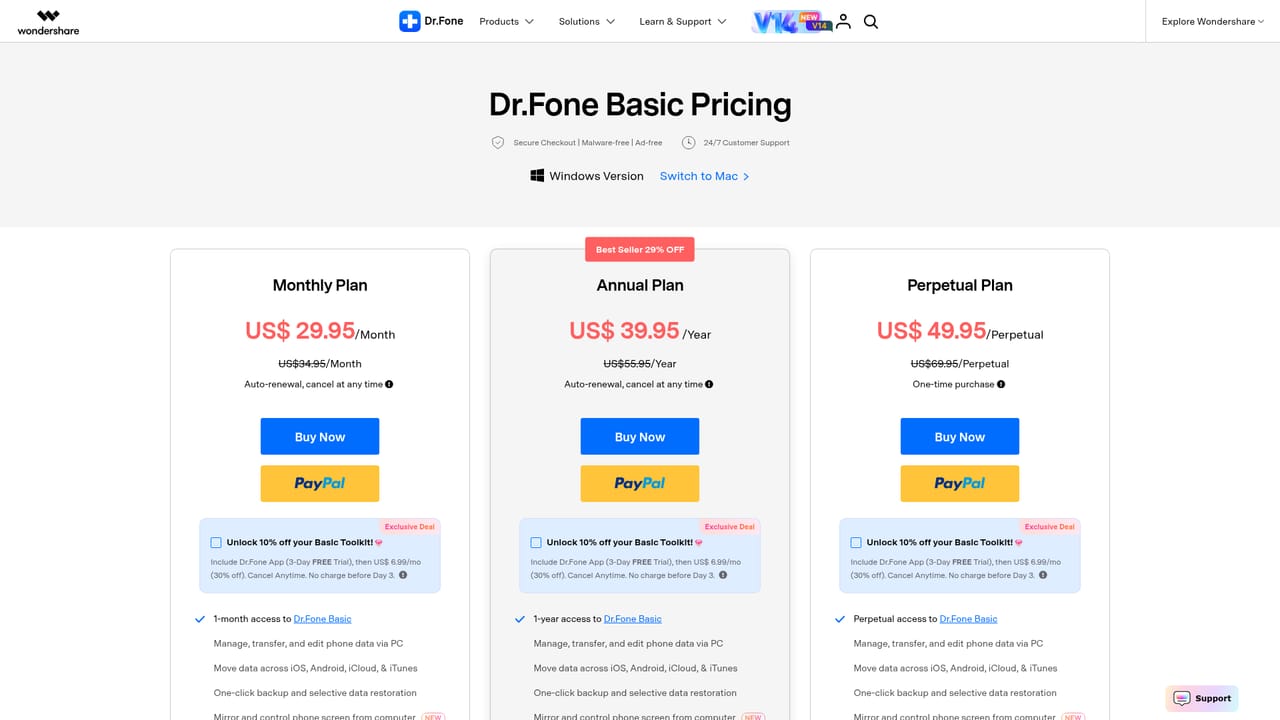
Learn morePricing is tiered by plan, with a basic plan page published and additional tiers gated by which modules you need. Exact figures are not stated on the homepage, so check the plan comparison before buying.
Learn moreModules include iOS and Android screen unlock, FRP and iCloud activation lock bypass, system repair, data recovery for photos, messages and WhatsApp, WhatsApp transfer for Viber, LINE and WeChat, phone to phone transfer, permanent data erasure, virtual location and screen mirroring.
Learn more AI Angels400+ customizable AI girlfriends for NSFW chat, voice calls, and roleplay
 Candy AIExperience the future of companionship with AI friends who chat, role-play, and connect with you on a human level.
 ourdream.aiA vast AI roleplay platform with millions of characters for chat, images, video and voiceAI Angels400+ customizable AI girlfriends for NSFW chat, voice calls, and roleplayCandy AIExperience the future of companionship with AI friends who chat, role-play, and connect with you on a human level.ourdream.aiA vast AI roleplay platform with millions of characters for chat, images, video and voice


