Support
The sign-in flow points to support@zohoaccounts.com for account issues, and separate contact routes exist for organization admins and IP restriction removal.
The shared sign-in gateway for every Zoho product
Own Zoho Accounts? Verify ownership to get a dofollow link

Zoho Accounts is the unified sign-in and identity console for all Zoho products, covering passwords, multi-factor authentication through OneAuth, social and LDAP login, session control and admin-level access policies.
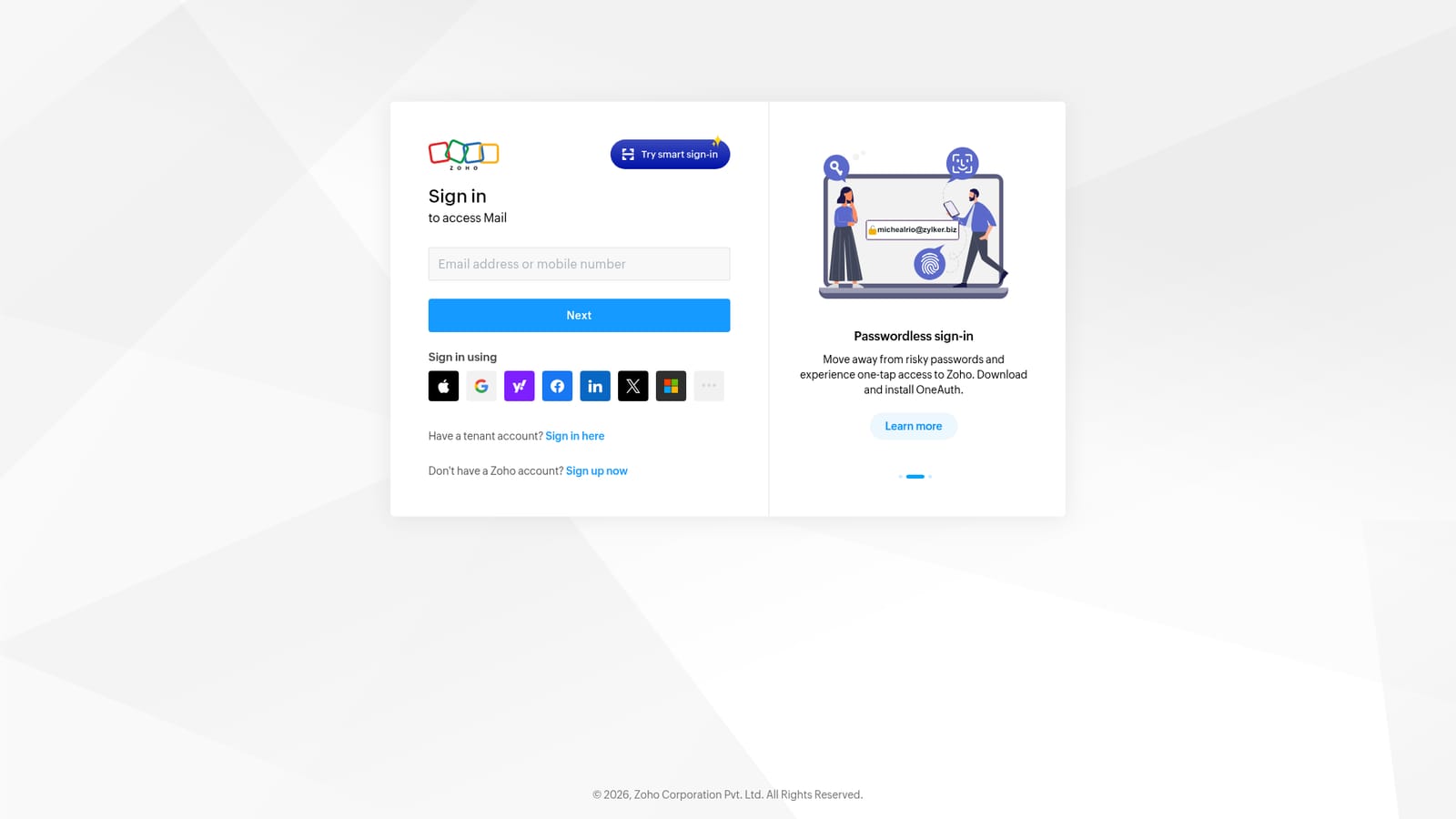
Zoho Accounts is the identity layer that sits in front of the entire Zoho product family. Rather than a standalone application, it is the sign-in and account management screen users meet whenever they open Zoho Mail, Zoho CRM, Zoho One or any other service in the suite. One set of credentials unlocks every app tied to the account, and the same screen handles registration for people who do not yet have one. For teams already inside the Zoho ecosystem, it is the front door to their working day. In practice the page is a dense security console. Users can sign in with a password, an LDAP password, a time-based one-time code, or a linked external identity such as Google, Microsoft, Apple, LinkedIn, GitHub or Slack. Multi-factor verification runs through OneAuth, an in-house authenticator app that supports push approvals, offline TOTP codes, QR scanning and passphrase sign-in. When OneAuth is unreachable, backup verification codes, email OTP and SMS OTP remain available, and the screen surfaces each fallback in sequence rather than leaving users stranded. Account hygiene features are built into the same flow. A password change can be paired with terminating active browser sessions, killing desktop and mobile app sessions, and revoking third-party app permissions. Administrators can enforce passwordless sign-in, restrict access by IP, apply conditional access policies that block sign-in, and require domain ownership proof via CNAME, TXT records or an uploaded HTML file. Users with accounts in more than one data center can keep several sessions open at once and pick which regional account to enter. This is infrastructure, not a productivity tool in its own right. It competes only indirectly with standalone identity providers, and its value scales with how deeply an organization has committed to Zoho. Anyone using a single Zoho service encounters it briefly; teams running Zoho One live in it daily.
The sign-in flow points to support@zohoaccounts.com for account issues, and separate contact routes exist for organization admins and IP restriction removal.
Linked sign-in is offered for Google, Microsoft, Apple, Yahoo, Facebook, LinkedIn, X, Slack, GitHub and Arattai, alongside Zoho's own credentials and OneAuth.
Covers password, LDAP, TOTP, passphrase and social sign-in; OneAuth push approval with offline codes and QR scanning; backup codes, email OTP and SMS OTP recovery; session termination and connected app revocation on password change; multi-data-center account selection; and admin controls for passwordless enforcement, IP restriction, conditional access and domain ownership verification.
 AI Angels400+ customizable AI girlfriends for NSFW chat, voice calls, and roleplay
 Candy AIExperience the future of companionship with AI friends who chat, role-play, and connect with you on a human level.
 ourdream.aiA vast AI roleplay platform with millions of characters for chat, images, video and voiceAI Angels400+ customizable AI girlfriends for NSFW chat, voice calls, and roleplayCandy AIExperience the future of companionship with AI friends who chat, role-play, and connect with you on a human level.ourdream.aiA vast AI roleplay platform with millions of characters for chat, images, video and voice


