Free trial
All Pro-labelled features, including advanced export formats and extras, are currently available without an account, payment, or license key for the duration of an unspecified promotional period.
Learn moreA browser extension that turns Markdown files into a readable, annotatable workspace.

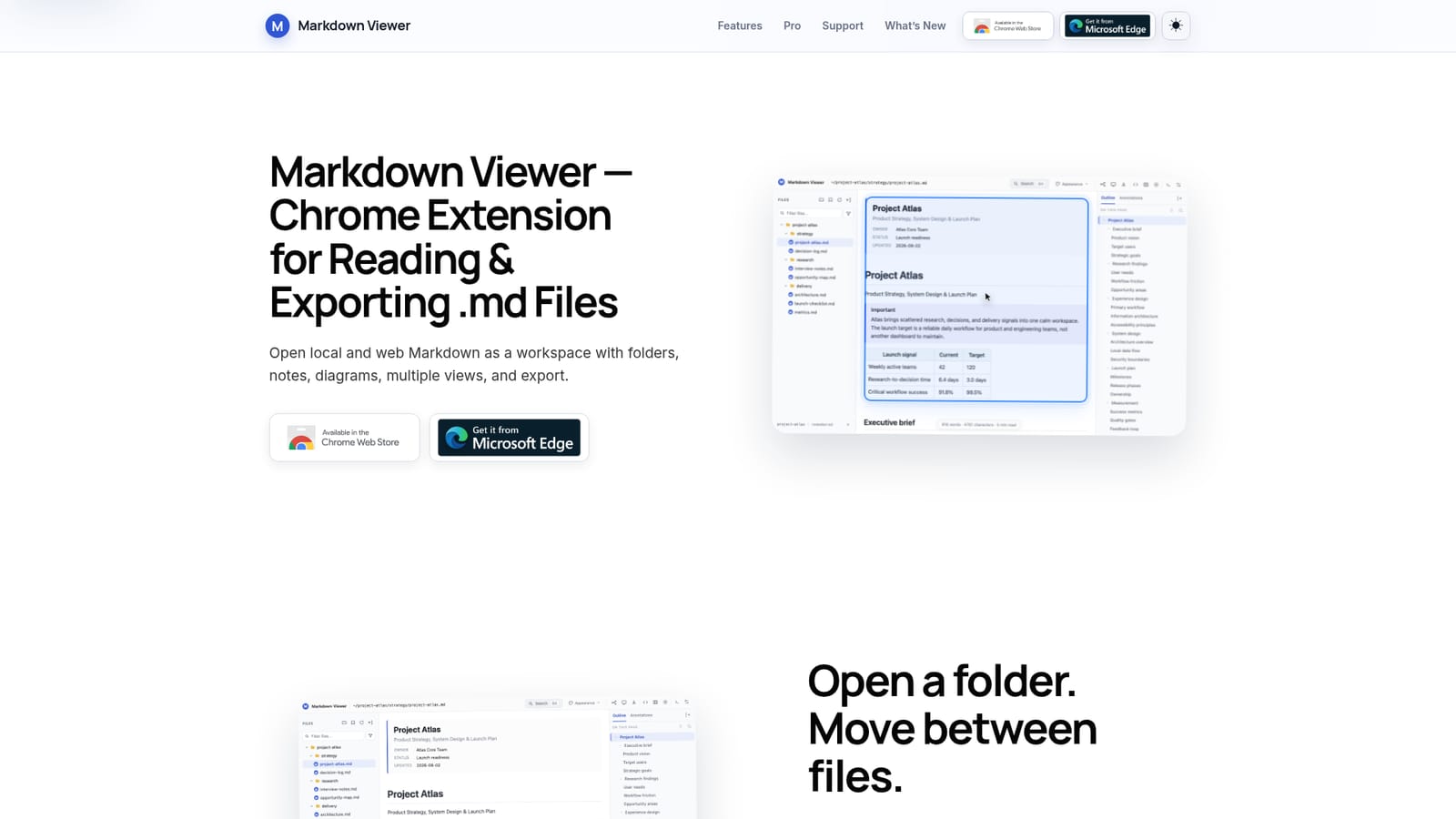
Markdown Viewer is a document formatting tool. A Chrome and Edge extension that turns local or web Markdown files into a searchable, annotatable workspace with document, mind map, and presentation views, plus export to HTML, Word, PDF, and PNG.
Markdown Viewer is a Chrome and Edge extension built for people who read, search, and annotate Markdown files regularly, whether those files live in local project folders, code repositories, or raw web URLs. Rather than pasting content into an online converter or opening a separate editor, the extension replaces the plain-text view of a .md file with a structured workspace: a folder tree for browsing related documents, a searchable heading outline, and rendering for tables, code blocks, math, callouts, and diagrams such as Mermaid, Graphviz, PlantUML, and Vega-Lite. The tool is aimed at technical writers, developers, and anyone who works with documentation, decision logs, or research notes in Markdown and wants more than a bare preview. Reading, annotation (highlights, underlines, comments linked to source passages), and folder-wide search all happen inside the browser, and the same document can be switched between a standard document view, a mind map built from its heading structure, or a full-screen presentation mode without altering the underlying file. In practice, a user installs the extension, grants it file URL access for local documents, then opens a folder or a single .md file to start browsing. Reading position, recent documents, and diagram renders are cached locally so returning to a file picks up where the reader left off. Finished documents can be exported as HTML, Word, PDF, full-document PNG, or (for mind maps) SVG, PNG, and JPEG. Against dedicated Markdown editors or cloud-based note apps, Markdown Viewer's distinguishing trait is that it works directly on existing files without requiring an account, upload, or migration of content into a new system. All processing, annotation history, and caching stay on the device, which positions it closer to a reading and reference tool than a collaborative editor.
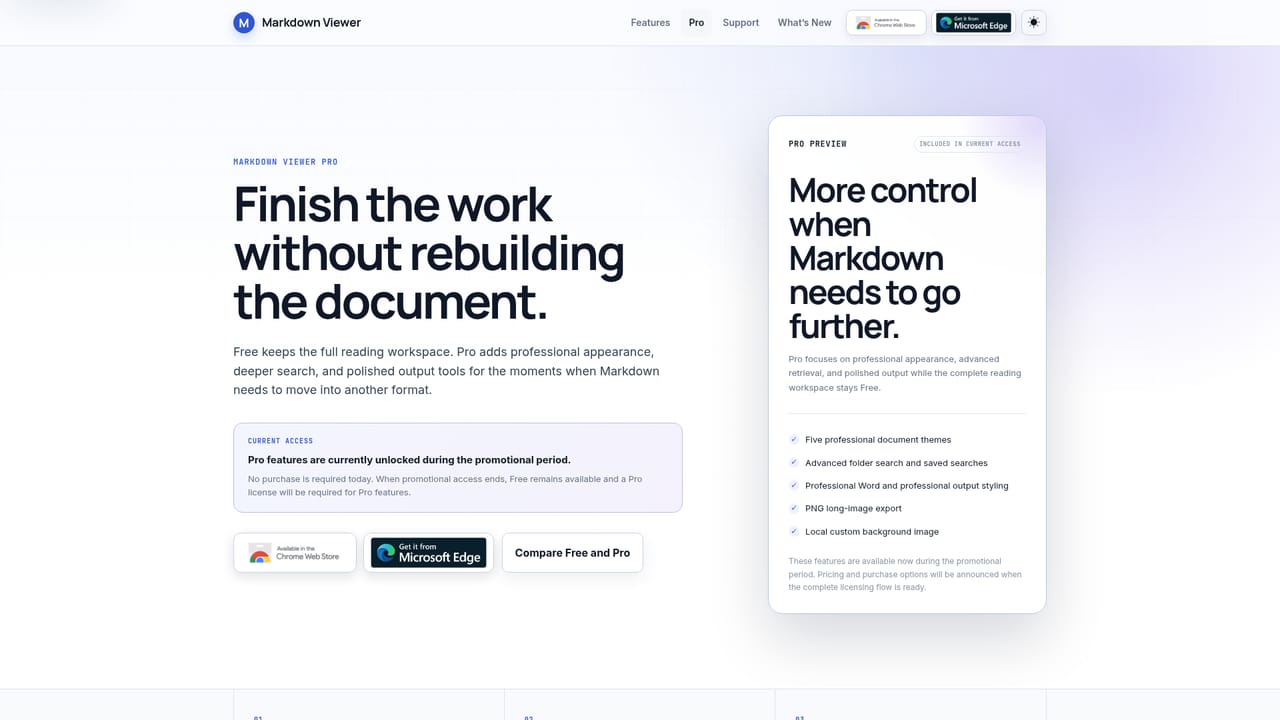
All Pro-labelled features, including advanced export formats and extras, are currently available without an account, payment, or license key for the duration of an unspecified promotional period.
Learn moreCore features (folder browsing, annotations, outline, basic search, basic HTML/DOCX/print-PDF export, presentation and mind map views) are stated to remain free. Pro-labelled features are currently free during a promotional period, with any future paid model to be communicated later.
Learn moreA dedicated Support and FAQ page covers product questions, a bug report channel is listed, and an email contact is provided for further issues.
Learn moreFolder browsing with bookmarks and recent documents, rendering of tables, code, math, and diagrams (Mermaid, Graphviz, PlantUML, Vega-Lite), document/mind map/presentation views, annotations with source jumps, folder-wide search, and export to HTML, Word, PDF, and PNG.
 AI Angels400+ customizable AI girlfriends for NSFW chat, voice calls, and roleplay
 Candy AIExperience the future of companionship with AI friends who chat, role-play, and connect with you on a human level.
 ourdream.aiA vast AI roleplay platform with millions of characters for chat, images, video and voiceAI Angels400+ customizable AI girlfriends for NSFW chat, voice calls, and roleplayCandy AIExperience the future of companionship with AI friends who chat, role-play, and connect with you on a human level.ourdream.aiA vast AI roleplay platform with millions of characters for chat, images, video and voice


