Free trial
Free credits are offered to new users for the Music Generator and Music Agent, and the Prompt Generator is free outright. No time limited trial terms are stated on the homepage.
Learn morePrompt builder, song generator, stem splitter and music agent in one workflow

Suno Prompt is an MIDI generator tool. An all-in-one AI music workspace: a 12-control prompt generator for Suno and Udio, a text or lyrics to music generator with four quality tiers, a Music Agent that accepts text, images, video and audio, and a stem splitter with up to eight stems plus MIDI export.
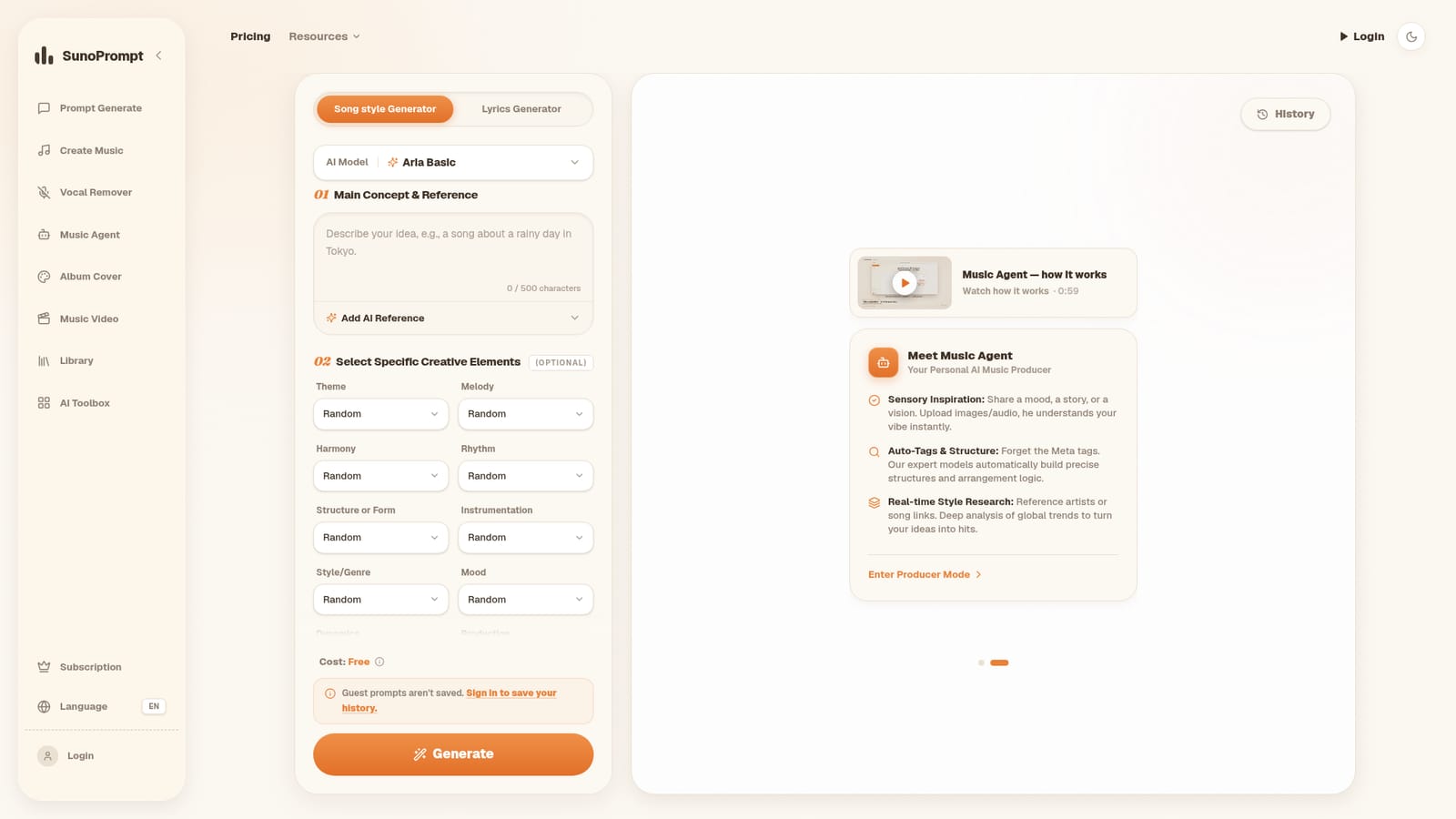
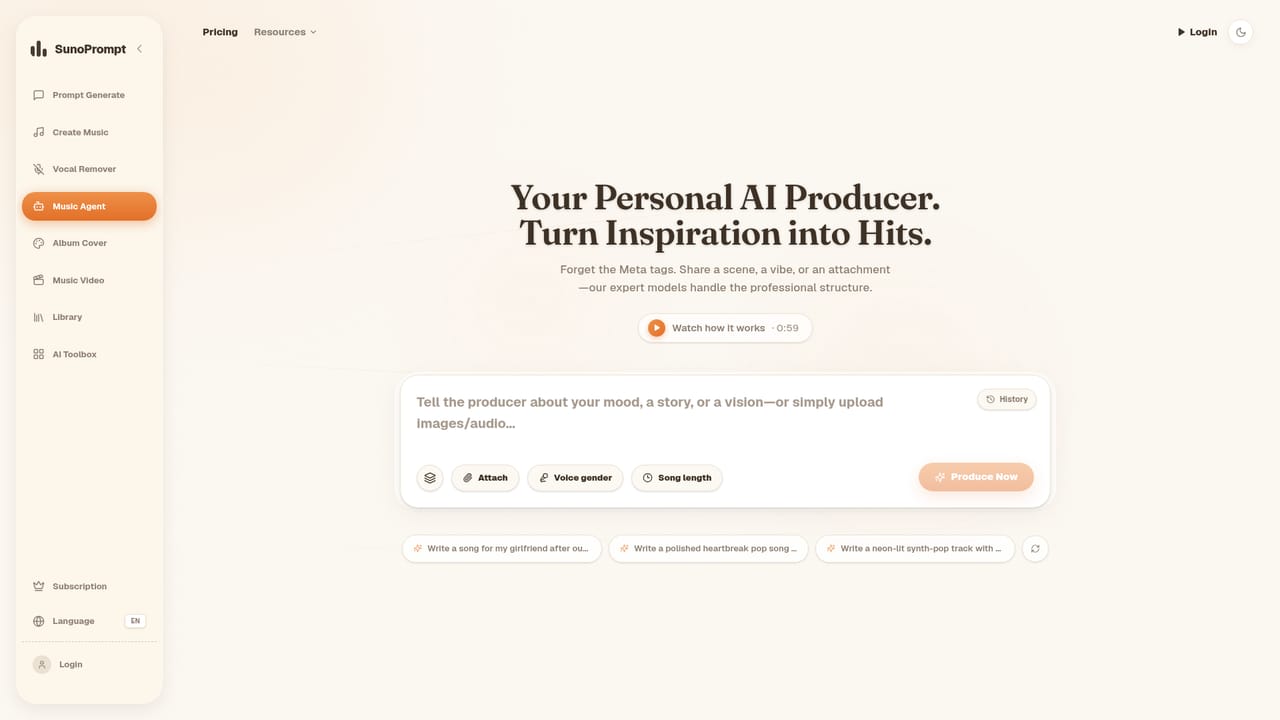
SunoPrompt bundles four connected tools: a prompt generator for AI music platforms, a text and lyrics to music generator, a vocal remover with stem separation, and a conversational Music Agent that accepts images, video and audio as starting points. The pitch is continuity. A rough idea becomes a structured prompt, the prompt becomes a track, and the track can be split into stems or exported as MIDI without moving to another site. The prompt generator is the free entry point and the most distinctive piece. It exposes twelve creative controls covering theme, melody, harmony, rhythm, structure, instrumentation, genre, mood, dynamics, production, creativity and vocal style, each with a random option for people who want to be surprised. Prompts can be written for Suno, Udio and comparable services, and generation runs on Gemini 2.5 Flash, Gemini 2.0 or GPT-4o Mini. The Music Generator takes either a short text description or full lyrics and produces a complete song across four quality tiers, with voice gender selection, an instrumental toggle and genre tags. The Music Agent widens the input side. A description, a photo, a video clip or an audio reference all work, with the agent inferring visual mood, pacing or sonic character before composing. Afterwards, the Vocal Remover splits uploaded MP3, WAV or FLAC files: two stems free, five in normal mode, up to eight plus MIDI in advanced mode. Who it suits: producers who want fast demos and MIDI they can rework in a DAW, content creators who need original background music, and anyone who finds blank prompt boxes intimidating. Compared with Suno or Udio, which focus on song generation alone, SunoPrompt is a workspace layered over that category, positioning itself against stem tools like LALAL.AI as well. The trade-off is that it depends on credits rather than a flat subscription, and several advertised tools (worship music, karaoke backing tracks, personalized songs) are still marked coming soon.
Free credits are offered to new users for the Music Generator and Music Agent, and the Prompt Generator is free outright. No time limited trial terms are stated on the homepage.
Learn morePrompt generation is listed as free, including the Aria Basic model and its generation step. New users get free credits for the Music Generator and Music Agent, and further usage is charged through a credit system with no mandatory subscription.
Learn moreAn FAQ section on the homepage answers questions about the toolset, pricing, models and how SunoPrompt differs from Suno AI. No dedicated help centre is listed.
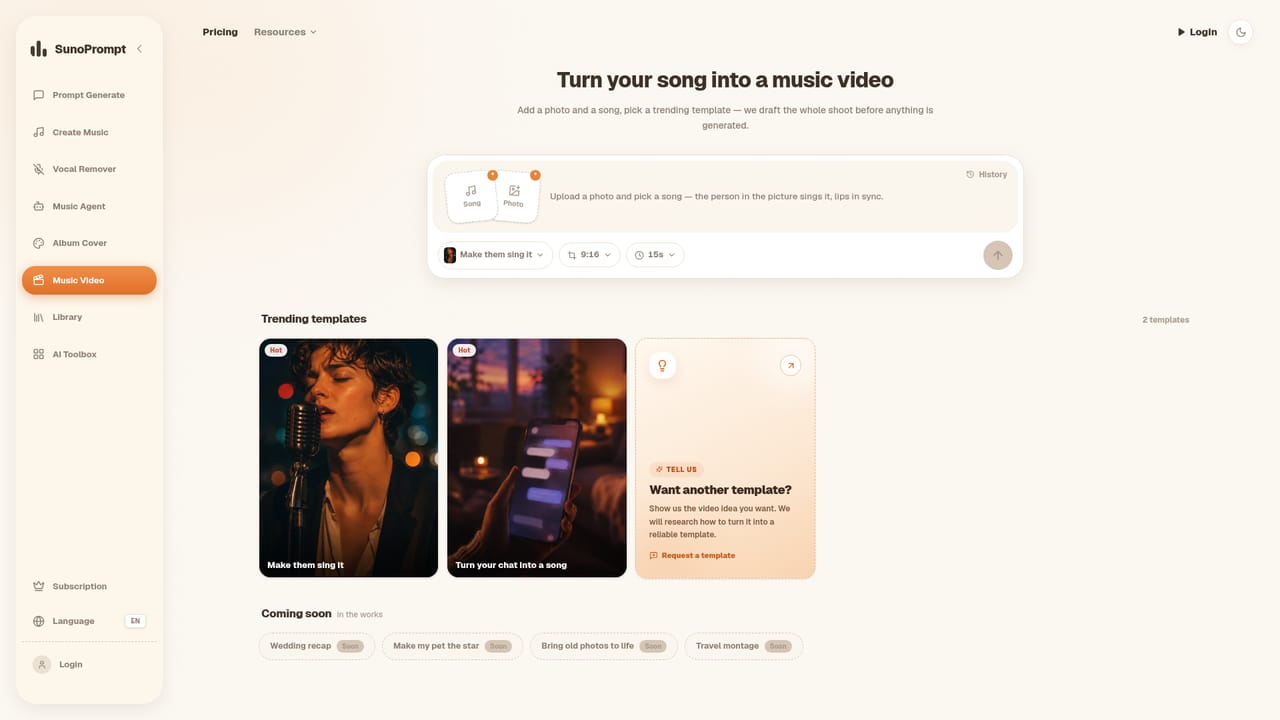
Prompt generator with 12 creative controls and three prompt models (Gemini 2.5 Flash, Gemini 2.0, GPT-4o Mini); music generator from text up to 500 characters or lyrics up to 5,000 characters with four quality tiers; Music Agent taking text, image, video or audio; vocal remover with 2, 5 or up to 8 stems and MIDI export; lyrics and song style generation; AI music video tool.
 AI Angels400+ customizable AI girlfriends for NSFW chat, voice calls, and roleplay
 Candy AIExperience the future of companionship with AI friends who chat, role-play, and connect with you on a human level.
 ourdream.aiA vast AI roleplay platform with millions of characters for chat, images, video and voiceAI Angels400+ customizable AI girlfriends for NSFW chat, voice calls, and roleplayCandy AIExperience the future of companionship with AI friends who chat, role-play, and connect with you on a human level.ourdream.aiA vast AI roleplay platform with millions of characters for chat, images, video and voice


