Free trial
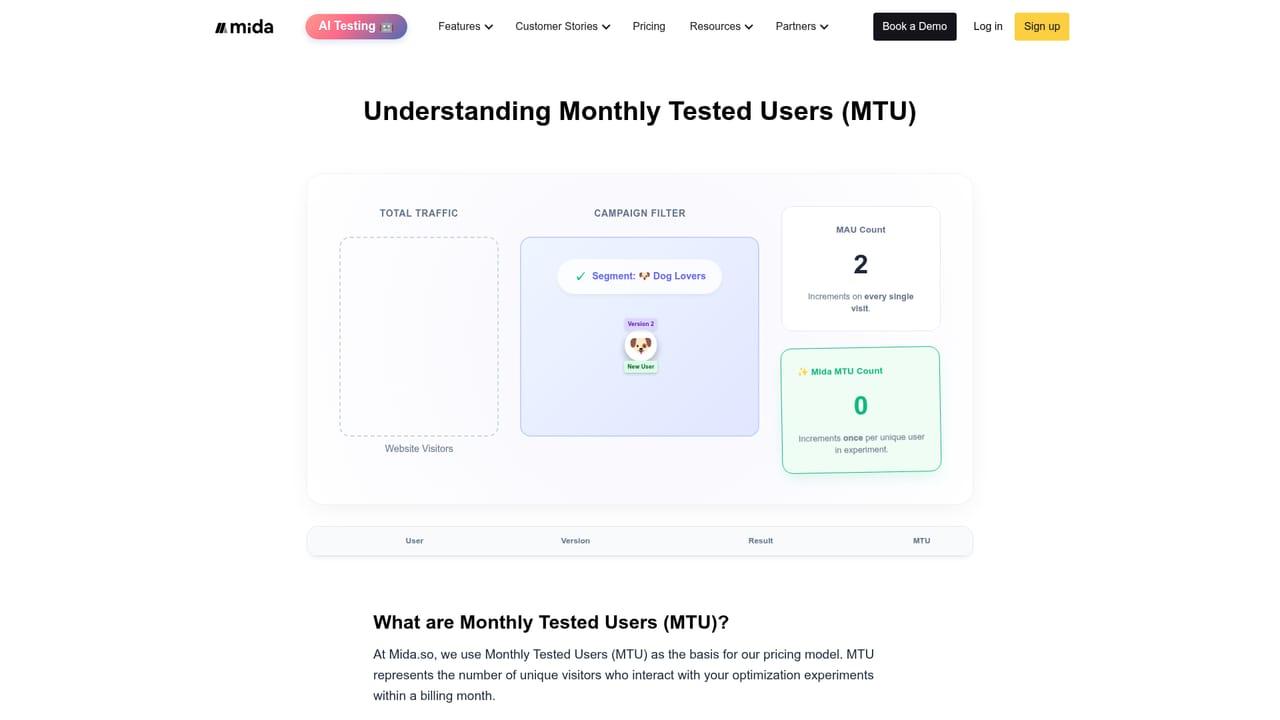
There is no separate trial because a free plan with 100K monthly tested users is available. Reviewers describe trying the free account before buying.
Learn moreA/B testing for marketers who own conversion, without engineering tickets

Mida is a lightweight A/B testing and personalization platform aimed at marketers and CRO teams. It combines a visual editor, custom code options, flicker control and multiple statistical models, with a free plan covering 100K monthly tested users and a positioning as an affordable Google Optimize replacement.
Mida is a lightweight A/B testing platform built for the people who actually own conversion numbers: marketers, CRO specialists and growth teams. The pitch is straightforward. Install a small script, build variations in a visual editor or with custom code, and launch experiments in minutes rather than waiting on an engineering queue. The company positions itself explicitly as a Google Optimize successor, and its free plan (100K monthly tested users) is clearly aimed at teams that want to prove value before committing budget. In practice the workflow looks familiar to anyone who has used a testing suite. A visual editor handles copy, layout and CSS-level changes without deploys, a code editor covers more demanding cases, and goals or conversion events get tracked inside the dashboard. Mida advertises flicker control for how variants render and multiple statistical models for reading results, both of which matter when tests run on pages with paid traffic. Personalization sits alongside experimentation, so segments can be served different experiences based on the same setup. The platform states GDPR compliance and ISO 27001 certification. Who it fits: in-house marketing teams at small to mid-sized companies, agencies running experiments for clients, and anyone who migrated off Google Optimize when it shut down and found enterprise tools heavier and pricier than needed. Reviewers repeatedly cite setup speed, the visual editor and responsive human support. The platform is also documented as friendly to custom edge cases that larger suites made awkward, which is a real differentiator for teams with unusual test requirements. Where it sits among alternatives: VWO, Optimizely and similar suites offer broader research and personalization ecosystems but come with more setup overhead and higher entry pricing. Mida trades depth for speed and cost. That makes it a strong starting point and a reasonable long-term home for conversion programs that do not need a full experience platform. Server-side SDKs exist for teams that outgrow client-side testing.

There is no separate trial because a free plan with 100K monthly tested users is available. Reviewers describe trying the free account before buying.
Learn moreMida offers a free plan that includes 100K monthly tested users, described as generous in user reviews. Paid tiers exist and are called affordable by reviewers, but the homepage does not publish specific paid prices or tier limits.
Learn moreReviewers highlight fast, person-to-person support with quick responses, including help resolving specific test setups. A contact page exists, and a help centre hosts articles on account questions.
Learn moreThe site lists server-side SDKs for custom implementations and an integration page for Claude chat. No wider library of native marketing or analytics integrations is documented on the homepage.
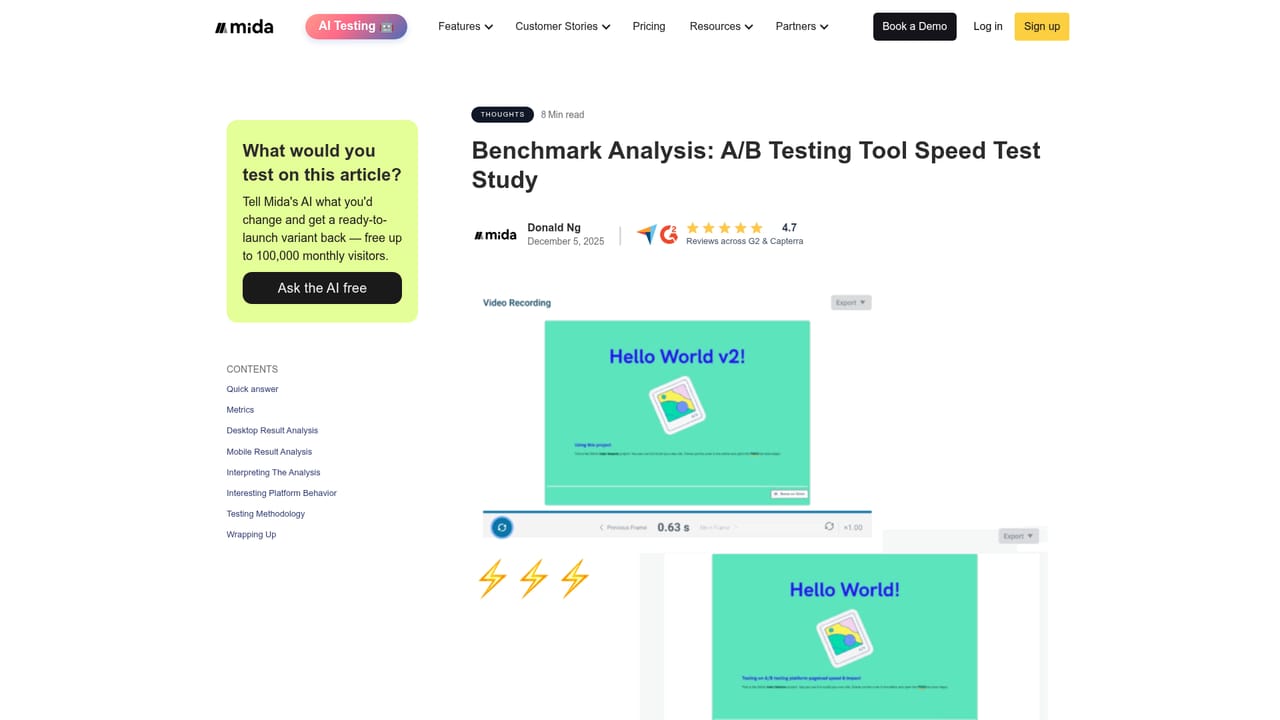
Learn moreVisual editor for no-code changes plus a code editor for custom CSS and scripts, flicker control, multiple statistical models for result analysis, personalization alongside experiments, goal and conversion tracking, server-side SDKs, and a lightweight script designed not to slow pages.
Learn more AI Angels400+ customizable AI girlfriends for NSFW chat, voice calls, and roleplay
 Candy AIExperience the future of companionship with AI friends who chat, role-play, and connect with you on a human level.
 ourdream.aiA vast AI roleplay platform with millions of characters for chat, images, video and voiceAI Angels400+ customizable AI girlfriends for NSFW chat, voice calls, and roleplayCandy AIExperience the future of companionship with AI friends who chat, role-play, and connect with you on a human level.ourdream.aiA vast AI roleplay platform with millions of characters for chat, images, video and voice


