Free trial
The free account provides five enhancements at no cost with no credit card required, and the homepage uploader doubles as a demo capped at 600x600 pixel input.
Learn moreAutomated AI upscaling, restoration and denoising for any image you upload
Own SupaRes AI Image Enhancer? Verify ownership to get a dofollow link

SupaRes AI Image Enhancer is an AI image upscaler tool. SupaRes is a browser-based image enhancement engine that combines AI upscaling, face restoration, tone correction, artifact and noise removal, and low-light boosting with a built-in image optimization and team management dashboard.
SupaRes is a browser-based image enhancement platform built around a single idea: upload a picture, and the engine handles the rest. Its processing pipeline bundles super-resolution upscaling, face restoration, tone adjustments, JPEG artifacts reduction, low-light boost and noise removal, so a weak source file can come back sharper, brighter and larger without manual masking or layer work. The product page shows a 400x200 input becoming a 1600x800 output after a 4x upscale with face and tone passes applied, which is a fair illustration of the intended workflow. Practically, the tool suits people who deal with image volume rather than one-off retouching. Web designers refreshing old assets, real estate teams cleaning up listing photos, marketers repurposing client images and publishers fixing archive material can push files through the same automated treatment. Uploads happen in the browser dashboard, results download in seconds, and each enhancement type can be explored separately if a specific defect matters more than general cleanup: face enhancement for portraits, low-light boost for underexposed shots, noise removal for grainy captures. Beyond enhancement, SupaRes adds an optimization engine that trades file size against visual quality across Smart, High and Ultra settings, plus a manager for storing and organizing images in the cloud. Paid plans include unlimited cloud storage, team member invitations for shared projects, and two-factor authentication on the account. The company runs its own bare-metal infrastructure with NVIDIA graphics cards and states membership in the NVIDIA Inception program, which speaks to where the compute happens rather than to output quality on its own. Alternatives in this space tend to split between specialist upscalers and general photo editors. SupaRes positions itself as the automated middle ground: less control than a full editor, broader coverage than a single-purpose upscaler, and a team dashboard that hobby tools often lack. Buyers should note that published pricing tiers are not detailed on the homepage, so plan limits need checking before committing.


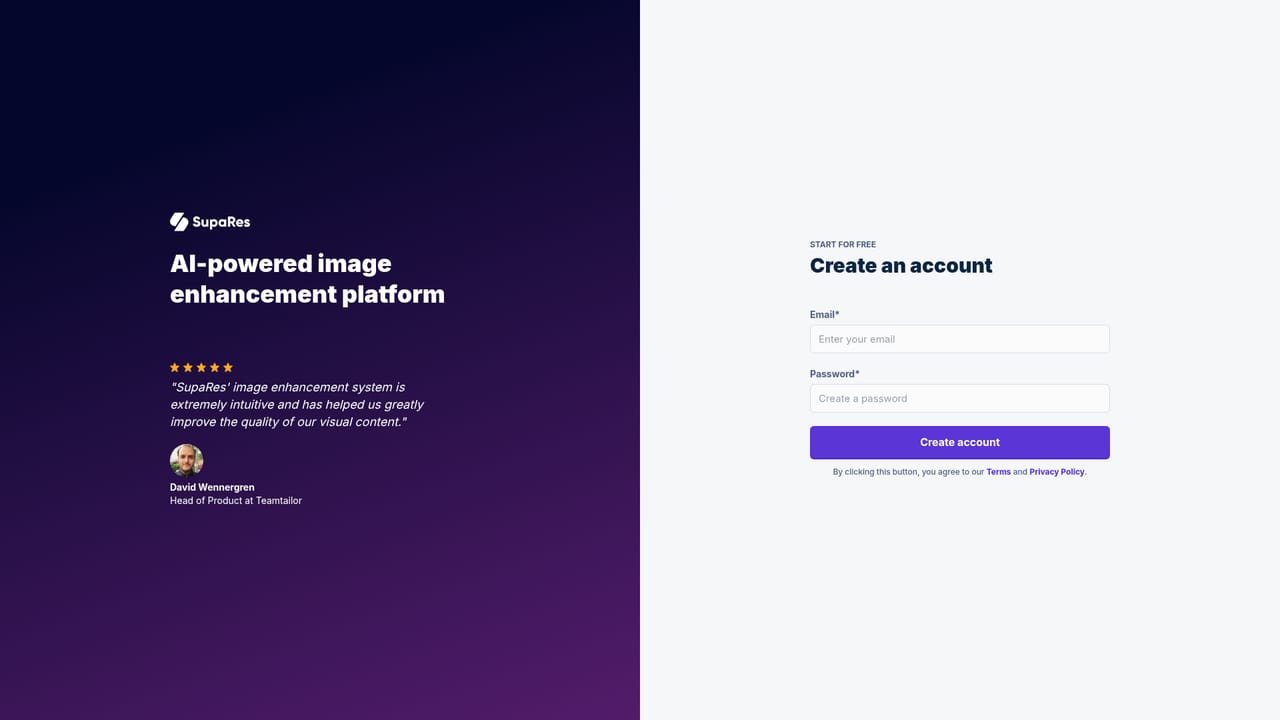
The free account provides five enhancements at no cost with no credit card required, and the homepage uploader doubles as a demo capped at 600x600 pixel input.
Learn moreSupaRes offers a free account with no credit card required, five complimentary enhancements and access to all features, a 128 megapixels limit, unlimited cloud storage, team management and a secure dashboard. Specific paid plans and their prices are not listed on the homepage, so they need confirming directly with the vendor.
Learn morePremium support is listed as an included benefit of the free tier, but no help centre, documentation or contact channel is linked from the homepage.
Core passes are AI super-resolution upscaling, face enhancement, automatic tone and white balance correction, JPEG artifact reduction, low-light boost and precision noise removal. A separate optimization engine handles compression across Smart, High and Ultra levels. The dashboard adds cloud storage, project management, team invitations and two-factor authentication.
Learn more AI Angels400+ customizable AI girlfriends for NSFW chat, voice calls, and roleplay
 Candy AIExperience the future of companionship with AI friends who chat, role-play, and connect with you on a human level.
 ourdream.aiA vast AI roleplay platform with millions of characters for chat, images, video and voiceAI Angels400+ customizable AI girlfriends for NSFW chat, voice calls, and roleplayCandy AIExperience the future of companionship with AI friends who chat, role-play, and connect with you on a human level.ourdream.aiA vast AI roleplay platform with millions of characters for chat, images, video and voice








