Free trial
Homepage says to start free with no login required, but does not state usage limits or duration.
Learn moreAll-in-one AI studio for video, image, voice and music
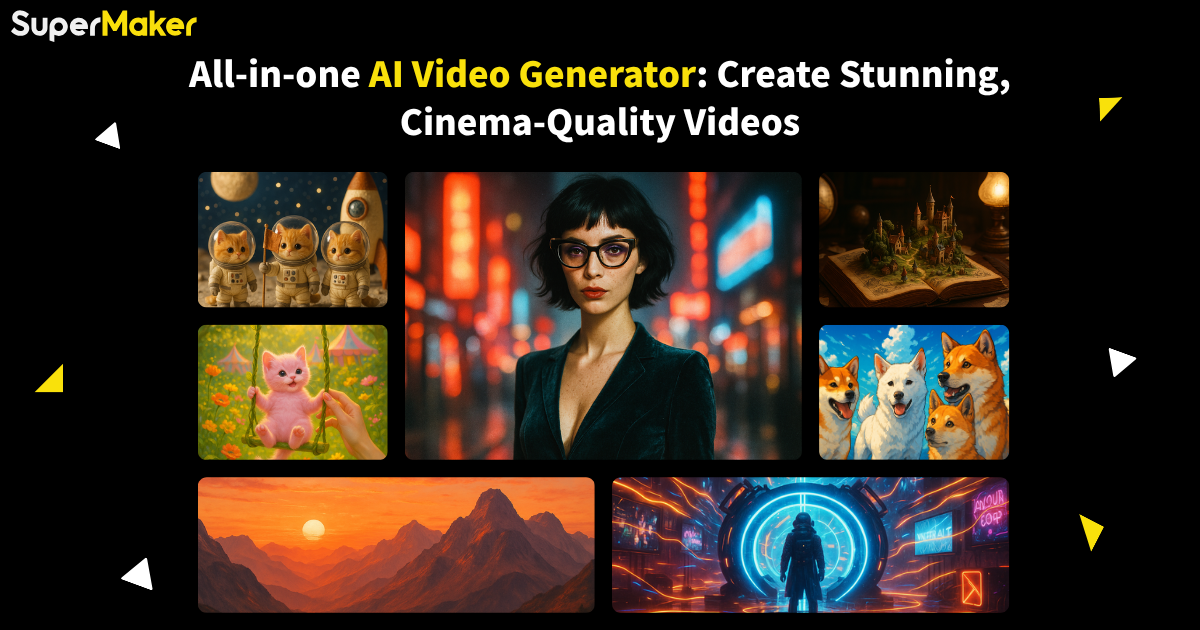
SuperMaker is a web-based creative suite combining AI video, image, voice and music generation with chat and a node-based canvas, offering several third-party models and a free start with no login.
SuperMaker is a browser-based creative suite that puts AI video, image, voice and music generation in one place. Its centre of gravity is the video generator, which supports text-to-video and image-to-video, and the rest of the toolkit is arranged to feed it: images become source frames, voice tools produce narration, and the music tool supplies soundtracks. The homepage also highlights a storyboard-to-final-cut workflow with voiceover, lipsync, sound effects and editing tools. The platform works as a hub for several third-party models rather than a single engine. The featured lineup includes Seedance, Wan, Kling, Grok Imagine, Seedream, Qwen Image Edit and FLUX, each with its own landing page and prompt area. A library of ready-made effects covers dance clips, transitions, fancams, pixel art, coloring pages and photo filters, which lets a user start from a template instead of writing a prompt from scratch. In practice the flow runs from prompt to generation, then enhancement with audio, then fine-tuning and export. Two features go beyond one-shot generation. An AI chat interface acts as a conversational creative director that can steer scenes, voiceovers and music across tools. A node-based canvas studio lets users chain text, image and video steps on an infinite canvas, run whole projects in batches and analyze storyboards. The homepage says users can start free without logging in, though it gives no detail on limits or paid tiers. SuperMaker suits social video makers, marketers producing short ads, hobbyists, and small teams who want one subscription-style workspace instead of separate apps for clips, images, narration and music. Compared with single-purpose video generators, the draw is breadth and model choice. Compared with professional editing software, it offers less manual control. The terms prohibit adult content, which sets it apart from some permissive generators. A developer API called SeeAPI is announced as coming soon, but it is not yet available.
Homepage says to start free with no login required, but does not state usage limits or duration.
Learn moreThe homepage does not list prices or plan tiers. It only says users can generate for free and start without logging in.
Learn moreHosts third-party models including Seedance, Wan, Kling, Grok Imagine, Seedream, Qwen Image Edit and FLUX. A unified developer API, SeeAPI, is announced as coming soon.
Text-to-video and image-to-video, image generation and editing, AI voiceovers, royalty-free music, conversational AI chat, a node-based canvas studio with batch runs, storyboards, lipsync, sound effects, and an effects library.
Learn more AI Angels400+ customizable AI girlfriends for NSFW chat, voice calls, and roleplay
 Candy AIExperience the future of companionship with AI friends who chat, role-play, and connect with you on a human level.
 ourdream.aiA vast AI roleplay platform with millions of characters for chat, images, video and voiceAI Angels400+ customizable AI girlfriends for NSFW chat, voice calls, and roleplayCandy AIExperience the future of companionship with AI friends who chat, role-play, and connect with you on a human level.ourdream.aiA vast AI roleplay platform with millions of characters for chat, images, video and voice