Free trial
No time limited trial is described. New accounts start on a free plan with 100 cards and access to all features from the start, per the homepage.
Learn moreA card based notes app with opt in AI for writing and thinking

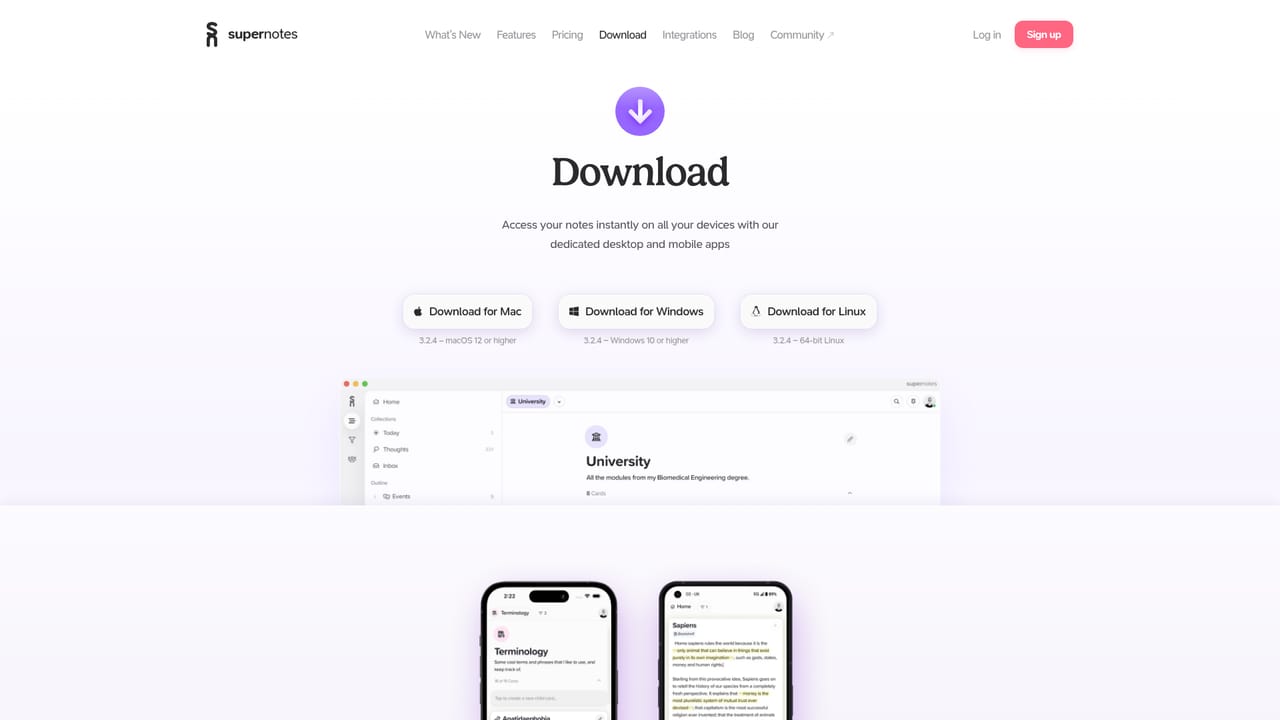
Supernotes is a card based note taking app with an optional AI layer that handles tedious writing tasks, suggests tags, and points out grammar problems and improvement areas. It runs on Windows, Mac, Linux, iOS and Android, supports Markdown and bi directional links, and targets note takers moving off Notion, OneNote or Logseq.
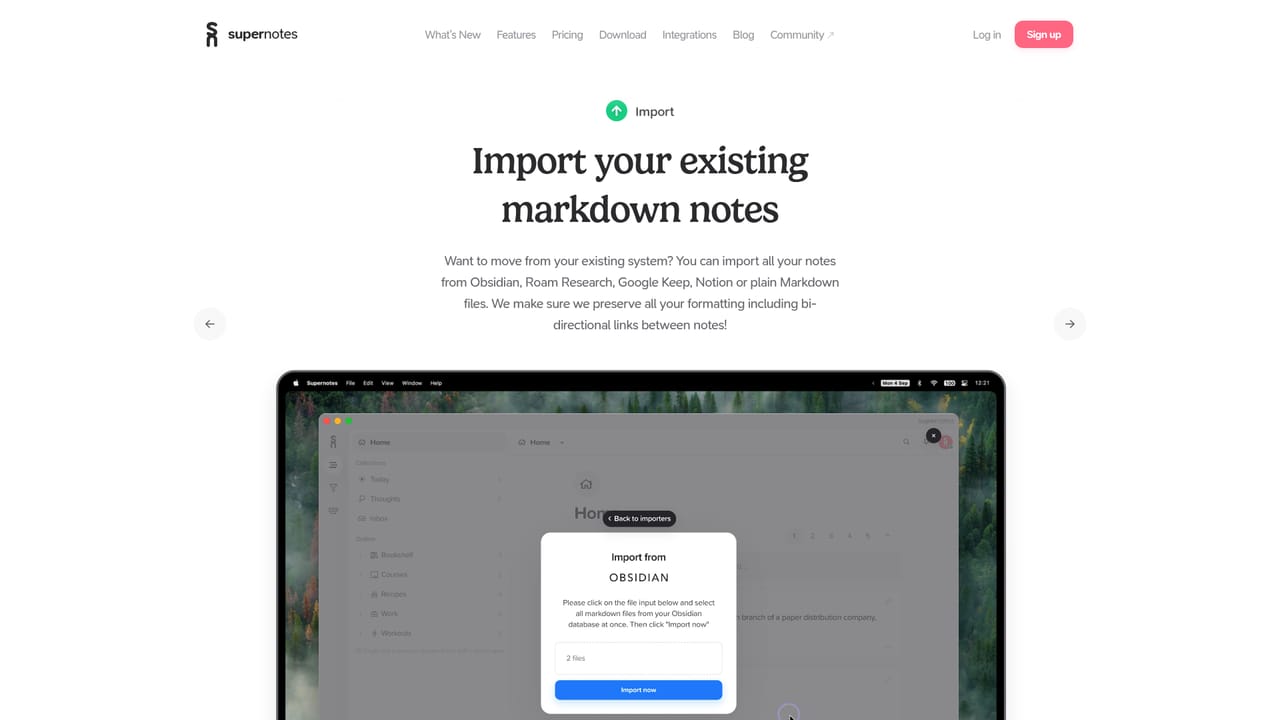
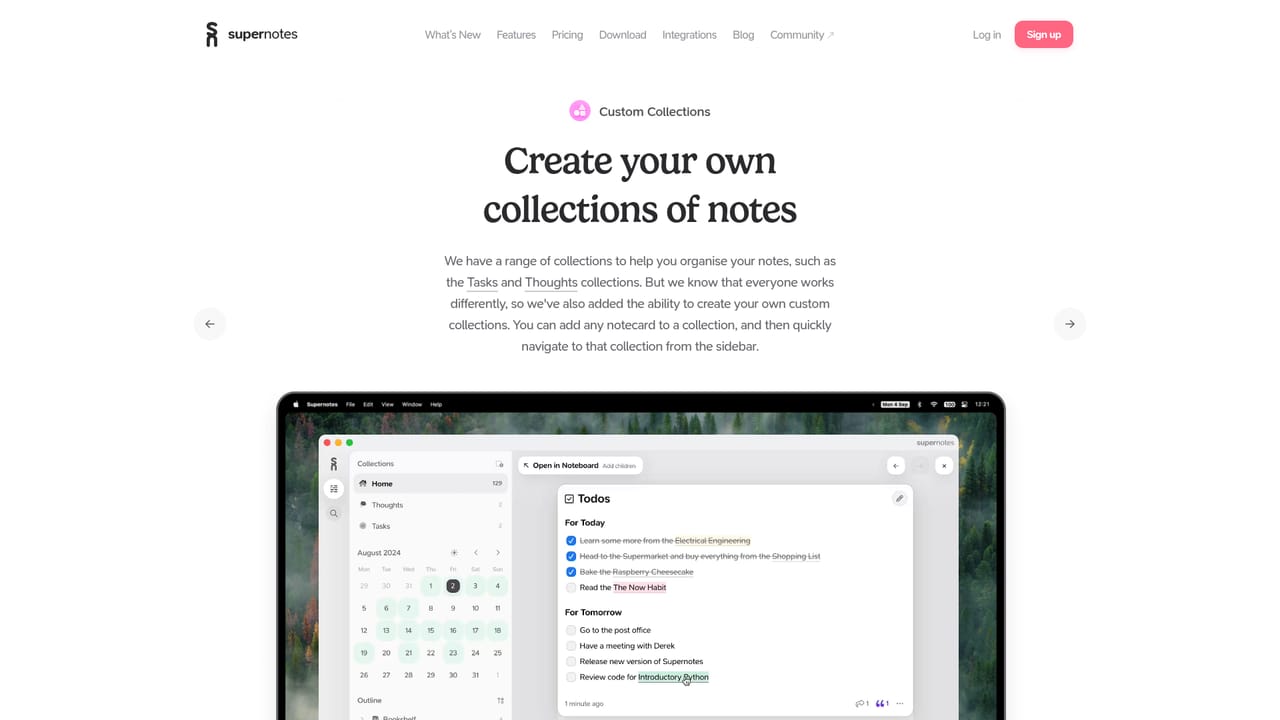
Supernotes is a note taking app built around small, interlinked cards rather than long documents. Its AI layer, which the team calls AI Superpowers, is an opt in assistant woven into the writing surface. It handles tedious drafting chores, proposes relevant tags for a note, and flags grammatical errors along with passages that could be clearer or stronger. The stated goal is not to write notes for you but to nudge each note toward better quality as you create it. The mechanics follow the card model. Notes are short units that can be linked bi directionally, nested under multiple parents at once, grouped into custom collections, and written in Markdown with LaTeX maths support. Because cards are brief, the AI feedback stays narrow and actionable instead of rewriting whole pages. In day to day use you might draft a meeting note, let the assistant suggest tags so it surfaces later, and accept or reject edit suggestions before publishing the card with a secure share link. Supernotes suits people who think in fragments and want to grow a connected knowledge base: researchers, students, writers, and knowledge workers migrating from Notion, Microsoft OneNote, or Logseq. The site positions it as a speed focused alternative to those tools, with keyboard shortcuts and immediate UI feedback as central selling points. Native apps cover Windows, Mac, Linux, iOS, and Android, and existing Markdown notes can be imported. Against rivals, Supernotes competes on responsiveness and restraint rather than AI volume. There are no autonomous agents or generation pipelines here; the assistant is a quiet editor and organizer. Anyone wanting AI to synthesize whole documents will need to look elsewhere, while those who want a fast card system with a light correctness and tagging layer will find the fit natural.
No time limited trial is described. New accounts start on a free plan with 100 cards and access to all features from the start, per the homepage.
Learn moreFree signup includes 100 cards, with more available by referring friends or subscribing to the Unlimited Plan. Exact Unlimited Plan pricing is not stated on the homepage, so check the pricing page for current figures.
Learn moreSupport resources linked from the site include a help centre, FAQ, community forum, status page and developer documentation, though the homepage does not describe response times or support tiers.
Learn moreA public integrations page and a developer API reference are linked from the site, but the homepage does not name specific third party integrations.
Learn moreAI Superpowers is an opt in assistant that covers tedious writing tasks, recommends relevant tags, and highlights grammatical errors and areas for improvement. It sits within a card based note system offering Markdown with LaTeX, bi directional links, multi parent nesting, custom collections, daily views, import, secure sharing, and native apps on Windows, Mac, Linux, iOS and Android.
Learn more AI Angels400+ customizable AI girlfriends for NSFW chat, voice calls, and roleplay
 Candy AIExperience the future of companionship with AI friends who chat, role-play, and connect with you on a human level.
 ourdream.aiA vast AI roleplay platform with millions of characters for chat, images, video and voiceAI Angels400+ customizable AI girlfriends for NSFW chat, voice calls, and roleplayCandy AIExperience the future of companionship with AI friends who chat, role-play, and connect with you on a human level.ourdream.aiA vast AI roleplay platform with millions of characters for chat, images, video and voice


