Free trial
A free account gives 10 analysis credits covering the complete review workflow, with no payment required to start. Additional credits accumulate over time.
Learn moreReview high-stakes replies before you hit send.
Own Second Glance? Verify ownership to get a dofollow link

Second Glance is an email polishing tool. An email tone checker for high-stakes work messages. Paste the thread, draft a reply, and Second Glance flags missing answers plus wording that could be misread, then offers one-click local fixes rather than a full rewrite.
Second Glance is an email tone checker built for people who send messages where the wording carries real weight: managers replying to escalations, account leads answering difficult client threads, staff writing to executives or HR. Rather than rewriting a draft into something cleaner but unfamiliar, it reviews what has already been written and points out the places where a recipient could read something differently than intended. The workflow is deliberately contained. A user pastes the message or thread being answered, drafts a reply in the same editor, then presses Analyze. The tool returns three things: a coverage check that flags questions or points from the original thread that the reply does not address, tone and risk highlights inside the draft itself (amber marks worth considering, red marks that read as risky), and short targeted replacements that can be accepted or ignored one at a time. Because fixes are local rather than wholesale, the writer keeps control of voice and does not have to re-read a rewrite from scratch. The positioning against general writing tools is explicit. Chat assistants regenerate a message and Grammarly polishes surface grammar; Second Glance is aimed at validation, the check that a careful draft actually covers what it needed to cover and avoids phrasing that sounds abrasive, defensive or ambiguous. That makes it most useful in workplaces where a single forwarded email can create friction, and least useful for people who rarely write consequential correspondence. Drafts are stored locally and cleared on sign-out, which suits confidential workplace content. Accounts are created with an email flow, the whole product is browser-based, and new users receive 10 analysis credits to test the full workflow before deciding on a paid tier.
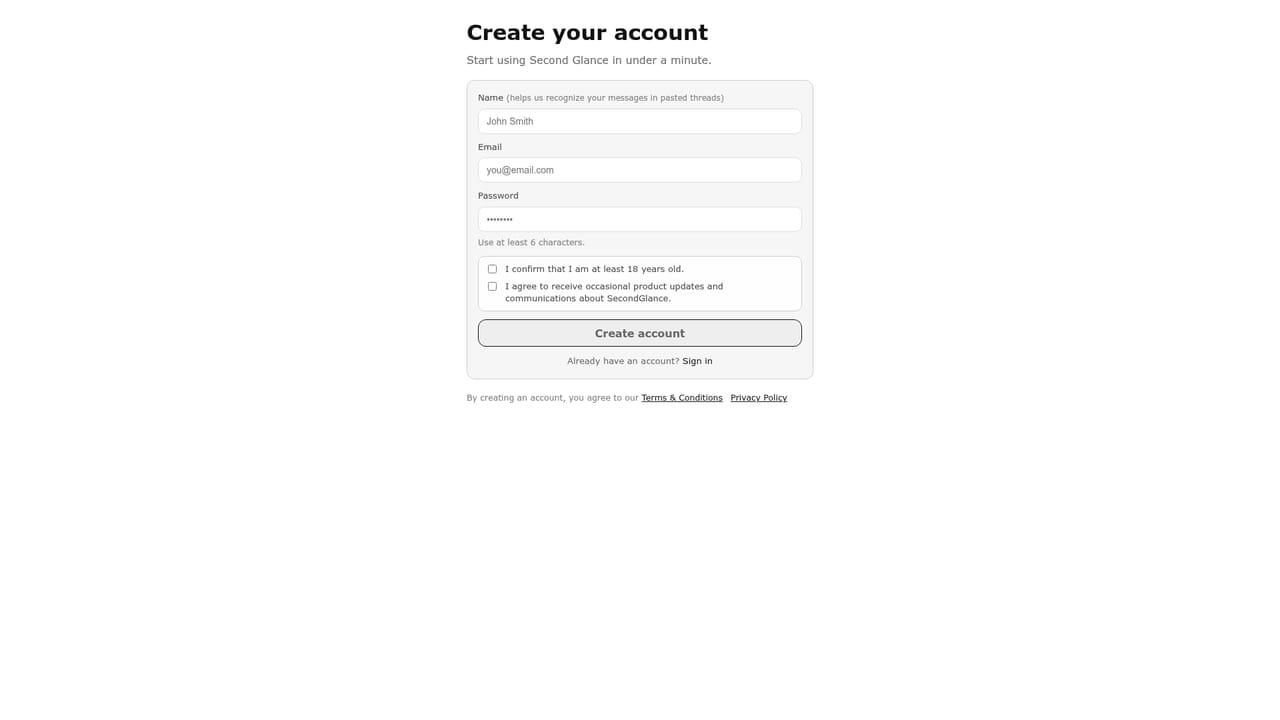
A free account gives 10 analysis credits covering the complete review workflow, with no payment required to start. Additional credits accumulate over time.
Learn moreTwo tiers are described. A free account provides 10 analysis credits to try the full workflow, with new credits earned over time. A monthly subscription offers unlimited analysis with full functionality. The site does not publish a price for the paid plan.
Learn moreCoverage check for missed questions and gaps, tone and risk flags highlighted in the draft with amber and red severity, and one-click local replacements. Drafting and review happen in one editor, and drafts are stored locally and cleared on sign-out.
 AI Angels400+ customizable AI girlfriends for NSFW chat, voice calls, and roleplay
 Candy AIExperience the future of companionship with AI friends who chat, role-play, and connect with you on a human level.
 ourdream.aiA vast AI roleplay platform with millions of characters for chat, images, video and voiceAI Angels400+ customizable AI girlfriends for NSFW chat, voice calls, and roleplayCandy AIExperience the future of companionship with AI friends who chat, role-play, and connect with you on a human level.ourdream.aiA vast AI roleplay platform with millions of characters for chat, images, video and voice


