Superset

One workspace to run many coding agents in parallel

Advanced API
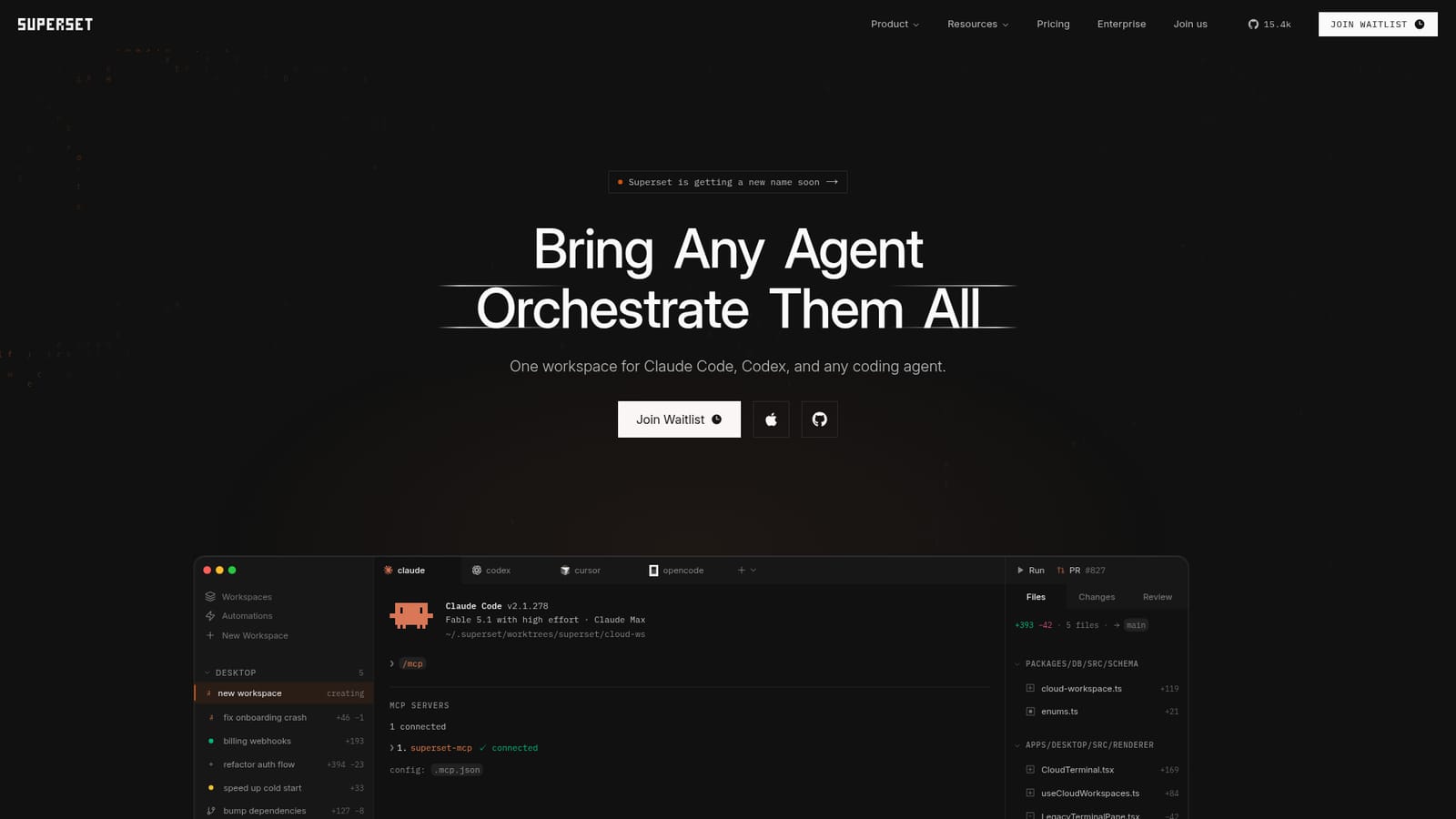
Screenshot of Superset, One workspace to run many coding agents in parallel

What is Superset?

Superset is a developer tool. A desktop and mobile workspace that runs Claude Code, Codex, OpenCode and other coding agents side by side, each in its own isolated Git worktree, with scheduling, automations, remote hosts and one review surface for merging all the resulting branches.

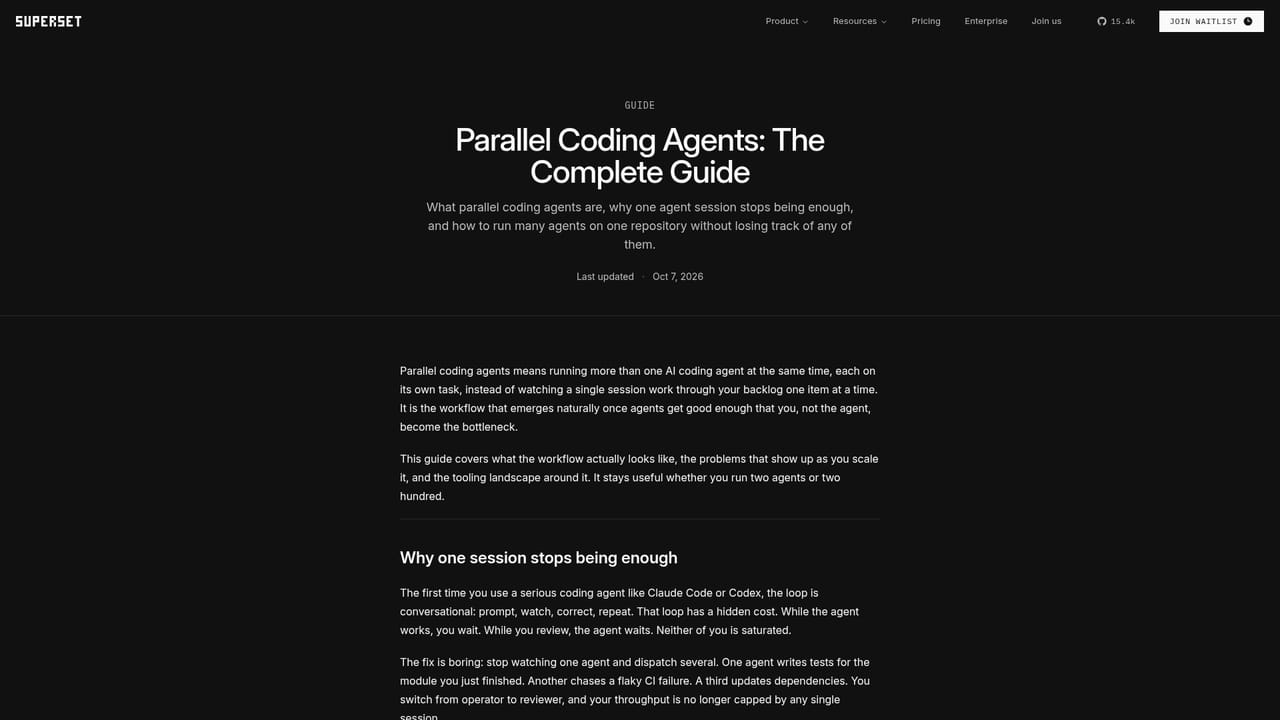
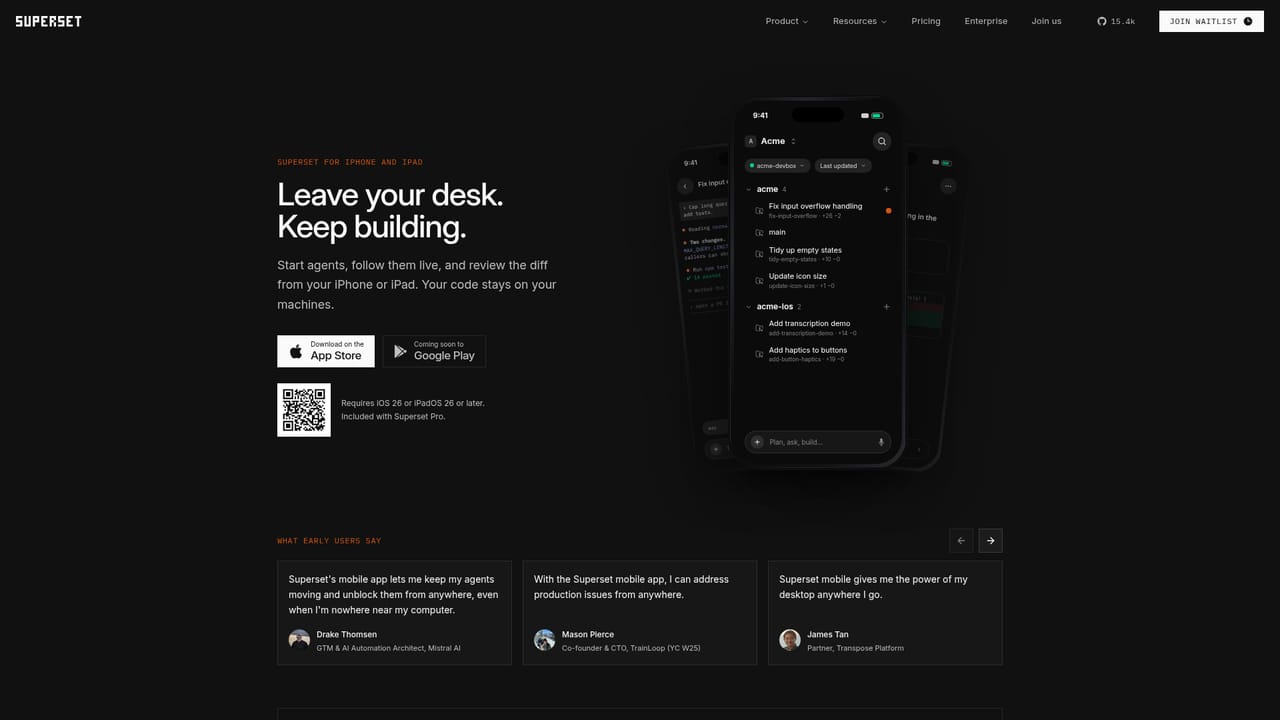
Superset is a desktop workspace for running several coding agents at once. Rather than replacing Claude Code, Codex, OpenCode or Cursor Agent, it sits above them and gives each task a place to run. The agent you already pay for stays the engine; Superset handles the scheduling, isolation and review around it. The core mechanism is the Git worktree. Every task gets its own isolated worktree, so ten agents can edit ten branches at the same time without overwriting each other's files. A status view shows which agents are working, which are blocked and which are waiting on you, and a built-in diff and review surface lets you inspect, comment on and merge changes before they land. Agents can be swapped per task, so a refactor might go to one model and a UI fix to another, while branches and review flow stay constant. Beyond the manual loop, Superset adds automations that start agents on a schedule or on an event such as a new issue or a review request, then open pull requests for you to approve. Workspaces can be attached to remote hosts over SSH, so long jobs keep running when the laptop closes, and a companion iPhone and iPad app covers check-ins from a phone. Everything is scriptable through a CLI and SDK, and agents can drive the workspace over MCP. Worktrees open in VS Code, Cursor, Xcode, JetBrains IDEs or a terminal with one click. This is aimed at engineering teams already comfortable with CLI agents who hit the ceiling of a single terminal tab. It competes with other worktree-and-agent GUIs rather than with the assistants themselves. Code stays local by default, cloud sync is limited to account and organization metadata, and the source is published under the Elastic License 2.0 with SOC 2 Type II compliance. Access currently runs through a waitlist.

How do you use Superset?

  1. 1Join the waitlist and get access
    Superset is distributed through a waitlist. Sign up from the homepage, then install the desktop app once your invite arrives.
    Superset — Join the waitlist and get access
  2. 2Create your first workspace
    Add a workspace against a local repository. Superset creates an isolated Git worktree so the agent's edits never touch your main checkout.
  3. 3Connect an agent
    Pick an agent for the task from the terminal menu (Claude Code, Codex, OpenCode and others) and use your existing subscription or key. Swap agents per task without changing branches or review flow.
  4. 4Run tasks in parallel
    Launch further tasks, each in its own worktree, and watch the status board for working, blocked and ready-for-review states.
    Superset — Run tasks in parallel
  5. 5Add a remote host
    Use superset connect to register a machine over SSH, then start long jobs there so they keep running when your laptop sleeps and remain visible from the phone app.
    Superset — Add a remote host
  6. 6Review, comment and merge
    Open the built-in diff view, leave comments, then approve and merge the branches you want. Automations can be added later to run the same loop on a schedule.

Pros and cons

Pros

  • Genuinely agent-agnostic: Claude Code, Codex, OpenCode, Cursor Agent, Gemini, Devin and others sit in the same workspaceAI
  • Git worktree isolation means parallel tasks do not clobber each other's files, and review happens before mergeAI
  • Automations handle recurring chores (issue triage, changelog drafts, dependency bumps) and open PRs unattendedAI
  • Remote hosts over SSH plus a phone app keep long-running agents alive after the laptop closesAI
  • Local-first storage with published source under ELv2 and SOC 2 Type II complianceAI

Cons

  • Access is gated behind a waitlist, so availability is not guaranteed at signupAI
  • The listing is a macOS desktop client with an iOS companion; there is no native Windows or Linux app mentionedAI
  • You still supply each agent's own subscription or API key, so Superset adds cost on top of model spendAI
  • Running dozens of parallel agents multiplies review load; the tool organises diffs but does not decide what is worth mergingAI
  • A product rename is already announced, which may mean churn in docs, URLs and packagingAI

How much does Superset cost?

Integrations

Works with Claude Code, Codex, OpenCode, Cursor Agent, Gemini, Mistral Vibe, Kimi Code, Grok CLI, Hermes, Muse Code, Devin, Antigravity, Kiro and others, and deep-links into VS Code, Cursor, Xcode, JetBrains IDEs, Sublime Text and terminal; an MCP server and SDK extend it to CI.

Learn more

Features

Parallel workspaces with one isolated Git worktree per task, a status board separating working, blocked and ready-for-review agents, per-task agent switching across Claude Code, Codex, OpenCode, Cursor Agent, Gemini and others, scheduled and event-driven automations that open PRs, remote hosts over SSH, an iPhone and iPad companion app, a CLI and SDK for scripting, MCP so agents can drive the workspace, and one-click opening in VS Code, Cursor, Xcode, JetBrains or a terminal.

Learn more

Frequently asked questions about Superset

  • Does Superset have an API?
    Yes, Superset offers an API.
  • How do you use Superset?
    The walkthrough on this page covers 6 steps: 1. Join the waitlist and get access 2. Create your first workspace 3. Connect an agent 4. Run tasks in parallel 5. Add a remote host 6. Review, comment and merge.
  • What platforms does Superset support?
    Superset is available on MacOS, iOS and Web App.
  • What does Superset integrate with?
    Works with Claude Code, Codex, OpenCode, Cursor Agent, Gemini, Mistral Vibe, Kimi Code, Grok CLI, Hermes, Muse Code, Devin, Antigravity, Kiro and others, and deep-links into VS Code, Cursor, Xcode, JetBrains IDEs, Sublime Text and terminal; an MCP server and SDK extend it to CI.
  • What are the limitations of Superset?
    Access is gated behind a waitlist, so availability is not guaranteed at signup. The listing is a macOS desktop client with an iOS companion; there is no native Windows or Linux app mentioned. You still supply each agent's own subscription or API key, so Superset adds cost on top of model spend.

Status

StatusActive
Views0
Outbound clicks0
Added10/21/2026

Platforms

MacOSiOSWeb App

Pricing

Paid