Free trial
Syncly Creator offers a free start through the creator app, but the homepage gives no trial length or feature limits for the Social and VOC products.
Learn moreAI social intelligence for video-first brands and creator campaigns

Syncly is AI social intelligence built around video. It listens across platforms, catches untagged brand mentions with speech-to-text and AI vision, supports competitor analysis, creator discovery and campaign tracking, unifies voice-of-customer feedback, and connects to Claude and ChatGPT through an MCP connector.
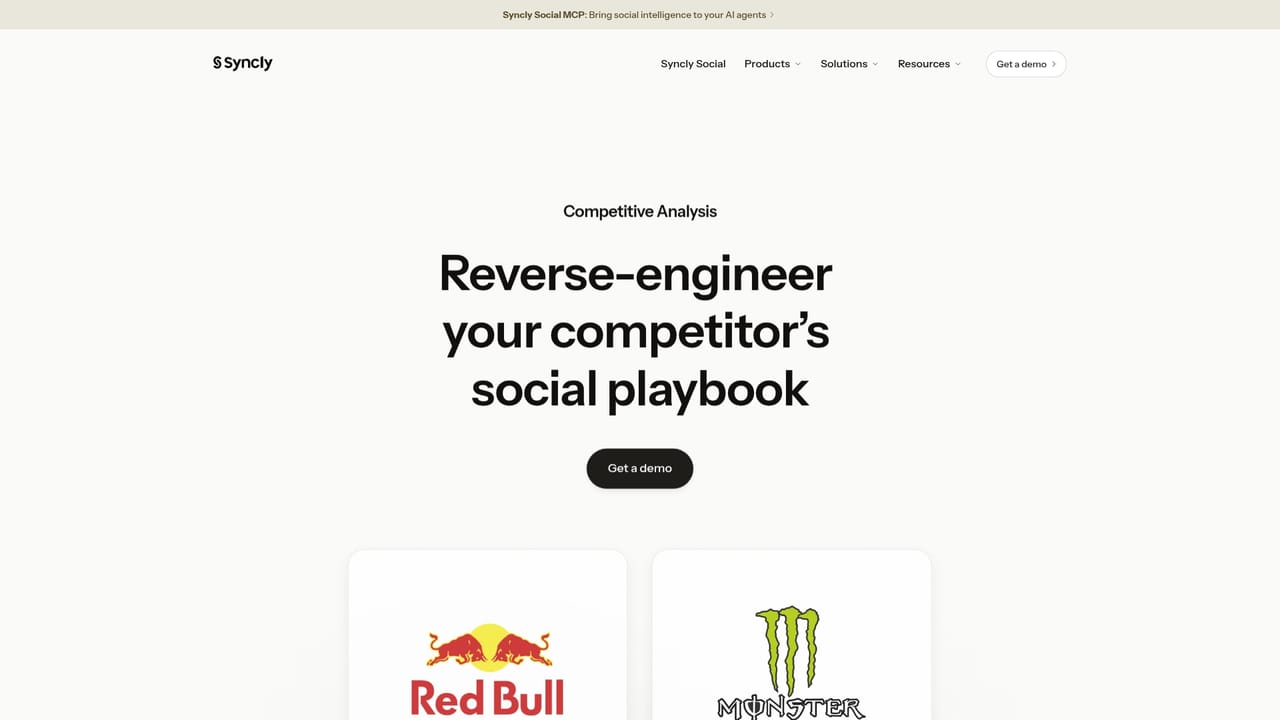
Syncly is an AI social intelligence platform aimed at brands that market heavily through short-form video. It listens across every major social platform, with particular strength on TikTok, Reels and Shorts, and it catches brand mentions whether or not the brand has been tagged. Rather than relying on captions and hashtags alone, it runs speech to text and AI vision over each clip, so spoken references and on-screen context both feed the analysis. Creator demographics are attached too, which gives teams a fuller picture than text-based listening tools typically produce. The product is split into three connected surfaces. Syncly Social covers listening and competitive analysis: share of voice, net sentiment, the hooks and formats rivals use, and a plain-language query box that replaces Boolean strings. Ask Syncly turns a natural question into a report with charts, sentiment and cited source videos. Syncly Creator handles influencer work, finding and vetting creators by what their videos actually show and say, then tracking campaigns from brief through published post to measured impact. Syncly VOC pulls customer feedback from tickets, chat, email, surveys, reviews and social into one view, auto-tags it with sentiment, and routes themes to the right teams. A remote MCP connector exposes the social data to Claude, ChatGPT and other agent workflows. It suits social, influencer and consumer insights teams at brands that live on video, especially those frustrated by tag-dependent listening tools. Pricing is not published on the homepage; the main entry points are a demo request and a free start on the Creator product. Buyers will want a scoping call to confirm platform coverage and contract terms before committing.
Syncly Creator offers a free start through the creator app, but the homepage gives no trial length or feature limits for the Social and VOC products.
Learn moreA remote MCP connector brings Syncly social intelligence into Claude, ChatGPT and other AI workflows. The VOC product unifies feedback from tickets, chat, email, surveys, reviews and social. No further named integrations are listed.
Learn moreCore features include cross-platform social listening on TikTok, Reels and Shorts, video analysis via speech to text and AI vision, competitor analysis of hooks and formats, plain-language Smart Query, Ask Syncly reports with cited source videos, a Creator module for influencer discovery and campaign tracking, a VOC hub that centralizes and auto-tags feedback, and an MCP connector for AI agents.
Learn more AI Angels400+ customizable AI girlfriends for NSFW chat, voice calls, and roleplay
 Candy AIExperience the future of companionship with AI friends who chat, role-play, and connect with you on a human level.
 ourdream.aiA vast AI roleplay platform with millions of characters for chat, images, video and voiceAI Angels400+ customizable AI girlfriends for NSFW chat, voice calls, and roleplayCandy AIExperience the future of companionship with AI friends who chat, role-play, and connect with you on a human level.ourdream.aiA vast AI roleplay platform with millions of characters for chat, images, video and voice


