Free trial
Dreamtonics offers free trial downloads of Synthesizer V Studio through a dedicated page on its site, so the software can be evaluated before purchase.
Learn moreType lyrics, draw notes, and let AI singers perform them
Own Synthesizer V? Verify ownership to get a dofollow link

Synthesizer V is an MIDI generator tool. Dreamtonics Synthesizer V Studio 2 Pro is a Windows and macOS vocal synthesizer that turns typed lyrics and MIDI notes into sung performances using licensed AI voice databases.
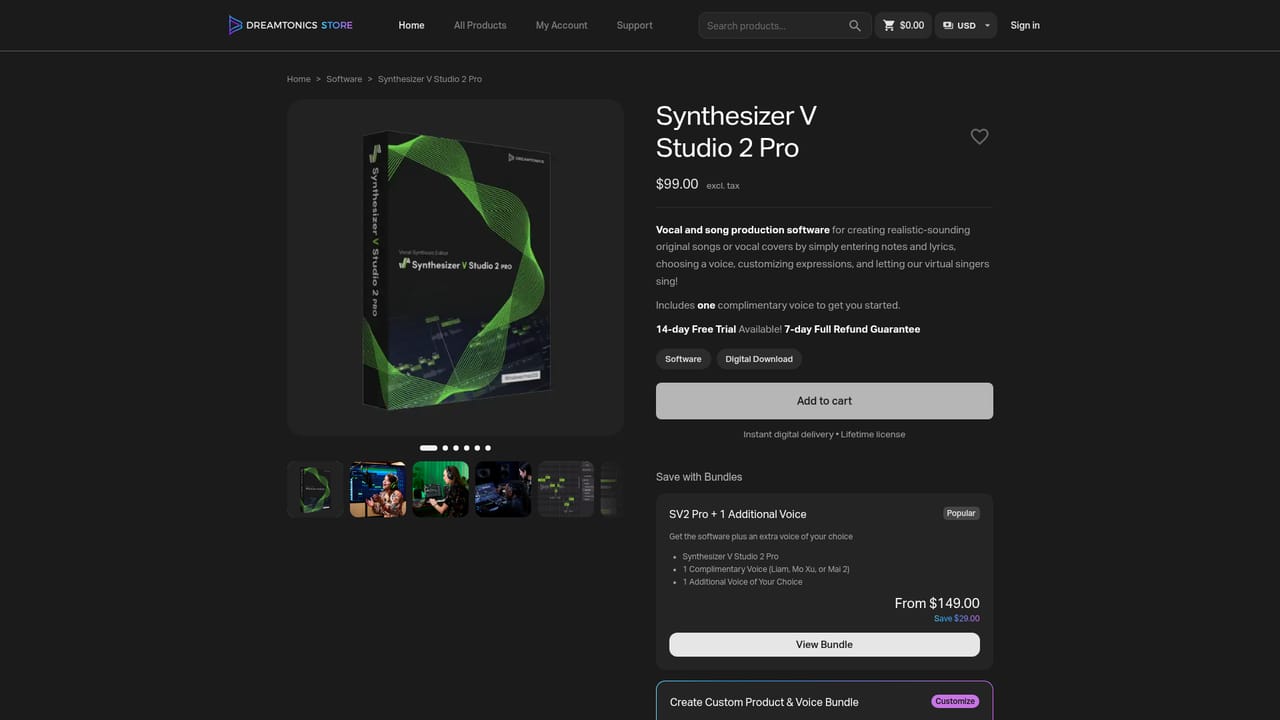
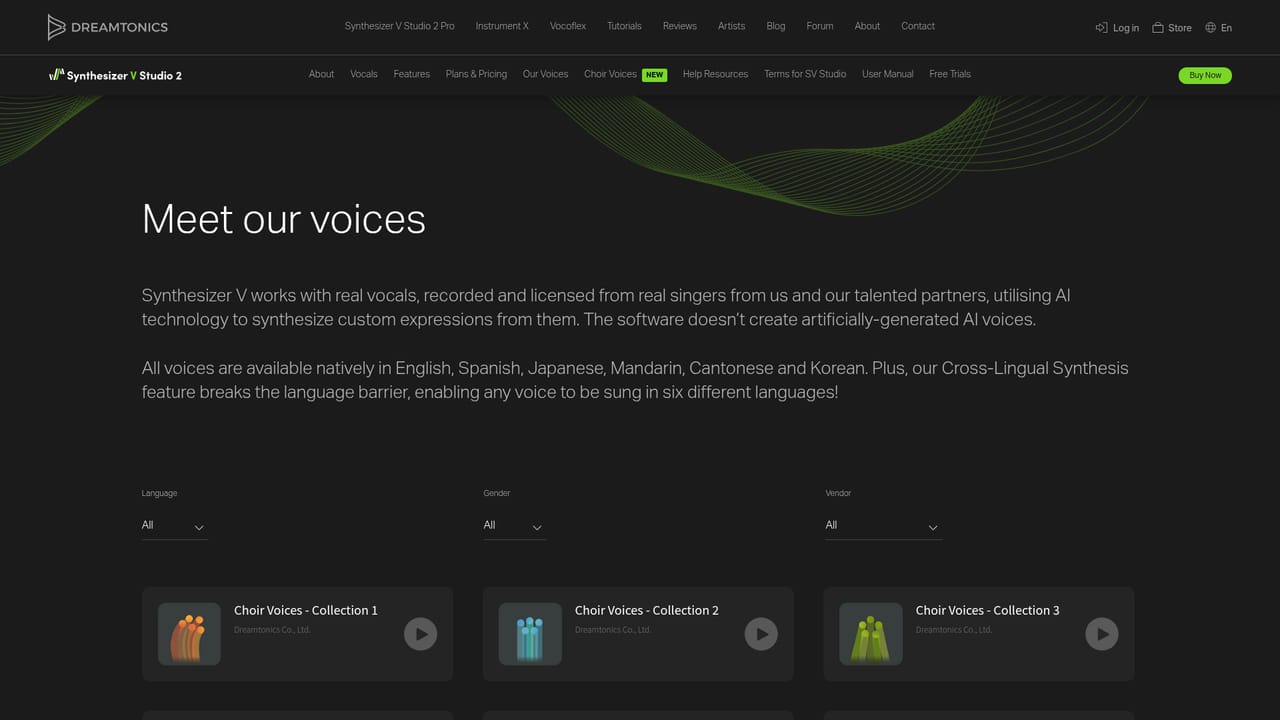
Synthesizer V Studio 2 Pro is a desktop song and vocal production tool from Dreamtonics. You enter notes and lyrics in a piano roll style editor, pick a voice, shape expression parameters, and the software renders a sung vocal part. The voices themselves are AI models built from recordings licensed from real singers, and Dreamtonics states that the Pro version reached a human level naturalness rating in blind tests involving 50 musicians. It runs as a standalone application and as a VST3, AU, AAX and ARA plugin, so vocals can be generated inside a DAW session rather than bounced in a separate app. The practical workflow is closest to a MIDI instrument that happens to sing. Melodies arrive from a MIDI keyboard, an imported MIDI file, notation software, or a converted audio take. Lyrics are typed underneath, and the singing is then adjusted through vocal modes (chest, belt, breathy), pitch and timing retakes, phoneme level editing, and parameters such as tension, breathiness, voicing, gender, tone shift and mouth opening. Cross-Lingual Synthesis lets any voice sing in six languages (English, Japanese, Mandarin, Cantonese, Korean and Spanish), which matters for writers who demo in one language and deliver in another. Live Rendering redraws the waveform as parameters change, and the second generation claims offline rendering up to 300 percent faster than the original. Three audiences are served. Producers and songwriters use it to sketch vocal ideas, build guide tracks, replace placeholder oohs and aahs, or hand a finished reference to a session singer. Vocalists use it for rehearsal and choral arrangement tracks, or to study expression styles before recording themselves. Hobbyists use it as a low cost route to finished vocals without booking studio time or hiring a singer. The main catch is that the software and the voices are sold separately. The editor is a one time purchase, and each Dreamtonics voice database is another one time purchase, with additional voices from partner studios such as AHS, Eclipsed Sounds, AUDIOLOGIE, INTERNET, E-CAPSULE, Quadimension and Studio ENTRE. Budget for at least one voice on top of the editor, and expect a genuine learning curve around phoneme editing and parameter work before output stops sounding synthetic. Compared with subscription based vocal generators, the appeal here is ownership and deep manual control rather than instant one click results.
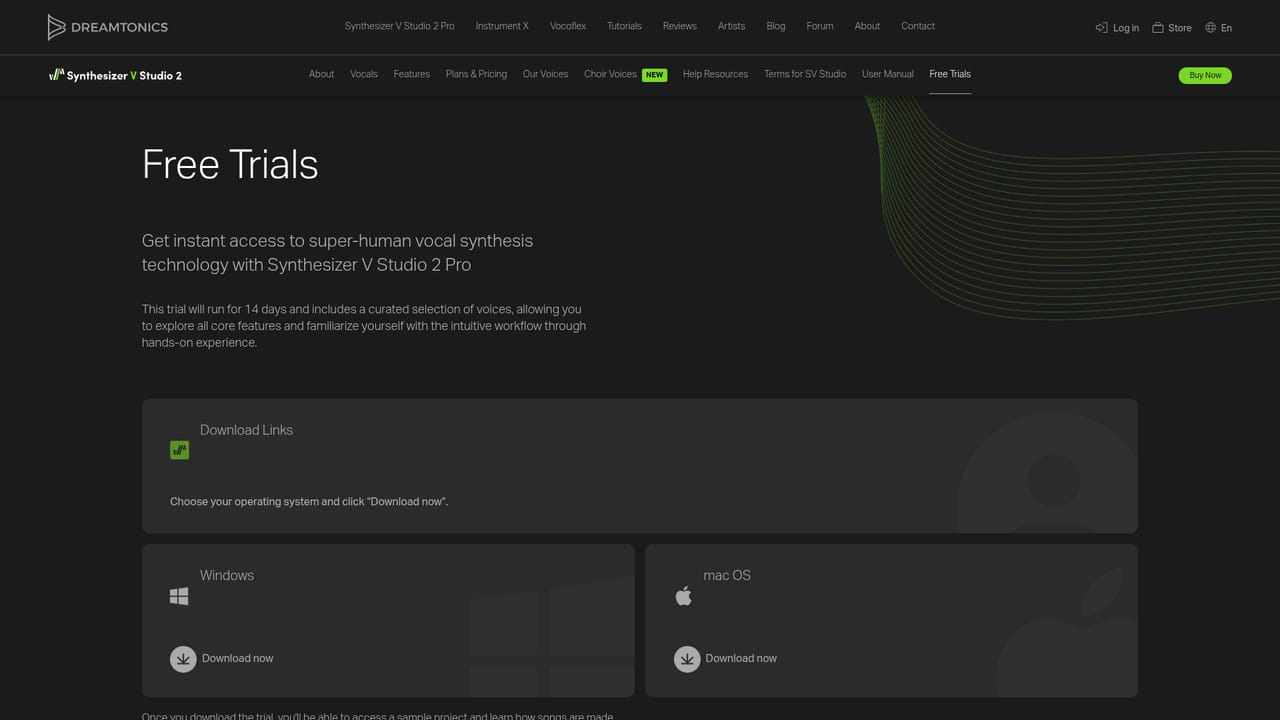
Dreamtonics offers free trial downloads of Synthesizer V Studio through a dedicated page on its site, so the software can be evaluated before purchase.
Learn moreOne time purchases, no subscription. Synthesizer V Studio 2 Pro is $99 and the earlier Synthesizer V Studio Pro is $89. Dreamtonics voice databases are $79 each and sold separately. Bundles pairing the editor with a voice, or with the Vocal Creation Bundle, are listed on the Dreamtonics store.
Learn moreRuns as a standalone application and as a VST3, AU, AAX and ARA plugin, which covers most major DAWs. Melodies can be brought in from MIDI files, MIDI keyboards, notation software, or audio converted to MIDI.
Piano roll note and lyric entry, AI Retakes for pitch, timbre and timing, vocal modes such as chest, belt and breathy, smart pitch controls, a mouth opening parameter, a dedicated phoneme timing panel, Live Rendering with real time waveform feedback, and Cross-Lingual Synthesis covering six singing languages. Parameter controls include tension, breathiness, voicing, gender and tone shift.
 AI Angels400+ customizable AI girlfriends for NSFW chat, voice calls, and roleplay
 Candy AIExperience the future of companionship with AI friends who chat, role-play, and connect with you on a human level.
 ourdream.aiA vast AI roleplay platform with millions of characters for chat, images, video and voiceAI Angels400+ customizable AI girlfriends for NSFW chat, voice calls, and roleplayCandy AIExperience the future of companionship with AI friends who chat, role-play, and connect with you on a human level.ourdream.aiA vast AI roleplay platform with millions of characters for chat, images, video and voice