Support
Support runs through a public Slack community and a blog, plus a newsletter for release news. The homepage also offers a form to schedule a demo, which is the route for commercial or deployment questions.
Learn moreOpen-source, self-hosted AI coding assistant for teams that keep code in-house

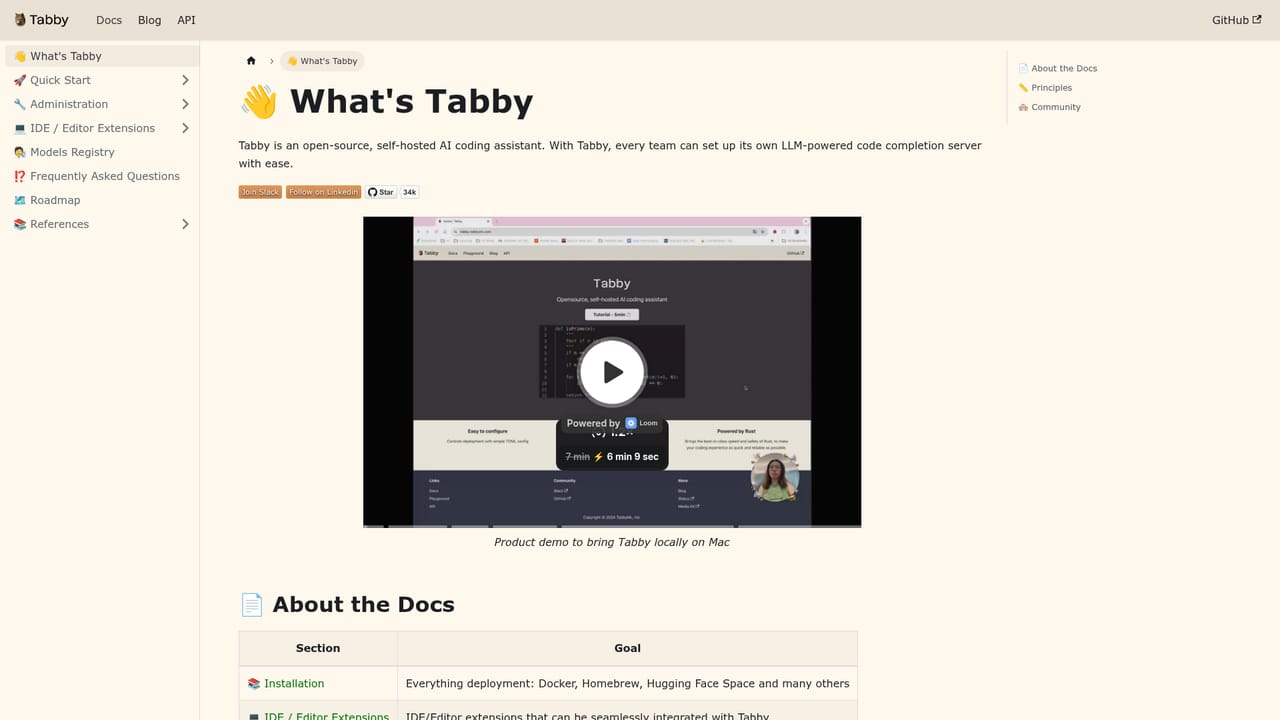
Tabby is an open-source, self-hosted AI coding assistant with code completion, an in-IDE answer engine, inline chat and context providers. It targets teams that want Copilot-style help while keeping source code and model serving on their own infrastructure, with support for consumer GPUs and major editors including VS Code, Neovim and the JetBrains IDEs.
Tabby is an open-source AI coding assistant that runs on infrastructure you control. It is positioned by its maker as a self-contained alternative to hosted assistants such as GitHub Copilot, with the codebase and the model serving stack living inside your own environment. Teams choose it when sending source code to a third-party cloud is not an option, or when they want to tune the assistant to the conventions of a private repository rather than accept a generic model's defaults. The assistant covers four working modes. Code completion generates context-aware suggestions as you type inside the editor, predicting the next lines of a function or the shape of a query. The Answer Engine responds to questions about your codebase from within the IDE, returning explanations, examples and source references. Inline chat keeps a conversation anchored to the code you are looking at, so questions and replies stay tied to the surrounding context. Context providers pull in documentation, configuration files and external APIs to give the model a deeper view of a project. The deployment story is the real differentiator. Tabby is built to run without an external DBMS or cloud services, and the homepage states it supports consumer-grade GPUs and Cloud IDEs. That means a small team can stand up an instance on modest hardware and connect it to editors already in use. The tradeoff is operational: someone has to host, upgrade and monitor it. Because it is open source, the software supply chain is inspectable, which matters to security-conscious engineering organizations. Editor coverage is broad and includes VS Code, Neovim, the JetBrains family (IntelliJ, PyCharm, WebStorm, GoLand, CLion, PhpStorm, RubyMine, Rider, AppCode), Eclipse and Android Studio. Tabby is aimed at development teams and platform engineers rather than solo hobbyists, and it fits best where an internal tooling budget and some infrastructure ownership already exist.
Support runs through a public Slack community and a blog, plus a newsletter for release news. The homepage also offers a form to schedule a demo, which is the route for commercial or deployment questions.
Learn moreEditor coverage includes VS Code, Neovim, IntelliJ, PyCharm, WebStorm, GoLand, CLion, PhpStorm, RubyMine, Rider, AppCode, Eclipse and Android Studio. The homepage also names Mistral AI, DeepSeek and Qwen as model partners, and Cloud IDEs are supported.
Learn moreFour core capabilities: context-aware code completion inside the editor, an Answer Engine that responds to questions about your codebase, inline chat tied to the code under discussion, and context providers that pull in docs, configuration and APIs. Deployment is self-contained with no external DBMS or cloud services, and consumer-grade GPUs are supported.
Learn more AI Angels400+ customizable AI girlfriends for NSFW chat, voice calls, and roleplay
 Candy AIExperience the future of companionship with AI friends who chat, role-play, and connect with you on a human level.
 ourdream.aiA vast AI roleplay platform with millions of characters for chat, images, video and voiceAI Angels400+ customizable AI girlfriends for NSFW chat, voice calls, and roleplayCandy AIExperience the future of companionship with AI friends who chat, role-play, and connect with you on a human level.ourdream.aiA vast AI roleplay platform with millions of characters for chat, images, video and voice


