Free trial
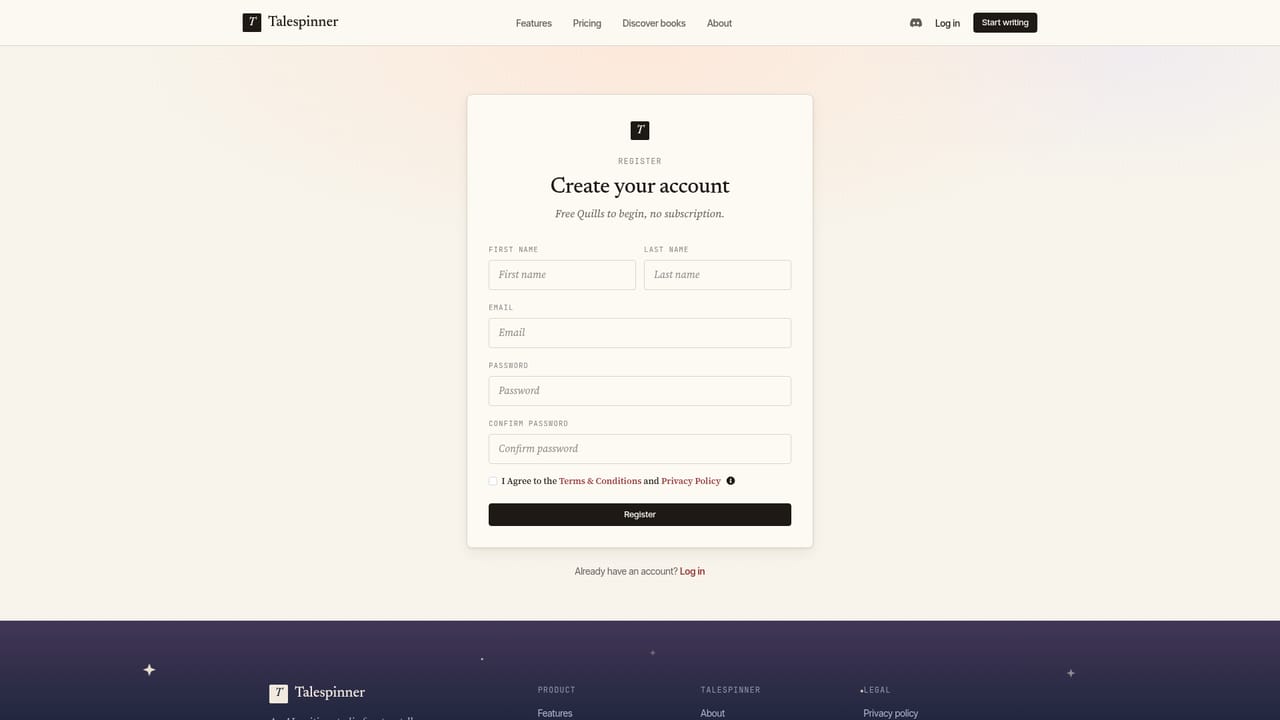
Free Quills are included at sign-up, which functions as a trial allowance. The homepage does not state how many Quills are granted or how far they stretch.
Learn moreAn AI writing studio that keeps your characters, world and outline in view

Talespinner is an AI book generator tool. A browser-based novel writing studio that keeps characters, world details and chapter outlines in context while drafting, with rewrites on selection, a choice of AI models, web research, PDF export and a public Discover gallery.
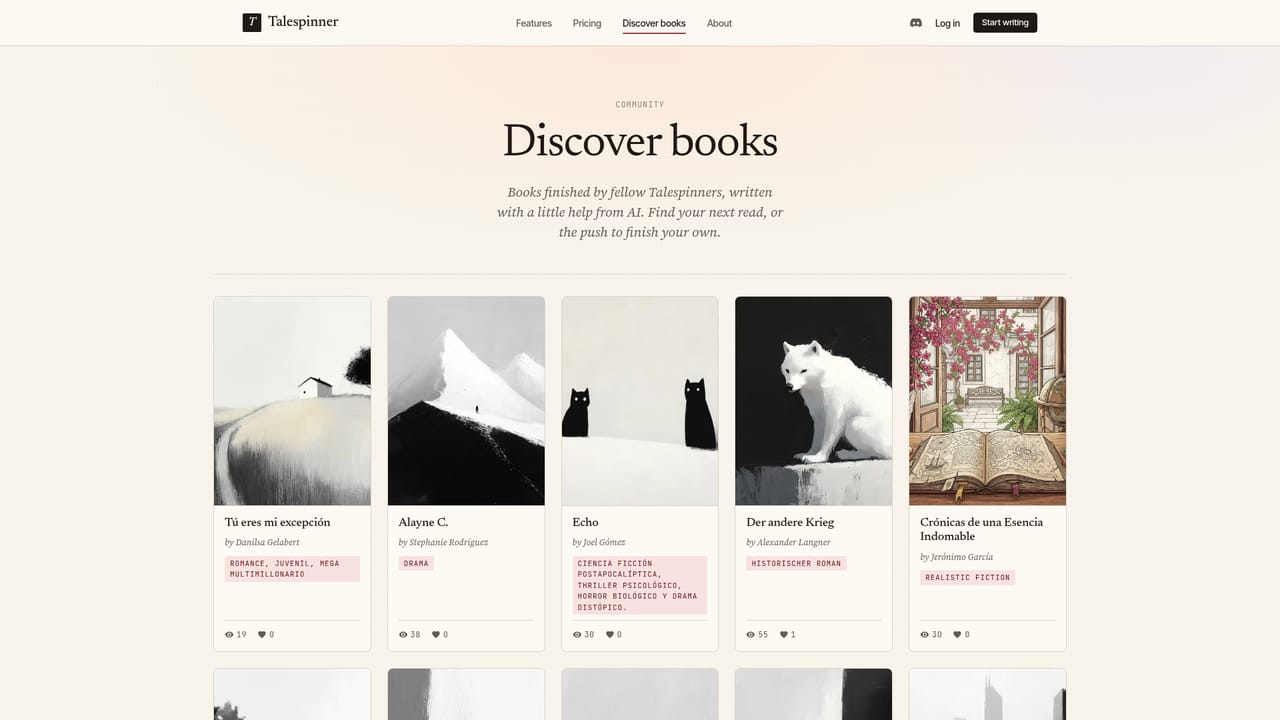
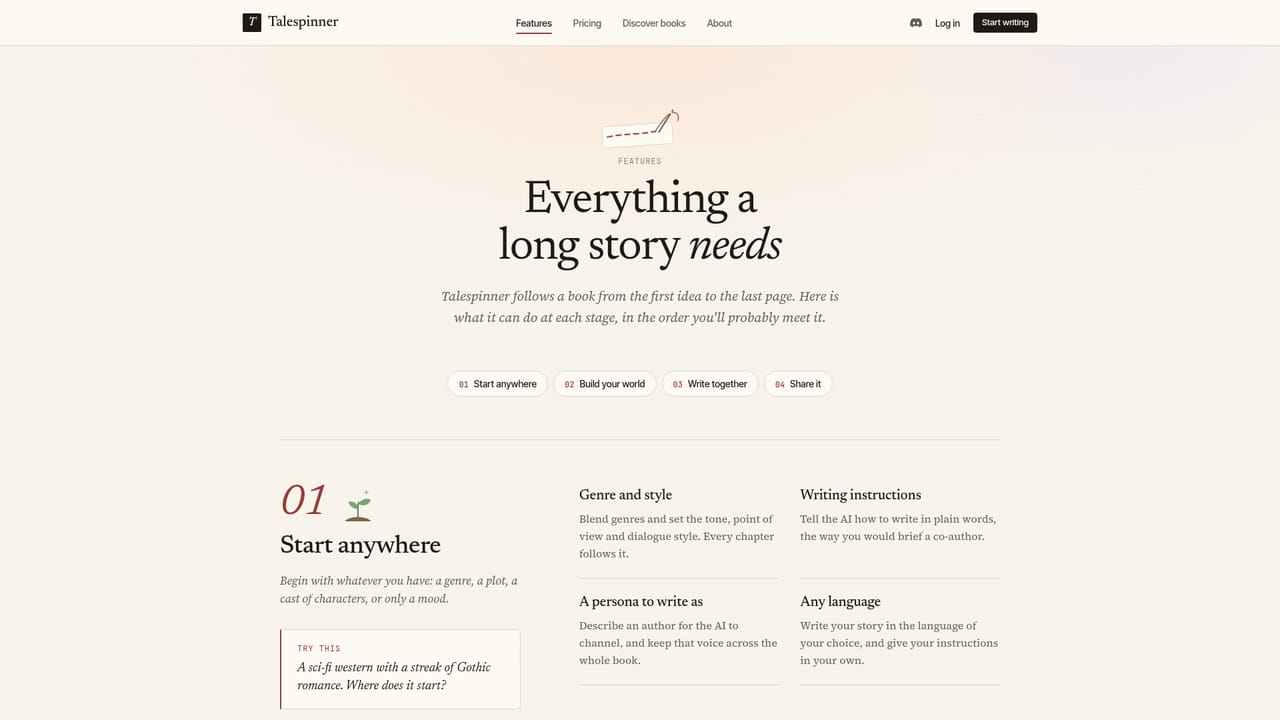
Talespinner is a writing studio built around the long project rather than the single prompt. Instead of generating isolated passages, it holds a book's context together: the cast of characters, the world they inhabit, the outline of chapters and beats, and a set of writing instructions that define voice and point of view. Each chapter is drafted with that material in mind, so the AI is not starting from zero every time the writer opens a new scene. Setup is flexible. A project can begin with a genre and writing style, with a plot backbone, or with the characters themselves. Genres can be blended, personas can be described for the AI to write as, and language is chosen per project, so a Spanish romance and a German historical novel can sit side by side in the same account. Character profiles capture personality, goals and relationships, and background research can be gathered inside the workspace, with live web research available when factual accuracy matters. Outlines are assembled from chapter summaries and beats before drafting starts. The drafting layer is where the tool earns its place. Writers produce chapters in their own style and then work at the sentence level: select a passage and rewrite it with a prompt, or insert new text at the cursor. A model picker sits alongside, ranging from options pitched at prose quality to ones pitched at voice, long-form consistency, speed or context length, so the tool is not locked to a single provider. Finished work can be exported as a PDF, shared through a read-only link, published to the Discover gallery for other readers, and given a generated cover. The audience is novelists, serial writers and hobbyists who want assistance across a whole manuscript without handing over control of the prose. It suits planners who like outlines and character bibles, and it accommodates writers who would rather start with a premise and build outward. Compared with general chat assistants, the difference is persistence of context and book-shaped output; compared with dedicated novel software, the difference is that generation, research, model choice and publishing live in one place. The site also offers free Quills on sign-up and states there is no subscription.
Free Quills are included at sign-up, which functions as a trial allowance. The homepage does not state how many Quills are granted or how far they stretch.
Learn moreThe site says new accounts receive free Quills and that there is no subscription, implying a credit-based model rather than a recurring plan. No Quill prices, top-up amounts or per-model costs are stated on the homepage.
Learn moreCharacter profiles with personality, goals and relationships; world building with background notes and live web research; chapter and beat outlines; drafting in your own voice and language; select-and-rewrite and insert-at-cursor editing; a model picker across several providers; generated covers; PDF export; read-only share links; publishing to the Discover gallery.
Learn more AI Angels400+ customizable AI girlfriends for NSFW chat, voice calls, and roleplay
 Candy AIExperience the future of companionship with AI friends who chat, role-play, and connect with you on a human level.
 ourdream.aiA vast AI roleplay platform with millions of characters for chat, images, video and voiceAI Angels400+ customizable AI girlfriends for NSFW chat, voice calls, and roleplayCandy AIExperience the future of companionship with AI friends who chat, role-play, and connect with you on a human level.ourdream.aiA vast AI roleplay platform with millions of characters for chat, images, video and voice


