Free trial
No time-limited trial is described. The free plan itself is the entry point, and the homepage states it is free to get started and free forever.
Learn moreAI quiz builder and live classroom game platform for teachers

Teacherbot is an AI task generator tool. AI quiz generator for teachers that turns a topic, lesson plan, PDF or template into an editable quiz, then runs it as a live classroom game or a self-paced homework task with automatic scoring and analytics.
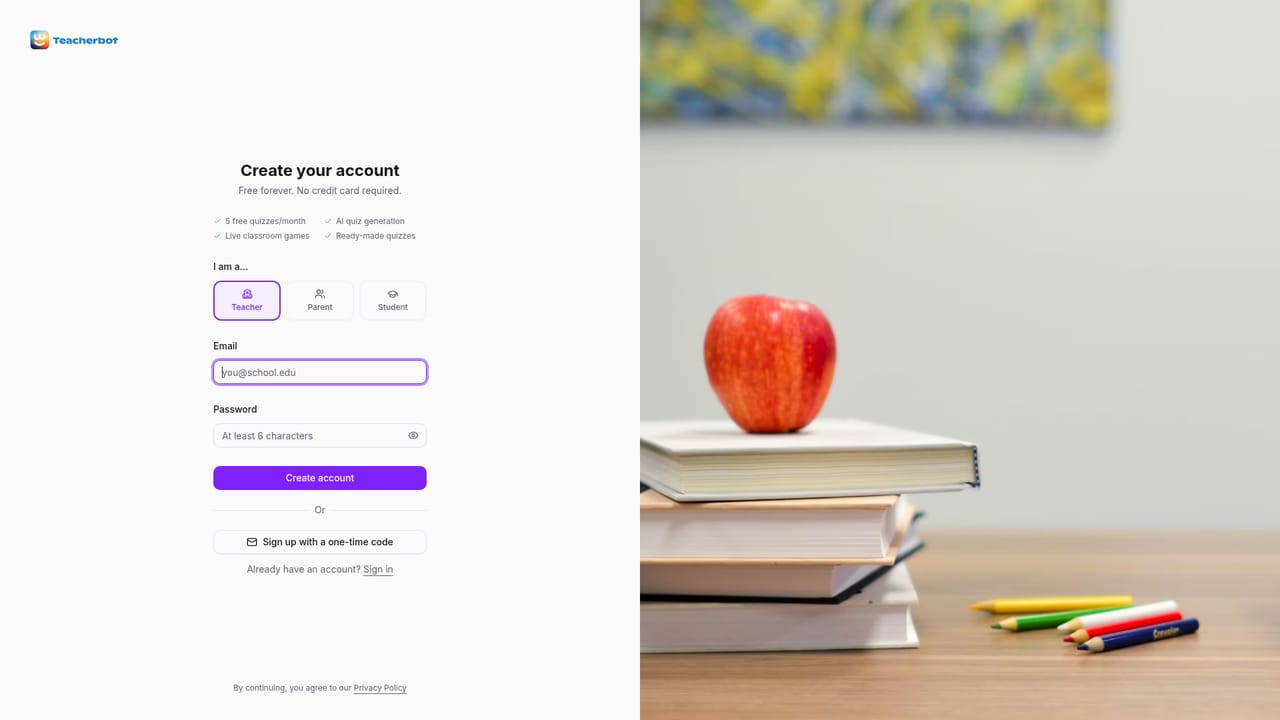
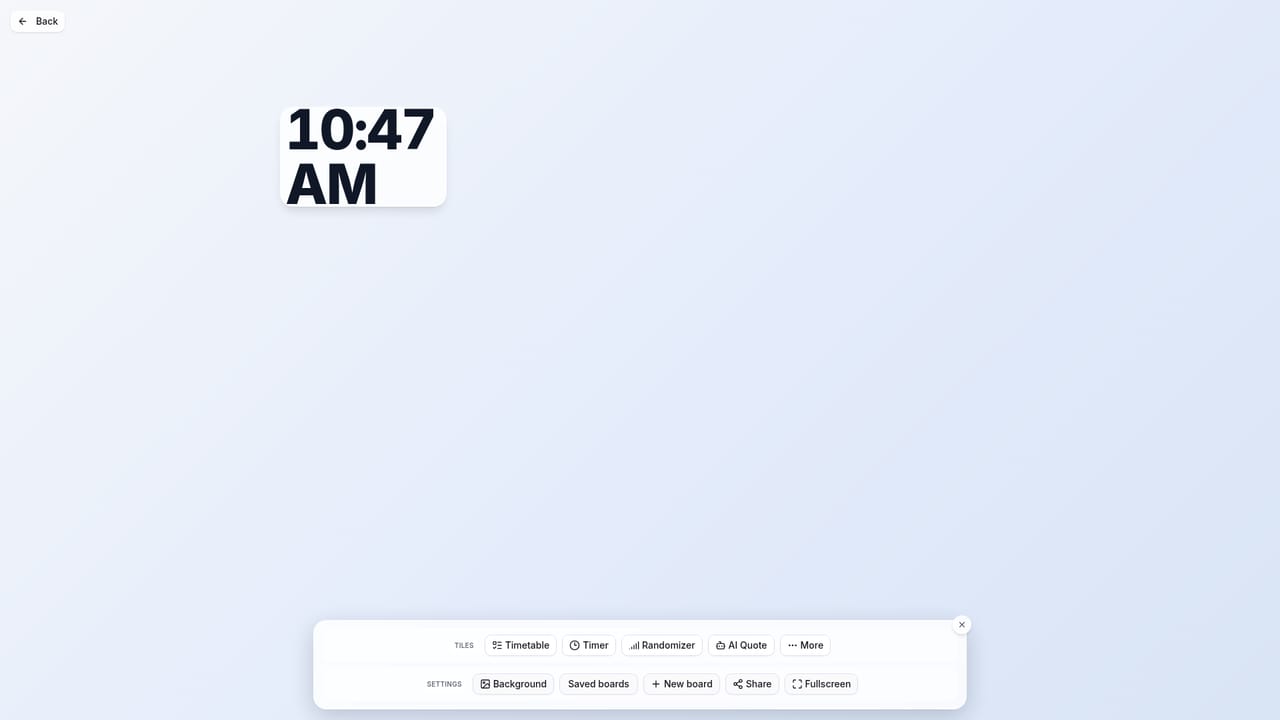
Teacherbot is a classroom quiz platform built around AI generation. A teacher types a topic ("Fractions for ages 8-9", "WW2 causes"), pastes lesson notes, uploads a document, or picks from a template gallery, and the system produces a complete, age-appropriate quiz in seconds. Every question can be edited before the game goes live, and question types include multiple choice, true/false and open-ended, so the format is not locked to one style of recall testing. The live game is the centre of the product. Students join through a game code on a phone, tablet or laptop, with no app download and no student accounts, just a nickname. During play the teacher sees a leaderboard, a countdown timer and a podium finish with confetti, and after the game the analytics report which questions the class actually understood. Homework mode takes the same quiz out of the room: a shared link lets students work at their own pace, pick an avatar and meet a deadline, with automatic scoring and no marking on the teacher's side. Two features extend Teacherbot beyond quizzes. Morning starters give teachers a full-screen, projector-ready board for the start of the day, with drag-and-drop widgets for maths warm-ups, spelling challenges, discussion prompts, reading starters, timers, a noisometer and a name picker, generated for a chosen age band. A quiz library holds thousands of teacher-created sets that can be played as-is or remixed, and a one-click importer pulls existing Kahoot quizzes across. Teacherbot is aimed at primary and secondary teachers who want quick formative assessment without a paid Kahoot tier or a heavy learning management setup. It competes on price and on AI generation rather than on deep integration with school systems, and the free plan caps games at 30 students and five quizzes a month, with Plus removing those limits.
No time-limited trial is described. The free plan itself is the entry point, and the homepage states it is free to get started and free forever.
Learn moreFree plan plus a paid Plus tier from £4.99 per month. The free plan covers 3 AI-generated quizzes a month, 5 quizzes in total per month, 30 students per game and unlimited question editing; Plus adds unlimited AI generation and up to 100 students per game.
Learn moreThe homepage lists a one-click Kahoot quiz importer. No other third-party integrations, such as Google Classroom or an LMS, are mentioned.
AI quiz generation from a prompt, lesson plan, document or template; multiple choice, true/false and open-ended questions; live games with leaderboard, timer, podium and confetti; homework mode with deadlines and automatic scoring; post-game analytics; morning starter boards with drag-and-drop widgets, timer, noisometer and name picker; a library of teacher-created quizzes that can be remixed; one-click Kahoot import.
 AI Angels400+ customizable AI girlfriends for NSFW chat, voice calls, and roleplay
 Candy AIExperience the future of companionship with AI friends who chat, role-play, and connect with you on a human level.
 ourdream.aiA vast AI roleplay platform with millions of characters for chat, images, video and voiceAI Angels400+ customizable AI girlfriends for NSFW chat, voice calls, and roleplayCandy AIExperience the future of companionship with AI friends who chat, role-play, and connect with you on a human level.ourdream.aiA vast AI roleplay platform with millions of characters for chat, images, video and voice


