Pricing
The page title describes the generator as free and unlimited with no sign up. No paid tier for this tool is described on the page.
Learn moreFree Snapchat caption writer with tone, length and hashtag controls

Teleprompter is a content generation tool. A free, no sign up web tool from Teleprompter.com that writes Snapchat captions from a topic, with settings for tone, length, emoji weight and hashtag count, plus copy and regenerate buttons.
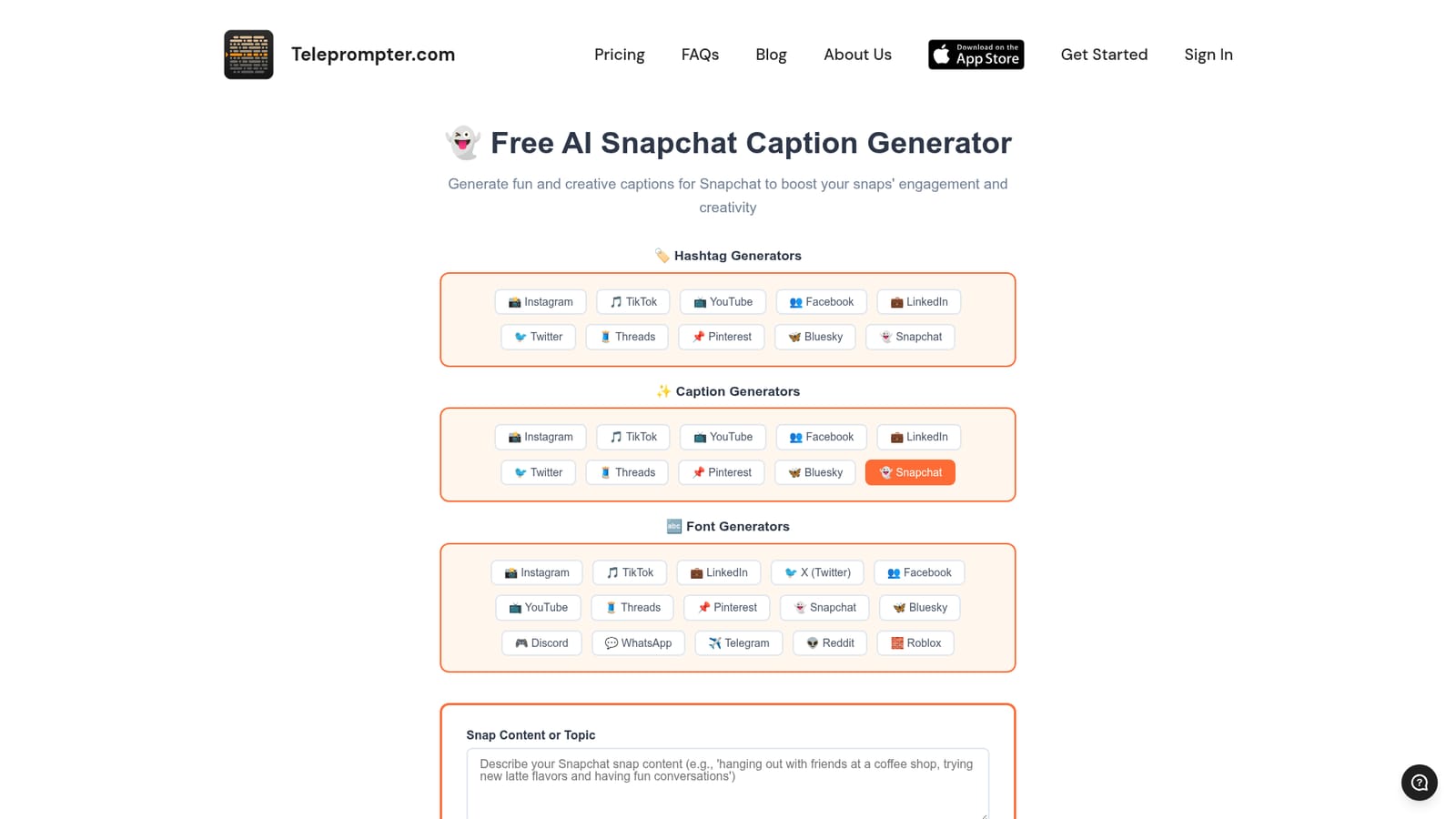
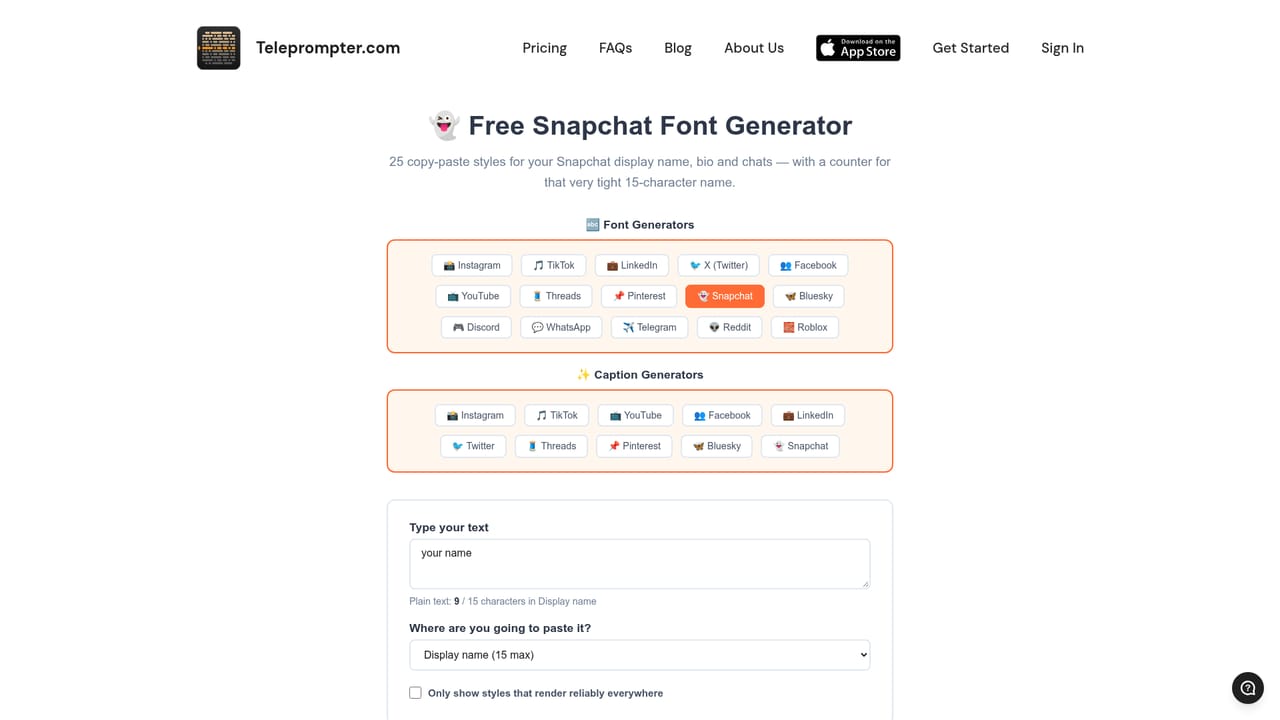
The Snapchat caption generator from Teleprompter.com is a browser-based writing tool that turns a short description of a snap into a caption ready to paste. It is one of many small utilities published by the Teleprompter.com brand, which is best known for a video-recording app on iOS, Android and the web. The page is labeled free and unlimited, and its title says no sign up is required, so it works as a quick stop rather than an account-based product. Using it takes a minute. The user types the content or topic of the snap, then sets three options. Tone offers six moods: fun and playful, casual and chill, creative and artistic, humorous and witty, lifestyle and trendy, and spontaneous and authentic. Length ranges from one or two words up to descriptive lines of nine words or more, with an emoji-heavy mode that keeps text to a minimum. Hashtags can be skipped or set to one, two, three or five. An optional context box accepts extra detail. The result appears in a panel with buttons to copy it or generate a fresh version. The audience is mostly everyday Snapchat users, small creators and social managers who want a playful line without staring at a blank field. The surrounding page also explains what suits the platform: short, casual, emoji-friendly text that matches the moment, with hashtags treated as a minor extra. A follow-up link points to a companion Snapchat font generator for styled text, which mentions the platform's 15-character display name limit. Among alternatives, a general chat assistant can write the same captions but needs a prompt each time. This tool trades flexibility for presets aimed at one network, and the same site offers matching caption, hashtag and font generators for Instagram, TikTok, YouTube, LinkedIn, X, Threads, Pinterest, Bluesky and others. It suits quick one-off captions, not long-form copywriting or campaign planning.
The page title describes the generator as free and unlimited with no sign up. No paid tier for this tool is described on the page.
Learn moreA support email address (support@teleprompter.com) is listed in the site footer. The page also carries an FAQ on caption length, hashtags and emojis.
Generates Snapchat captions from a topic. Controls include six tones, four length modes (including emoji heavy), hashtag counts of none, one, two, three or five, and an optional context field. Results can be copied or regenerated.


