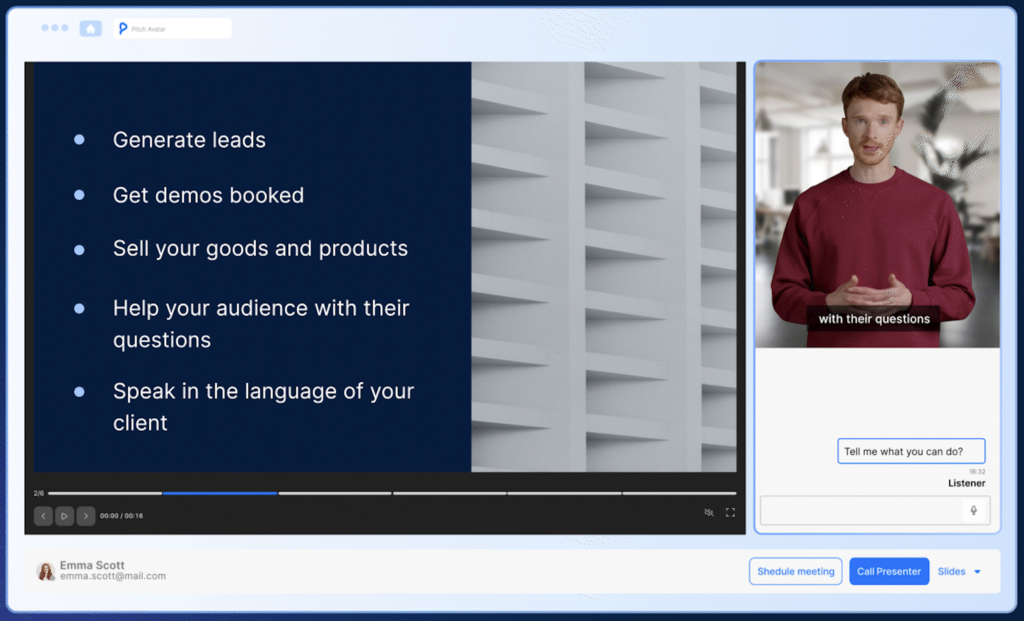
Free trial
The homepage carries a banner inviting visitors to log in or register and claim a free trial, but it does not state the trial length, credit allowance or which tools are included.
Learn moreOne AI workspace for slides, images, video, writing and PDF conversion

TeraBox is an avatar presentation tool. TeraBox bundles an AI agent, research notebook, three presentation modes, image and video generation, writing helpers and PDF conversion tools into one web workspace with fifteen language variants. It targets generalist users who want slides, copy and media from a single account rather than a deep specialist tool.
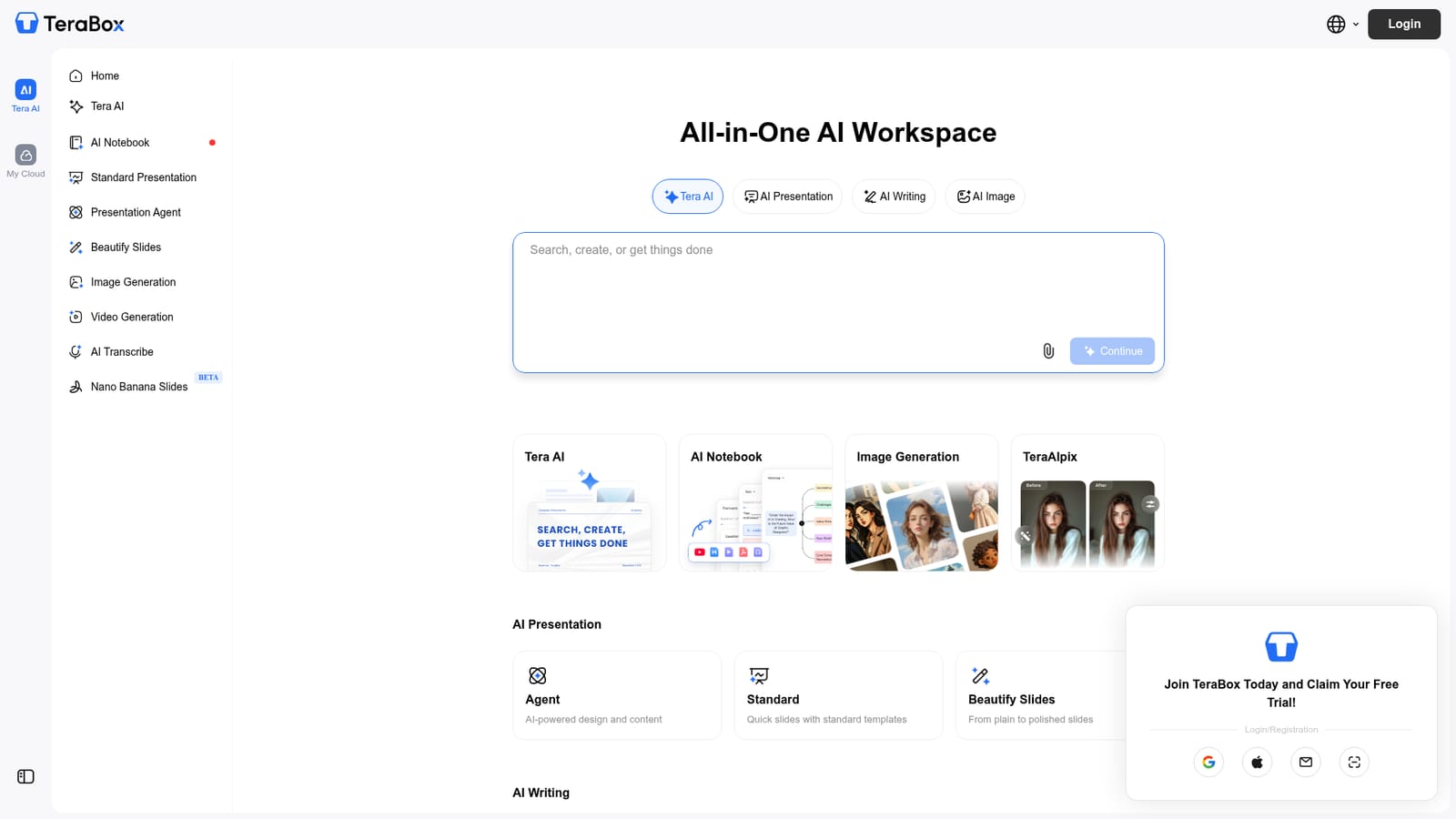
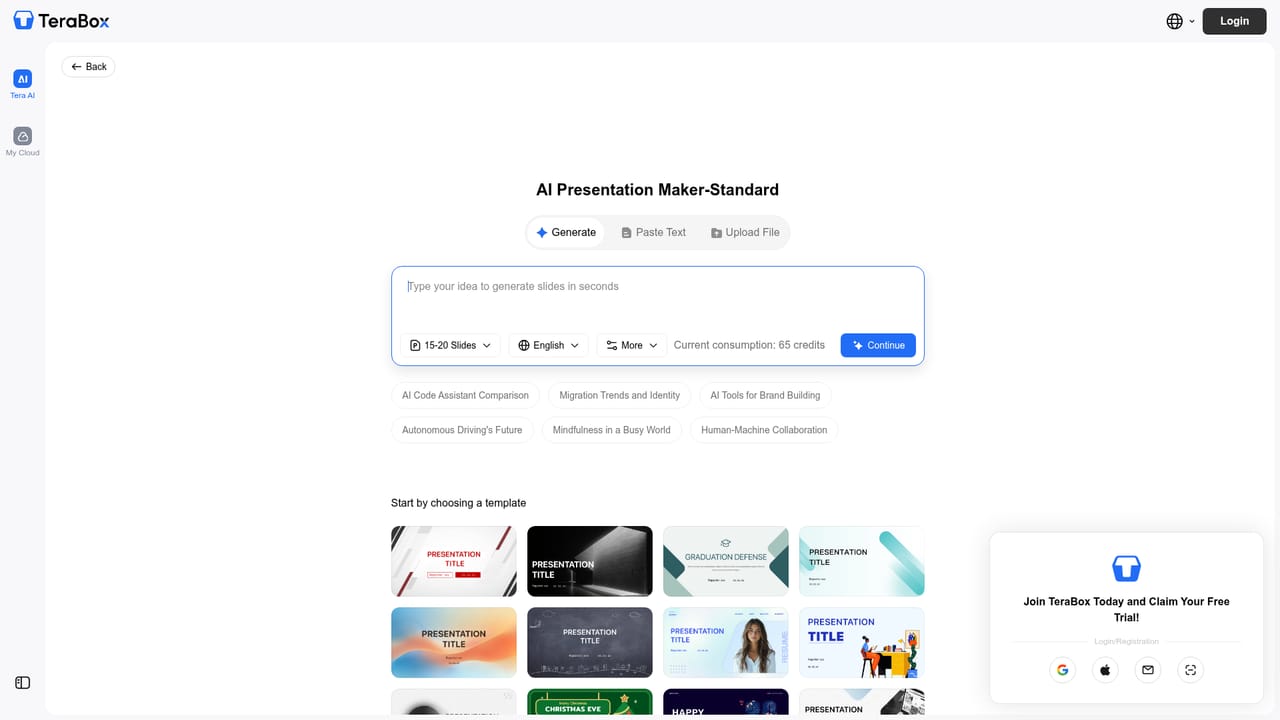
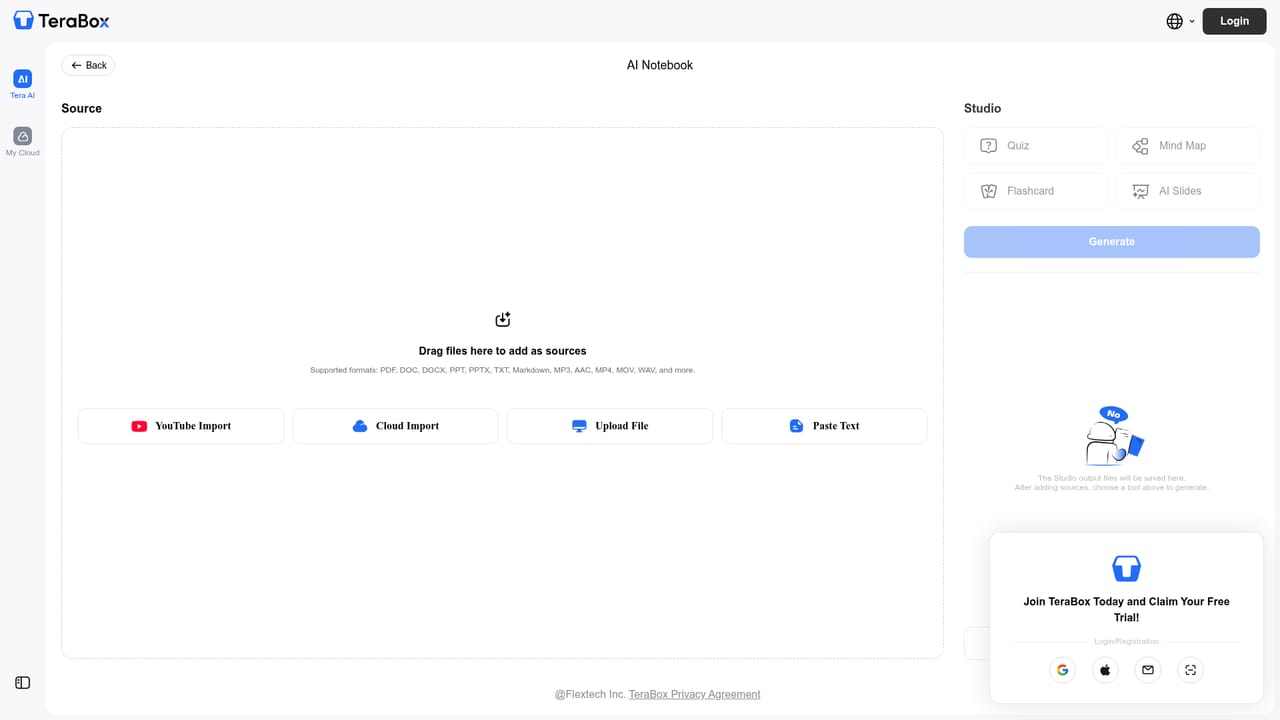
TeraBox presents itself as an all-in-one AI workspace rather than a single-purpose generator. The homepage gathers a chat agent, a research notebook, presentation tools, image and video generation, a writing suite and a set of PDF converters behind one login, so a user can move from a rough idea to a finished deck or document without stitching several subscriptions together. The presentation tools come in three distinct modes. Agent handles design and content generation with AI, Standard produces quick slides from ready templates, and Beautify Slides rewrites existing plain decks into a polished visual style. A separate Nano Banana Slides tool is marked as beta. On the writing side, Deep Research is positioned for accurate professional reports, AI Essay Writer targets humanized drafts, and Smart Paraphrase handles rewriting. AI Notebook appears to be the place where research and notes accumulate, though the homepage does not detail its inner workings. Media creation covers image generation with instant variations, plus video generation that animates an image into motion. A companion tool called TeraAIpix is listed alongside these. The format conversion cluster is more utilitarian: PDF to Word, PDF to PPT, PDF to Excel, Word to PDF, JPG to PDF and a broader PDF toolbox. AI Transcribe is also present in the navigation. This layout suits generalist knowledge workers, students and small teams who need occasional slides, copy or media rather than a specialist production pipeline. Compared with dedicated tools such as a standalone deck builder or an image model, TeraBox trades depth in any single area for breadth and a single account. The interface ships in fifteen language versions, and documents can be uploaded from a local drive or imported from cloud storage. Pricing details, usage quotas and integration options are not stated on the homepage, so those need checking before committing.

The homepage carries a banner inviting visitors to log in or register and claim a free trial, but it does not state the trial length, credit allowance or which tools are included.
Learn moreFiles can be uploaded from a local device or imported from cloud storage, and the platform offers fifteen language versions. Specific third-party integrations are not named on the homepage.
One workspace holding a chat agent, AI Notebook for research, three presentation modes (Agent, Standard, Beautify Slides), a beta Nano Banana Slides tool, writing helpers (Deep Research, AI Essay Writer, Smart Paraphrase), image generation with variations, image to video generation, AI Transcribe, and PDF conversion covering PDF to Word, PPT and Excel plus Word and JPG to PDF.
 AI Angels400+ customizable AI girlfriends for NSFW chat, voice calls, and roleplay
 Candy AIExperience the future of companionship with AI friends who chat, role-play, and connect with you on a human level.
 ourdream.aiA vast AI roleplay platform with millions of characters for chat, images, video and voiceAI Angels400+ customizable AI girlfriends for NSFW chat, voice calls, and roleplayCandy AIExperience the future of companionship with AI friends who chat, role-play, and connect with you on a human level.ourdream.aiA vast AI roleplay platform with millions of characters for chat, images, video and voice