Free trial
The homepage promotes a free account through a Try Testim for Free button that opens a signup page; no trial length or plan limits are stated.
Learn moreAI-assisted test automation for web, mobile and Salesforce apps

Testim is an AI-assisted automated testing platform for web, mobile and Salesforce applications. Recorded or natural language authoring, smart self-healing locators, TestOps dashboards and root cause analysis help QA teams cut maintenance and scale regression coverage across CI and CD pipelines.
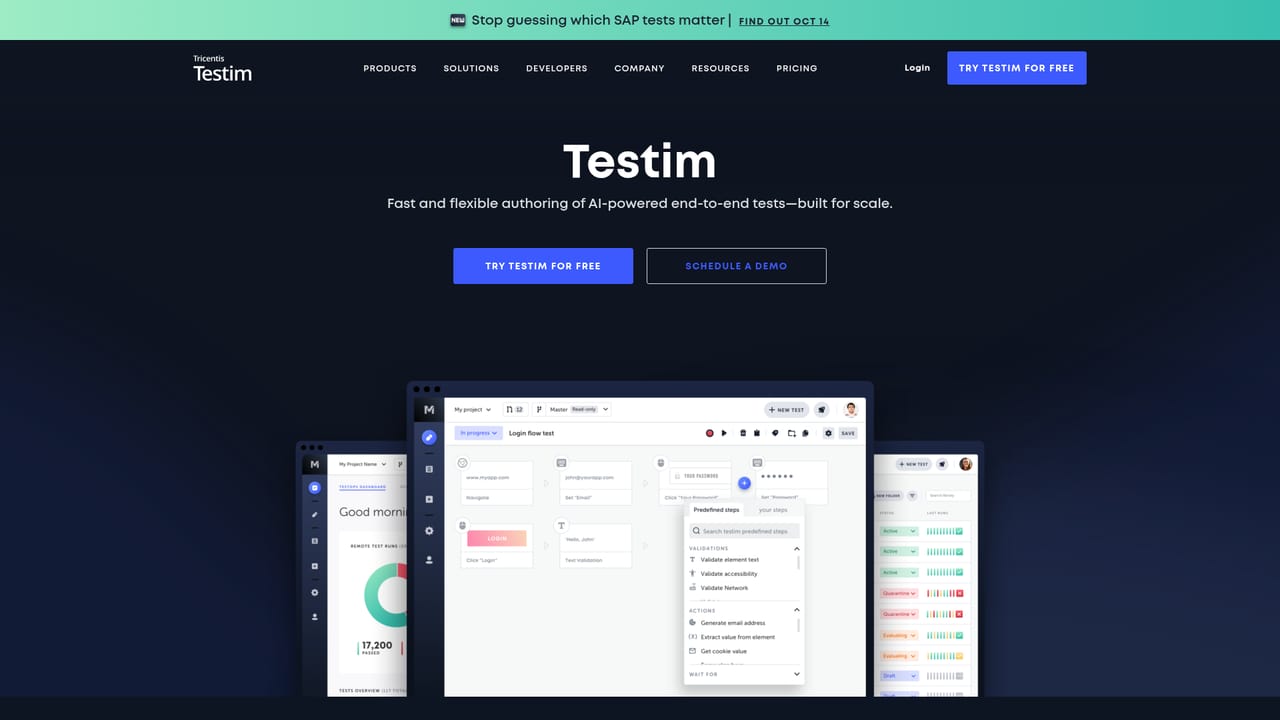
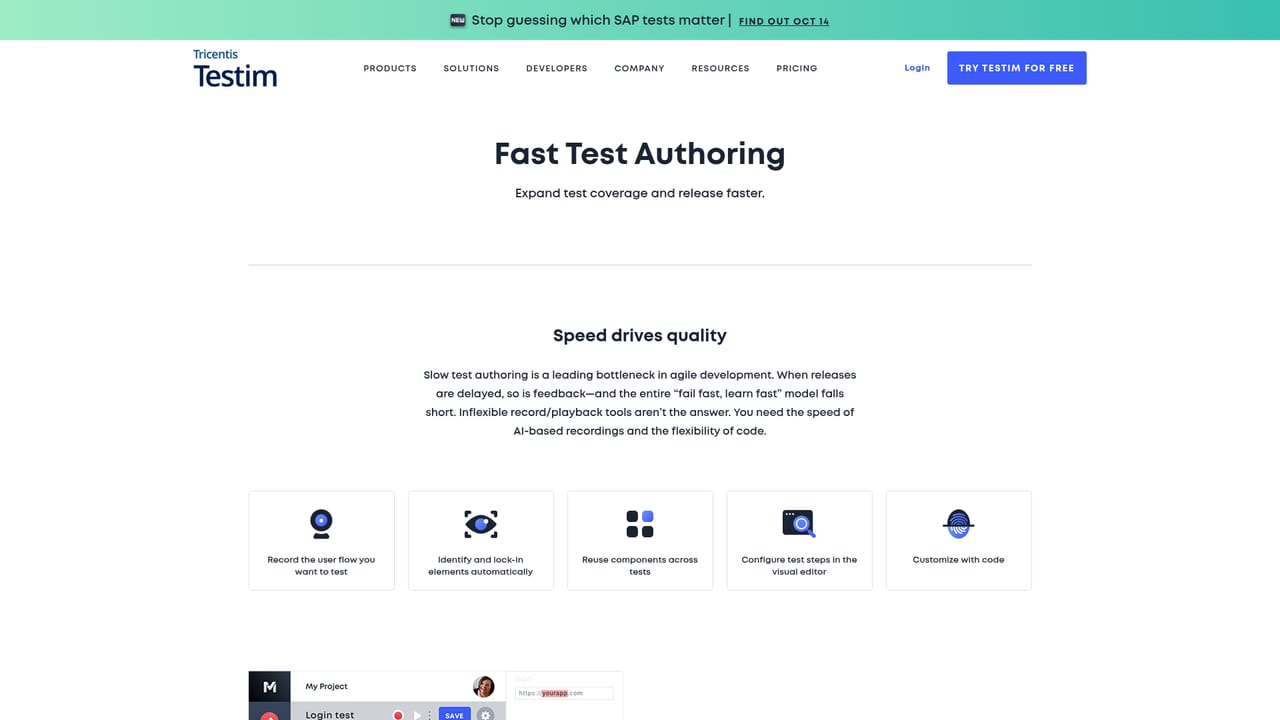
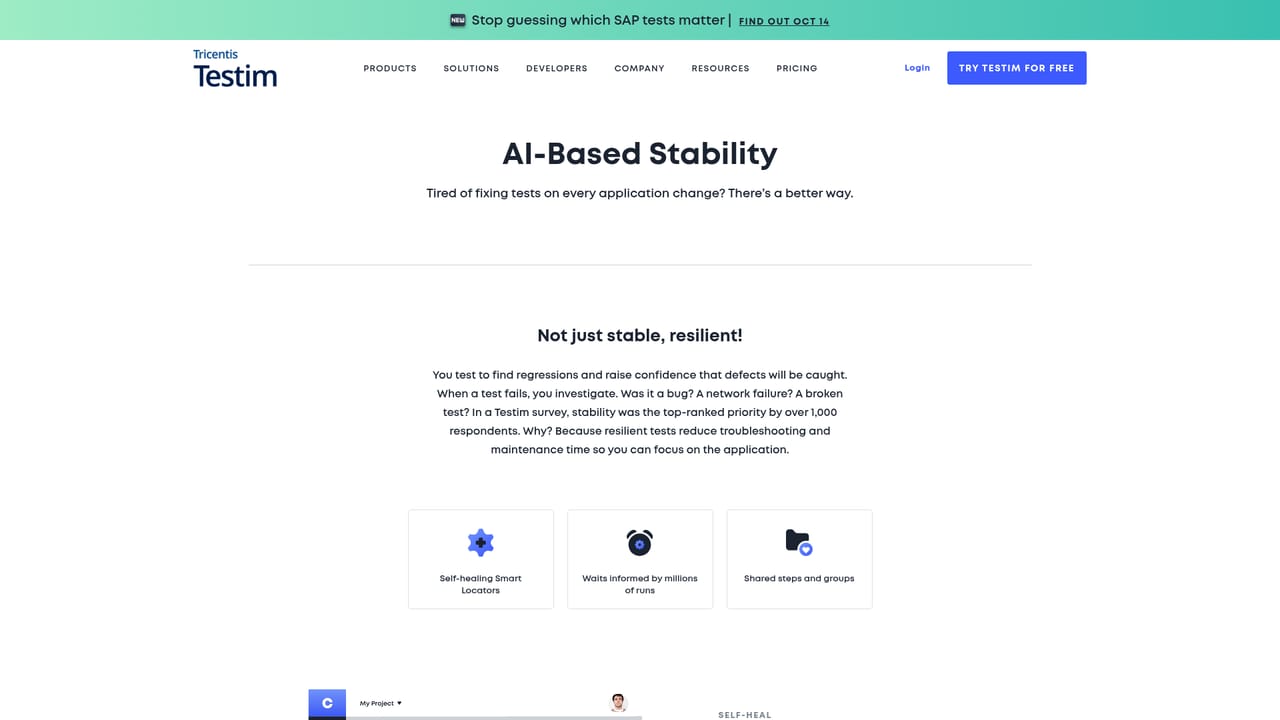
Testim is an automated UI and functional testing platform, now part of the Tricentis portfolio, aimed at teams that release web, mobile and Salesforce applications on short cycles. Its core promise is stability: rather than writing brittle selectors by hand, teams record or describe interactions and let AI and machine learning handle element identification and self-healing so that tests survive interface changes. Test authoring, execution and management all sit in one workspace, with optional custom code when a step needs logic that the visual editor cannot express. The platform splits into four areas. Fast authoring lets testers click through an app to generate a test, or describe a scenario in natural language so agent workers assemble it automatically. Stability covers smart locators that learn the application and repair broken steps as it evolves. TestOps handles change control, test management and quality insight dashboards. Root cause analysis groups errors, compares screenshots and surfaces log analysis so a failure can be diagnosed without deep specialist knowledge. A quality intelligence link to SeaLights adds change-based test selection, coverage mapping and blind spot detection. It suits QA engineers, automation leads and Salesforce administrators who want coverage without maintaining a large hand-written Selenium suite. Execution runs in the cloud or on Selenium-compatible grids with parallel cross-browser runs, and mobile tests run on virtual devices. CI and release pipelines can trigger suites on every code check-in, at production release or on a schedule. Against alternatives, Testim trades some of the raw flexibility of open source frameworks for lower maintenance and a shorter path from idea to running test. The homepage cites customer results including a drop in test authoring time from days to under half an hour and roughly 30 percent fewer bugs. Buyers weighing options can consult the vendor's own buyer's guide alongside the free account and demo options.
The homepage promotes a free account through a Try Testim for Free button that opens a signup page; no trial length or plan limits are stated.
Learn moreNamed integrations include Jenkins, CircleCI, Jira, Slack, GitHub, Codeship, Applitools, BrowserStack, TestRail, Sauce Labs, Travis CI and TeamCity, with documentation on wiring Testim into CI pipelines.
Learn moreAgentic test automation that builds tests from natural language, click-through authoring with optional custom code, AI and ML smart locators with self-healing, TestOps change control and quality dashboards, root cause analysis with error aggregation and screenshot comparison, and quality intelligence through SeaLights for change-based test selection and coverage mapping.
Learn more AI Angels400+ customizable AI girlfriends for NSFW chat, voice calls, and roleplay
 Candy AIExperience the future of companionship with AI friends who chat, role-play, and connect with you on a human level.
 ourdream.aiA vast AI roleplay platform with millions of characters for chat, images, video and voiceAI Angels400+ customizable AI girlfriends for NSFW chat, voice calls, and roleplayCandy AIExperience the future of companionship with AI friends who chat, role-play, and connect with you on a human level.ourdream.aiA vast AI roleplay platform with millions of characters for chat, images, video and voice


