Free trial
New accounts can receive a trial of 4 credits valid for 7 days when the trial is available, enough for one AI replace or remove edit; adding captions is free indefinitely with no account.
Learn moreAdd free captions or use AI credits to replace and remove text in photos online.

Text Photo AI is an image upload and edit tool. A focused web editor for adding free captions and using AI credits to replace or remove text in JPG and PNG photos, aimed at quick, scoped text fixes rather than full image design.
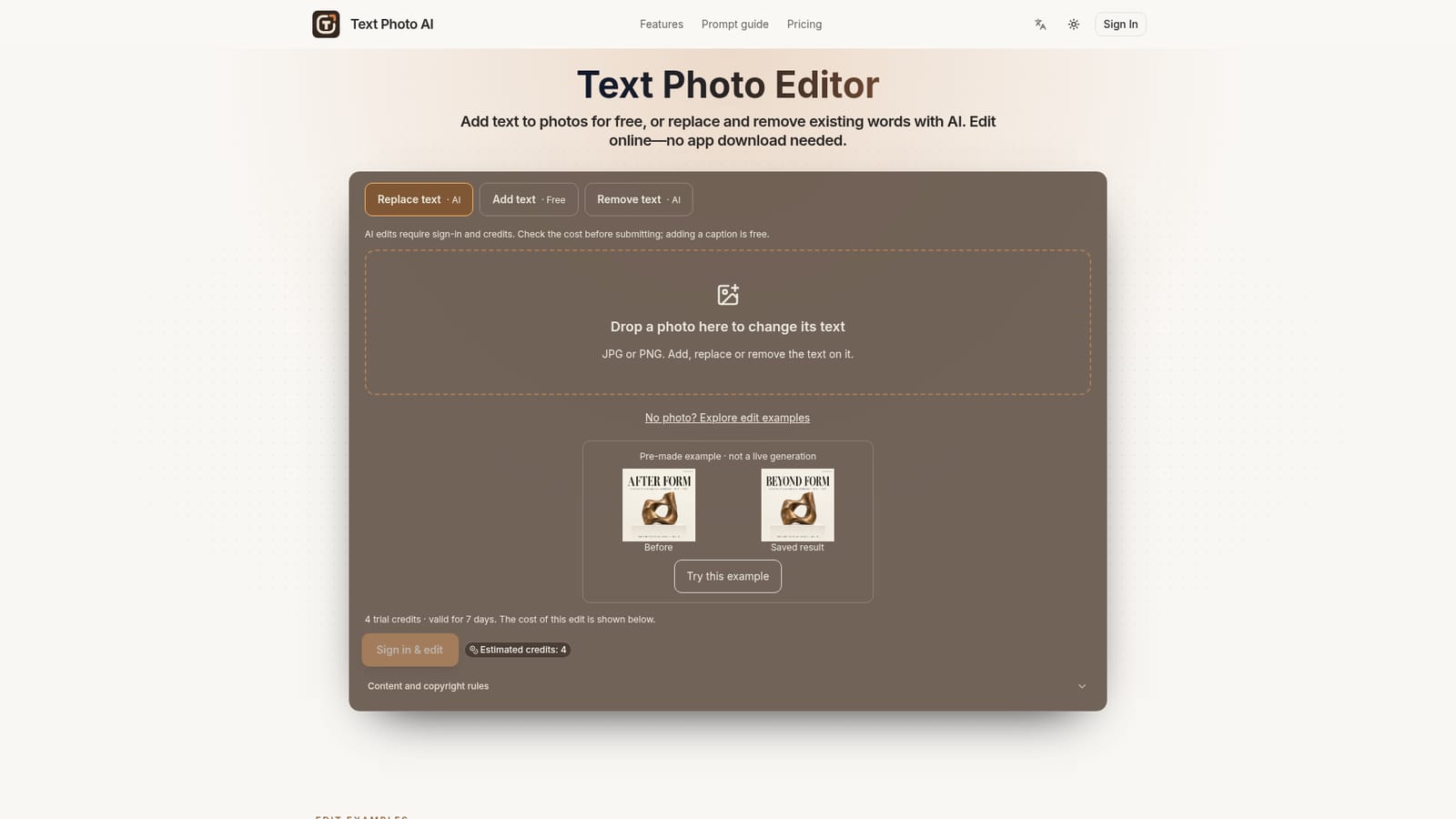
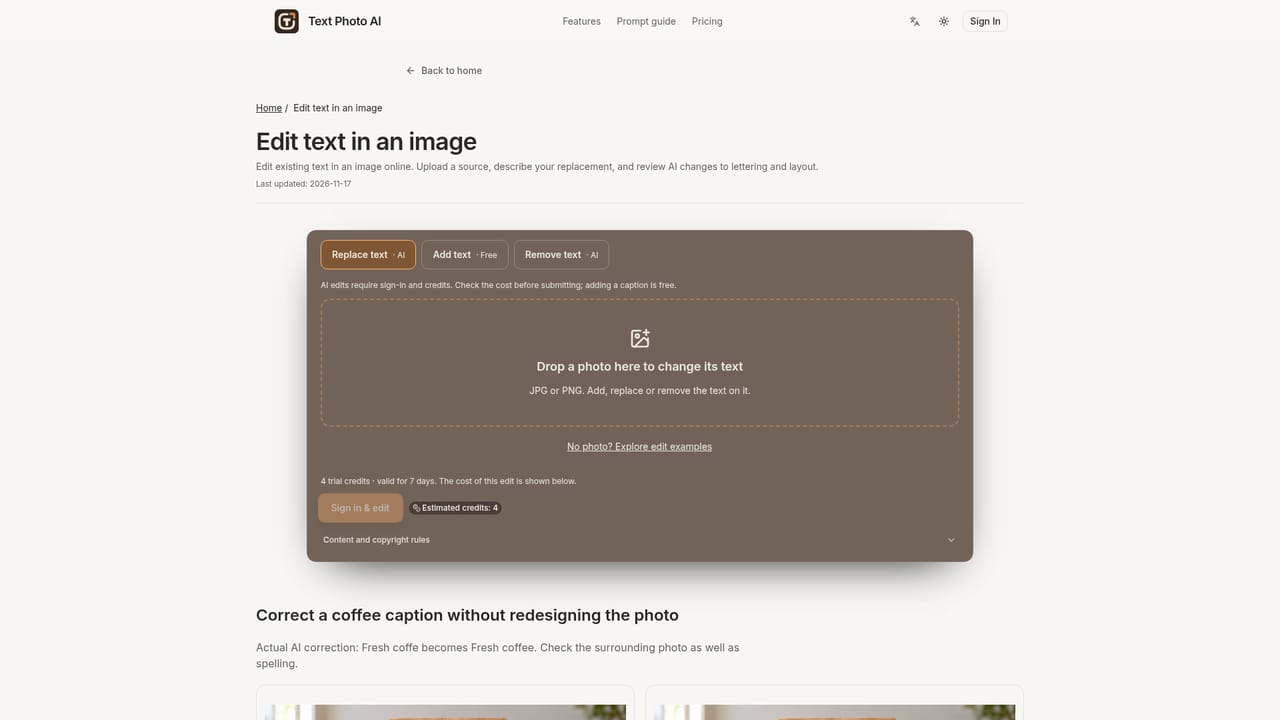
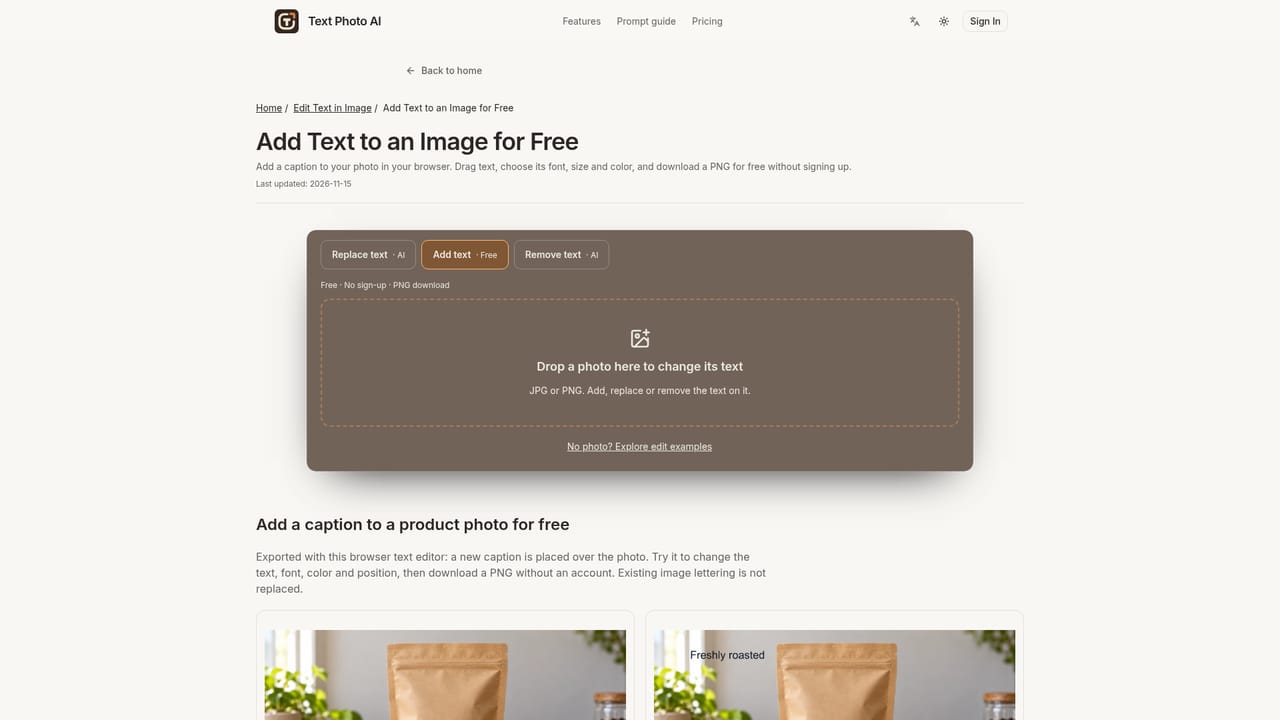
Text Photo AI is a browser-based photo editor focused entirely on text: adding captions, replacing existing wording, and removing unwanted lettering from images. The caption tool runs locally in the browser, requires no account, and exports a free PNG at the original image dimensions. Replacing or removing text calls an AI model that redraws or reconstructs the image area, which requires signing in and spending credits. The tool targets people who need a quick fix to an already-exported image rather than a full design tool: correcting a typo on a finished menu, updating a price or headline on packaging, translating a storefront sign, or stripping an outdated promotion off a product photo. Each task is scoped narrowly (change this word, remove that phrase) rather than offering open-ended generative editing, and the homepage shows before/after examples with the exact prompt used for each. In practice, a user uploads a JPG or PNG (up to 10 MB) or starts from a prepared example, picks add, replace, or remove, and previews the result before committing. Free captions can be dragged, resized, and recolored with no cost. AI edits show a credit cost upfront, draw from one-time credit packs (4 credits per homepage edit), and should be reviewed carefully since font matching and background reconstruction are not guaranteed to be exact. Compared with full generative image editors or design suites, Text Photo AI stays deliberately narrow: no layout tools, no model or quality settings, and no image generation from scratch on the homepage editor. That focus suits occasional, task-specific text fixes rather than ongoing creative production, and the pack-based pricing (credits that do not expire) fits buyers who edit irregularly rather than those needing a recurring subscription workflow.
New accounts can receive a trial of 4 credits valid for 7 days when the trial is available, enough for one AI replace or remove edit; adding captions is free indefinitely with no account.
Learn moreOne-time credit packs only: Mini Pack $4.99 for 40 credits, Standard Pack $14.90 for 160 credits, Large Pack $29.90 for 400 credits. Each homepage AI edit uses 4 credits; pack credits do not expire. Subscriptions are mentioned as available for regular use but no subscription prices are listed.
Learn moreSupport is available via a contact page, alongside an acceptable use policy covering content restrictions such as NSFW or rights-infringing material.
Learn moreAdd free text captions with drag placement, font, size and color control and instant PNG export; AI-powered replace of existing wording while attempting to match the original font; AI removal of unwanted text with background reconstruction; all run from a single browser-based editor.
Learn more AI Angels400+ customizable AI girlfriends for NSFW chat, voice calls, and roleplay
 Candy AIExperience the future of companionship with AI friends who chat, role-play, and connect with you on a human level.
 ourdream.aiA vast AI roleplay platform with millions of characters for chat, images, video and voiceAI Angels400+ customizable AI girlfriends for NSFW chat, voice calls, and roleplayCandy AIExperience the future of companionship with AI friends who chat, role-play, and connect with you on a human level.ourdream.aiA vast AI roleplay platform with millions of characters for chat, images, video and voice


