Free trial
A free generator with starter credits is available and the FAQ states no card is required to begin. Volume is capped until you move to a paid plan.
Learn moreBrowser-based image generation and editing built on the Flux 3 model

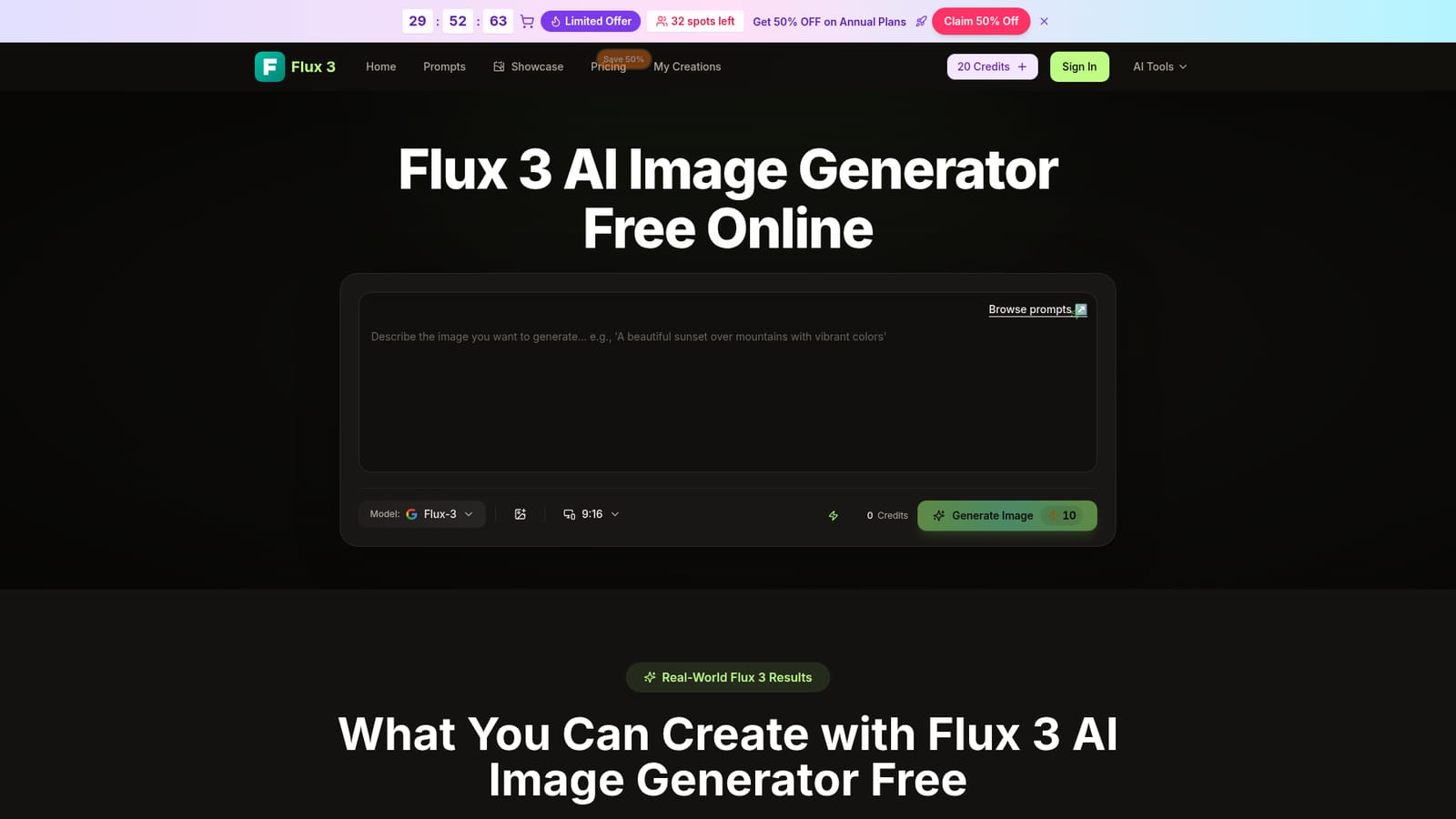
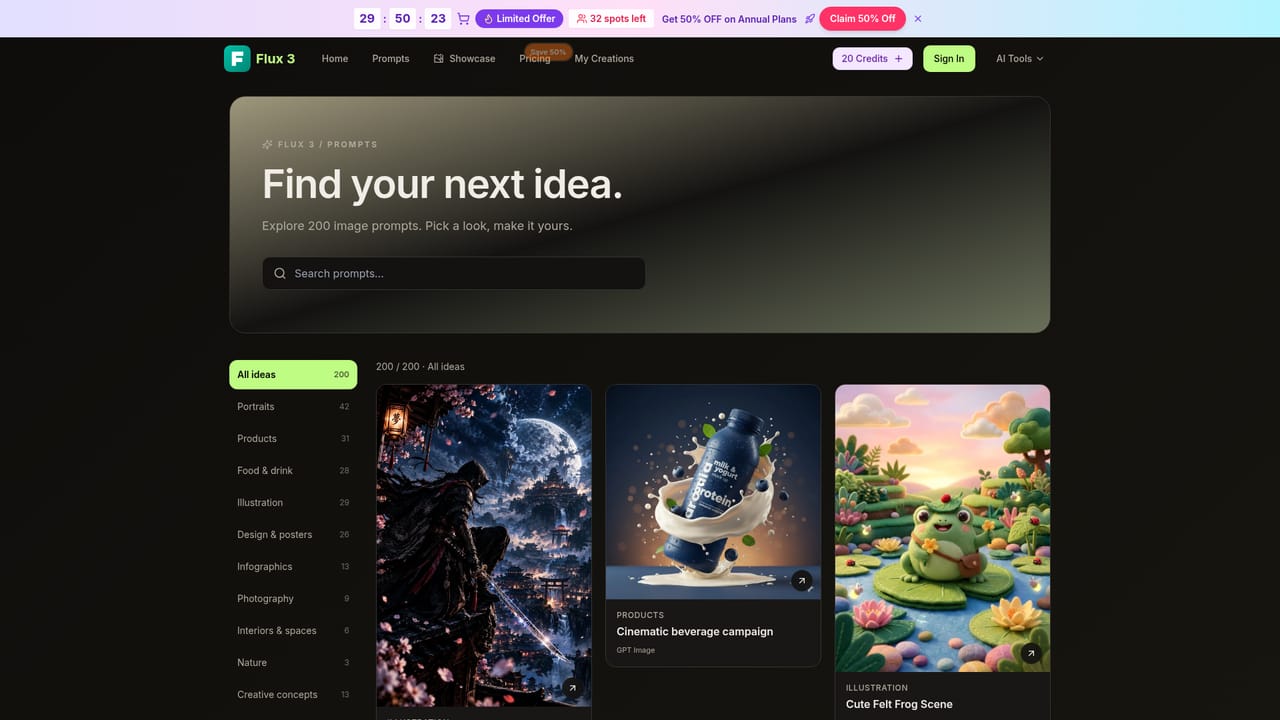
Flux 3 is a generative image tool. A browser-based image generator and editor running on the black forest labs Flux 3 model, with a free starter tier and paid Pro plans. It covers text-to-image, multi-image blending, style transfer, background replacement, photo restoration and in-image text edits.
Flux 3 is a browser-based image generation and editing tool built on the black forest labs Flux 3 model. The site offers two tiers that share the same underlying engine: a free generator with starter credits and a Pro tier with higher limits and finer controls. Users work either by typing a prompt or by uploading reference images, and the system produces high-resolution output that the site describes as 4K-ready for web and print use. The practical workflows span more than plain text-to-image. A multi-image blend mode takes three inputs (subject, scene and style) and merges them into one composition, which is the feature most useful for keeping a character or product consistent across a series. Text-to-image includes automatic prompt enrichment, adding lighting and composition hints to short descriptions. Style transfer applies the look of reference material to new subjects across realistic, anime and painterly treatments. Editing tasks include background replacement, photo restoration for old or low-resolution images, in-image text updates for prices and captions, and virtual try-on for outfits and accessories. Who it suits: designers and marketers producing product shots, campaign assets and social visuals; illustrators and hobbyists building avatars, character art and comics; small store owners who need catalog imagery without a photo shoot. The site states that no design experience is required, and the interface is a single prompt box plus an upload control, so the learning curve sits mostly in writing good prompts rather than learning software. Professional users get extra fine control in Pro. The competitive position is crowded. Flux 3 sits among general-purpose image generators such as Midjourney, Ideogram and Adobe Firefly, and its differentiator is breadth of editing tasks in one place rather than a single signature look. The pricing page also bundles access to other named models (Seedream 5, Veo 3, Sora 2, Seedance, Wan 2.5), several of them marked yearly only, so buyers comparing tools should read the plan list carefully rather than assume every advertised model is included on every tier.
A free generator with starter credits is available and the FAQ states no card is required to begin. Volume is capped until you move to a paid plan.
Learn moreThree annual plans priced at $4.9, $9.9 and $19.9 per month during a stated 50 percent flash sale (regular $9.8, $19.8 and $39.8). Each grants monthly credits: 500, 2,000 and 6,000, translating to roughly 50, 200 and 600 images per month. Commercial licence, watermark removal and a priority queue are listed, with several features marked yearly only.
Learn moreSupport is reached by email at support@flux-3.com, which the site also names as the route for cancelling a subscription. Paid annual tiers list priority customer support.
Text-to-image with automatic prompt enhancement, multi-image blending of subject, scene and style, style transfer across realistic, anime and painterly looks, background replacement, photo restoration for low-resolution images, in-image text updates and virtual try-on. Output is described as 4K-ready with support for high-resolution export, and most generations complete in seconds.
 AI Angels400+ customizable AI girlfriends for NSFW chat, voice calls, and roleplay
 Candy AIExperience the future of companionship with AI friends who chat, role-play, and connect with you on a human level.
 ourdream.aiA vast AI roleplay platform with millions of characters for chat, images, video and voiceAI Angels400+ customizable AI girlfriends for NSFW chat, voice calls, and roleplayCandy AIExperience the future of companionship with AI friends who chat, role-play, and connect with you on a human level.ourdream.aiA vast AI roleplay platform with millions of characters for chat, images, video and voice


