Free trial
14-day free trial, with no credit card required.
Learn moreBlue bubble iMessage CRM that sends from your own number via your Mac
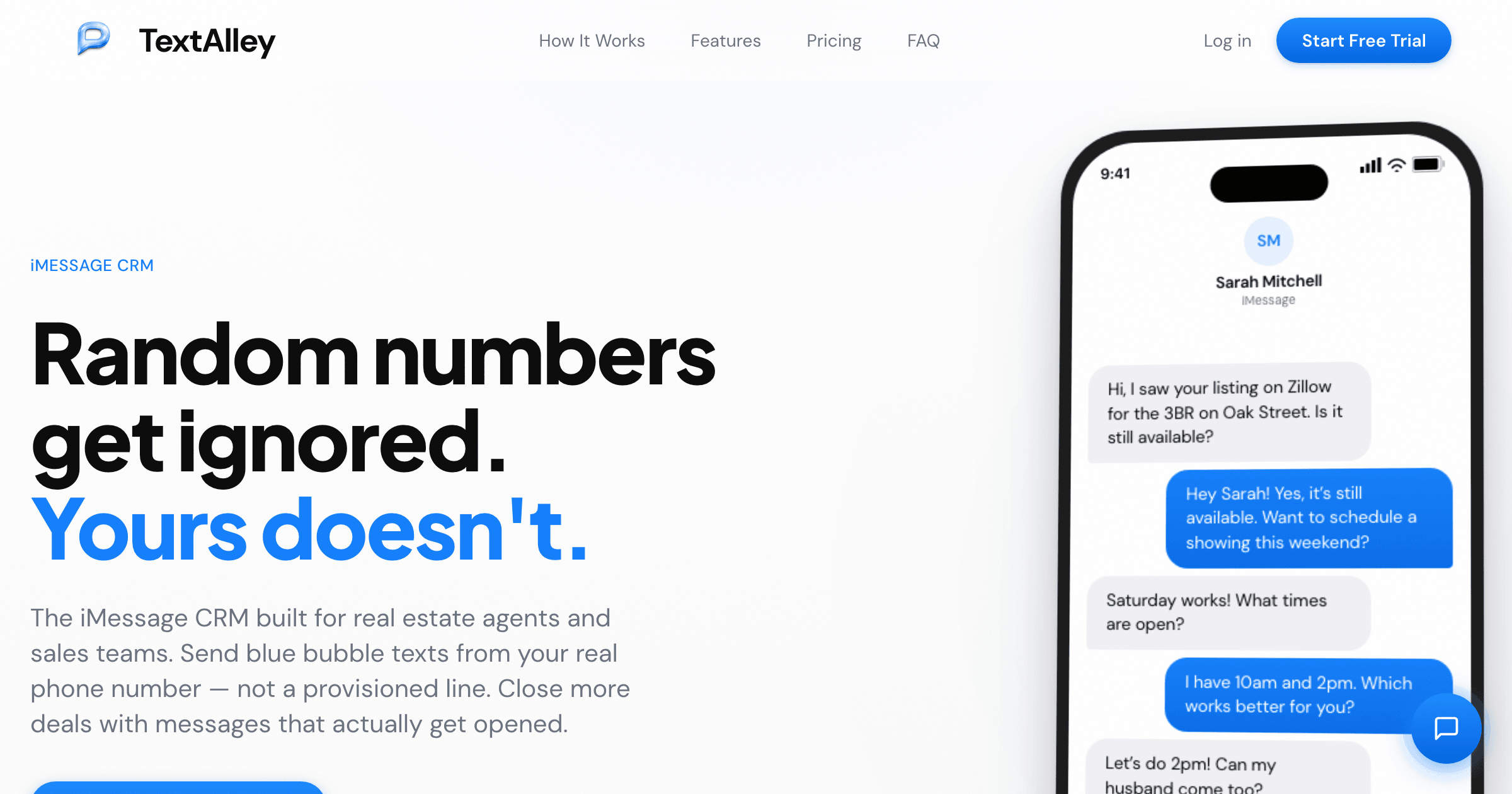
TextAlley is an iMessage CRM that relays blue bubble texts from a user's own phone number through a Mac, connecting to 13+ CRMs. It targets real estate agents and sales teams, with a 14-day free trial.
TextAlley is an iMessage CRM aimed at real estate agents, mortgage brokers, insurance agents and other sales professionals. Its central idea is that outreach should arrive from the sender's own phone number and Apple ID, so a client sees a familiar contact in the Messages app instead of a provisioned line. The product pairs a web dashboard with a Chrome extension and a relay app that runs on a Mac. In practice, the relay is installed on a Mac with a single terminal command and stays active in the background. It periodically polls the TextAlley cloud for outbound messages and passes them through the Mac's Messages.app. The next step is connecting a CRM such as Follow Up Boss, kvCORE, HubSpot, Pipedrive, Salesforce or Zoho, with Zapier covering anything else. Messages can then be sent from the dashboard, from the browser extension while viewing a contact in a CRM, or through automation triggers. The Mac needs macOS 12 or later, must stay powered on and online, and needs an iPhone with iMessage on the same Apple ID. Windows and Android are not supported as host devices. Recipients on Android receive the message as SMS automatically. Beyond sending, the platform includes a threaded inbox with read receipts, contact management with deal stages and tags, templates with variables such as first name or address, CSV import, scheduled sends that respect time zones, drip sequences, AI-assisted replies and message drafting, and send speed controls meant to keep cadence looking natural. The vendor states that it does not store message content on its servers. Among alternatives, the homepage positions TextAlley against Sendblue, Linq Blue, Project Blue and Blooio, which it describes as using provisioned numbers, some of them API-first or carrying setup fees. TextAlley is therefore best suited to individual agents and small teams who want a ready-made dashboard and CRM connections rather than a developer API, and who are comfortable keeping a Mac running as the sending hub.
14-day free trial, with no credit card required.
Learn moreEarly Bird plan at $79 per month for a limited time, Preferred at $99 and Standard at $129. Each includes all features, unlimited messages and one seat. Additional seats cost $79 per user per month. No setup fee.
Learn more13+ CRM integrations including Follow Up Boss, kvCORE, HubSpot, Pipedrive, Salesforce, Zoho CRM, LionDesk, Real Geeks, Chime, BoomTown and Sierra Interactive, plus Zapier for 5,000+ other apps.
Real iMessages from your own number, threaded inbox with read receipts, contact management with deal stages and tags, templates with variables, AI smart replies, drip campaigns, scheduled sends, CSV import, send speed controls and a Chrome extension.
 AI Angels400+ customizable AI girlfriends for NSFW chat, voice calls, and roleplay
 Candy AIExperience the future of companionship with AI friends who chat, role-play, and connect with you on a human level.
 ourdream.aiA vast AI roleplay platform with millions of characters for chat, images, video and voiceAI Angels400+ customizable AI girlfriends for NSFW chat, voice calls, and roleplayCandy AIExperience the future of companionship with AI friends who chat, role-play, and connect with you on a human level.ourdream.aiA vast AI roleplay platform with millions of characters for chat, images, video and voice