Free trial
Free users can generate videos with the default settings, but must keep the page open while a task runs or it is canceled. No separate time-limited trial is described.
Learn moreTurn still photos into short AI videos in a browser

Textideo is a generative video tool that turns still photos into short AI videos in a browser. Textideo is a web-based image-to-video generator built on its Video V2 model. Upload a photo, add a prompt, pick resolution, length and aspect ratio, and get a short clip, with themed effects and extra tools alongside.
Textideo is a browser-based AI video generator whose image-to-video page turns a single uploaded photo into a short animated clip. The page runs on Textideo Video V2, the platform's second-generation model, which handles both text-to-video and image-to-video. Users upload a JPG or PNG (up to 10MB), write a prompt of up to 4,000 characters, and choose the output settings before generating. Output controls cover resolution (720p or 1080p), duration (5, 10 or 20 seconds) and aspect ratio (9:16, 16:9 or 1:1), which map to vertical social clips, widescreen footage and square posts. There is also a sketch drawing board, a way to pick a source image from earlier history, and an AI helper that drafts prompts. Two privacy toggles let users keep results out of public view and stop others from copying prompts or viewing source files. Finished clips are collected in a My Creations history page. The site also leans on templated effects and tools. Separate pages cover themed video effects (a flying car, a crying effect, zombie transformations) and tools such as an AI shorts generator, character animation, consistent character video, person swap and a fashion video generator. The change log lists other third-party models being added to the platform, including Kling, Veo, Seedance and Nano Banana, so the service works more like a multi-model hub than a single engine. The audience is content creators, social media managers, marketers, educators and small business owners who want motion from existing images without learning an editor. The homepage describes the tool as suitable for commercial use under its licensing terms, and the Premium plan is pitched with a full commercial license, more monthly credits and premium models. Free users must keep the page open while a clip renders, while Premium users can leave and collect results later. Among alternatives, Textideo sits with other all-in-one generation sites. Its draw is breadth of models and ready-made effects rather than a deep timeline editor, so it suits quick social clips more than precise post-production work.
Free users can generate videos with the default settings, but must keep the page open while a task runs or it is canceled. No separate time-limited trial is described.
Learn moreThe site offers a free tier and a Premium plan with more monthly credits, premium AI models and a full commercial license. Each generation shows a credit cost. Specific prices are on the pricing page and not stated on the homepage.
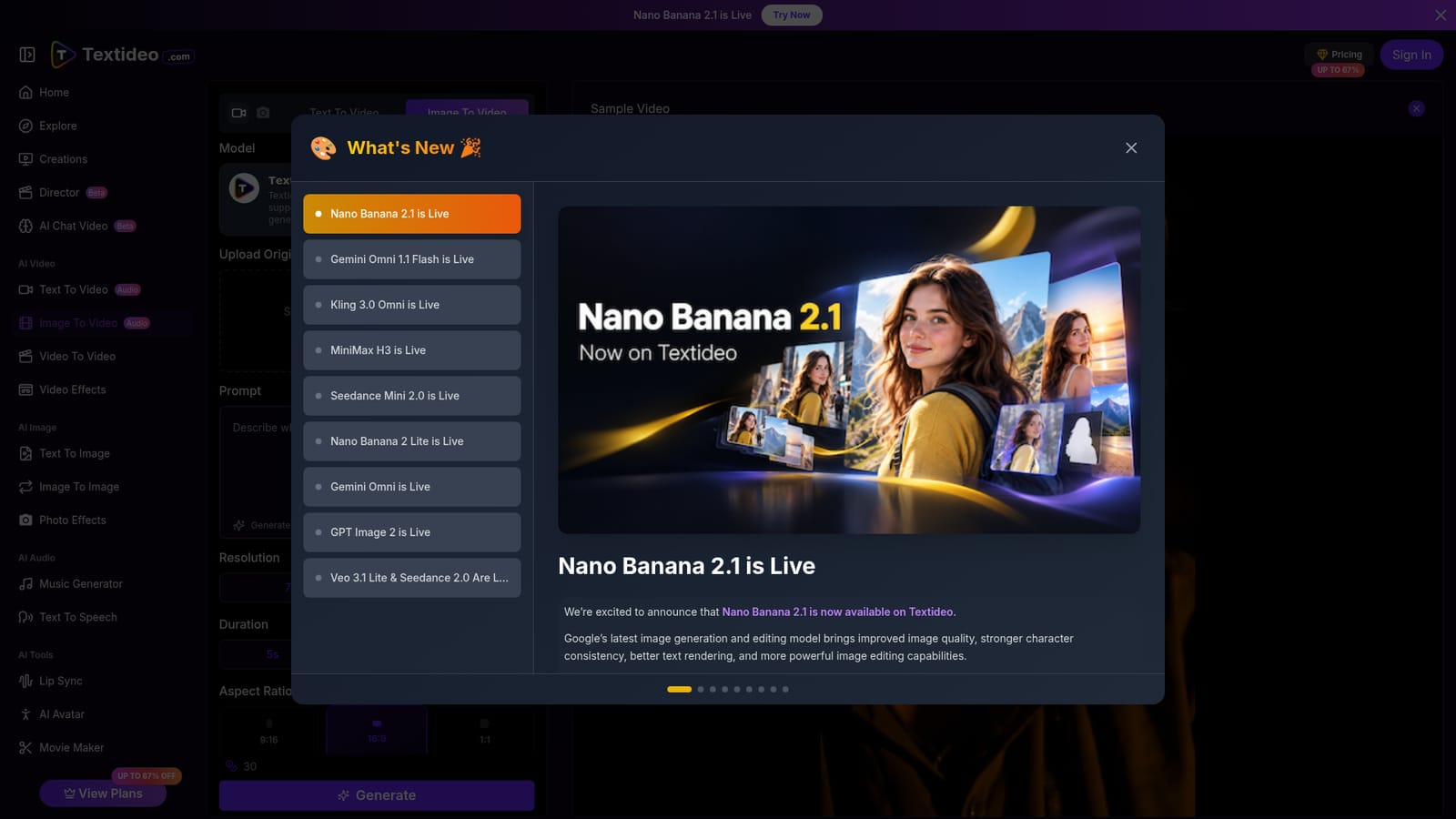
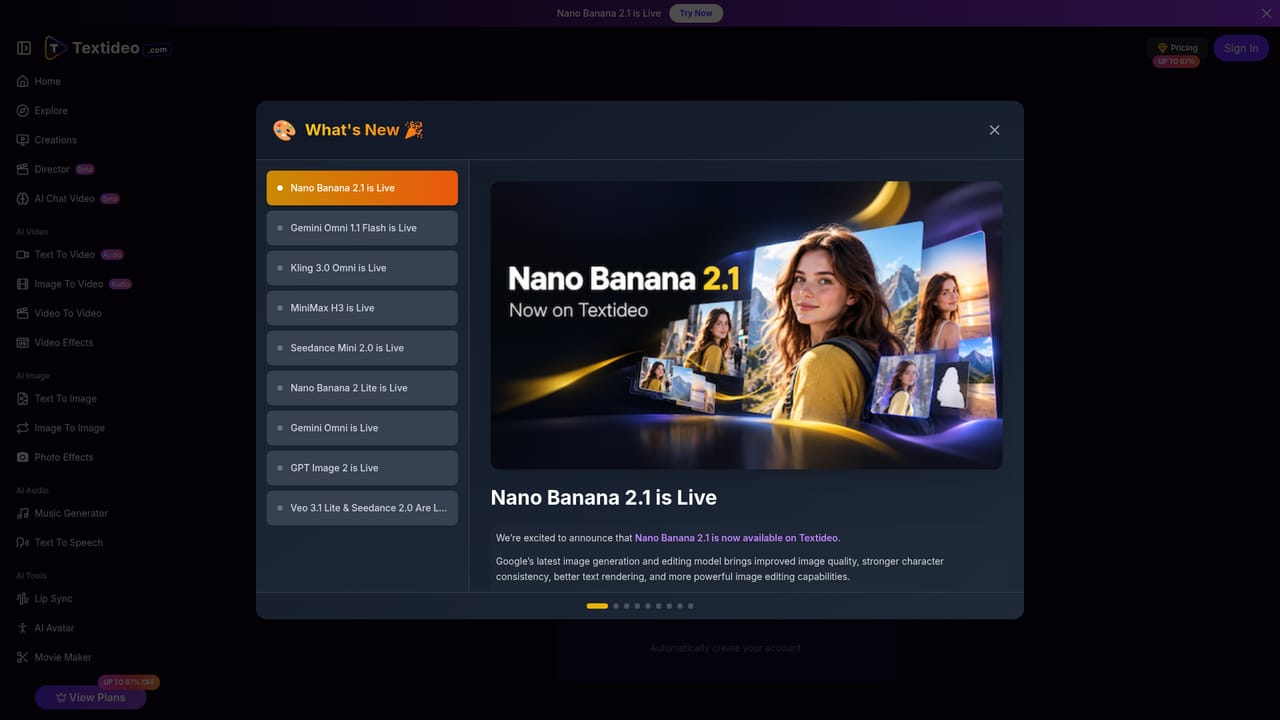
Learn moreNo third-party app integrations are listed. The platform does add outside models, such as Kling, Veo, Seedance, MiniMax and Nano Banana, as selectable generation options.
Image-to-video and text-to-video on Textideo Video V2, 720p/1080p output, 5/10/20 second durations, 9:16, 16:9 and 1:1 ratios, prompt helper, sketch board, history picker, privacy and copy-protection toggles, video effects and tools pages.
Learn more


