Support
A help centre and a contact channel are linked from the site; a blog and affiliate programme are also listed.
Learn moreTurn text, images and prompts into embeddable interactive maps

Textomap is a fantasy map generator tool that turns text, images and prompts into embeddable interactive maps. Textomap builds interactive, embeddable maps from text, images, webpages, CSVs and AI prompts. It extracts locations automatically, lets you customise pins with links and images, and exports to CSV or Google Maps.
Textomap is a web tool that converts written content into interactive maps without spreadsheets or GIS software. The starting material can be almost anything: an itinerary, a news article, class notes, an email, a photo of a static map, a webpage address, a CSV file, or a plain language prompt typed into the built in AI agent. The product scans the source for place names and plots them as pins on a map that can be edited, shared and embedded. The workflow is deliberately simple. You paste or upload your content, the tool extracts the locations, and you then adjust pins one by one, adding descriptions, links and images to each point. Finished maps can be dropped into a blog post or website with a copy and paste embed, and embedded or shared maps update automatically when you edit them. Data is not locked in: locations can be exported as a CSV file or opened directly in Google Maps, though both export options are marked as Pro features. Textomap states it handles content in more than 28 languages. The tool is aimed at people who need a map as a communication aid rather than as an analytical instrument. That includes teachers building geography, history and science material (there is a dedicated education plan with an individual account for every student), travel writers mapping itineraries, journalists placing events, and marketers who want a visual on a landing page. Two companion products extend it beyond the browser tab: a free Chrome extension generates and views maps while you browse, and a free WordPress plugin handles creation and embedding inside a site. Compared with full mapping platforms, Textomap trades depth for speed. There is no mention of routing, spatial analysis or custom base map libraries on the homepage; the pitch is the shortest path from a block of text to a shareable, embeddable map. Teams that already own a GIS stack may find it too light, while writers, educators and small site owners are the natural fit.


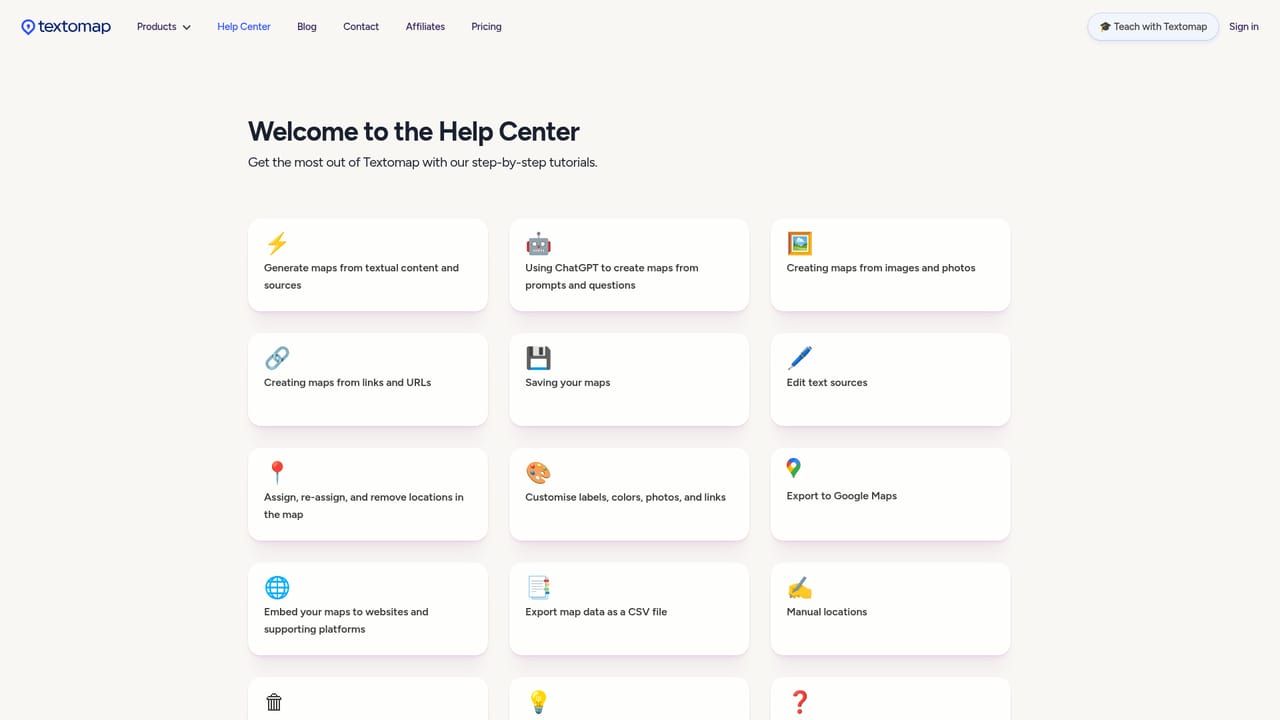
A help centre and a contact channel are linked from the site; a blog and affiliate programme are also listed.
Learn moreChrome extension for in browser map creation, a WordPress plugin for creating and embedding maps on a site, and a Google Maps export for mapped locations.
Learn moreMap generation from pasted text, AI prompts and questions, images and static maps, website links and CSV data files. Pins can be edited with descriptions, links and images. Maps are embedded via copy and paste and update automatically. Locations can be exported to CSV or opened in Google Maps on the Pro tier. Chrome extension and WordPress plugin available.
Learn more AI Angels400+ customizable AI girlfriends for NSFW chat, voice calls, and roleplay
 Candy AIExperience the future of companionship with AI friends who chat, role-play, and connect with you on a human level.
 ourdream.aiA vast AI roleplay platform with millions of characters for chat, images, video and voiceAI Angels400+ customizable AI girlfriends for NSFW chat, voice calls, and roleplayCandy AIExperience the future of companionship with AI friends who chat, role-play, and connect with you on a human level.ourdream.aiA vast AI roleplay platform with millions of characters for chat, images, video and voice