Pricing
One paid tier is listed: Pro at $4.99 per month. It includes GPT-4, multi PDF chat, a personal PDF chatbot, unlimited documents and questions, up to 2,000 pages per PDF, and a 50 MB file limit.
Learn moreTurn static PDFs into conversational sources with cited answers.

The DocGPT is an AI summarizer tool that turns static PDFs into conversational sources with cited answers. The DocGPT converts PDFs into a chat interface: upload a file, ask questions, get summaries and source backed answers. The Pro plan covers unlimited documents up to 2,000 pages and 50 MB each, with multi document chat.
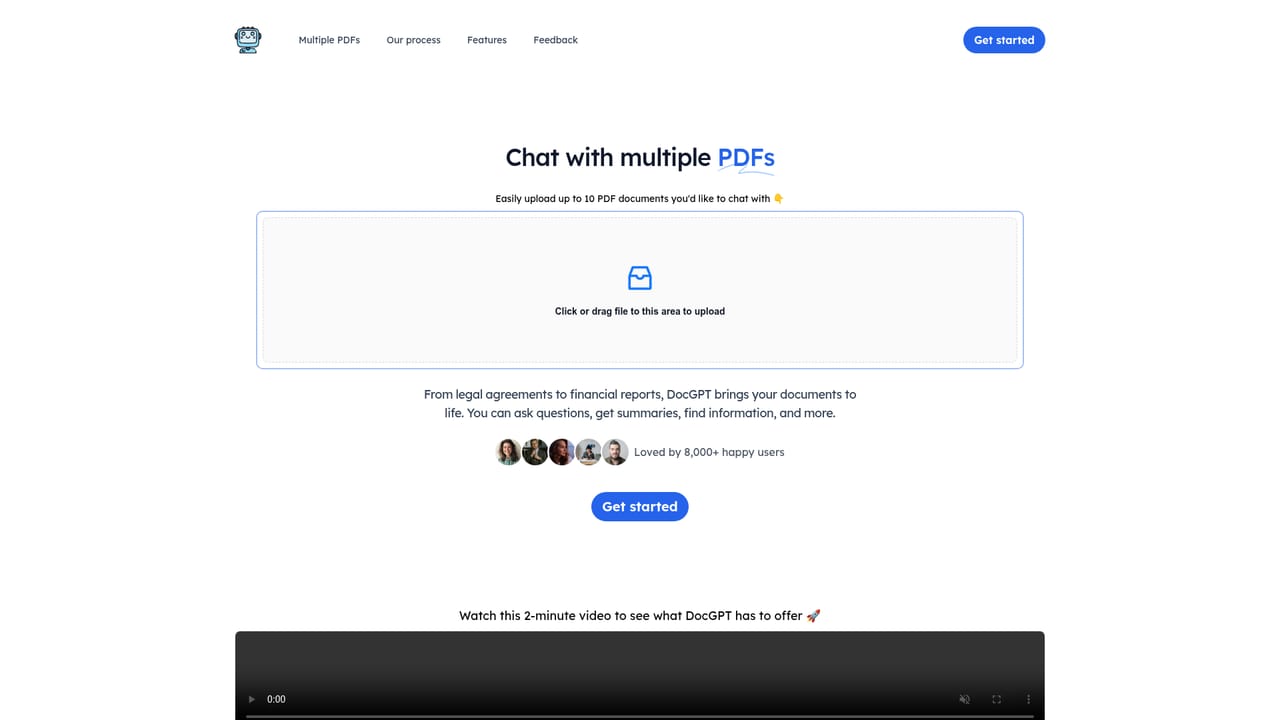
The DocGPT is a web application that turns PDF documents into a chat interface. Users upload files and ask questions, request summaries, or search for details across long texts. The tool is built for people who work through dense PDFs regularly: legal agreements, financial reports, scientific papers, books, product manuals, and employee training materials are all listed as common inputs. Instead of reading page by page, you interrogate the document and let the model surface the relevant passage. The workflow is deliberately narrow. You upload a PDF, ask a question, and receive an answer that cites sources pulled from the uploaded file. That citation habit is the core of the product: every response is backed by extracted document text, which makes it easier to verify a claim before relying on it. The paid tier raises the ceiling to unlimited PDFs and unlimited questions, with each file allowed up to 2,000 pages and 50 MB. Multi document chat is supported on the Pro plan, so related contracts or a set of reports can be queried together rather than one at a time. In practice this fits research, due diligence, compliance review, and study. A reader can ask for a summary of a contract clause, locate a figure buried in an annual report, or compare language across several papers. The interface keeps the source extraction visible, so the tool behaves more like a fast reading assistant than an oracle. Compared with general purpose chatbots that accept file uploads, The DocGPT is focused on the document conversation loop and on citations. That focus suits individuals and small teams who need a low cost PDF assistant without building a retrieval pipeline. It is less suited to users who need broad workspace tooling, since the product is centered on PDF chat rather than on document editing or storage.
One paid tier is listed: Pro at $4.99 per month. It includes GPT-4, multi PDF chat, a personal PDF chatbot, unlimited documents and questions, up to 2,000 pages per PDF, and a 50 MB file limit.
Learn moreUpload PDFs and chat with them to get summaries, extract information, and locate details. Every response includes sources drawn from the document. Pro adds multi document chat, unlimited PDFs and questions, a per file limit of 2,000 pages and 50 MB, and GPT-4 as the underlying model.
Learn more AI Angels400+ customizable AI girlfriends for NSFW chat, voice calls, and roleplay
 Candy AIExperience the future of companionship with AI friends who chat, role-play, and connect with you on a human level.
 ourdream.aiA vast AI roleplay platform with millions of characters for chat, images, video and voiceAI Angels400+ customizable AI girlfriends for NSFW chat, voice calls, and roleplayCandy AIExperience the future of companionship with AI friends who chat, role-play, and connect with you on a human level.ourdream.aiA vast AI roleplay platform with millions of characters for chat, images, video and voice


