Support
Self-service documentation covers getting started, AI features and telemetry. Community help is available through GitHub Discussions, and a support page outlines options for professional support and sponsorship.
Learn moreOpen-source, AI-native IDE where you bring your own model and keep your code private

Theia IDE is a developer tool. An open-source, AI-native IDE for desktop and cloud. Connect any LLM with your own key, keep prompts and code private, and use VS Code extensions through the Open VSX registry.
Theia IDE is an open-source development environment for desktop and cloud that treats AI assistance as a first class part of the workbench rather than a bolted on plugin. It is built on the Theia platform, a modular framework developed independently of Visual Studio Code. The project is explicit that it is not a VS Code fork, although it borrows some components such as the Monaco editor and accepts many VS Code extensions. The AI layer is the distinguishing feature. Users supply their own API key or existing subscription and connect whichever model they prefer: hosted providers such as OpenAI, Anthropic or Google, a self-hosted endpoint, or a model running entirely on the local machine. Because requests go straight to the chosen provider, no third party sits in the middle routing prompts. The team states that no telemetry is collected on code, prompts or AI usage. Prompts can be edited to match a team's conventions, and custom agents can be assembled for repetitive workflows. Day to day, the editor behaves like a conventional modern IDE. Language Server Protocol support covers Python, Java, JavaScript, C++ and most other languages, and more than 3000 extensions are available through open-vsx.org, including linters, notebook editors, Docker tooling and language packs. The workbench offers theming, a dynamic toolbar, detachable views and flexible tab handling. Installers exist for Windows, Linux and MacOS (including a dedicated ARM build), plus a Snap package and an experimental Docker image for hosting it yourself. It suits privacy-conscious engineering teams, organizations with data sovereignty rules, and developers who want AI assistance without a closed vendor deciding which models they may use. Against Cursor and GitHub Copilot it trades polish and managed convenience for transparency, model choice and open governance. A 30 minute hosted demo covers quick evaluation.
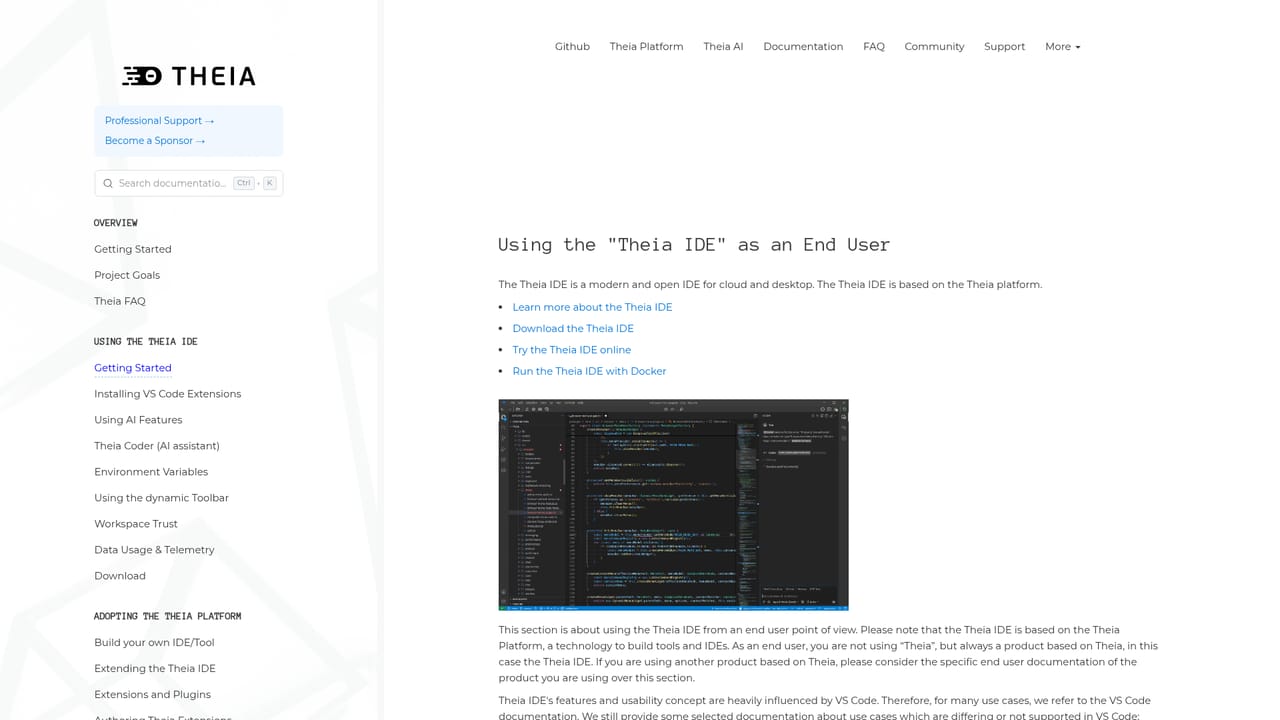
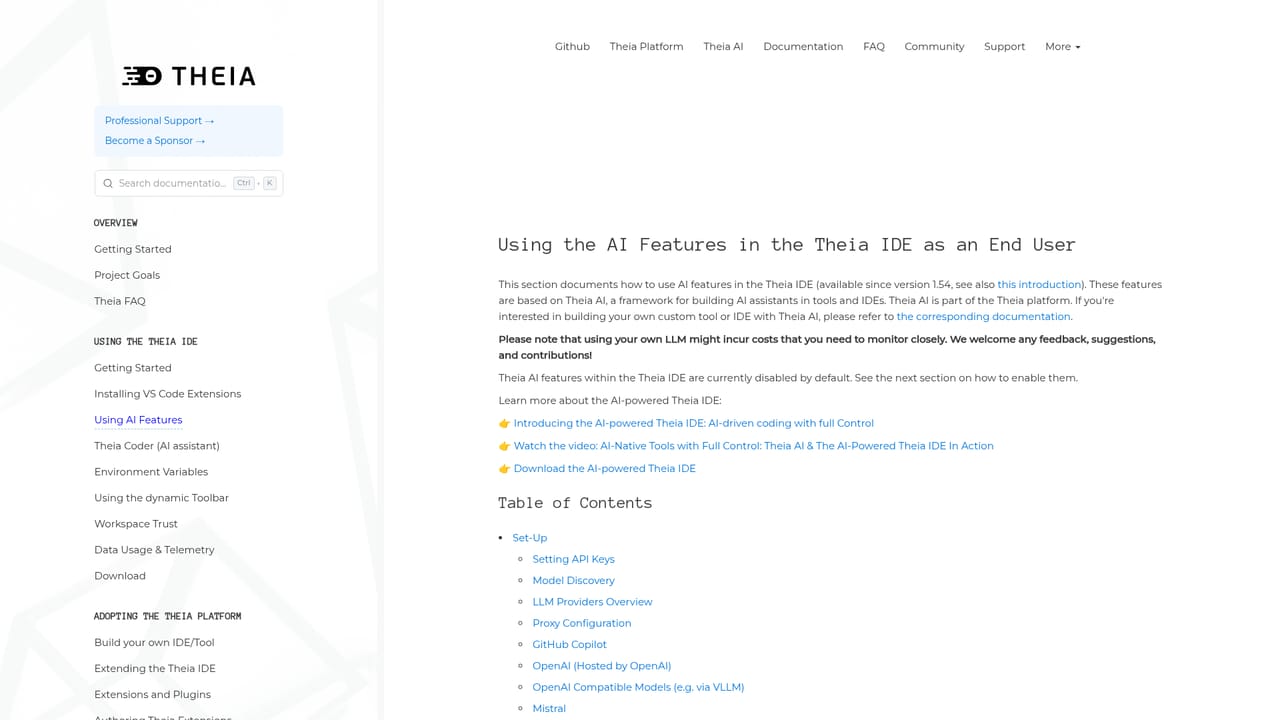
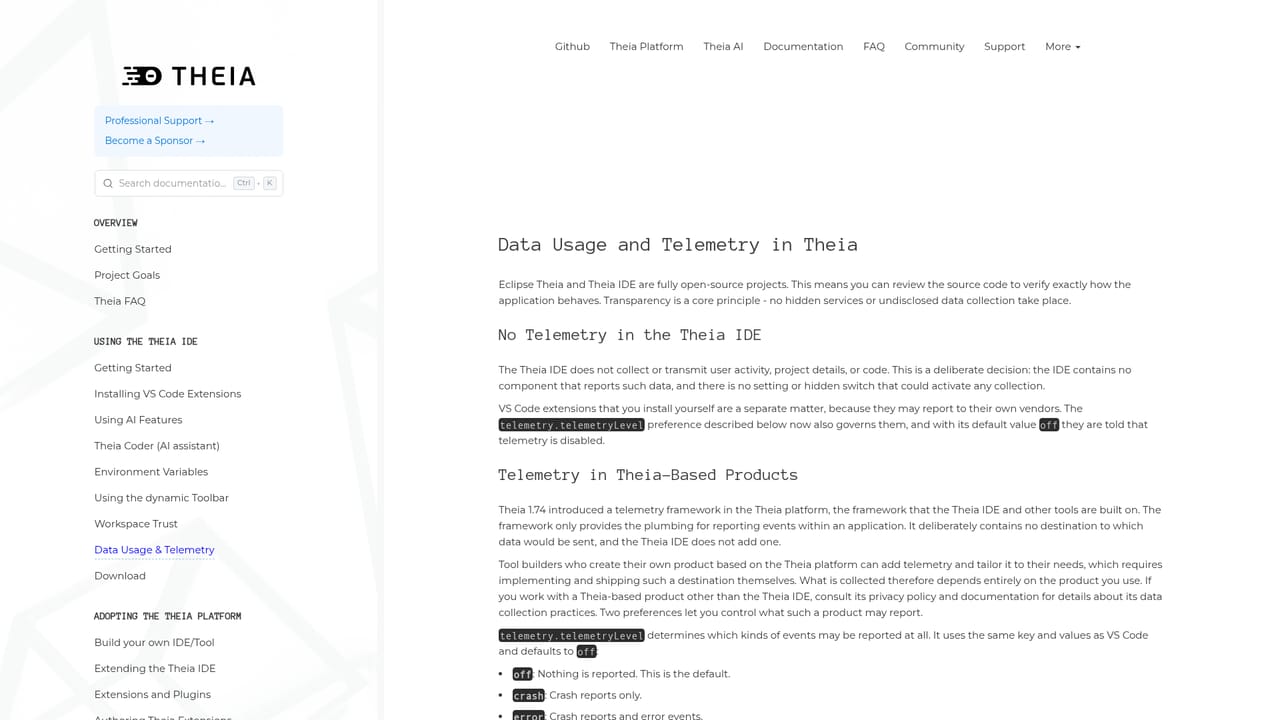
Self-service documentation covers getting started, AI features and telemetry. Community help is available through GitHub Discussions, and a support page outlines options for professional support and sponsorship.
Learn moreConnects to AI providers such as OpenAI, Anthropic and Google, or any self-hosted or local model, using your own credentials. VS Code style extensions are installable through the Open VSX registry, which lists more than 3000 options.
Learn moreAI-native workbench with bring-your-own-key model connections to hosted, self-hosted or local LLMs, editable prompts and custom agents. Language Server Protocol support spans Python, Java, JavaScript, C++ and more, with over 3000 extensions available from open-vsx.org. The modular workbench adds theming, a dynamic toolbar, detachable views and flexible tab management.
Learn more AI Angels400+ customizable AI girlfriends for NSFW chat, voice calls, and roleplay
 Candy AIExperience the future of companionship with AI friends who chat, role-play, and connect with you on a human level.
 ourdream.aiA vast AI roleplay platform with millions of characters for chat, images, video and voiceAI Angels400+ customizable AI girlfriends for NSFW chat, voice calls, and roleplayCandy AIExperience the future of companionship with AI friends who chat, role-play, and connect with you on a human level.ourdream.aiA vast AI roleplay platform with millions of characters for chat, images, video and voice


