Free trial
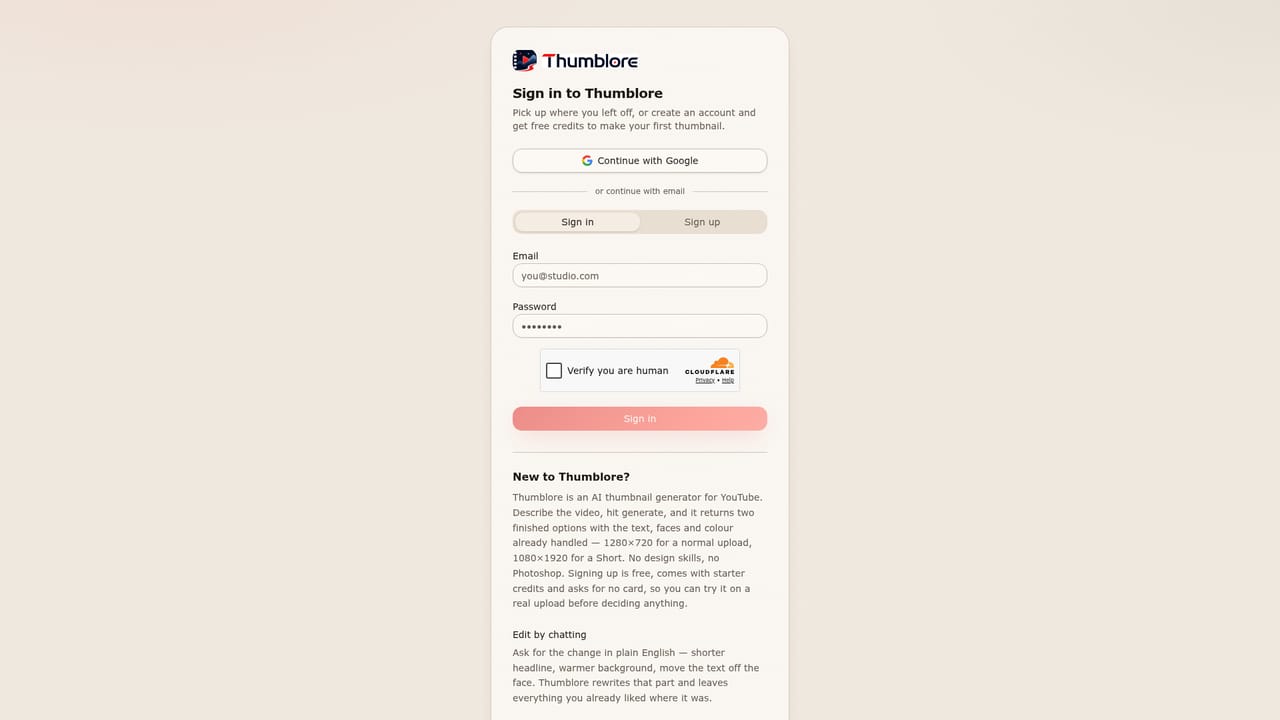
Signing up requires no credit card and grants free credits, so the generator can be tested before any plan is purchased.
Learn moreTurn a video title into a click-ready YouTube thumbnail
Thumblore is an AI mistress tool that turns a video title into a click-ready YouTube thumbnail. An AI thumbnail generator for YouTube and Shorts that turns a video title into two ready-to-edit 1280x720 options, with chat-based revisions, reusable saved avatars, multi-person layouts and around 30 mood presets.
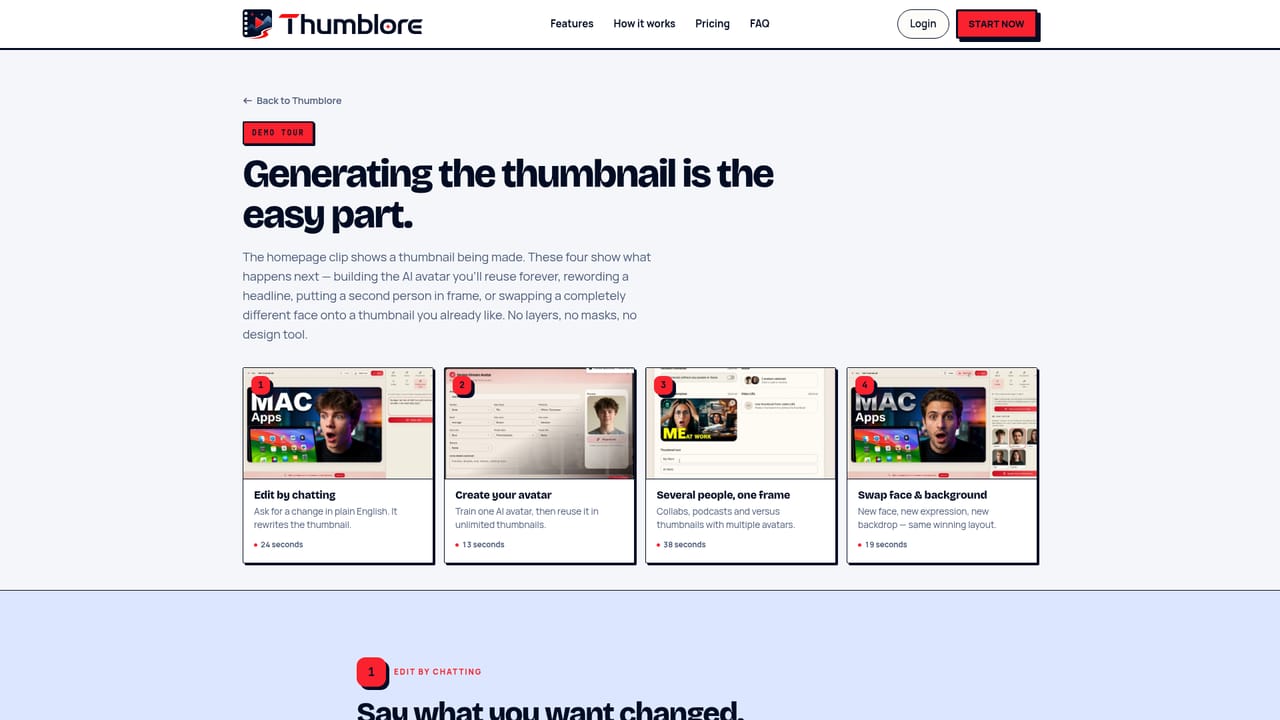
Thumblore is a browser-based thumbnail generator aimed squarely at YouTube and Shorts creators who need a polished cover image without opening a design tool. You describe the video by dropping in a title or a topic, and the app reads the intent behind it, then returns two candidate thumbnails with the headline text, the face and the color palette already composed. Exports arrive at the standard 1280x720 resolution in 16:9, with a 9:16 option for Shorts, Reels and Stories, so sizing is handled for you. The interesting part is what happens after the first generation. Instead of dragging layers around a canvas, you ask for adjustments in plain English: change the headline, shift the color, restructure the layout. Thumblore applies the revision and keeps the elements you did not mention untouched. Faces are handled through a saved avatar system. You describe a person (age, hair, build, style) or upload a photo, generate a preview, and reuse that same identity across every future thumbnail, which keeps a channel visually consistent. Two or more saved avatars can be dropped into one frame for collabs, podcasts and reaction formats, and faces or backgrounds can be swapped while the working layout stays put. Style control comes through mood presets (the site advertises around 30, including Cinematic, Horror, Dramatic, Bright, Luxury, Documentary, Gaming and Futuristic) and a library of face expressions, which together cover the exaggerated gaming look as well as the clean, text-led layouts that suit tutorials and finance channels. Who it is for: solo YouTubers, Shorts and Reels publishers, podcasters and small channels without a designer on hand. Alternatives split into two camps. Canva and Photoshop give full manual control but assume design skill and time per upload. Raw image generators produce striking art but rarely handle headline typography and thumbnail composition. Thumblore sits between them, trading canvas freedom for speed and built-in layout rules, which suits creators publishing on a schedule more than designers who want pixel-level command.
Signing up requires no credit card and grants free credits, so the generator can be tested before any plan is purchased.
Learn moreThree tiers. Starter at $9 per month (from $10) includes 700 credits, about 40 thumbnails, 10 saved avatars and 3 AI avatars monthly. Pro at $24 per month (from $30) gives 2,000 credits, about 120 thumbnails, unlimited saved avatars and 20 AI avatars. Studio at $45 per month (from $75) adds 4,200 credits, about 240 thumbnails, unlimited AI generations and priority speed.
Learn moreTitle-to-thumbnail generation returning two options per run, chat-based editing in plain English, saved avatars with face and background swapping, multi-avatar frames for collabs and podcasts, around 30 mood presets, 21 face expressions, 16:9 and 9:16 formats, automatic 1280x720 exports, watermark-free HD output on paid plans and no design skills required.
 AI Angels400+ customizable AI girlfriends for NSFW chat, voice calls, and roleplay
 Candy AIExperience the future of companionship with AI friends who chat, role-play, and connect with you on a human level.
 ourdream.aiA vast AI roleplay platform with millions of characters for chat, images, video and voiceAI Angels400+ customizable AI girlfriends for NSFW chat, voice calls, and roleplayCandy AIExperience the future of companionship with AI friends who chat, role-play, and connect with you on a human level.ourdream.aiA vast AI roleplay platform with millions of characters for chat, images, video and voice