Free trial
A free signup is available, but the homepage does not specify whether it is a limited trial or a permanent free tier.
Learn moreSecure automation and AI agent environment for enterprise teams.
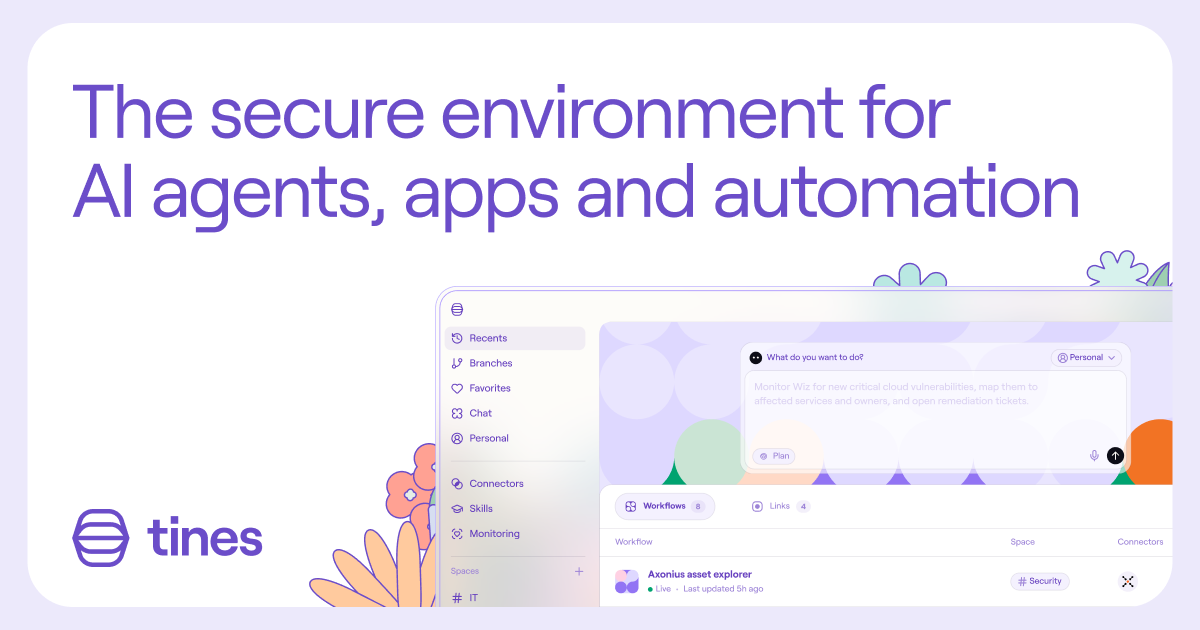
Tines is a secure automation platform for AI agents, apps, and workflows, designed for IT, security, and business teams that need governance and visibility. It combines workflow building, AI gateway controls, and autonomous fixes for sensitive processes.
Tines is a secure environment for building and running AI agents, apps, and automations, aimed at teams that need to move quickly without losing oversight. It gives IT and security the visibility to see what exists, who built it, and which systems it touches, while other departments (finance, people, operations) can build their own workflows. The platform is designed for organizations that want to put AI to work across sensitive systems, data, and processes with governance baked in. In practice, Tines provides a workspace where teams can create workflows that connect to their existing tools and data. It supports AI gateway functionality to manage MCP clients and AI deployments, and it includes autonomous suggestions for fixing anomalies or potential breaks in workflows, which teams can review and approve. For security teams, it powers an AI SOC for alert intake, triage, and remediation, routing to a human analyst when needed. The vendor-agnostic approach means it works across the tech stack and within your infrastructure, and teams can choose where, when, and how LLMs are used. Tines is built for enterprises that need both speed and control. It competes with general automation platforms (like Zapier or Make) but differentiates on security and governance, and with security orchestration tools but extends beyond the SOC to other departments. The homepage emphasizes that it was born in security and built for the enterprise, with guardrails and monitoring across every surface. The target buyer is likely an IT or security leader who wants to enable citizen builders without creating unmanaged risk. The platform is web-based and offers a free signup, though pricing details are not disclosed on the homepage.
A free signup is available, but the homepage does not specify whether it is a limited trial or a permanent free tier.
Learn moreTines offers a secure workspace for building AI agents, apps, and automations. Key features include visibility into AI-created work, access control, autonomous fix suggestions, AI gateway for MCP and client management, and vendor-agnostic LLM usage. It supports IT, security, finance, people, and operations teams with tailored workflows.
Learn more AI Angels400+ customizable AI girlfriends for NSFW chat, voice calls, and roleplay
 Candy AIExperience the future of companionship with AI friends who chat, role-play, and connect with you on a human level.
 ourdream.aiA vast AI roleplay platform with millions of characters for chat, images, video and voiceAI Angels400+ customizable AI girlfriends for NSFW chat, voice calls, and roleplayCandy AIExperience the future of companionship with AI friends who chat, role-play, and connect with you on a human level.ourdream.aiA vast AI roleplay platform with millions of characters for chat, images, video and voice