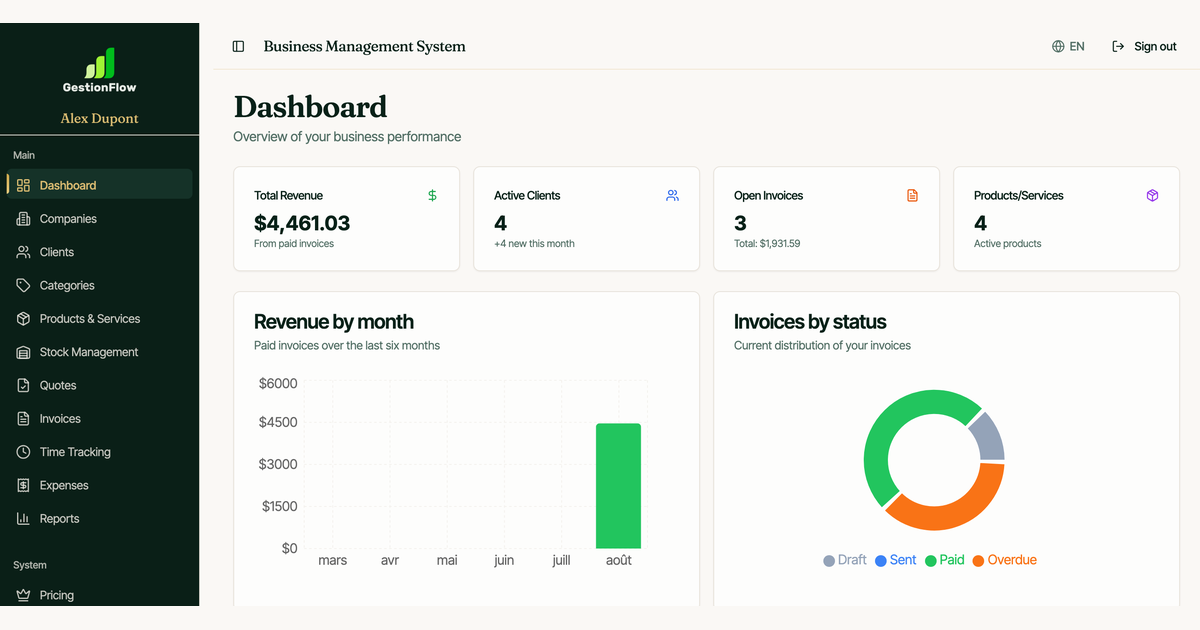
Free trial
A free start with no card required is offered through the signup page, and the signup URL marks it as a free signup rather than a time-limited trial.
Learn moreDocument data extraction that plugs straight into your work tools

Bitskout extracts data from documents, images and emails and routes it into monday.com, Asana, Zapier, make.com or Power Automate. Templates and example-based custom plugins let non-technical teams turn invoices, purchase orders and bank statements into structured records without code.
Bitskout pulls structured data out of documents, images and emails and sends it into the tools teams already use. The pitch is aimed at people who run on monday.com, Asana, Zapier, make.com or Power Automate and want invoice numbers, purchase order lines, business card details or bank statement figures to land in the right fields without manual retyping. No coding is involved at any point in the setup. The product works through plugins. A library of more than 40 ready-made templates covers recurring document types such as purchase orders, invoices, CVs, bills of lading and bank statements, so a team can browse by area or search for the format it handles most. When a document does not match a template, the user supplies a handful of examples of that document and Bitskout AI builds a custom plugin around them. Emails are treated as text rather than files, which means the same extraction approach applies to message bodies as to PDFs and scans. Once a plugin exists, it runs inside the host platform: Bitskout recipes in monday.com, Bitskout Rules in Asana, and plugin actions through Zapier or Power Automate for everything else. That positioning matters, because Bitskout is not a standalone document management system. It is an extraction layer that sits between incoming paperwork and the boards, tasks and workflows where the data needs to live. Teams comparing it with dedicated OCR suites should weigh that integration-first design as the main differentiator. A newer layer adds Bitskout agents that answer operational questions over previously processed information, such as what was paid to a supplier in a given month or which account settled a specific purchase order. Access follows the permissions configured on the plugins. The overall fit is operations, finance and admin teams handling document-heavy processes in low-code environments, rather than developers who need a raw extraction API.
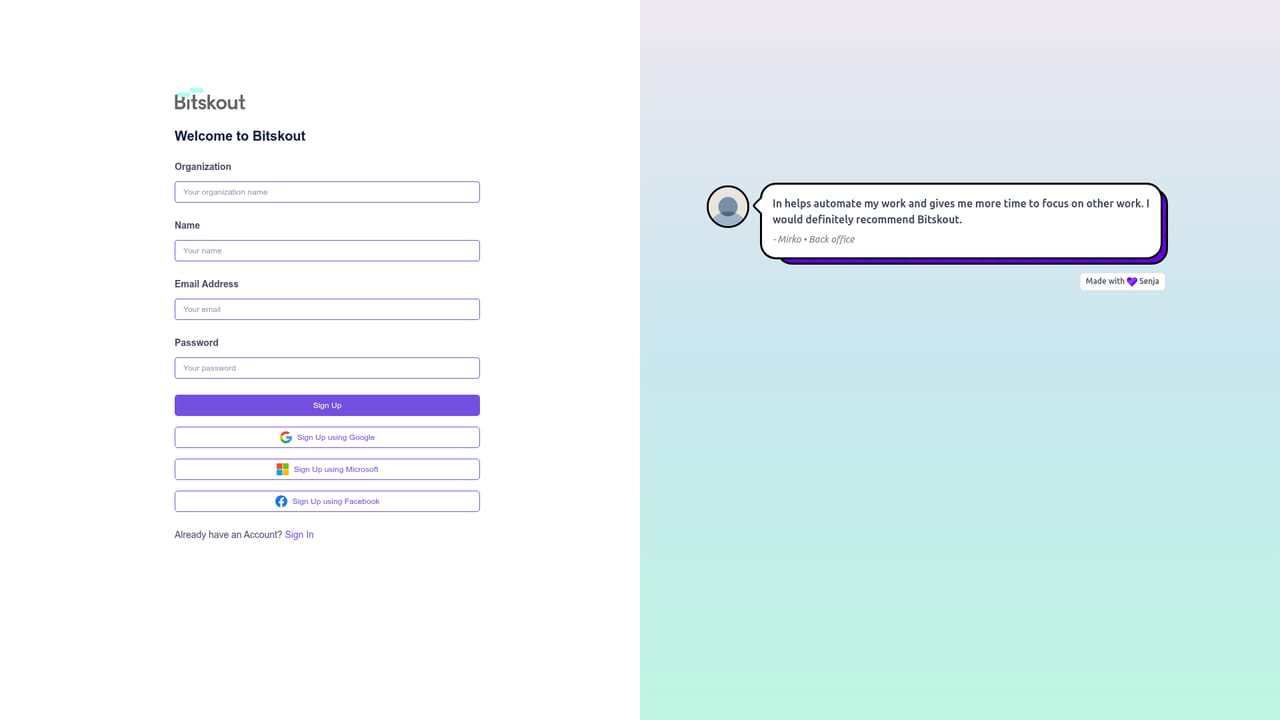
A free start with no card required is offered through the signup page, and the signup URL marks it as a free signup rather than a time-limited trial.
Learn moreNative connections for monday.com and Asana, plus Zapier, make.com and Power Automate, which extends extraction into other processes. Emails can be processed as text alongside files and images.
Template library of 40+ ready-made extractors for invoices, purchase orders, CVs, bills of lading and bank statements, plus custom plugins built from user-supplied examples. Handles documents, images and email text. Deploys as monday.com recipes, Asana Rules and actions in Zapier, make.com and Power Automate. Bitskout agents answer questions over processed data, governed by plugin permissions.
 AI Angels400+ customizable AI girlfriends for NSFW chat, voice calls, and roleplay
 Candy AIExperience the future of companionship with AI friends who chat, role-play, and connect with you on a human level.
 ourdream.aiA vast AI roleplay platform with millions of characters for chat, images, video and voiceAI Angels400+ customizable AI girlfriends for NSFW chat, voice calls, and roleplayCandy AIExperience the future of companionship with AI friends who chat, role-play, and connect with you on a human level.ourdream.aiA vast AI roleplay platform with millions of characters for chat, images, video and voice