Integrations
The homepage says conversation context can be brought into the tools you already use, but it does not name specific integrations.
Multilingual AI meeting notes that build a searchable team memory
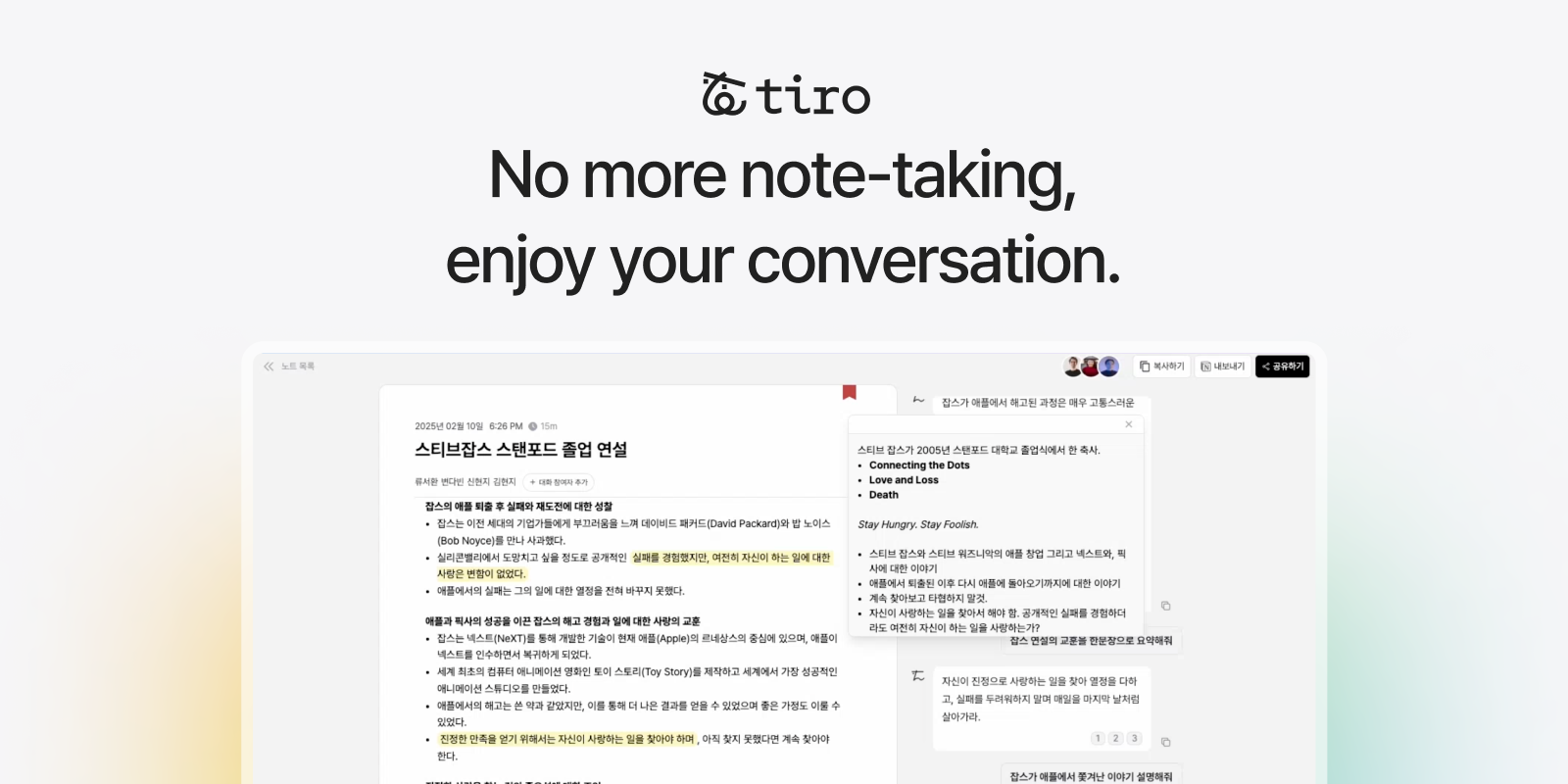
Tiro records and transcribes meetings in real time, translates between about 25 languages, and turns notes into documents using custom templates. Its assistant and wiki view make past conversations searchable across a team.
Tiro is a meeting notes application that records conversations, transcribes them as they happen and turns the transcript into structured documents. It also translates live, so a discussion that shifts between English, Japanese, Chinese, Korean and other languages can be followed in a single language while it is still going on. The homepage counts roughly 25 supported languages and claims translation in under half a second. Accuracy is handled through context rather than audio alone. Before a recording, a user can add names, technical terms and a short description of the meeting, and the transcription uses that as guidance. The finished notes can be shaped with custom templates, producing items such as key points, action items, decisions, a one line summary or a longer one page document. Recording can start in real time, offline or from an uploaded audio file. Capture is available on Mac, Windows, iPhone, Android, Apple Watch and in a web browser, with reminders ahead of scheduled meetings and a widget for unplanned conversations. The larger idea is to treat notes as an organisational memory. An assistant answers questions from past meetings, explains unfamiliar terms and looks up earlier decisions, while a wiki and graph view connects people, projects and topics across notes. Notes can be shared with colleagues, and the site says the context can be brought into other tools, although it does not name specific connections. Tiro is aimed at teams that run customer interviews, sales calls, internal syncs and cross-border meetings, especially where more than one language is spoken. It lists ISO/IEC 27001, SOC 2 Type 2 and HIPAA credentials, a public trust center and more than 300 customer companies, which suggests a focus on business and regulated environments. Among AI note takers, its distinguishing points are live translation, user supplied context and the memory layer built on top of past recordings.
The homepage says conversation context can be brought into the tools you already use, but it does not name specific integrations.
Real-time transcription and translation in about 25 languages, context hints for names and terms, custom templates, summaries with key points, action items and decisions, an assistant over past notes, wiki and graph view, offline and file recording, and sharing.
 AI Angels400+ customizable AI girlfriends for NSFW chat, voice calls, and roleplay
 Candy AIExperience the future of companionship with AI friends who chat, role-play, and connect with you on a human level.
 ourdream.aiA vast AI roleplay platform with millions of characters for chat, images, video and voiceAI Angels400+ customizable AI girlfriends for NSFW chat, voice calls, and roleplayCandy AIExperience the future of companionship with AI friends who chat, role-play, and connect with you on a human level.ourdream.aiA vast AI roleplay platform with millions of characters for chat, images, video and voice


