Free trial
No app trial is described because the app is not yet available. Free Prelims PYQ practice with 1,340 questions is open now with no sign-up, and the waitlist is free to join.
Learn moreA study companion that turns UPSC current affairs into recall.

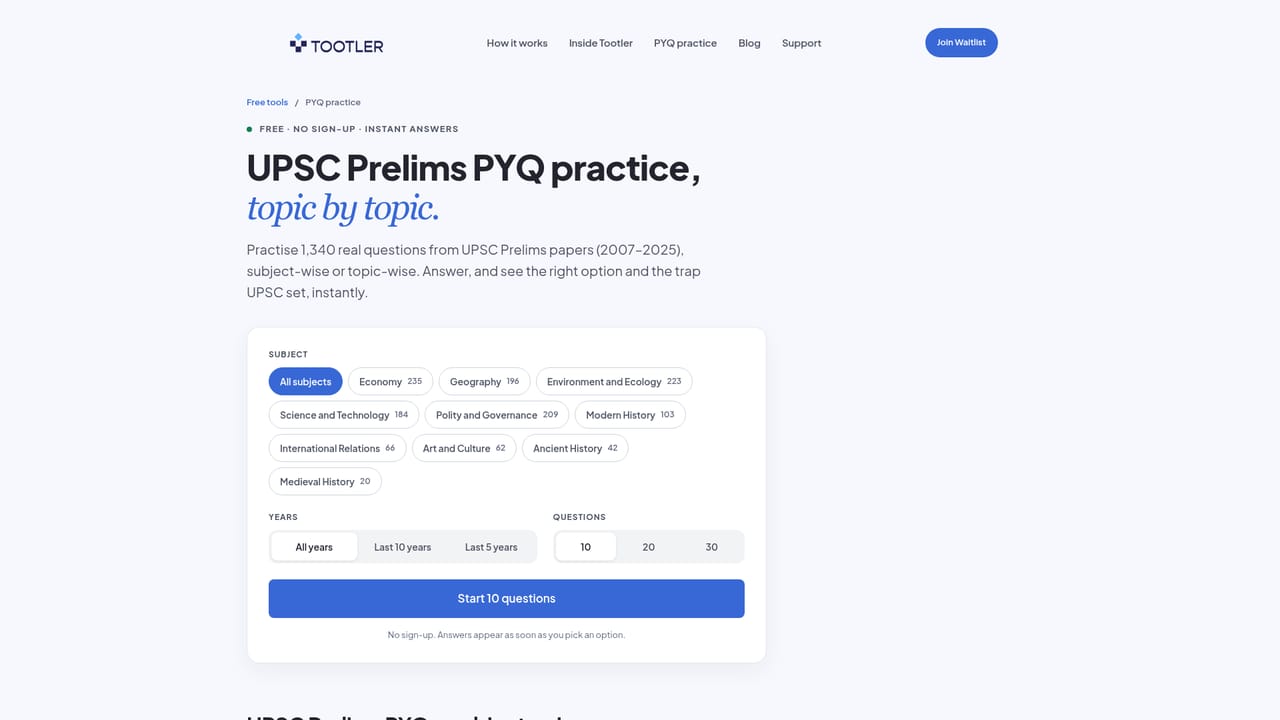
Tootler is an upcoming UPSC study app that links source-backed current affairs reading to daily quizzes and spaced revision. Free Prelims PYQ practice with 1,340 questions is available now; full app access is by waitlist.
Tootler is a study companion built for UPSC aspirants who want current affairs to stay with them, not just pass through a feed. The core idea is a closed loop: read a structured article with its original source open, answer a quiz tied to that reading, then let spaced revision bring the topic back before it fades. Instead of another place to collect headlines, it is designed as a way to convert reading into recall. The app is still pre-launch. Public screens show a reading view with tools for opening the original source, saving passages, highlighting, taking notes and seeing where a topic sits in the syllabus. A daily master quiz follows the read, and questions that are missed return in a revision routine alongside reading progress. The homepage frames this as "Read with context, check your understanding, and revisit topics through spaced revision." The feed, study library and progress all live in one routine rather than across separate apps. Who it suits: self-directed aspirants who already follow the news but struggle to retain it, and candidates who want a lighter study layer around their existing syllabus work. Tootler is explicit that it complements preparation and does not replace the official syllabus, original sources or core study material. There is no advertising, and analytics are handled through PostHog rather than an ad stack. How it differs: general news apps optimize for reading volume and saving links, while Tootler organizes the loop around quizzes and revision. Its free PYQ practice (1,340 Prelims questions across 10 subjects and 15 years of papers) is available without sign-up and shows the trap the question set plus where the answer comes from. Full app access opens through a waitlist, and launch pricing has not been announced.
No app trial is described because the app is not yet available. Free Prelims PYQ practice with 1,340 questions is open now with no sign-up, and the waitlist is free to join.
Learn moreLaunch pricing has not been announced. The homepage states that Tootler will not use advertising and that waitlist sign-up requires no payment; details will be shared before anyone chooses paid features.
Learn moreSupport is available by email at support@tootler.ai, and the site has a dedicated support page plus a privacy policy. The homepage FAQ covers waitlist, data use and launch questions.
Learn moreNo third-party integrations are named on the homepage. Tootler uses PostHog for analytics; no advertising tools are mentioned.
Planned features from public screens: source-backed current affairs articles, open-original links, highlights, notes, syllabus placement, daily mastery quizzes, missed-question review, spaced revision and reading progress. A free PYQ practice tool with 1,340 Prelims questions across 10 subjects and 15 years is live.
 AI Angels400+ customizable AI girlfriends for NSFW chat, voice calls, and roleplay
 Candy AIExperience the future of companionship with AI friends who chat, role-play, and connect with you on a human level.
 ourdream.aiA vast AI roleplay platform with millions of characters for chat, images, video and voiceAI Angels400+ customizable AI girlfriends for NSFW chat, voice calls, and roleplayCandy AIExperience the future of companionship with AI friends who chat, role-play, and connect with you on a human level.ourdream.aiA vast AI roleplay platform with millions of characters for chat, images, video and voice


