TranslateImage AI

Translate text inside images while keeping the original layout

Beginner
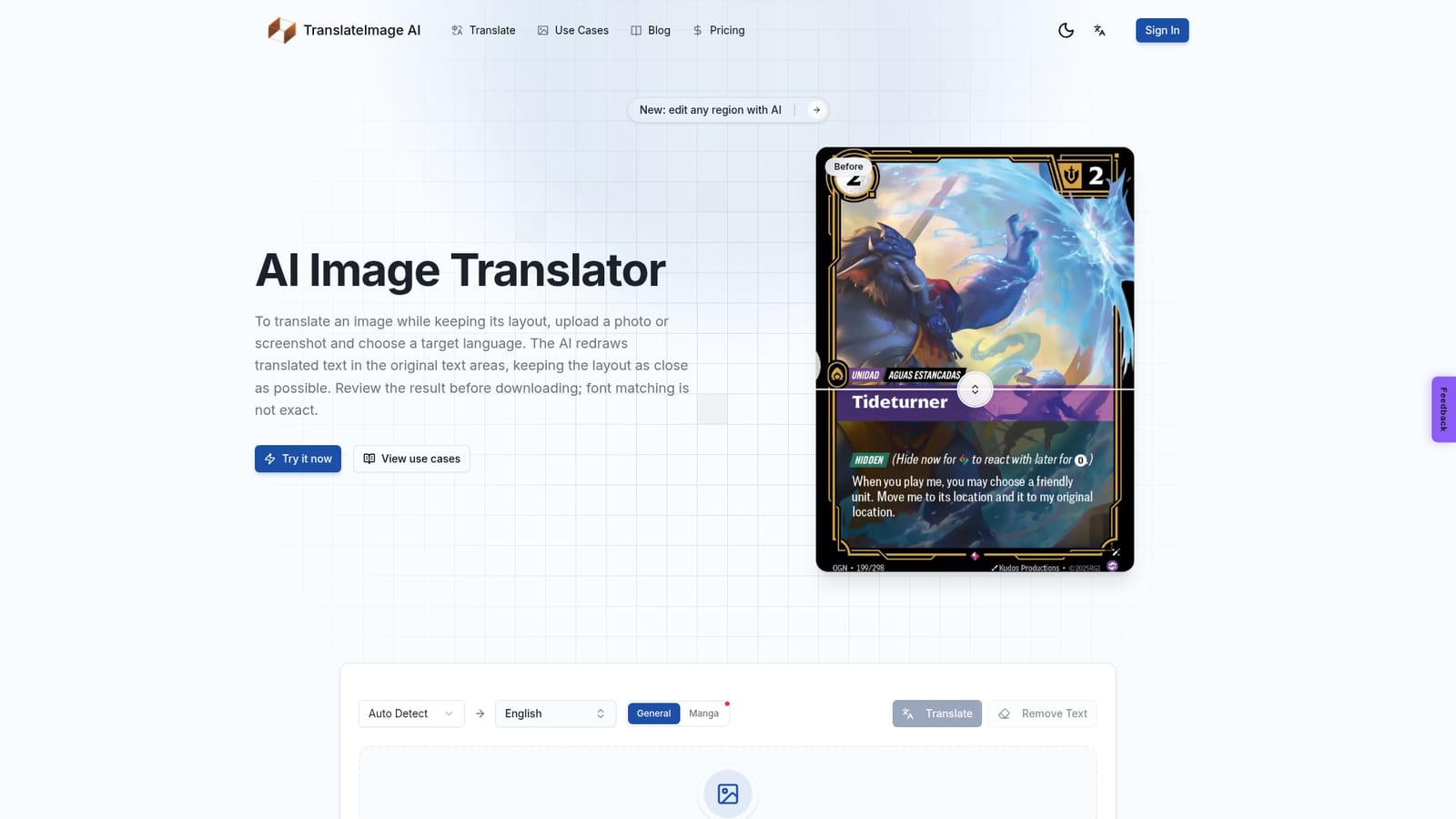
Screenshot of TranslateImage AI, Translate text inside images while keeping the original layout

What is TranslateImage AI?

TranslateImage AI is an image editing tool that translates text inside images while keeping the original layout. TranslateImage AI translates text inside photos, screenshots, documents and manga into 70+ languages, redrawing it in the original position, with an Editor for fixing individual words and a batch mode for up to 20 images.

TranslateImage AI is a web-based image translator that rewrites the text inside photos, screenshots and scanned pages while leaving the surrounding artwork in place. A user uploads a file, picks a target language, and the AI redraws the translated text in the original text areas, trying to match typography, colors and spacing. The site is candid that font matching is not exact, so the result is meant to be reviewed before download. The workflow is built around a single upload box that accepts JPG, JPEG, PNG, WebP and PDF files up to 10 MB. Options include automatic source-language detection, a General or Manga mode, and a Remove Text action alongside Translate. The product supports more than 70 target languages, each with its own landing page, and a long list of use-case pages covers photos, camera shots, screenshots, menus, labels, posters, product images, documents and manga. Separate pages also present image-to-text and OCR use. Each of those pages runs the same translator. A distinguishing feature is the Editor. Instead of treating the first pass as final, a user can click a single word or region, type the corrected wording, and let the AI repaint only that spot while keeping the original art and layout. Signed-in users can batch up to 20 images with shared language settings, receive finished images as they complete, and download everything as one ZIP. Manga Mode targets manga, manhwa and manhua, aiming to preserve speech bubbles, vertical text and sound effects across whole chapters. The tool suits e-commerce sellers localizing product images, readers of comics and board game rules, travelers working through menus, and teams handling reports or posters. Compared with general text translators or OCR utilities that output plain text, it focuses on producing a finished, redrawn image. Compared with manual editing in a design app, it trades fine control for speed.

How do you use TranslateImage AI?

  1. 1Upload an image
    Drag a photo, screenshot or PDF onto the upload box, or choose a file. JPG, JPEG, PNG, WebP and PDF files up to 10 MB are accepted.
    TranslateImage AI — Upload an image
  2. 2Choose languages and mode
    Leave the source on Auto Detect or set it manually, then pick a target language. Select General mode, or Manga mode for comics.
  3. 3Run the translation
    Click Translate and wait a few seconds. The translated text appears in the original text areas of the image.
  4. 4Fix words in the Editor
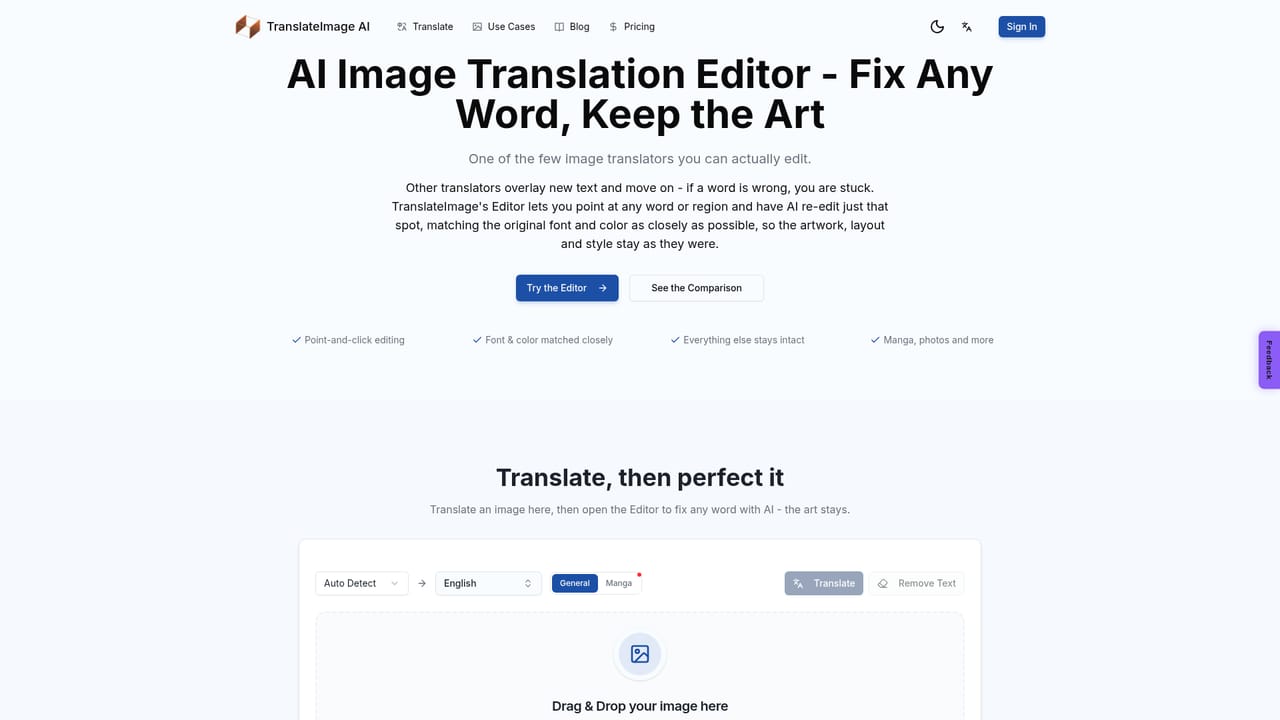
    Click any awkward or wrong line, type the correct text, and let the AI repaint just that region while the artwork stays intact.
    TranslateImage AI — Fix words in the Editor
  5. 5Batch and download
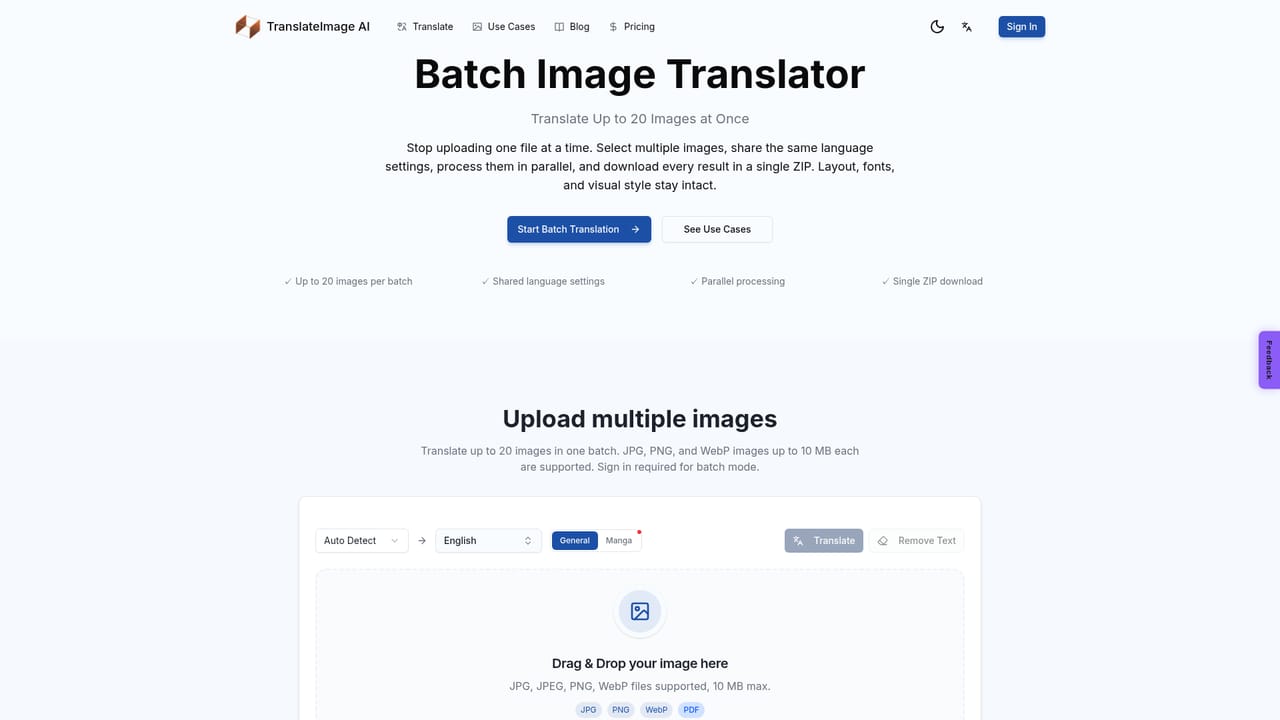
    Sign in to translate up to 20 images with shared settings, then download the results, bundled as a single ZIP for batches.
    TranslateImage AI — Batch and download

Pros and cons

Pros

  • Redraws translated text in the original positions, so layouts stay close to the source imageAI
  • Editor lets users fix a single word or region and repaint only that spotAI
  • Covers 70+ target languages, each with a dedicated translator pageAI
  • Batch mode handles up to 20 images and delivers everything as one ZIPAI
  • Manga Mode targets speech bubbles, vertical text and sound effects across whole chaptersAI

Cons

  • Font matching is not exact, so results need a manual review before useAI
  • Upload limit of 10 MB per file can block large scans or high-resolution imagesAI
  • Batch translation requires signing in, so the anonymous flow handles one image at a timeAI
  • Pricing and credit limits are not stated on the homepage, making cost hard to assess upfrontAI
  • Supported input formats are limited to JPG, PNG, WebP and PDFAI

How much does TranslateImage AI cost?

Features

Layout-preserving image translation into 70+ languages, font and color matching, auto source detection, Remove Text, a click-to-fix Editor, batch translation of up to 20 images with ZIP download, and a Manga Mode for bubbles, vertical text and sound effects.

Learn more

Frequently asked questions about TranslateImage AI

  • How do you use TranslateImage AI?
    The walkthrough on this page covers 5 steps: 1. Upload an image 2. Choose languages and mode 3. Run the translation 4. Fix words in the Editor 5. Batch and download.
  • What platforms does TranslateImage AI support?
    TranslateImage AI is available on Web App.
  • What are the limitations of TranslateImage AI?
    Font matching is not exact, so results need a manual review before use. Upload limit of 10 MB per file can block large scans or high-resolution images. Batch translation requires signing in, so the anonymous flow handles one image at a time.

Status

StatusActive
Views0
Outbound clicks0
Added10/18/2026

Platforms

Web App

Pricing

Freemium